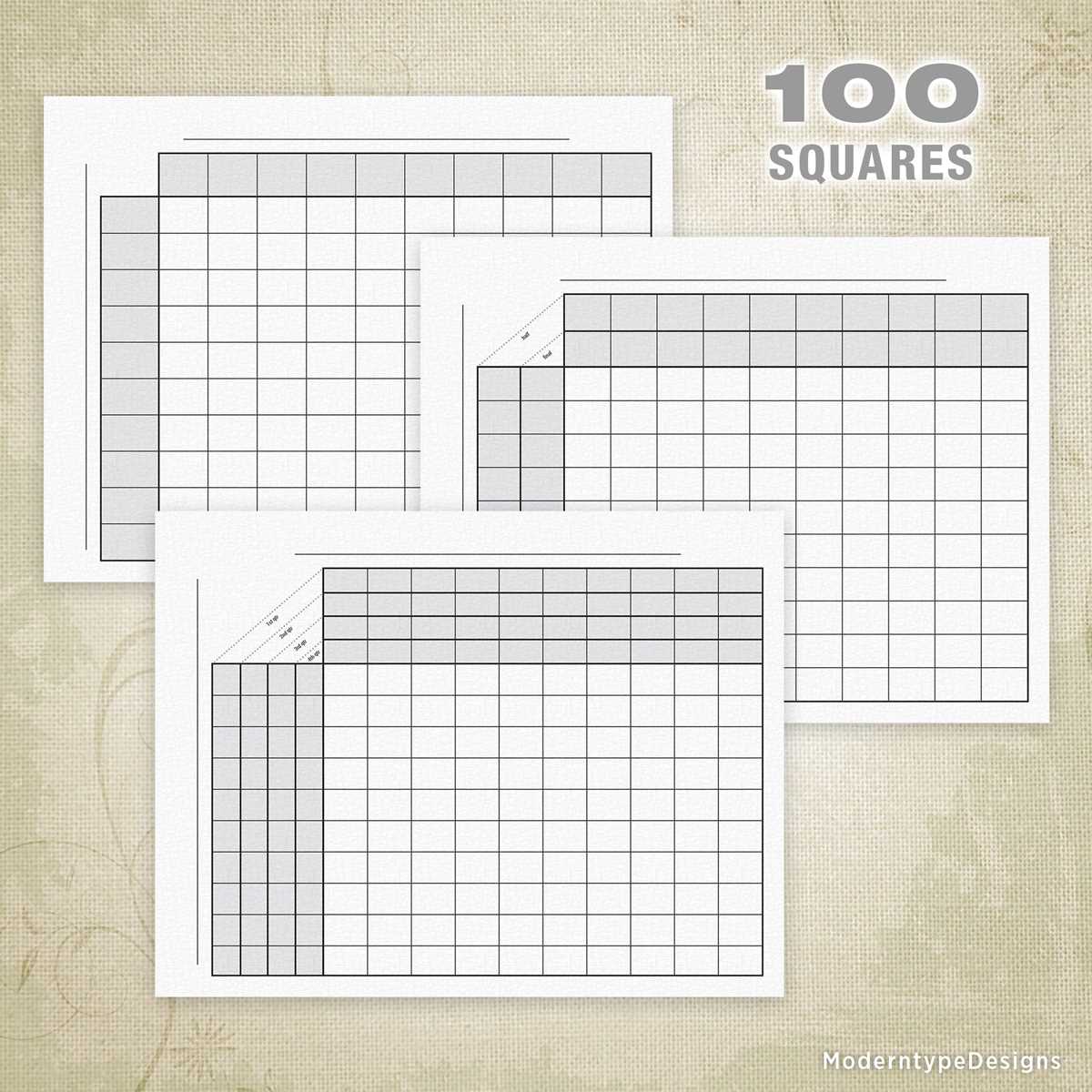
To create a useful learning tool, start by finding a simple chart with 100 numbered boxes. This template is perfect for counting, math exercises, or creative drawing activities.
These grids can help children improve their number recognition and simple math skills, such as addition and subtraction. You can print several copies for different activities or customize the layout to fit specific needs.
With a blank version of this chart, it’s easy to engage kids with fun tasks like filling in numbers, coloring the boxes based on instructions, or using the grid for games like bingo or tic-tac-toe.
Consider using the chart for classroom or home education purposes. It’s a versatile resource, suitable for a range of exercises from simple number games to more advanced problem-solving activities.
How to Use 100 Box Templates for Learning and Fun
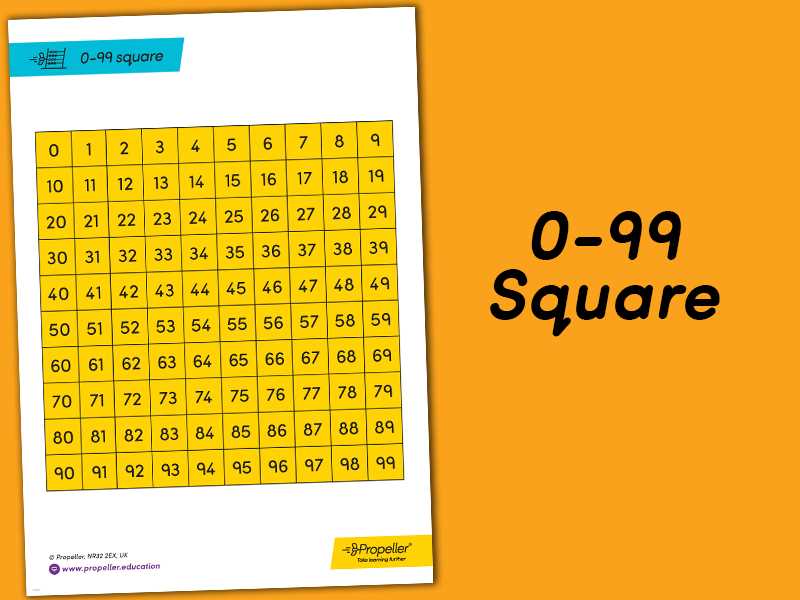
One of the best ways to introduce children to number recognition is by using a chart filled with numbered boxes. This format is perfect for developing basic math skills like counting, addition, and subtraction.
To begin, encourage children to count each box sequentially. This helps solidify their understanding of numbers and their sequence. The visual layout of the boxes allows for an engaging way to practice early numeracy skills.
Another fun activity is to ask kids to color in boxes based on instructions. For example, color all even-numbered boxes blue, and all odd-numbered boxes red. This reinforces number concepts while also adding a creative element to learning.
You can make the template interactive by adding tasks for children to complete. For instance, challenge them to find a specific number in the chart or draw shapes inside certain boxes. These activities build focus and enhance cognitive abilities.
The chart is also useful for addition and subtraction exercises. For example, have children start from number 1 and count forward in increments of 2 or 3. Alternatively, they can start from a higher number and count backward. This helps improve their mental math skills.
Teachers can use the grid for group activities, such as bingo or tic-tac-toe. These games not only make learning fun but also provide a competitive yet cooperative environment for children to engage with numbers in a relaxed setting.
At home, you can personalize the template for each child’s learning needs. For younger children, use the chart for basic counting exercises. For older children, make it more challenging by adding multiplication or division tasks into the boxes.
Finally, the grid can be used as a creative tool. Kids can use it for drawing, by filling in boxes with patterns or designs. This simple yet versatile tool can be adapted to various educational activities and is an excellent way to promote learning through play.
How to Download and Print a 100 Box Template
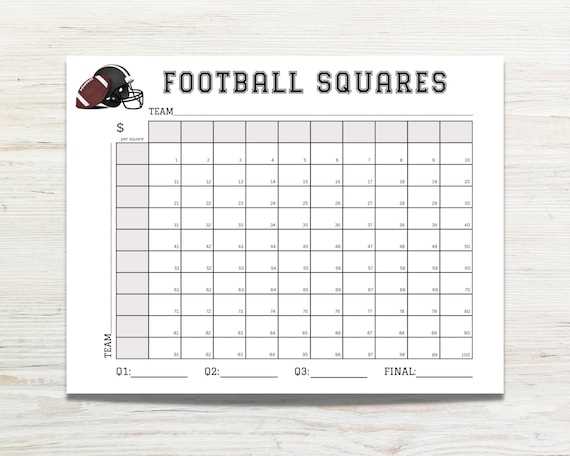
Start by visiting a reliable website that offers a downloadable template of the grid. Look for a version that fits your specific needs, such as one with numbered boxes or a blank version for custom use.
Once you’ve found the correct template, click on the download button. Ensure that the file is in a format compatible with your printer, such as PDF or PNG. If it’s a PDF, you may need to open it with a PDF reader before printing.
After opening the file, select the print option in your program. Adjust the settings to suit your printer, ensuring the template fits the page. Then, click “Print” to start the process. Make sure your printer has enough paper and ink before printing the template.