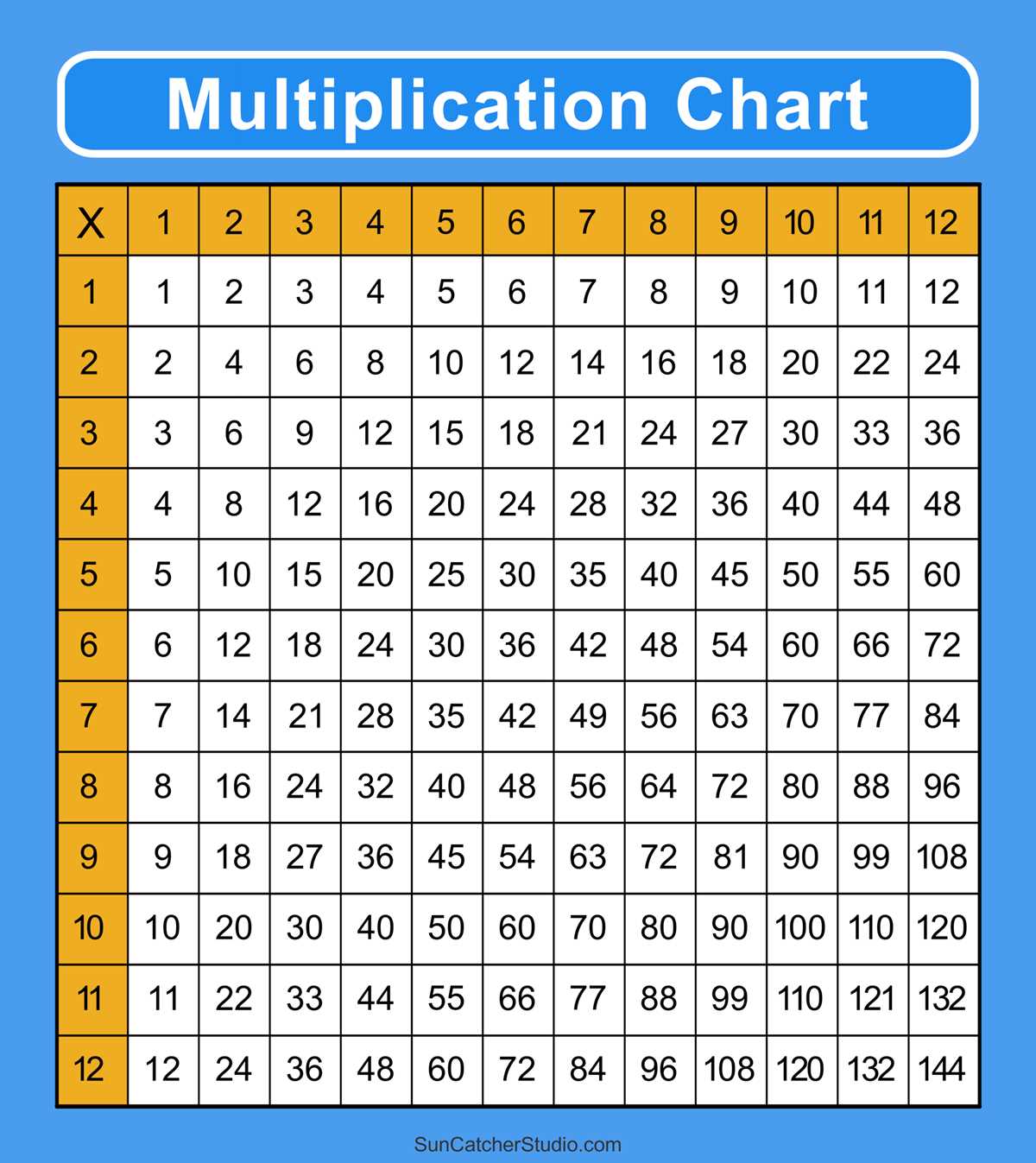
Download a clean grid and fill it by hand to help learners memorize number patterns faster. A well-structured empty chart allows children to actively write results instead of passively reading them, which improves recall. For primary students aged 6–9, use a square layout from 1 to 10; for older learners, expand the grid up to 12×12 or even 20×20 to build stronger arithmetic fluency.
Choose a high-contrast black-and-white design with clearly separated cells measuring at least 1.5–2 cm each. This spacing prevents crowding and gives enough room for handwriting practice. Teachers often recommend printing on thicker paper (around 120–160 gsm) so the sheet withstands repeated use with pencils and erasable markers.
For home practice, prepare several versions: one fully empty, one partially filled, and one completed for self-checking. This staged approach supports gradual skill growth and allows quick assessment of weak spots. Keep completed sheets in a folder and review them weekly to reinforce numeric patterns and speed.
If you plan classroom use, laminate the grid or place it in a plastic sleeve. Students can write with dry-erase markers and reuse the same sheet multiple times, saving paper and maintaining consistency across lessons.
Empty Times Grid Sheet for Practice
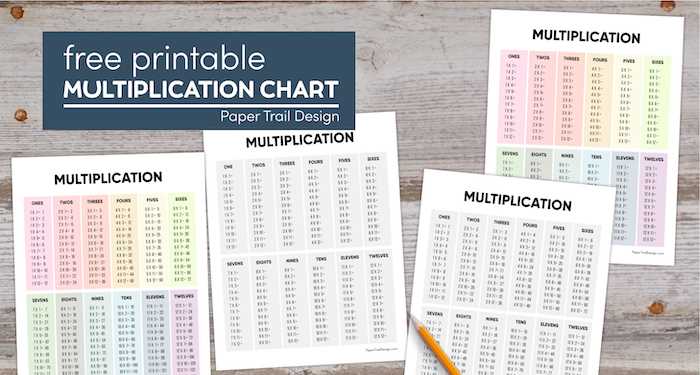
Download a clean times grid sheet sized for A4 and set the range from 1 to 12 across both axes; this format matches most primary school programs and fits neatly on a single page without scaling.
Use thick header rows and columns so learners can clearly identify the factors they are working with. A cell size of at least 1.5 cm × 1.5 cm gives enough room for handwriting, especially for children in grades 2–4. If the page looks crowded, limit the range to 1–10 and create a second sheet for higher numbers.
For repeated drills, prepare several versions: one fully empty grid, one with diagonal hints filled in, and one with every second row completed. Rotating these versions during weekly practice keeps attention higher and reduces simple memorization without understanding.
Choose black text on a white background for ink savings and sharp photocopies. Avoid decorative fonts; use Arial or Calibri at 14–16 pt for headers and 12–14 pt inside the cells. If the sheet will be laminated, leave a 1 cm margin on all sides so dry-erase markers do not smear near the edges.
Teachers working with mixed-ability groups often benefit from differentiated layouts. For beginners, include a small number line at the bottom as a visual aid. For more advanced learners, add a challenge row extending to 15 or 20 along the top. Keep each variation labeled with a small code in the footer to track which version students used.
Before distributing copies, test the page by printing one sample at 100% scale and writing in several boxes. Check that pencil marks remain readable after erasing and that the grid lines do not break during photocopying. Adjust line weight to around 0.75–1 pt if lines appear faint.
Store the master file in PDF format to prevent layout shifts between devices. Keep the file name clear and versioned, such as “times-grid-1to12-v3.pdf,” so updates are easy to manage across classrooms or home practice folders.
How to Choose the Right Blank Multiplication Table Format for Printing
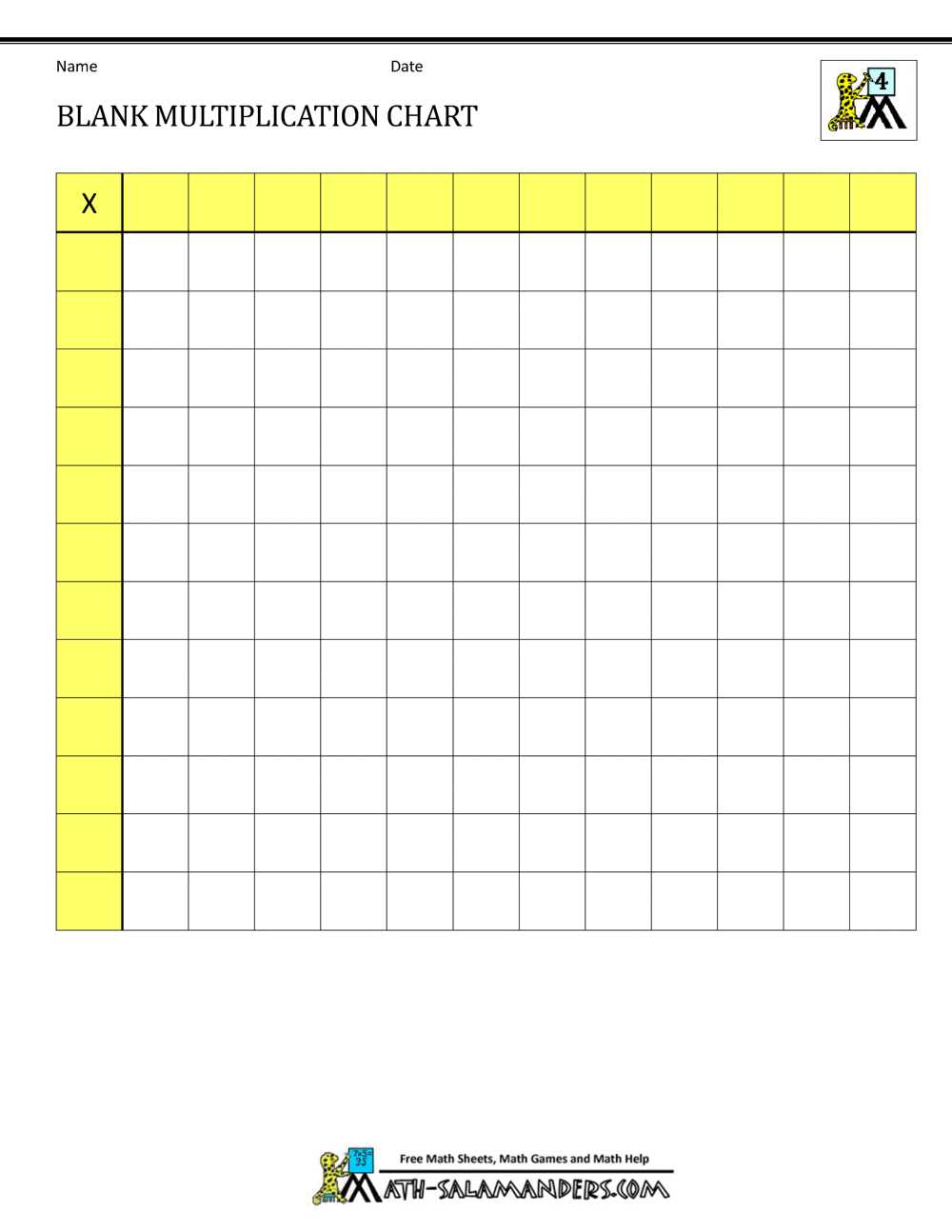
Pick a grid size that matches the learner’s level. For early primary students, a 1–10 chart keeps the workload manageable, while grades 3–4 often benefit from 1–12 or 1–15 layouts. Check cell dimensions before downloading: squares around 1.5–2 cm wide allow children to write answers clearly without crowding. If the worksheet will be reused in plastic sleeves, increase the cell size by about 20% to accommodate marker writing.
Choose page orientation based on how many factors you plan to include. Portrait pages usually fit up to a 12×12 matrix comfortably on A4 or US Letter, while larger ranges (such as 15×15 or 20×20) work better in landscape. Pay attention to margin width–at least 10–12 mm prevents clipping on home printers. Also verify whether the file is vector-based (PDF or SVG), because raster images can blur when scaled.
Formatting details affect usability more than most people expect:
- Header visibility: bold row and column labels improve quick reference.
- Line weight: 0.75–1 pt grid lines are readable without wasting ink.
- Spacing: minimum 3–4 mm padding inside each square helps legibility.
- Color use: grayscale versions save ink; light pastel headers help visual grouping.
- Answer fields: fully empty cells suit practice sheets, while faint guide numbers assist beginners.
Finally, match the format to the printing environment. For classroom batches, select black-and-white PDFs optimized for duplex printing to cut paper use by up to 50%. For home practice, single-page designs with clear borders reduce alignment issues on budget inkjet devices. Test one sample page first–print at 100% scale and check that squares remain perfectly even across the sheet before producing multiple copies.