
Start by downloading the alphabet tree activity sheet to engage your children in a creative learning experience. This simple worksheet helps children practice letter recognition while having fun at the same time.
To use the activity, print the sheet and prepare some colored markers or crayons. Have your child color each letter as they trace the corresponding alphabet. This activity encourages not only learning but also fine motor skills as they engage with the letters in a hands-on way.
You can further extend the learning experience by asking your child to think of words that begin with each letter as they color. This helps them connect the visual aspect of letters with words they are familiar with, reinforcing their literacy development.
How to Use the Template for the Alphabet Tree Activity
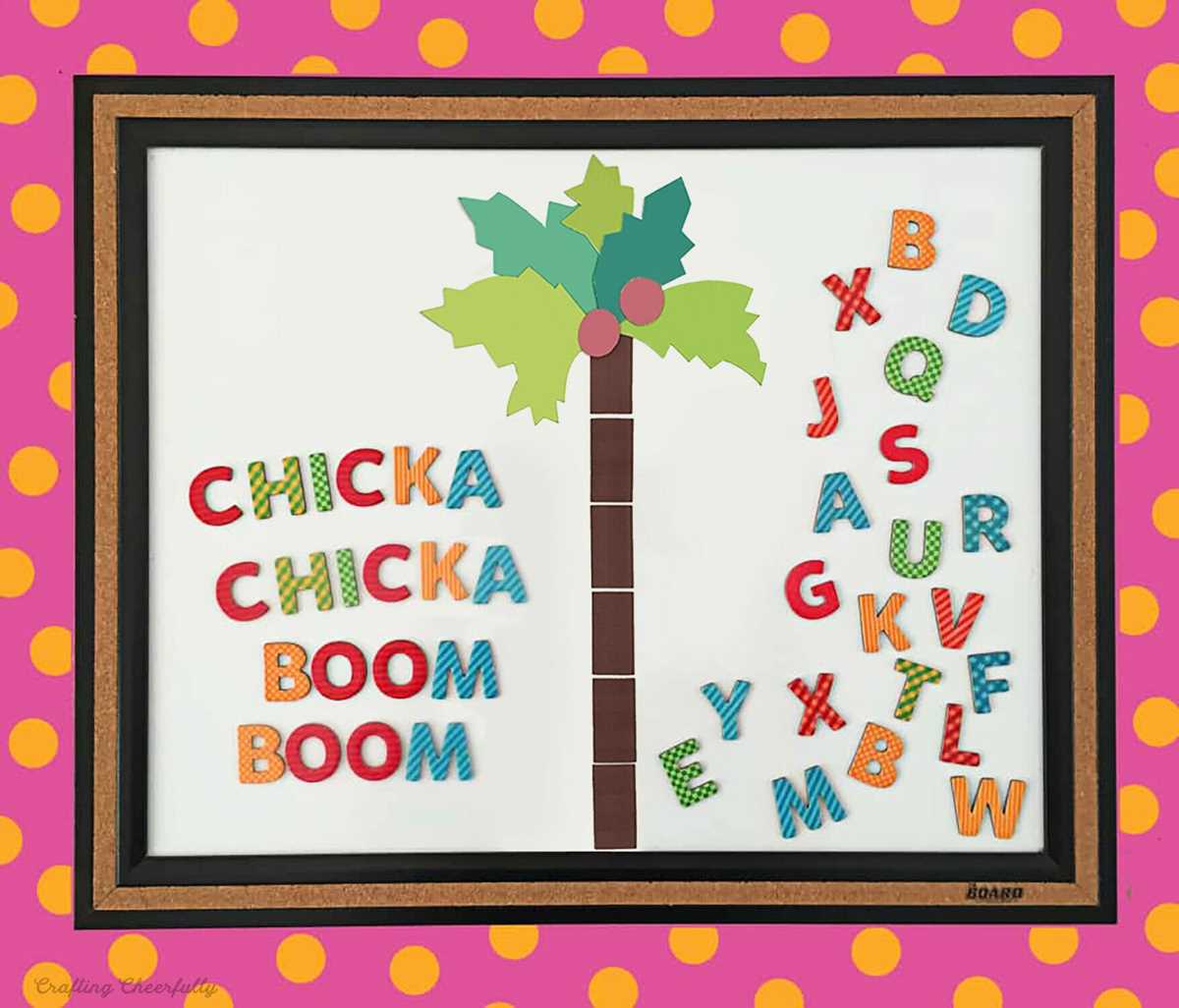
Start by downloading the activity sheet designed for building the letter-themed tree. Once printed, ensure you have crayons or markers to color the branches and letters. This activity provides a hands-on way for children to engage with the alphabet.
The key is to focus on each letter. As your child colors the corresponding sections of the sheet, encourage them to say the letter aloud. This reinforces letter recognition and helps solidify their memory of the alphabet in a fun and engaging manner.
If your child is advanced, take it a step further by asking them to list words starting with each letter as they move through the activity. This promotes vocabulary building while reinforcing the connection between the letters and real-world objects.
For even more engagement, consider turning the activity into a group exercise. Have children take turns coloring and sharing their word associations. This not only makes the activity social but also fosters teamwork and communication skills.
Consider extending the activity by incorporating a simple song or rhyme that corresponds with the letters. This allows children to integrate rhythm with their learning, which can improve recall and make the experience more memorable.
Make sure to display their finished creations on the wall or fridge. The visibility of their completed project can serve as a motivational tool, reinforcing their sense of achievement and pride in their learning.
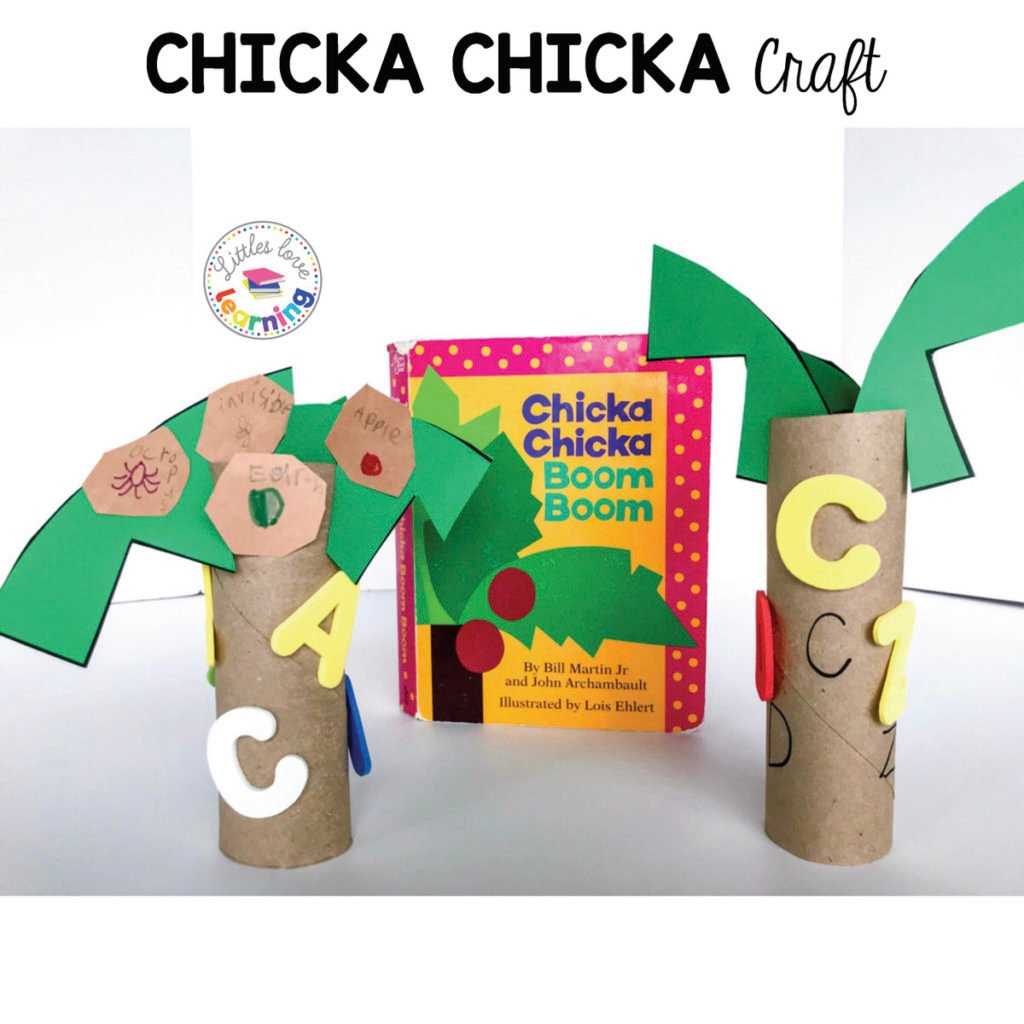
Finally, store the templates in a binder for easy access to repeat the activity whenever desired. Repetition can greatly enhance learning, and having the sheets on hand will make it easy for children to revisit the exercise as often as they like.
How to Access and Download the Alphabet Tree Activity
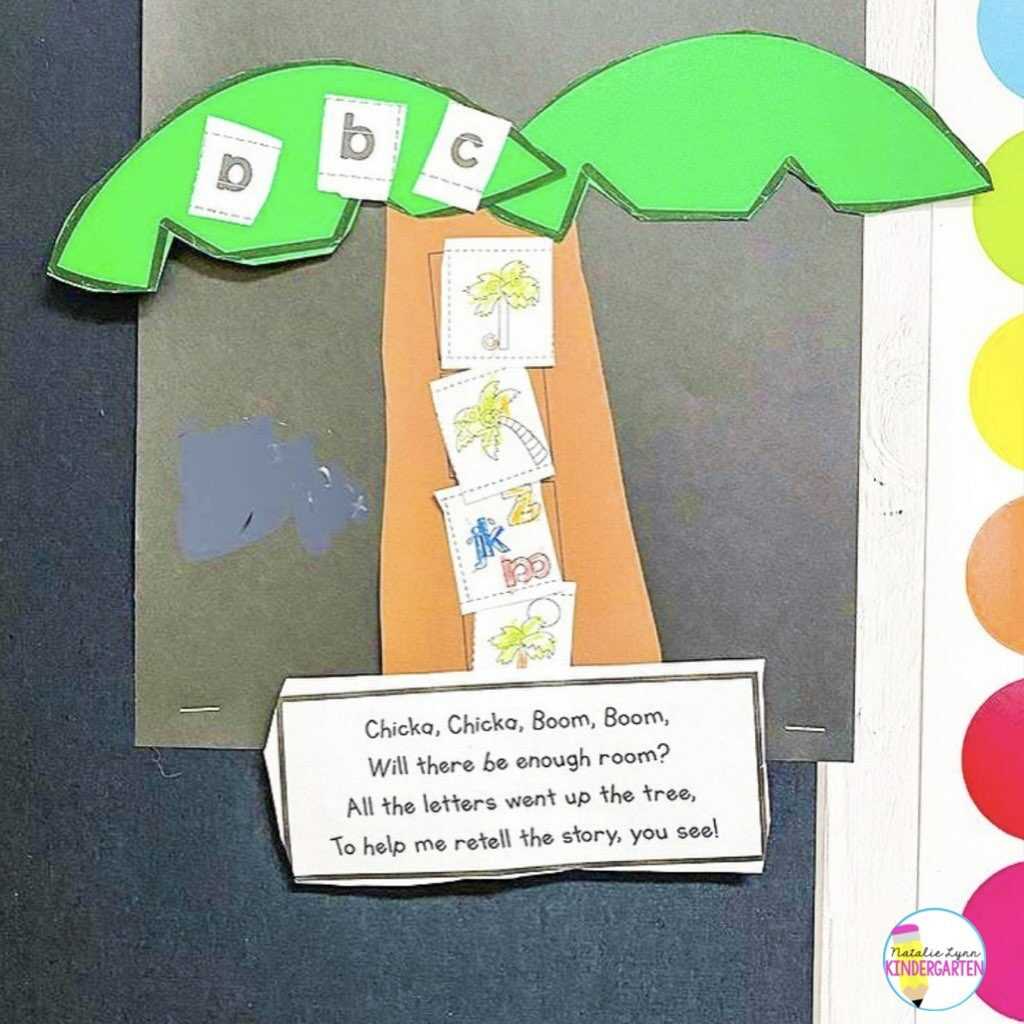
To begin, locate a reputable website that offers educational resources. Many platforms provide a variety of templates specifically designed for children’s learning activities. Ensure the site is secure and offers high-quality resources.
Once you’ve found the page with the alphabet activity, look for a clear download button. This button should be easy to spot, typically labeled with phrases like “Download Now” or “Get Your Copy.” Be sure to select the correct format (PDF is usually recommended for easy printing).
After clicking the download button, the file will be saved to your device. Depending on your settings, it may automatically go to your default “Downloads” folder, or you may be asked where to save the file. Choose a location that’s easy to remember for future access.
If you’re using a mobile device, the process is similar. The file will either be stored in your device’s default storage location, or you’ll be prompted to choose where to save it. On most devices, you can access the file through your “Files” app or similar storage manager.
Once the file is downloaded, open it to check the contents. Ensure the activity page is formatted correctly and ready for printing. Some platforms may offer the option to open the file directly in a PDF viewer for an easy preview.
Next, select the print option from your PDF viewer. Ensure your printer settings are configured correctly for the size of the sheet you want to print. If necessary, adjust the scaling or margins to fit the page properly.
If you encounter any issues with the download or printing process, consider revisiting the website for troubleshooting tips. Many sites have a help or FAQ section that addresses common problems, such as file errors or formatting issues.