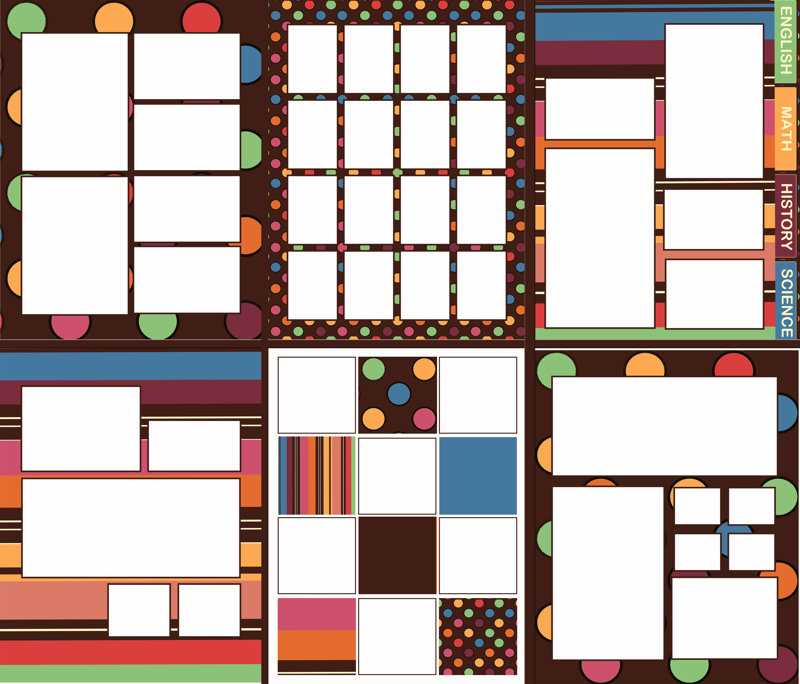
For those seeking a tailored approach to gathering signatures, creating a design that can be personalized and printed is an excellent solution. Consider crafting a layout that provides enough space for each autograph without crowding, ensuring clarity and readability. Opt for clean, professional lines that frame each signature area, allowing the focus to remain on the autographs themselves.
Consider using a structured format to enhance the overall appearance. Divide the design into sections, providing specific spots for names, dates, or other relevant details. This allows the signatures to be neatly arranged, avoiding a chaotic or cluttered look. Be mindful of the size and spacing, as these elements can influence how the final product feels–whether it’s a memento or part of a formal collection.
Quality is paramount when selecting the paper or material for printing. Choose sturdy yet smooth stock to ensure longevity and a premium feel. A high-quality paper will also hold the ink better, preventing smudging or fading over time, which is critical if the signatures are from high-profile individuals or are meant to become part of a valuable collection.
By focusing on simplicity and elegance, the final result will be both functional and visually appealing, ensuring that every signature is showcased in the best possible way.
HTML
Designing the Ideal Signature Collection Sheet

For an efficient layout, divide the area into several distinct sections, each designed to accommodate a signature comfortably. Use consistent spacing between these sections to maintain a neat and organized look. A standard approach is to allow at least 4-5 inches per area, depending on the size of the signature. This ensures that the signature doesn’t appear cramped, which could diminish the overall effect.
Incorporating a clear header at the top of the layout can help provide context. Consider adding a label such as “Name” or “Signature of” in bold to guide the individual signing. This small touch will encourage proper placement, leading to a more cohesive collection.
- Include a section for dates to capture the moment of each signature.
- For a more personal touch, leave a small area for a short message or note under each signature.
For a more structured design, consider implementing a grid system with borders for each section. This prevents signatures from spilling over into neighboring areas and keeps everything uniform. A simple dotted line can serve as a gentle boundary while still allowing the design to remain minimalistic.
Lastly, make sure the design is scalable. The dimensions should be adaptable to different printing formats, such as A4 or letter size, without losing alignment or layout quality. Adjust the margins to fit your printer’s capabilities, ensuring everything stays aligned during the printing process.
How to Create a Customizable Autograph Collection Design for Events
Design a layout that includes clear, spacious sections for guests to sign. Avoid clutter by spacing out the signature area, leaving enough room for individuals to write comfortably without overlapping with other text or images. Opt for a clean, minimalist style with a border or background image to set the tone for the event.
Incorporate event-specific details like the date, location, or theme. Use a legible font for this information, ensuring it does not overpower the primary signing area. It’s best to align this text at the top or bottom, depending on the size of the space and visual balance of the document.
Make the area where signatures will go flexible by leaving a wide, unobstructed section. You can choose between vertical or horizontal orientations depending on the nature of the event. For larger events, consider multiple lines for guests to sign, with enough distance between each row to avoid crowding.
Consider incorporating additional fields such as “Message” or “Favorite Memory” to make the signatures more personalized. This can be especially appealing at smaller gatherings or private events where people are more likely to share thoughts and reflections alongside their names.
If you want to further enhance the experience, include a space for a photo or logo related to the event. It’s a nice touch for both corporate and personal events, as it ties the signature collection to the occasion’s identity and purpose.
Make the design adaptable by ensuring it works with different printing setups. Leave margins or whitespace around the edges to prevent any content from getting cut off. Allow for easy scaling, so users can adjust the layout according to the event size or the number of signatures expected.