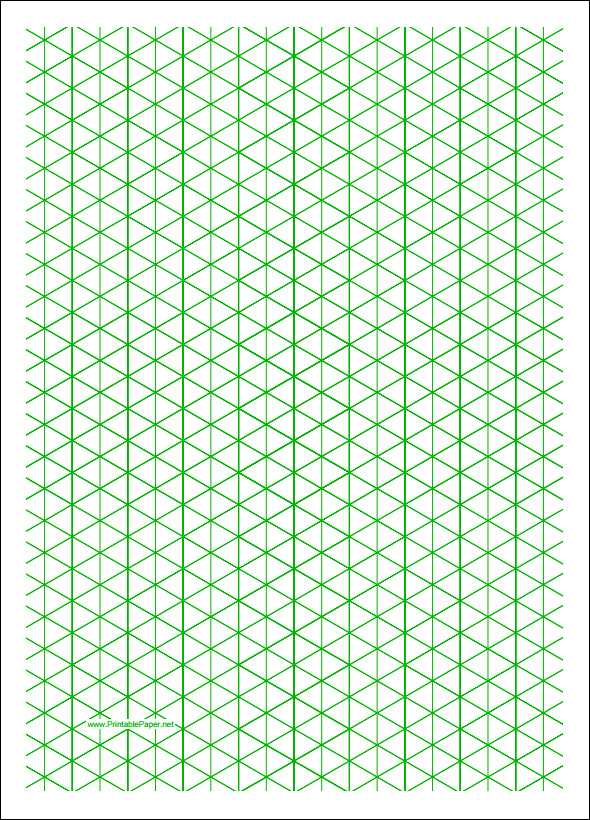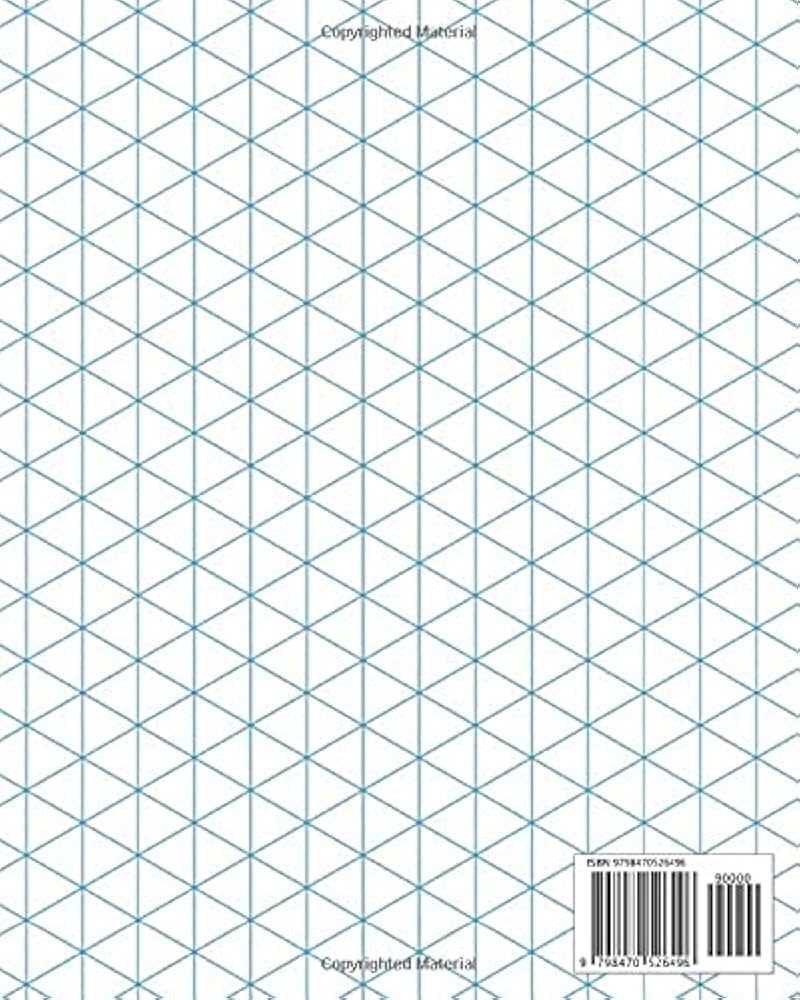
Choose a triangular lattice layout with 60° intersecting lines and a 5 mm spacing if you need precise three-dimensional sketches for engineering drafts or product concepts. For architectural massing studies, select a denser 2.5 mm mesh to control small details, while game designers creating tile maps typically prefer 10 mm spacing for clearer block alignment. Always export files in true 100% scale without automatic page fitting to prevent distortion of angles.
Use vector-based PDF templates instead of raster images to keep line thickness consistent at 0.2–0.3 pt; this prevents heavy ink buildup and preserves clarity when photocopying multiple sets. Set margins to at least 10 mm on each side to avoid clipping on standard A4 or US Letter formats. If the sheet will be used for classroom distribution, prepare versions with and without border frames to reduce distraction during technical exercises.
For STEM activities, select layouts that include subtle axis guides in a lighter gray (15–20% black) to help students maintain alignment while constructing cubes, prisms, and mechanical parts. When planning board game prototypes, choose a blank triangular matrix without numbering to maintain flexibility in rule testing. Designers working with CAD references should match the lattice spacing to real measurement ratios, such as 1 unit = 1 cm, to simplify manual scaling before digital modeling.
Adjust printer settings to “high quality” with grayscale output and disable toner saving modes; low-density printing can cause broken diagonal lines that disrupt spatial perception. Use 90–100 gsm stock for repeated erasing during drafting practice, as thinner sheets tend to warp under pressure. Store master templates in editable formats like SVG or layered PDF so you can modify spacing, orientation (portrait or landscape), and line weight without recreating the structure from scratch.
Prepare multiple variations–full-page mesh, half-page layout with note section, and enlarged single-cell practice sheets–to support different tasks from quick perspective sketches to detailed mechanical assemblies. Keep file names descriptive, such as “triangular-grid-5mm-A4-lightlines,” to streamline organization across design projects and educational materials.
Isometric Graph Paper Printable Templates for Precise 3D Drawing
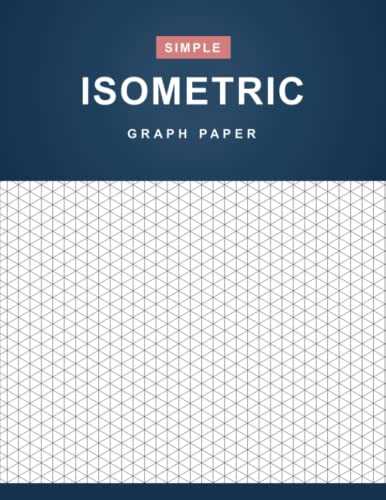
Choose a triangular grid sheet with 60° angles and 5 mm spacing to achieve accurate 3D projections without recalculating proportions. For technical sketches, select layouts with 1 mm subdivisions inside each main triangle; for classroom tasks, 10 mm spacing reduces visual clutter and speeds up alignment. Use light gray lines (15–20% black) to keep construction marks visible while allowing inked contours to stand out.
Pick page formats based on output device and scale requirements. A4 suits metric drafting; US Letter aligns with imperial measurements. Margin settings should not exceed 10–12 mm to preserve usable area. For full-bleed plotting on A3, verify that the triangle network maintains consistent angles after scaling–disable “fit to page” in the print dialog and set scaling to 100% to avoid distortion of axes.
Adjust density according to task complexity:
- Coarse mesh (10 mm): quick block modeling, beginner exercises, large objects.
- Medium mesh (5 mm): furniture layouts, product sketches, mechanical parts.
- Fine mesh (2–3 mm): pixel-style art, intricate joints, miniature structures.
Use layered templates that combine triangular guides with faint vertical reference lines for height control. This hybrid layout accelerates vertical extrusion and reduces counting errors. For repetitive elements, select sheets with numbered diagonals every 5 units; this speeds up measurement transfer across the page and keeps symmetry consistent.
Before committing to final lines, test alignment with a 30°/60° set square and a 0.5 mm mechanical pencil (HB for construction, 2B for emphasis). Keep strokes parallel to one of the three primary directions to maintain depth illusion. For multi-page assemblies, print identical sheets from the same file to prevent angle drift between batches and store masters in PDF format to preserve exact geometry.
How to Choose the Correct Triangle Size and Grid Density for Technical Drawing or Classroom Use

Select a 5 mm triangle side length for detailed mechanical sketches on A4 sheets and a 10 mm side length for classroom geometry tasks or introductory 3D projections. A 5 mm equilateral layout provides 4 small units per centimeter, allowing precise dimensioning with 0.5 cm and 1 cm increments clearly visible without overcrowding the page. For architectural drafts at scales 1:50 or 1:100, 10 mm spacing reduces visual noise and speeds up line placement, especially when drawing walls, columns, and volumetric forms. If the project involves micro-components, electronics layouts, or tight tolerances, choose 2–3 mm triangles; this density supports fine diagonal alignment and accurate 60° and 120° angle construction using a standard 0.5 mm mechanical pencil.
Adjust grid density to the user’s skill level and printing format. On US Letter (8.5 × 11 in) or A4, 5 mm spacing yields approximately 38–40 horizontal units across the width, which balances precision and readability for secondary school or technical college work. For primary classrooms, increase triangle sides to 8–12 mm to prevent visual fatigue and reduce counting errors during coordinate plotting or surface area exercises. Use light gray lines (10–15% black) for dense layouts to keep construction lines visible but secondary to object outlines; darker lines (20–25%) are suitable for wider spacing where structure guidance is needed. Always verify that printer scaling is set to 100% with no “fit to page” adjustment, as a 3% reduction shifts a 10 mm module to 9.7 mm and distorts proportional measurements across the entire sheet.