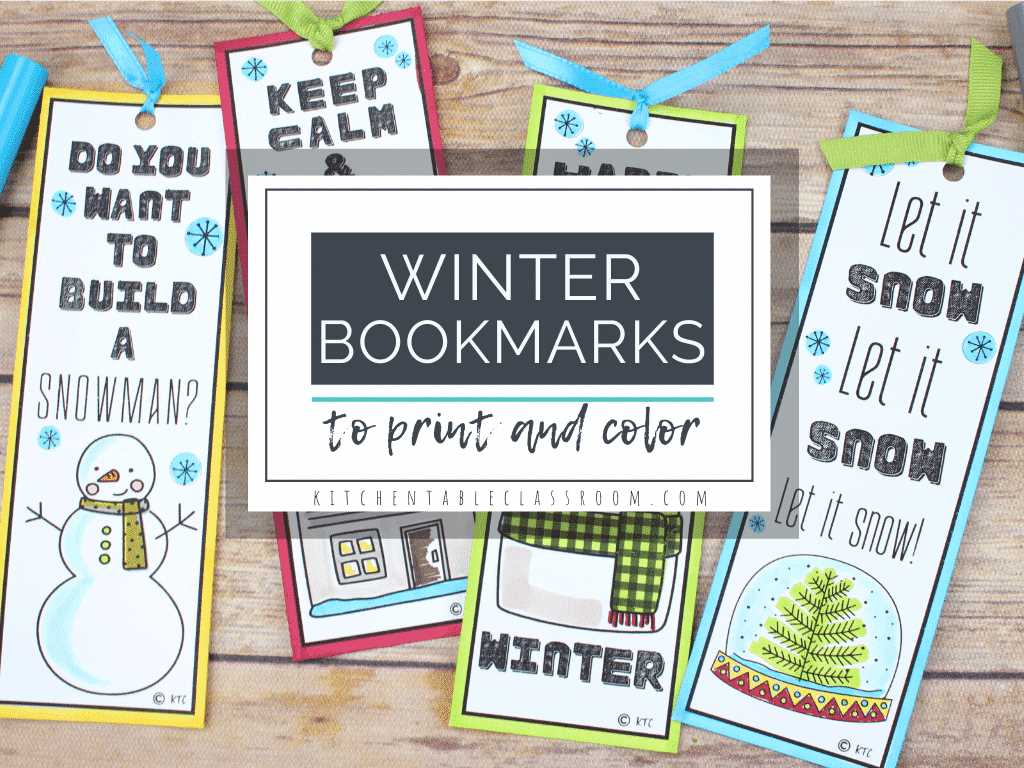
Start by selecting templates that offer a variety of styles and sizes. You can choose from minimalistic geometric shapes, intricate floral designs, or fun, themed creations. Pay attention to the layout and make sure the proportions fit the items you plan to print on.
If you’re looking for a personalized touch, opt for designs with space for writing your name or a short motivational quote. Some templates even include editable options, allowing you to insert your text before printing.
Consider the material of the paper you will use. For a sturdier result, select a thicker cardstock, especially if you plan to laminate your creations. This will ensure that your designs are long-lasting and hold up well to repeated use.
Once you’ve selected your template, be sure to adjust your printer settings. Opt for high-quality printing to ensure that colors and details come out crisp and vibrant. Double-check that the dimensions of the design align with the size you need for your bookmarks.
Finally, explore ways to embellish your designs once they’re printed. You could add glitter, stickers, or even hand-drawn details to make your creations even more special. There’s no limit to how you can personalize them!
How to Make Your Own Creative Paper Dividers
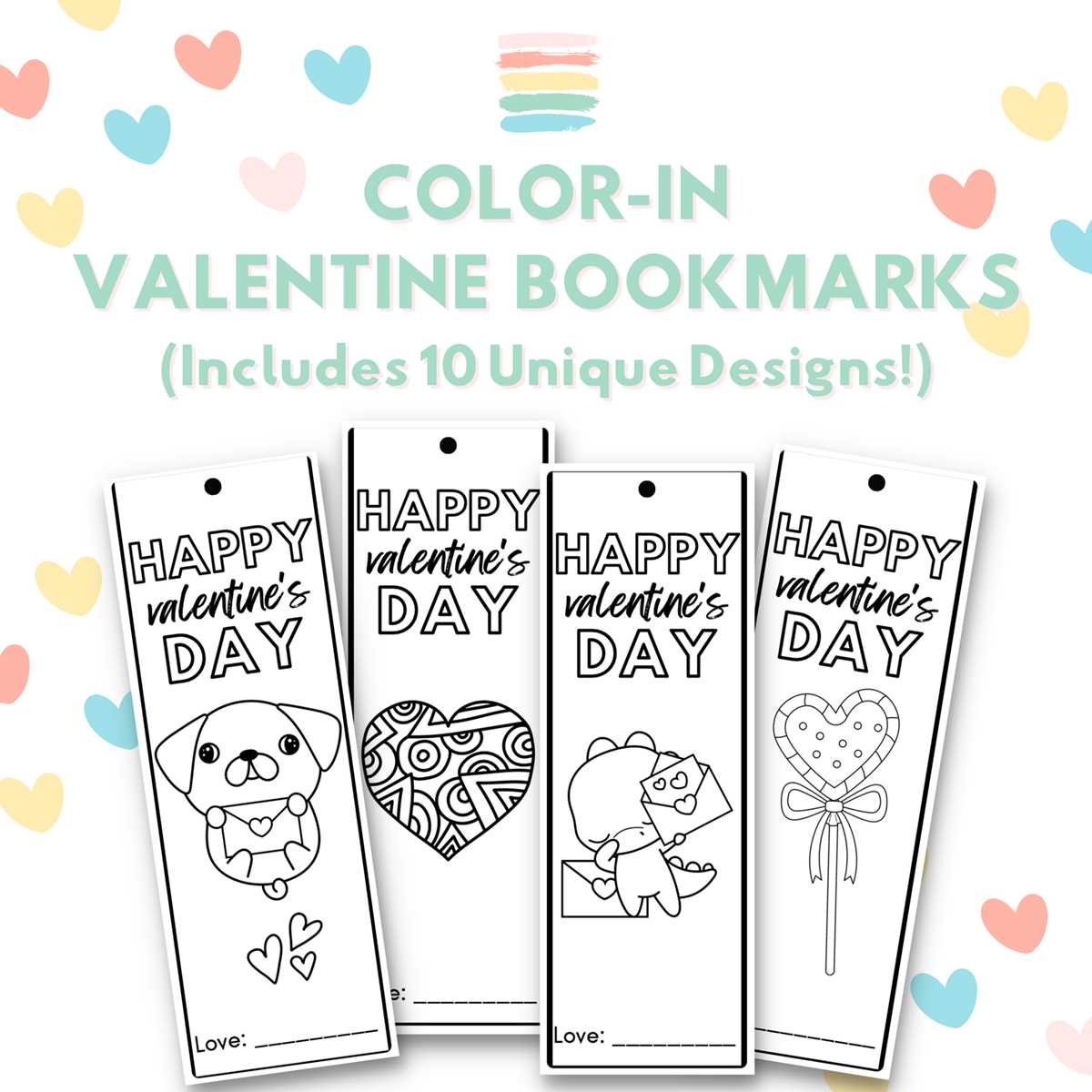
Start by choosing a template that fits the purpose you have in mind. Look for designs that offer a mix of functionality and aesthetics. For example, a simple and geometric design works well for everyday use, while vibrant patterns can add a personal touch.
For easy cutting, print the designs on standard paper or lightweight cardstock. Make sure to set your printer to the highest resolution for the best color accuracy and sharpness.
After printing, use a ruler and a sharp pair of scissors to cut along the edges. If you prefer, you can also use a craft knife for more precision. Just be cautious and work slowly to ensure clean cuts.
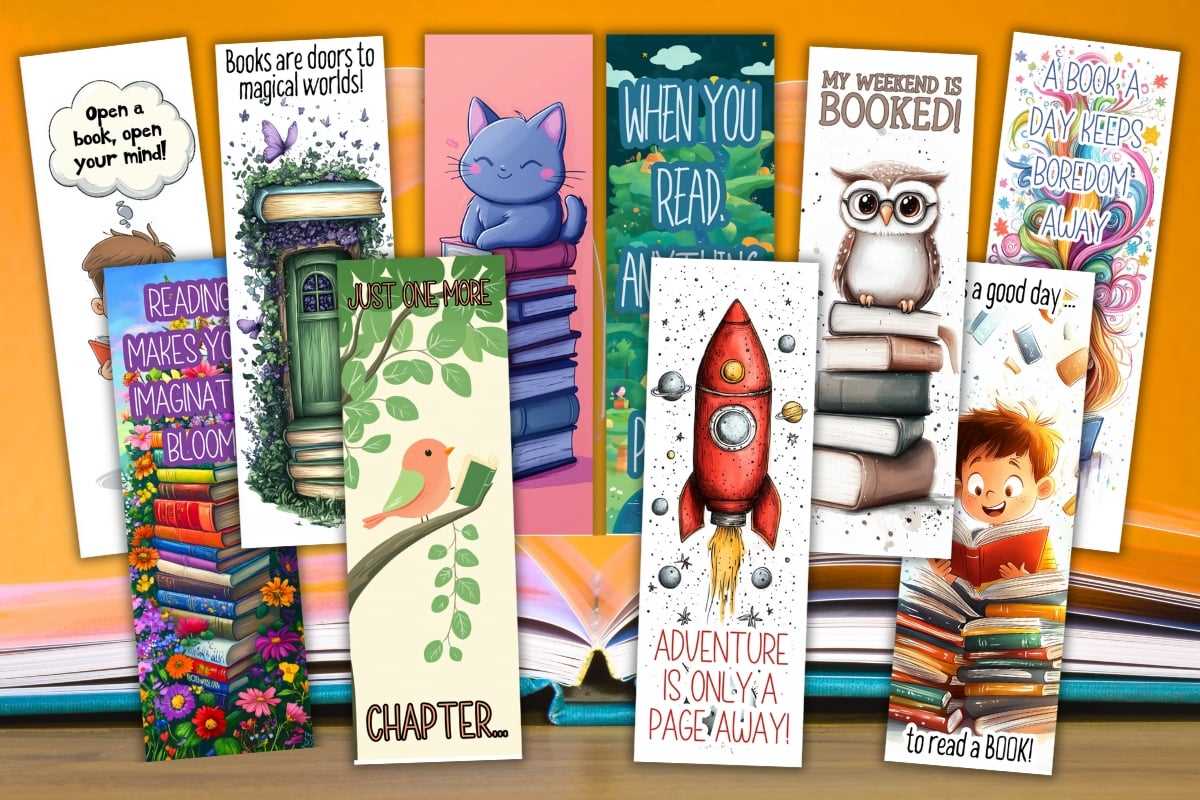
If you want more durability, consider laminating the cut-outs after they are ready. This will give your items a longer lifespan, especially if they’re going to see a lot of use. Use a thermal laminator for a smooth, professional finish.
For extra flair, embellish your creations with small decorative items. Stickers, ribbons, and even a bit of glitter can add character to a plain design. Just be mindful not to overcrowd the space to maintain clarity.
Once you’ve finished, store them in a dry, safe place to preserve their quality. If you plan to give them as gifts, you could even package them in a small envelope or decorative box for an added touch of care.
Another tip is to experiment with different types of materials. Try printing your designs on fabric or vellum paper for a unique, textured result that adds a different dimension to the final product.
Lastly, don’t forget to have fun! The whole process is meant to be a creative outlet, so feel free to experiment with different colors, shapes, and finishes to make your project truly one-of-a-kind.
How to Find the Best Bookmark Templates Online
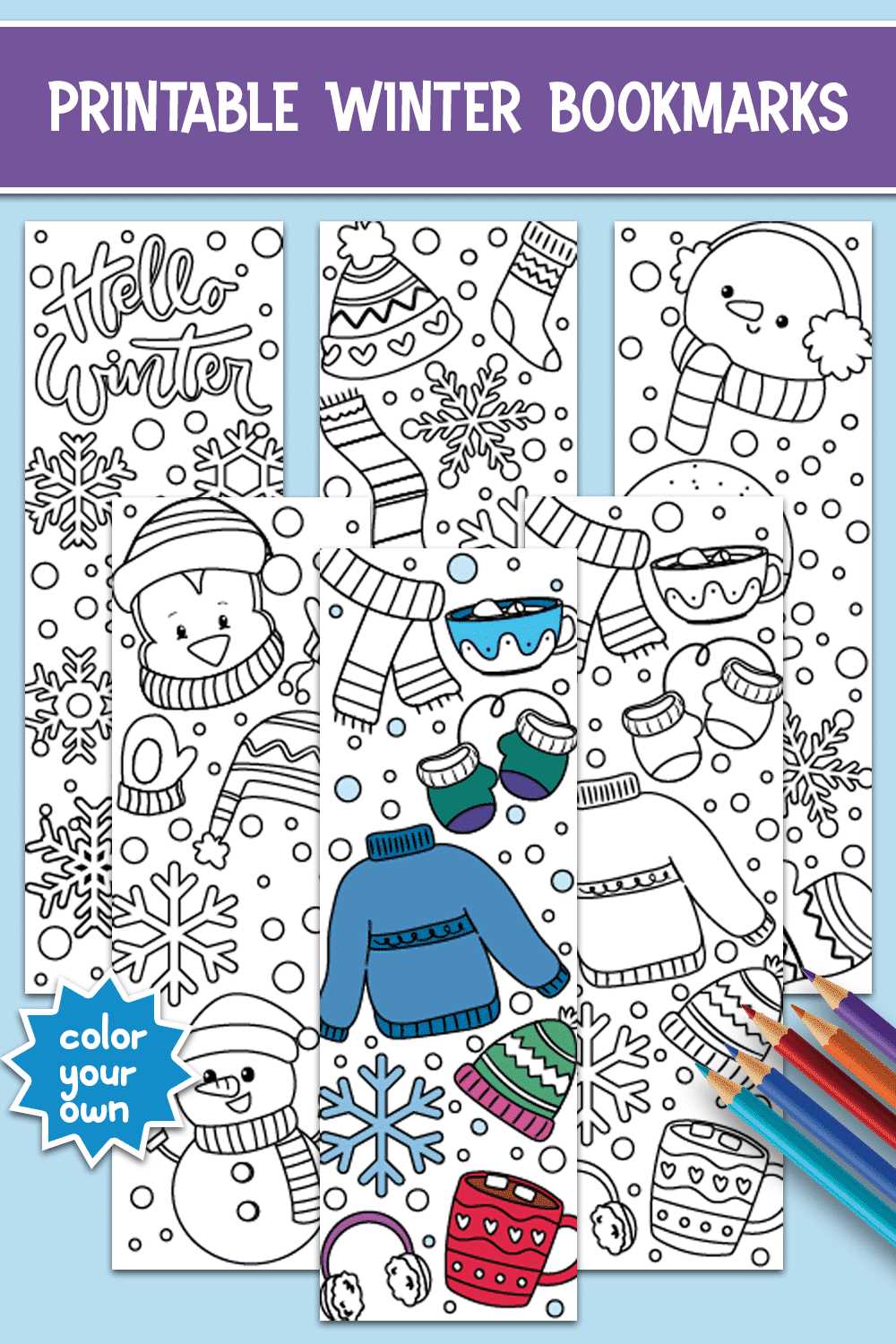
Start by searching on popular craft websites that specialize in DIY projects. Many of these sites offer a wide selection of designs that can be customized or directly downloaded. Check the categories carefully to find the most relevant options.
Another great option is to browse through design-focused platforms, such as Pinterest or Etsy. These platforms often feature user-generated templates that provide a variety of creative styles, from minimalist to intricate patterns. Make sure to read any licensing or usage terms if you plan to share or sell your work.
For those who want easy-to-use templates, websites offering vector images and PDF downloads are a solid choice. Platforms like Canva or Freepik have free collections of design files that can be resized or adjusted to your preferences before printing.
Lastly, don’t overlook community-based platforms like Reddit or specialized craft forums. Members often share their own resources or can guide you to the best places to find templates, ensuring that you access both high-quality and niche designs for your personal projects.