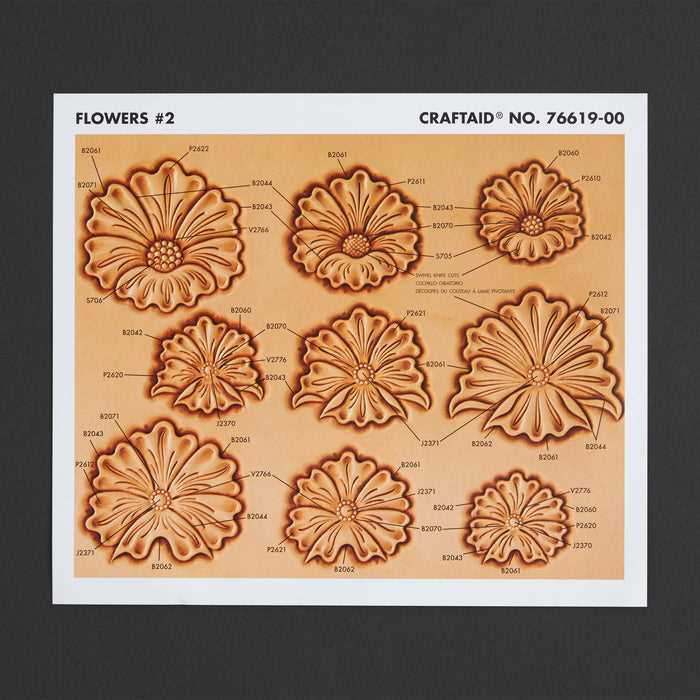
Download high-resolution PDF templates with rose, vine, and scroll motifs sized to match your project dimensions, and print them at 100% scale to avoid distortion. Choose files prepared at 300 DPI or higher so lines remain sharp when transferring the artwork onto vegetable-tanned hide.
Select vector-based designs whenever possible, as they allow resizing without loss of detail. For belts, use elongated compositions between 30–40 cm in length; for wallets and card holders, compact layouts under 10 cm work better. Keep margins of at least 5 mm around the artwork to prevent edge crowding during carving.
Transfer the ornament using tracing film and a stylus on slightly dampened material to achieve clean impressions. Avoid overly dense petal clusters if you plan deep beveling, since tight spacing makes shading and background stamping harder to control.
Store digital templates in organized folders by motif type–roses, acanthus leaves, scrollwork–to speed up project planning and reprinting. Consistent file naming with size indicators helps match each drawing to specific goods such as belts, notebook covers, or bags.
Printable Leather Floral Patterns
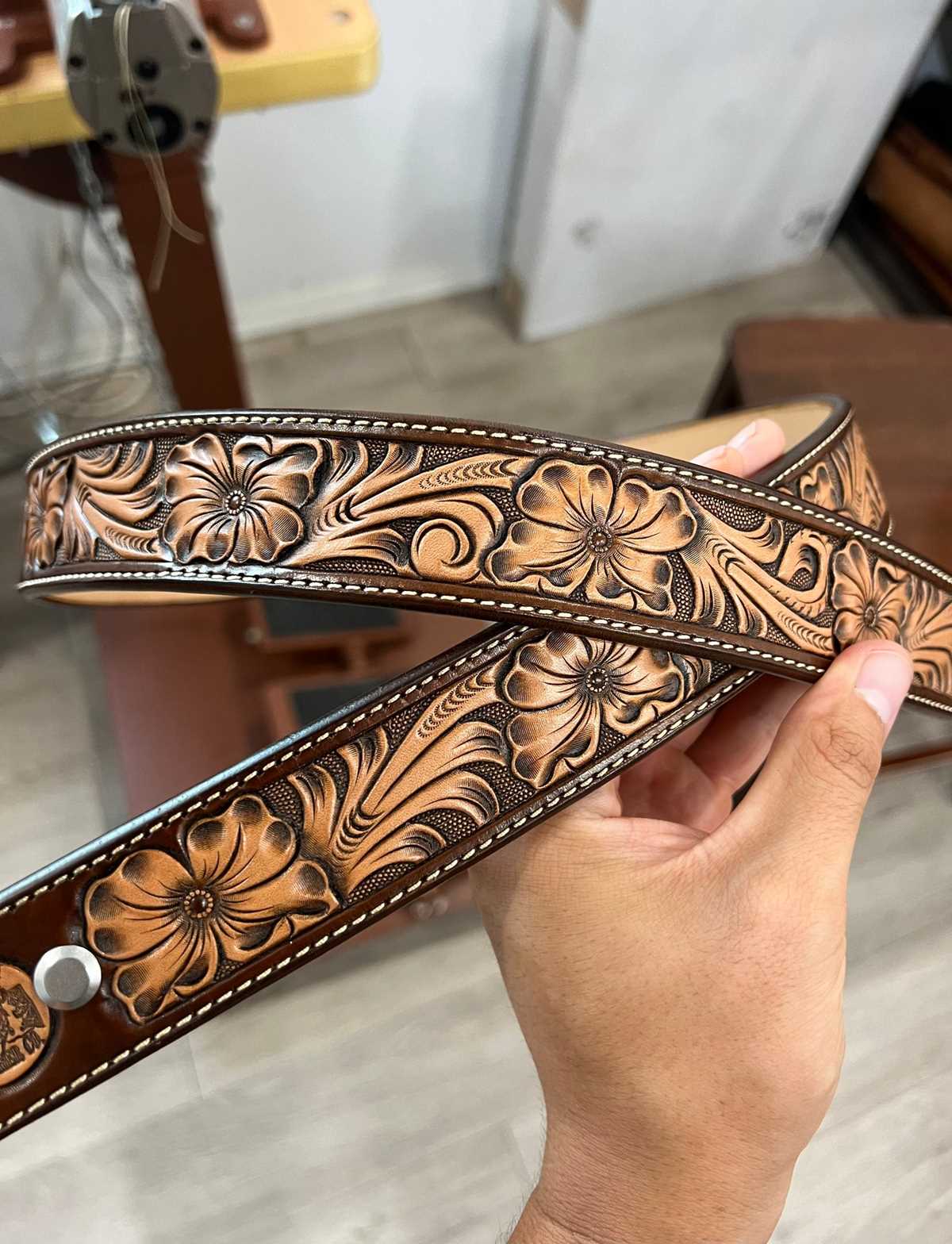
Download high-resolution PDF templates with botanical ornaments at 300 DPI and print them at 100% scale so proportions remain accurate during transfer. Check the measurement guide included in the file; a 5 cm test square should match exactly after printing.
Choose vector artwork (SVG or AI format) if resizing is required for belts, cuffs, notebook covers, or bags. Vector files maintain clean contours at any dimension, while low-quality raster images blur when enlarged beyond their original size.
Match the motif layout to the product shape. Long scroll compositions suit straps between 30–45 cm, while compact rose clusters fit wallet fronts under 9 cm wide. Leave at least 6–8 mm from the edge to prevent distortion during beveling and background stamping.
Transfer the design using tracing film and a stylus on slightly damp vegetable-tanned hide weighing 4–6 oz. Moisture should darken the surface without leaving water puddles; this level allows clean impressions without tearing fibers.
Avoid overcrowded petal structures if deep carving is planned. Tight spacing limits beveling depth and makes shading inconsistent. Open layouts with defined negative space produce clearer contrast after antiquing.
For beginners, select simple rose and vine drawings with thicker outlines around 0.8–1 mm. Thin hairline contours are harder to follow with a swivel knife and increase the risk of uneven cuts.
Store digital templates in categorized folders such as roses, acanthus leaves, and scrollwork. Add file names that include final dimensions in millimeters to speed up selection for future projects and reduce scaling errors during reprints.
How to Choose Floral Templates for Belts Wallets and Bags
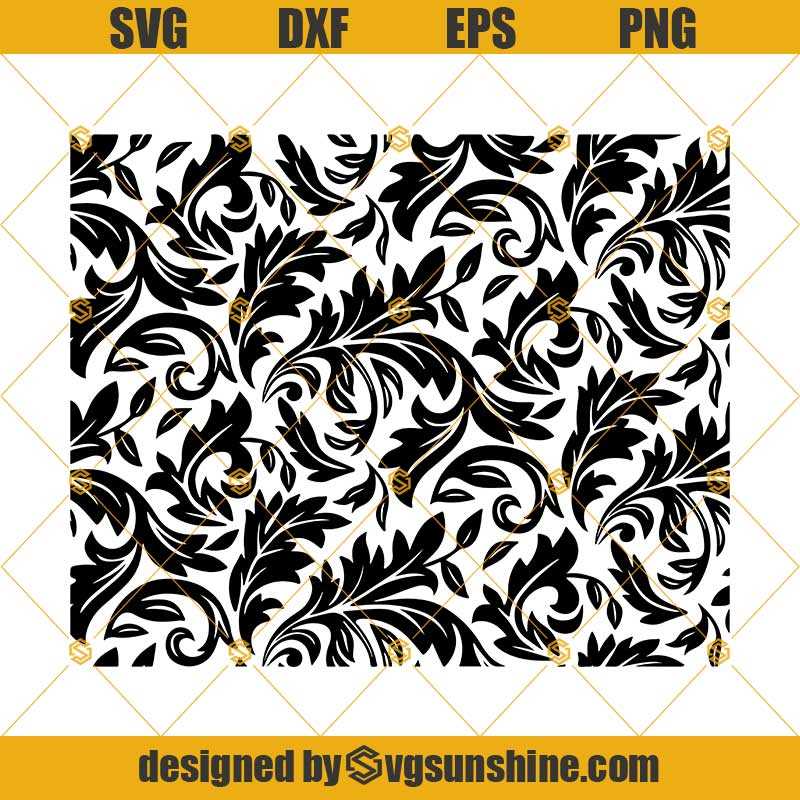
Select artwork that matches the exact dimensions of the item. For belts, use elongated scroll compositions between 30–45 cm long and no taller than the strap width minus 8–10 mm for safe margins. For wallets, choose compact botanical motifs under 9 cm wide to avoid crowding card slots and stitching lines. Bags allow larger decorative panels, but keep the central ornament at least 15 mm away from seams and hardware placements.
Check line weight before printing. Designs with contour thickness around 0.8–1 mm are easier to cut with a swivel knife and produce cleaner bevel transitions. Extremely thin outlines increase the chance of uneven cuts, while overly thick borders limit detail in petals and leaves.
Review the balance of positive and negative space in the composition. Open vine structures with clear background areas create stronger contrast after dyeing and antiquing. Dense rose clusters may look impressive on screen but can become visually heavy on small goods such as card holders or compact clutches.