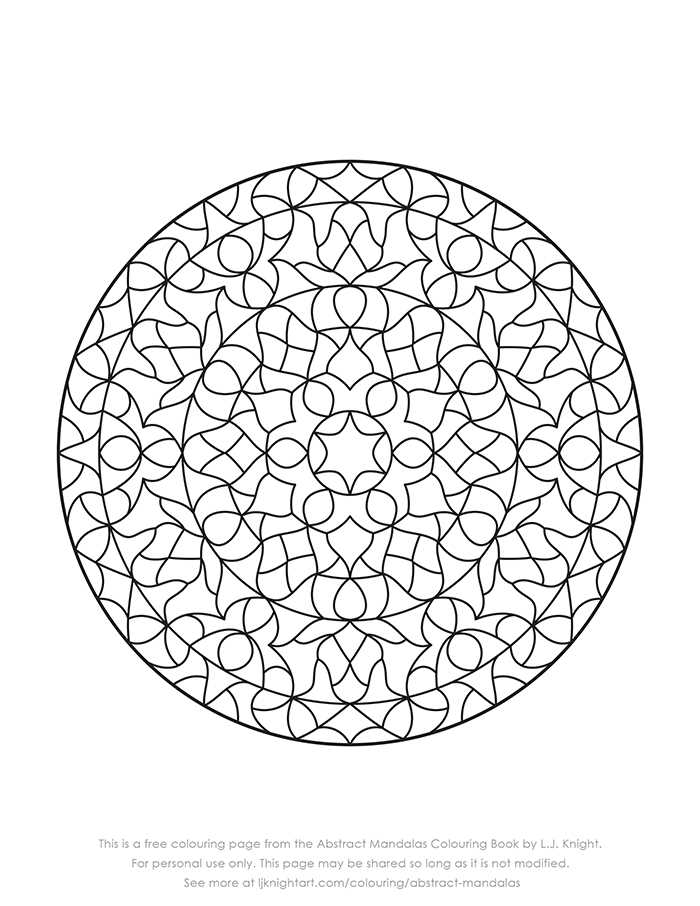
Choose vector-based circular ornament sheets in A4 or US Letter format with a minimum resolution of 300 DPI to avoid pixelation and preserve thin line details. Files in PDF ensure accurate scaling, while SVG allows resizing without quality loss. For home use, select black line art with stroke thickness between 0.5–1 pt to keep contours sharp after printing on standard 80–120 gsm paper.
Opt for symmetrical geometric compositions with 6, 8, or 12 segments if the goal is structured coloring with predictable repetition. Floral radial designs with layered petals suit markers and gel pens, while fine-line sacred geometry patterns require sharpened colored pencils to prevent bleeding. Beginners benefit from layouts featuring wider spacing between outlines, ideally at least 2–3 mm.
For stress-relief sessions lasting 15–30 minutes, select medium-density circular artworks containing 150–300 enclosed sections. More intricate sheets with micro-elements exceeding 500 segments demand heavier paper (160–200 gsm) to handle blending and shading. Printing in grayscale preview mode helps check line clarity before committing to multiple copies.
Look for downloadable sets that include both full-page and half-page formats. Half-page layouts reduce ink usage and allow quick practice sessions, while full-page radial compositions are better suited for framing after coloring. Borderless margin options provide a cleaner aesthetic if trimming is planned.
Educational use benefits from designs based on rotational symmetry and tessellation principles. Teachers can select pages demonstrating 60° or 45° rotational repetition to support geometry lessons. For group activities, prepare identical sheets to compare color theory experiments such as complementary or triadic palettes.
To conserve ink, prefer files with pure black (#000000) outlines rather than rich black mixes. Laser printers deliver crisper edges for complex linework, while inkjet printers perform better on textured paper when using pigment-based cartridges. Always disable automatic scaling to keep proportions exact.
Store downloaded radial art files in categorized folders by complexity level–simple, intermediate, intricate–to streamline selection. Rename files with page size and segment count for quick reference, such as “A4_12segment_medium_detail.” This system reduces reprinting errors and helps match designs to available materials.
Printable Mandalas Free Sources, Formats, and Home Printing Tips
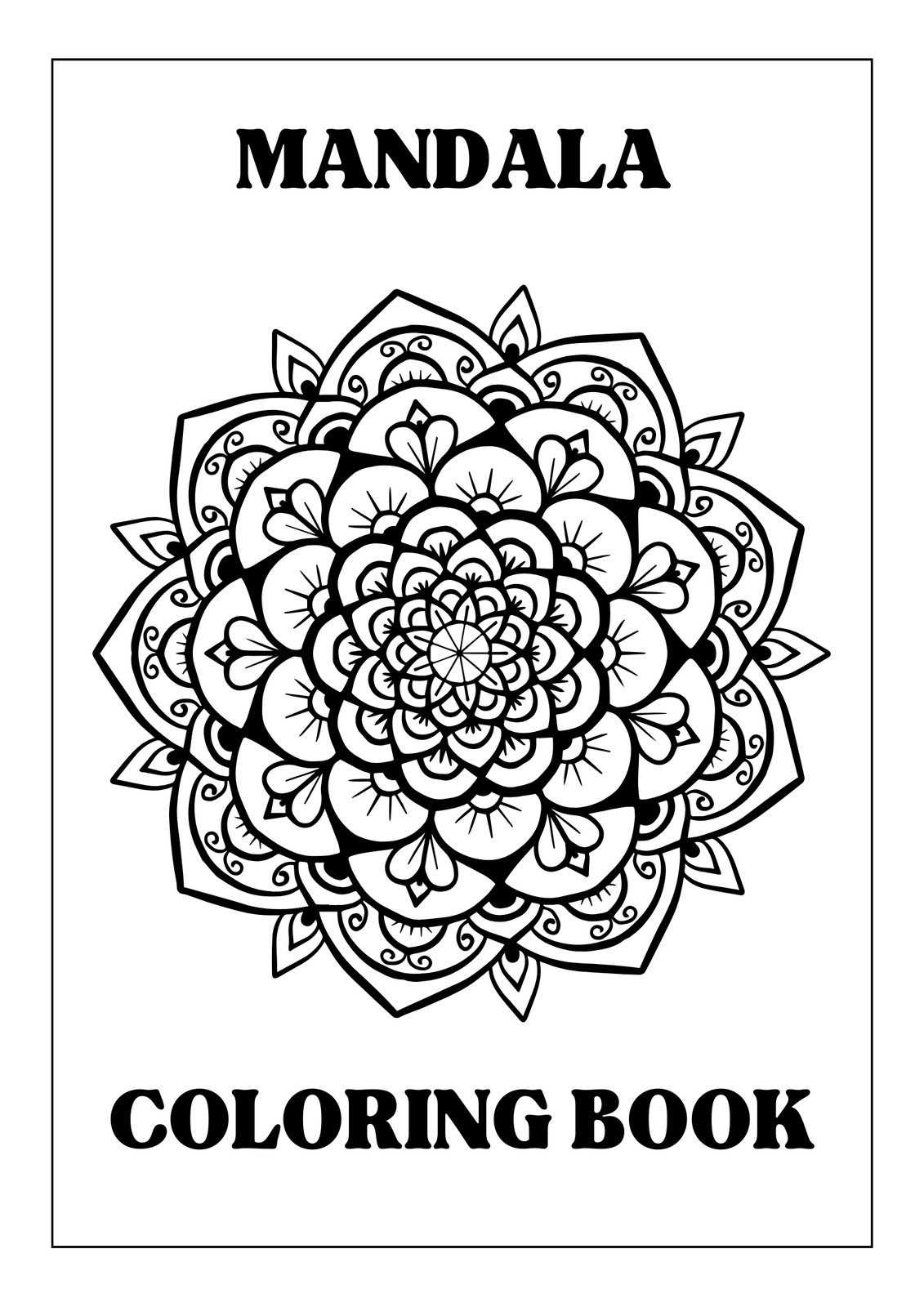
Download high-resolution circular coloring designs (minimum 300 DPI, PDF or SVG preferred) from reputable illustration libraries and educational archives rather than random image searches. Reliable sources include public domain collections, museum open-access portals, and curated craft platforms that specify license terms and resolution. Choose files sized for A4 (210×297 mm) or US Letter (8.5×11 in) to avoid scaling artifacts. Vector formats (SVG, AI, EPS) allow clean resizing up to A3 without pixelation, while PDF files preserve line sharpness and margin alignment. Avoid JPEG below 2000 px on the shortest side; thin outlines below 0.5 pt may break during printing.
- Check license: public domain, Creative Commons Zero, or personal-use only.
- Confirm resolution: 300–600 DPI for crisp line art.
- Prefer black line art on white background for toner savings.
- Select bleed margin of at least 5 mm to prevent edge clipping.
- For children’s sheets, choose thicker contours (0.75–1 pt).
For home output, use matte paper 120–160 gsm for markers and 90–100 gsm for pencils; heavier stock reduces bleed-through. Set printer to “High Quality” or 600 DPI, disable “fit to page” if the file already matches paper size, and print in grayscale to avoid faint composite blacks. If outlines appear soft, enable “print as image” in PDF settings to stabilize thin vectors. Test one page first, adjust contrast +5–10% if lines look light, and store flat to prevent warping before coloring.
Where to Download High-Resolution Mandalas Without Registration or Watermarks
Download vector-based circular patterns from Openclipart and Rawpixel’s public domain section, where files are available in SVG and 300–600 DPI PNG formats without account creation. SVG files allow scaling to A3 or larger without pixelation, while high-resolution PNG versions (at least 3500×3500 px) maintain sharp linework for detailed coloring. Always check the file preview at 100% zoom to confirm that lines are clean and not compressed.
Use Pixabay and Wikimedia Commons to access public domain geometric artworks released under CC0 or equivalent licenses. Filter results by large size (minimum width 4000 px) and select original uploads rather than thumbnails. On Wikimedia Commons, open the “Original file” link to bypass preview compression and obtain the full-resolution version directly, which typically ranges from 5 to 20 MB for intricate radial designs.
Explore design repositories such as VectorPortal and public GitHub illustration archives where contributors share line art packs without branding overlays. Search for keywords like “radial line art vector” or “circular ornament SVG” instead of generic terms to reduce irrelevant results. Verify that the download button links directly to the asset file rather than redirecting to gated content; legitimate open archives provide immediate file access without email confirmation.
Before saving any artwork, inspect metadata and license notes to confirm public domain or unrestricted personal use. Avoid sites that embed faint logos into linework or provide only low-resolution previews under 2000 px. A reliable source will display full technical details–dimensions, format, and license–clearly on the asset page and allow direct download in one click without registration prompts.