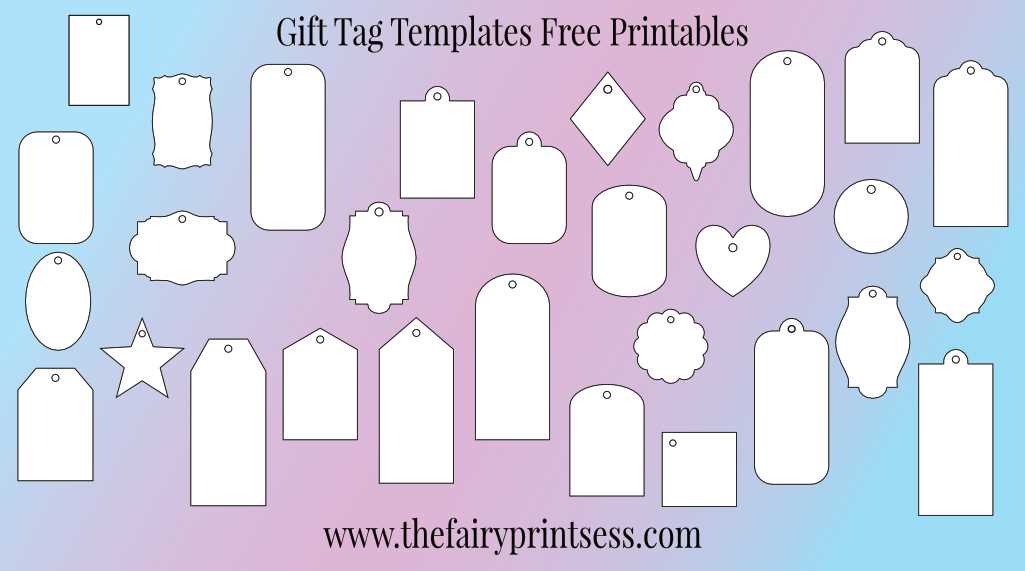
For a more personal touch, try designing and printing oversized labels for your wrapping needs. These larger labels allow for more space to add messages, decorative elements, or even a small illustration. They’re perfect for wrapping big presents or creating bold displays for special events like birthdays or holidays.
When selecting the right template, make sure to choose a design that matches the style of your celebration or the personality of the recipient. A simple, elegant font might be perfect for a wedding, while a fun, quirky style suits casual occasions or kids’ parties. Once you’ve selected a template, download it to your computer and adjust the dimensions to fit your printing needs.
Using sturdy paper is key to ensuring your labels hold up during handling. Opt for thicker sheets to avoid tearing, especially if you’re adding ribbons or strings. With a few customization options, you can make your labels truly unique and ready for any occasion.
How to Make the Most of Extra-Large Label Designs
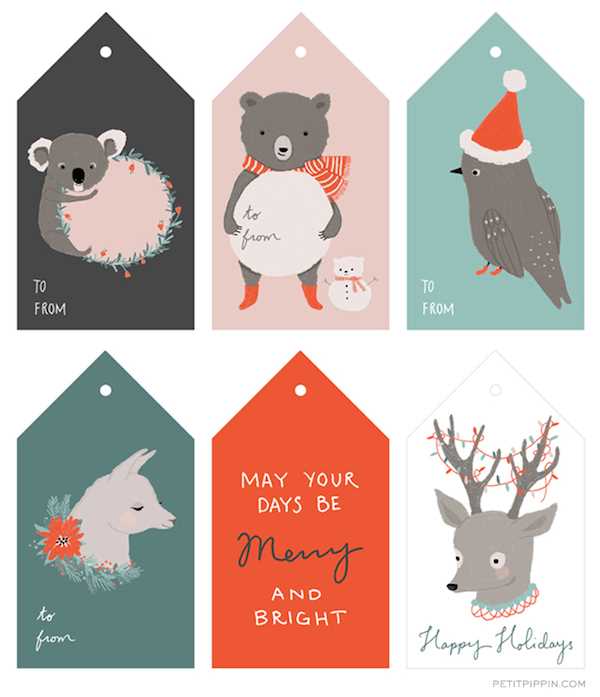
Begin by selecting a design with clear space for writing personalized messages. The extra space makes it easier to add a special note or draw attention to specific features of the package. Simple, elegant borders work well for formal occasions, while playful elements fit better with casual celebrations.
Adjusting size and layout is key when working with oversized designs. Ensure your printer can accommodate larger dimensions by testing a draft print. You can adjust the scale to match the dimensions of your packaging, from small boxes to larger gift bags.
To print, use high-quality, thicker stock for durability, especially when the label will be handled multiple times. Opt for a matte or glossy finish depending on the desired effect. A glossy finish gives the label a vibrant look, while matte gives it a more subtle, refined appearance.
Once printed, cut the labels carefully using sharp scissors or a paper cutter for straight edges. For added visual appeal, consider adding decorative elements such as ribbons, washi tape, or small embellishments. This extra effort enhances the overall presentation of your packaging and adds a personal touch to the recipient’s experience.
How to Download and Print Large Label Designs
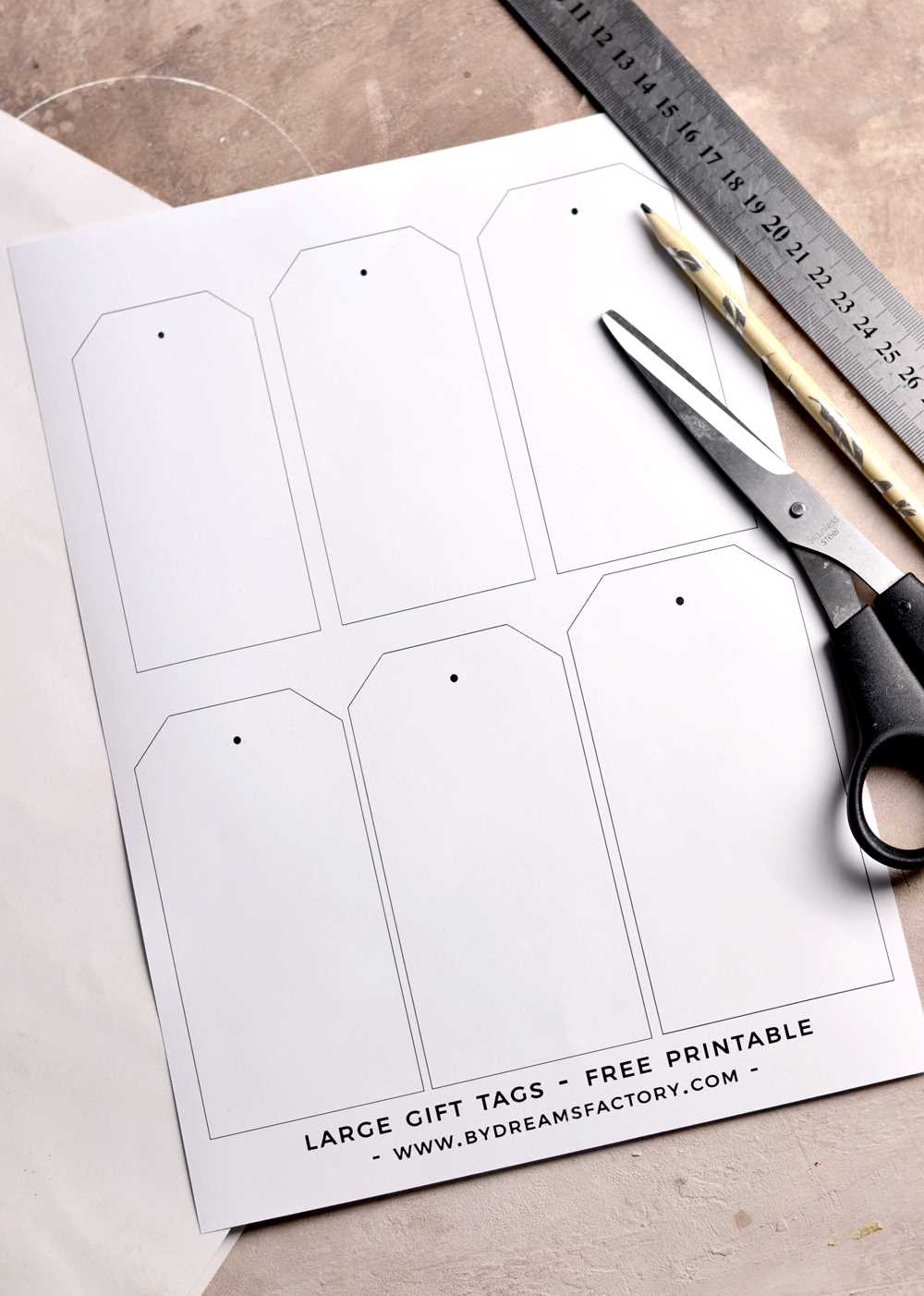
Start by selecting the right website or platform offering these designs. Make sure the source is reputable, ensuring the files are high-quality and free from issues like pixelation when enlarged. Look for downloadable PDF or JPG formats that retain resolution when scaled.
After choosing a design, download it to your device. Check the file size to confirm it matches your printer’s capabilities. If the file is too large, use editing software to resize it to fit your printing requirements while maintaining the aspect ratio.
Open the downloaded file in your preferred PDF viewer or image editor. Choose the option to print, and before you hit “print,” ensure that your printer settings are adjusted to match the size you want to output. Set your printer to a higher resolution for clearer results, especially if printing on thicker materials.
If your printer supports it, select the “borderless” print option to ensure the design fills the entire sheet without white margins. This will give the final output a more polished, professional look.
Choose a suitable material for printing, such as heavier weight paper or cardstock. Thicker materials are more durable and stand up better to handling. Matte or glossy finishes are both popular choices, depending on your aesthetic preference.
Finally, after printing, carefully trim the edges of the labels using precision scissors or a paper cutter. This will ensure a clean and straight edge, making them look more polished when attached to your packages.