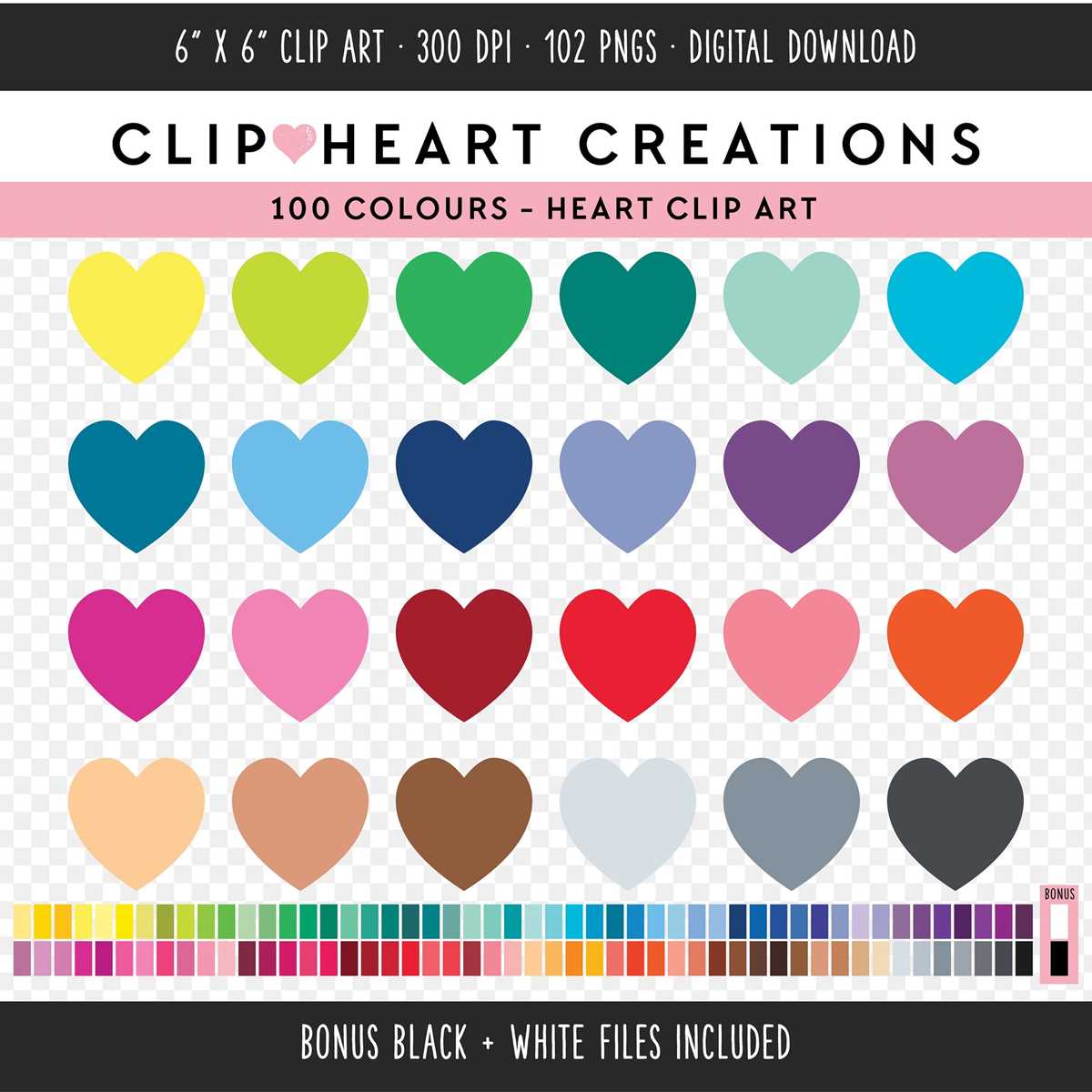
Select vector-based love symbol illustrations in SVG or high-resolution PDF to avoid pixelation during scaling. Files sized at 300 DPI with transparent backgrounds allow clean edges on cardstock from 160–250 gsm and standard office paper at 80–100 gsm. For small-format projects such as gift tags (5–7 cm width), choose simplified outlines with stroke widths above 2 pt to prevent loss of detail after cutting.
For classroom worksheets and greeting designs, use black-outline templates that require minimal ink coverage–less than 15% page density reduces toner consumption and prevents smudging. Solid-filled shapes work better for scrapbooking accents and layered décor, especially when combined with patterned paper or metallic foil sheets. If using a cutting machine, verify that paths are closed vectors without stray anchor points; this reduces tearing and uneven edges.
Match the design style to the project scale. Thin-line romantic motifs suit wedding stationery and envelope seals, while bold geometric forms are clearer for banners larger than A4. Maintain proportional margins of at least 10 mm on each side to prevent trimming errors. For multi-size sets, prepare versions at 2 cm, 5 cm, and 10 cm widths to cover stickers, wall décor, and table centerpieces without additional resizing.
Store downloaded graphics in organized folders by format and size, labeling files with dimensions and orientation (portrait or landscape). Consistent naming, such as “symbol_outline_10cm_SVG,” saves time during bulk printing sessions. Before mass production, run a single test page to confirm alignment, ink saturation, and cutting precision.
Heart Clip Art Printable Templates for Crafts and Decor

Choose vector-based love symbol templates in SVG or high-resolution PDF (300–600 DPI) to keep edges sharp after scaling from 5 cm gift tags to A3 wall decor. For cutting machines such as Cricut or Silhouette, select files with clean anchor points and no raster shadows; for hand cutting, opt for bold outlines at 1.5–2 pt stroke width to prevent tearing on 160–250 gsm cardstock.
For layered paper projects, download sets that include solid silhouettes, stitched-outline variations, and segmented halves. Use 120 gsm sheets for folding garlands and 220 gsm for freestanding table accents. If the design will be transferred onto fabric, mirror the motif before heat pressing and print on transfer paper rated for cotton blends at 180–190°C. Metallic foil sheets require toner-based printing; inkjet will not bond the foil properly.
Decor setups benefit from size-graduated collections: 3 cm pieces for confetti, 8–12 cm shapes for banners, and 20–30 cm cutouts for backdrops. To avoid color banding, set your printer to “photo” mode and disable toner saving. For classroom use, prepare black-and-white outlines that students can color with alcohol markers without bleed-through by placing a scrap sheet underneath.
File organization saves time: rename downloads by size and style (e.g., outline_10cm, solid_25cm), store master vectors separately, and export flattened PDFs for quick reprints. Keep a test page with 1 cm grid lines to verify scaling accuracy before producing large batches for events or seasonal displays.
How to Choose the Right Heart Clip Art Printable Size and Format for Cards, Posters, and Scrapbooking

Select vector-based graphics in SVG or high-resolution PDF for scalable designs on cards, posters, and scrapbook pages; use 300 DPI raster files (PNG or JPEG) only when the size is fixed and clearly defined. For greeting cards folded to A6 (105 × 148 mm), set the illustration width between 60–90 mm to leave space for text and margins. For A4 posters (210 × 297 mm), the motif should cover 40–70% of the page width to maintain visual balance.
Match file format to the production method. Choose:
- SVG for resizing without quality loss and cutting machines such as Cricut or Silhouette.
- PDF (vector) for precise print alignment and CMYK export.
- PNG with transparent background for layered layouts and collage compositions.
- JPEG only for flat, full-background designs without transparency.
Adjust dimensions according to project type. For handmade cards, keep line thickness above 1 pt to prevent ink breaks on textured cardstock (250–300 gsm). For large-format posters viewed from 1–2 meters away, increase stroke weight to at least 2–3 pt and avoid intricate inner detailing smaller than 5 mm. In scrapbooking (12 × 12 inches pages), limit a single decorative element to 3–5 inches wide to avoid overpowering photos.
Choose orientation based on layout structure. Vertical compositions suit folded greeting cards and narrow bookmarks; horizontal layouts integrate better into banners or double-page spreads. If layering multiple shapes, select files with separated elements so colors and sizes can be edited independently.
Check color mode before printing. Use CMYK files for professional print shops; RGB is acceptable for home inkjet printers. For minimalist black-and-white designs, confirm that the file uses solid 100% K black instead of composite black to avoid muddy tones. If metallic foil or embossing is planned, ensure clean vector outlines without gradients.
Scale with proportion rules rather than guesswork:
- Maintain at least 10–15 mm safe margins on cards.
- Keep primary graphics under 70% of total canvas width for balanced layouts.
- Export raster files at final size to avoid pixelation.
- Test-print at 100% scale before mass production.
For scrapbooking with layered paper or vinyl, select simple silhouettes with smooth curves; intricate lace-style designs require precision cutting blades and thicker backing sheets. If the project includes children’s crafts, opt for bold outlines and minimal internal detail to simplify coloring and cutting. Choose file sets that provide multiple size variations within one download to avoid manual resizing errors.