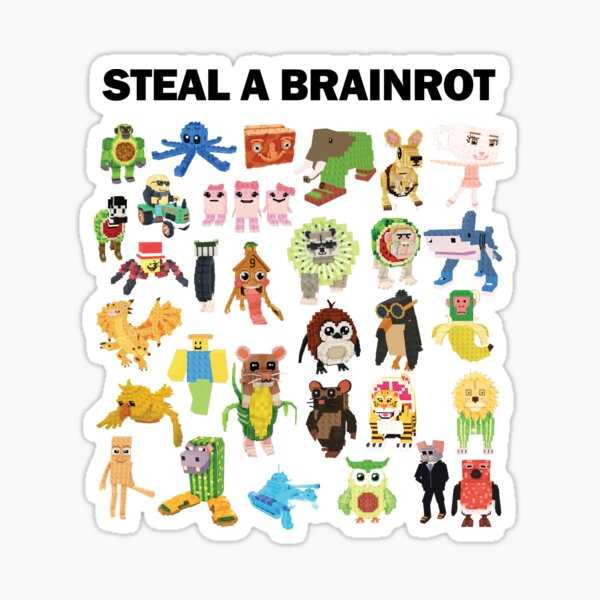
For a quick and easy way to add personality to your belongings, use digital designs that can be printed on adhesive paper. Whether it’s for your laptop, phone case, or notebooks, these decorative elements offer a fun and personal touch. Start by selecting images that match your interests or favorite characters for an instant customization boost.
Look for high-quality files online that are easy to download and print. Many sources offer free options that require no special software–just your printer and adhesive paper. Once you have the images, make sure to adjust the size based on your items to ensure a proper fit.
For the best results, print on durable sticker paper, which will hold up to wear and tear. After printing, carefully cut around the edges of your designs and apply them to the desired surfaces. You can also laminate the designs for extra protection, ensuring they last even longer.
Decorating with Fun Digital Designs
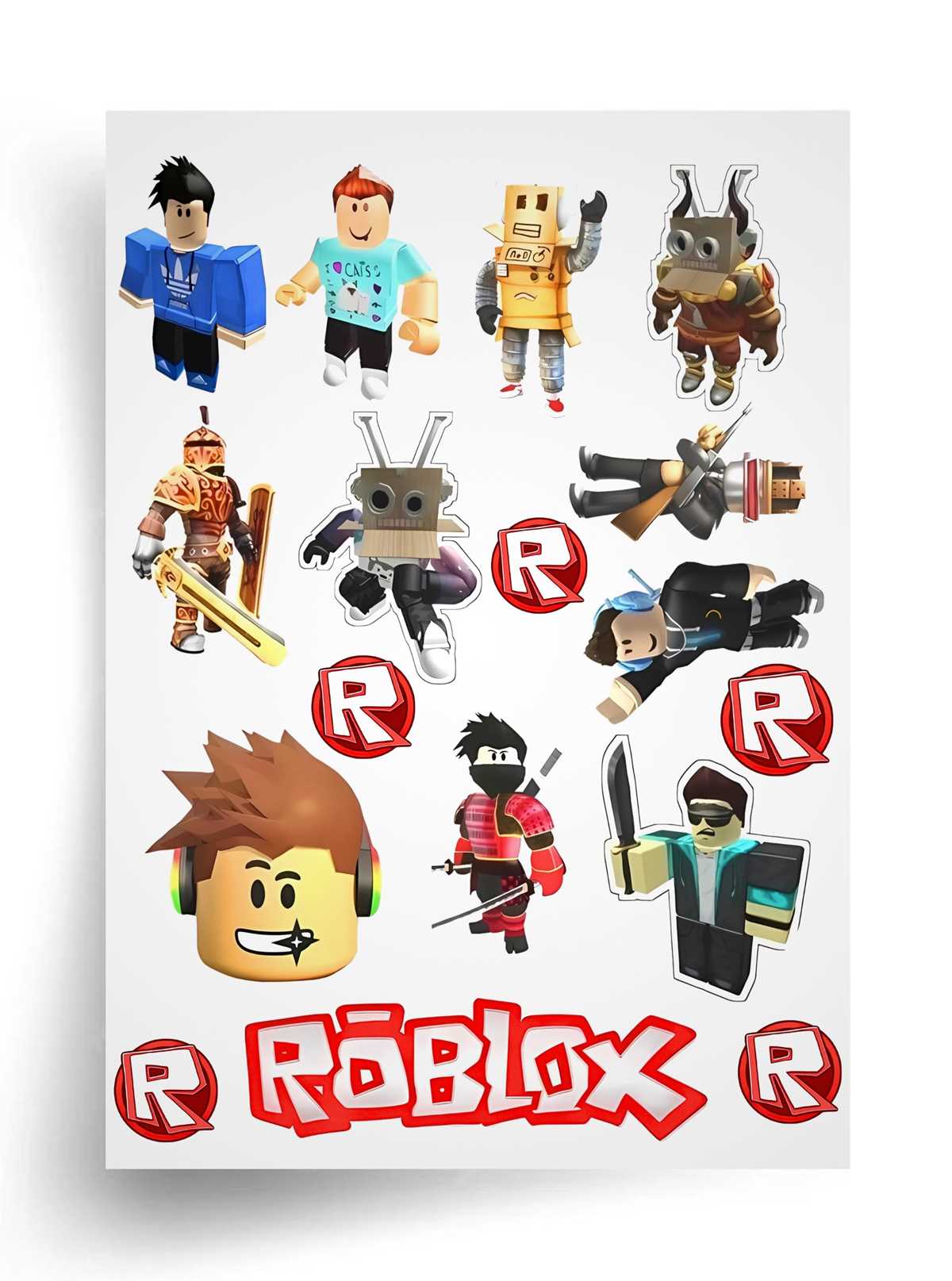
Choose high-resolution images that match your personal style or favorite themes. You can find these designs online or create your own using graphic design tools. For a sharp, clear result, ensure the images are large enough to retain detail when printed. Small files can lose quality and appear blurry when scaled up.
Once you’ve selected your designs, print them on adhesive-backed paper. Make sure to adjust the print settings on your printer for the best quality–use the highest print resolution available to capture all the details of your images. Matte or glossy paper options both work well depending on the finish you want for your designs.
After printing, carefully cut around the designs. A paper cutter or craft knife will give you cleaner, more precise edges than scissors. If your design has intricate details, a fine-tip blade will make the process easier. Always take your time to ensure clean cuts to avoid frayed edges.
If you’re planning to use these designs on items that get frequent use, like water bottles or phones, consider laminating them. This extra layer helps protect the images from scratches and moisture. You can laminate them yourself or use self-adhesive laminate sheets for an easy, cost-effective solution.
When applying your designs to surfaces, clean the area first to ensure there’s no dust or oil that could affect adhesion. For best results, start at one edge and slowly press the design down, smoothing out any air bubbles as you go. If you’re working with larger designs, use a credit card or similar tool to gently push out bubbles.
Another option is using your images for scrapbooking or journaling. This allows for more creative freedom, where you can arrange multiple designs in unique ways. Adding these visuals to a scrapbook can make it more personal, reflecting your interests and the things you love.
If you plan to sell or trade your designs, make sure to check for copyright restrictions on images before distributing them. There are many free and royalty-free resources available that allow for commercial use, but always verify before sharing or selling printed materials.
Lastly, keep your designs organized. Store unused printed materials flat in a safe, dry place to prevent wrinkles or damage. Keeping your images in a portfolio or folder will help maintain their quality until you’re ready to use them.
How to Find and Download Free Designs
To find free designs for personal use, start by searching on websites that offer royalty-free graphics. Platforms like Freepik, Pexels, or Unsplash provide high-quality images that you can download without any cost. Filter the search results by license type to ensure the designs are free for personal use. Additionally, check user-generated content on community platforms where creators share their work.
When downloading, pay attention to the file format. Most platforms offer PNG or JPEG formats, which are ideal for printing. For the best results, choose high-resolution files to ensure the images remain sharp and clear when transferred onto your materials. Always respect usage guidelines or attribution requirements specified by the creator.