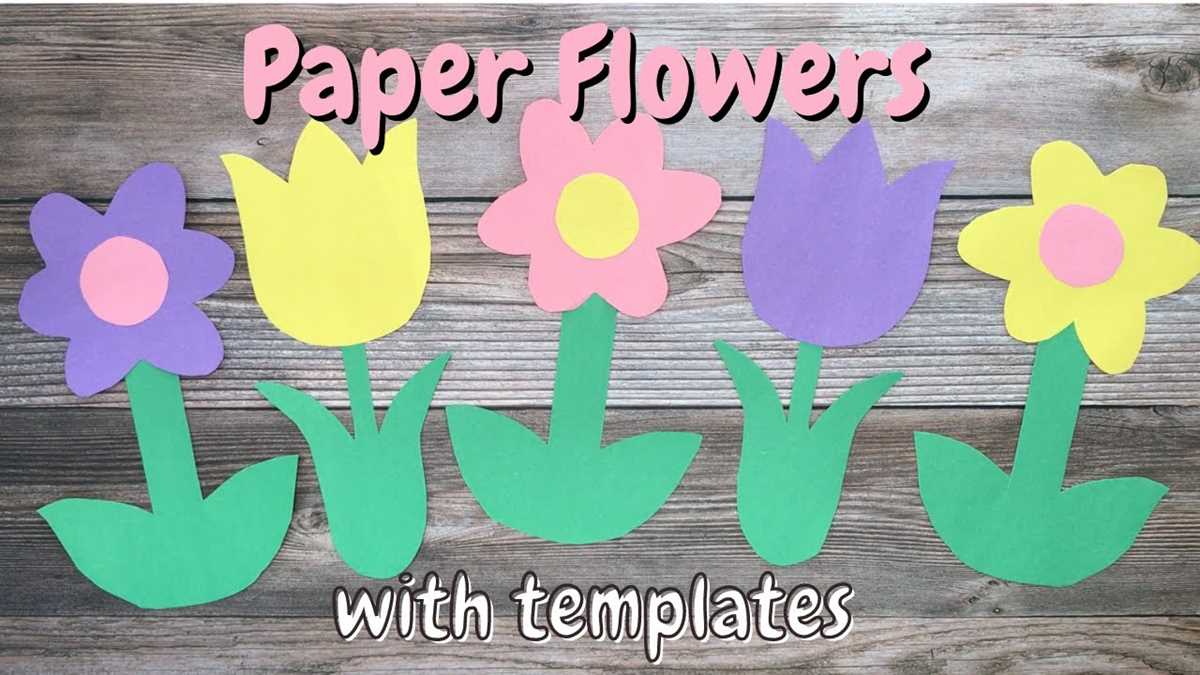
To create your own floral design for projects, start by choosing a template that can be easily modified to fit your needs. Many online resources offer free options with customizable elements such as size, shape, and color. You can select a pre-made design or create your own from scratch using simple design tools.
Once you’ve chosen a template, adjust the layout to match your project’s theme. For example, if you’re making greeting cards, select a smaller, delicate pattern. For larger projects like wall art, opt for a more intricate design with bold colors. It’s important to ensure the design works well with the medium you plan to use–whether it’s paper, fabric, or digital formats.
Tip: To make the process easier, use design software like Adobe Illustrator or free online tools such as Canva. These platforms allow you to resize, modify, and add your personal touch to the template before printing or using it in your craft.
Creating a Floral Template for Your Projects
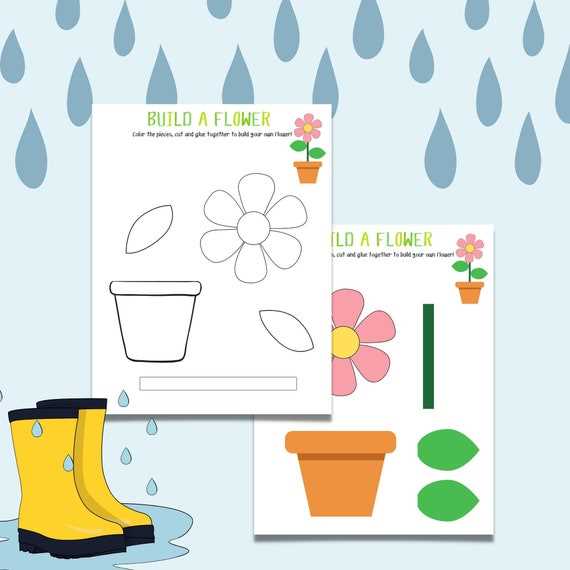
Start by selecting a suitable design software or tool, such as Adobe Illustrator, Inkscape, or free online platforms like Canva. These tools provide a variety of templates and allow for easy customization. Choose a design that fits your project scale, whether you’re making small decorations or larger display pieces.
Modify the chosen design by adjusting the size, shape, and color of the elements to match your specific project needs. You can choose to add or remove petals, change the color palette, or even combine different flower shapes to create something unique. Make sure the design aligns with the overall style of your event or craft.
- Use vector designs for scalability, ensuring your template remains clear and sharp regardless of size.
- Experiment with colors to create mood. Soft pastels may work well for a wedding, while bright, bold colors might suit a children’s craft project.
- Adjust the symmetry of the design if you want a more artistic, freeform look or opt for a structured, repeating pattern.
Once the design is finalized, it’s time to print it on your chosen material. For paper projects, card stock works well, providing durability while being easy to cut. For fabric crafts, transfer paper can be used to print and then iron onto fabric. Ensure you choose the correct print settings for the material you’re using to avoid misprints or distorted designs.
After printing, you can cut out the template, use it as a stencil, or even create a 3D piece by layering multiple designs. The possibilities are endless depending on your project, and you can easily adapt the printable for different uses, from greeting cards to home decor pieces.
Choosing the Right Template for Your Floral Design
First, consider the scale of your project. If you’re creating small elements like greeting cards or party favors, opt for a template with smaller, simpler designs. If you’re designing a large piece, such as wall art or table centerpieces, select a more intricate design with larger elements that can fill the space effectively.
The complexity of the design should align with your skill level and the tools you’re using. For beginners, choose templates with clear, bold lines and fewer details. More advanced users can experiment with delicate patterns and more complex shapes. Keep in mind that intricate designs may require more precise cutting or printing adjustments.
- For beginners, choose simple outlines or abstract shapes that are easy to print and cut.
- For more experienced crafters, go for designs that include shading, layers, and detailed textures.
- Ensure the template suits your crafting tools, such as scissors, cutting machines, or digital software.
Next, think about the style and color scheme of your project. If your theme is modern and minimalistic, look for sleek, geometric shapes. For a more traditional or romantic look, choose templates with curved, flowing lines and soft details. The template should complement the color palette you’re working with–some designs might look better in muted tones, while others pop with bold colors.
Lastly, ensure the template is flexible for your needs. Some templates allow you to adjust elements like petal shapes, sizes, or even add custom details. Choose a template that offers the freedom to adapt to your specific vision, allowing you to personalize the design as needed.