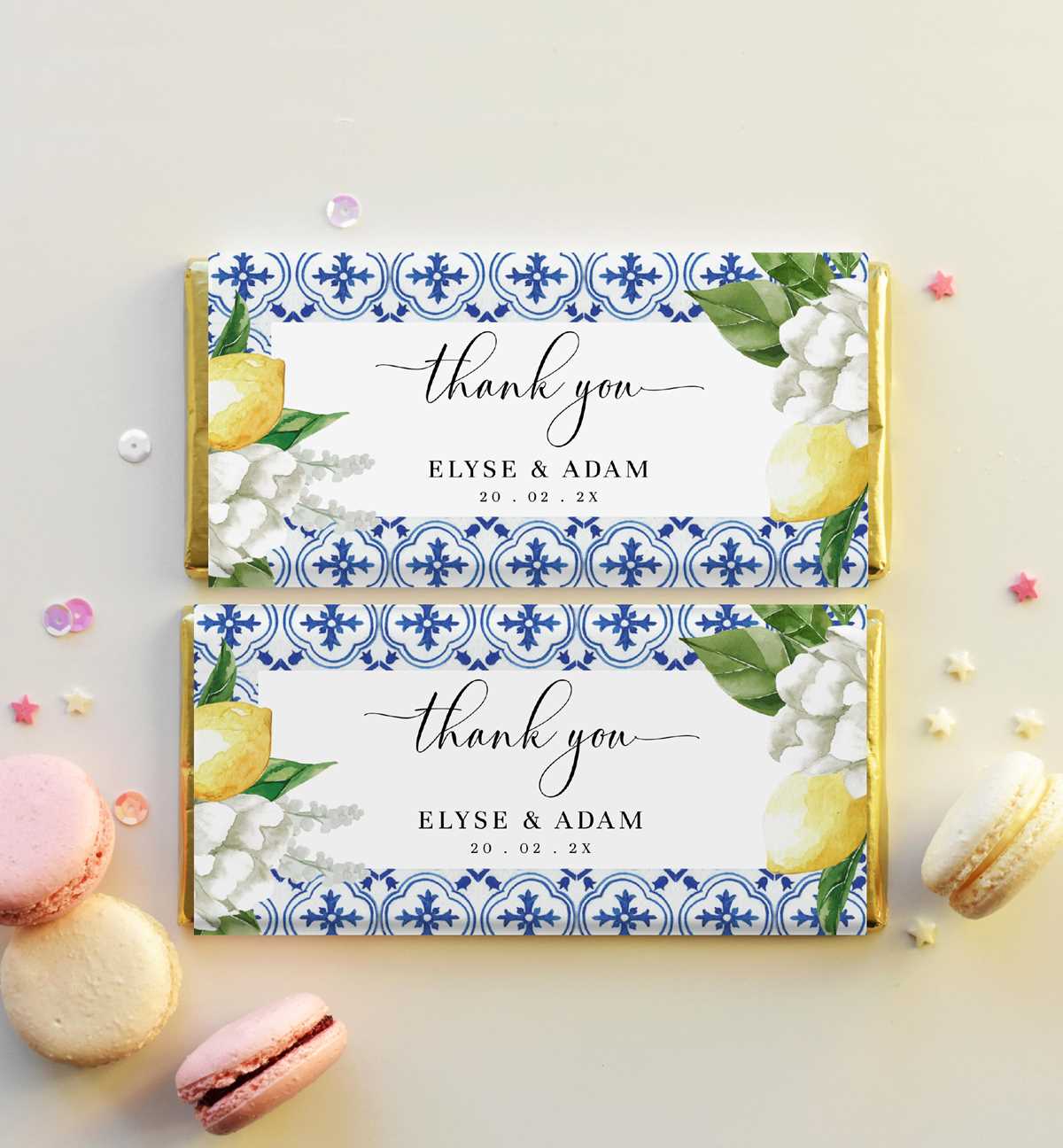
Measure the candy slab precisely before designing the cover; standard sizes such as 1.55 oz (approximately 5.5 x 2.25 inches) require a paper sleeve about 5.7 x 5.5 inches to allow overlap and secure folding. Always print a test copy on plain paper and wrap it around the sweet to confirm alignment before using decorative stock.
Use PDF templates set at 300 DPI to maintain sharp text and graphics, and select US Letter or A4 format that matches your printer settings. Disable scaling options like “fit to page” to prevent distortion of logos, names, or event dates.
Choose paper between 100–120 gsm for easy folding without tearing, and apply double-sided tape along the inner seam for a clean finish. Avoid liquid glue, as moisture can cause rippling and stain the outer layer.
Store digital designs in folders labeled by occasion–birthdays, weddings, holidays–to speed up customization and reprints for future celebrations.
Chocolate Bar Wrappers Printable
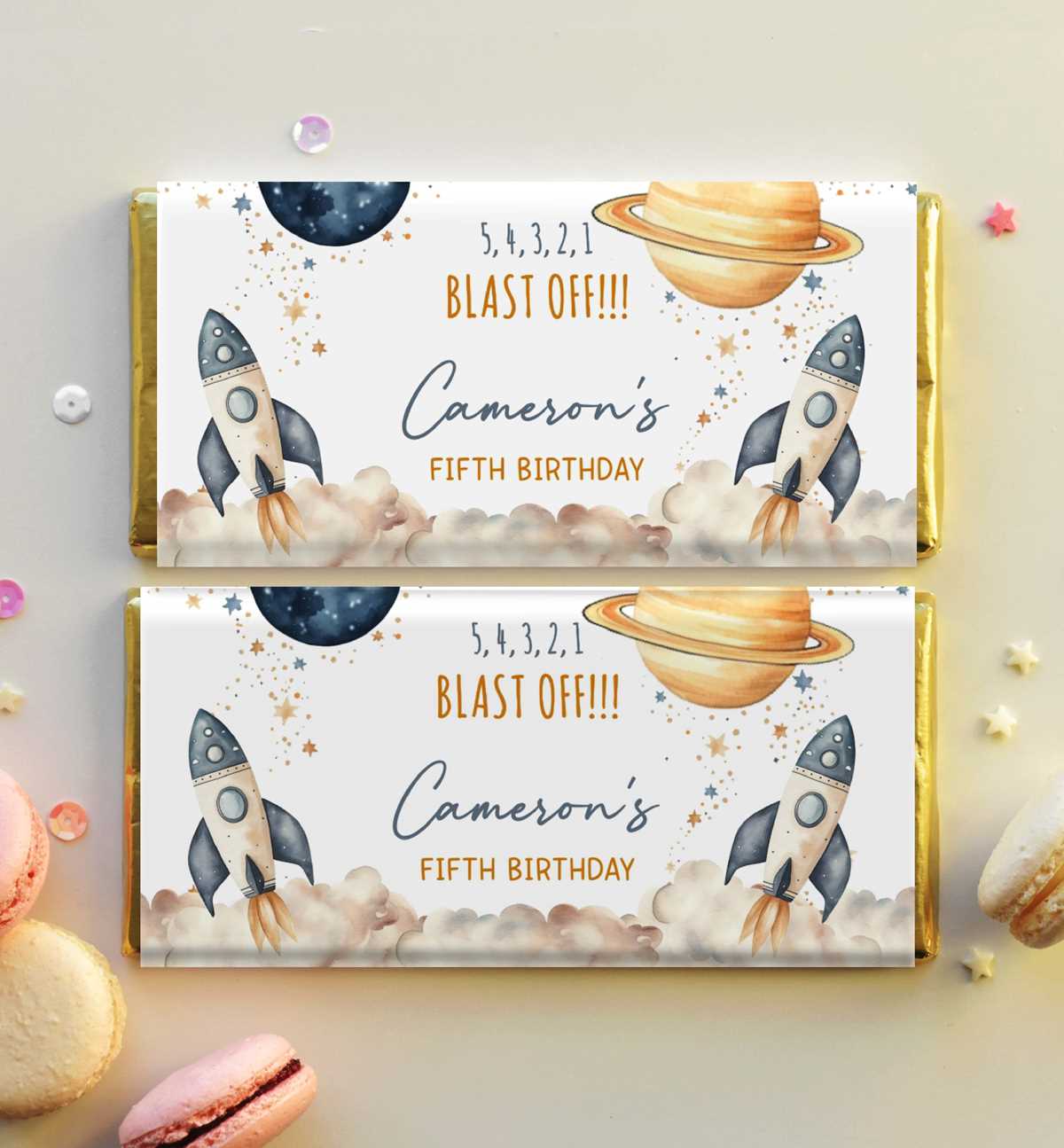
Download a high-resolution template sized to your candy slab–common retail sizes include 1.55 oz (5.5 x 2.25 in), 3.5 oz (6.9 x 3.1 in), and 7 oz (7.5 x 3.5 in). Set the document to 300 DPI, CMYK color mode for home inkjet or laser devices, and add a 0.125-inch bleed on each side to prevent white edges after trimming.
Adjust layout settings before sending the file to your printer:
- Disable “fit to page” or automatic scaling.
- Select actual size or 100% scale.
- Choose heavy paper or cardstock mode for thicker sheets (100–120 gsm).
- Print one draft on standard copy paper to verify fold lines.
Trim using a metal ruler and craft knife for straight edges; scissors may cause uneven borders. Leave a 0.25-inch overlap flap along the back seam. Secure with double-sided adhesive tape placed vertically near the edge rather than across the full width to avoid bulk. Keep glue away from foil to prevent staining.
For personalization, insert editable text fields with recipient names, event dates, or short messages limited to 20–30 characters for readability. Recommended font size ranges from 14–18 pt for names and 9–11 pt for secondary details. Use high-contrast color combinations such as dark navy on light cream or deep burgundy on pale pink for clarity under indoor lighting.
Store finished designs in labeled folders by occasion and size category to simplify reorders. Maintain a spreadsheet listing dimensions, paper type, and printer settings used for each batch; this record reduces rework and ensures consistent results across multiple celebrations.
How to Measure Candy Bars for Custom Wrapper Templates
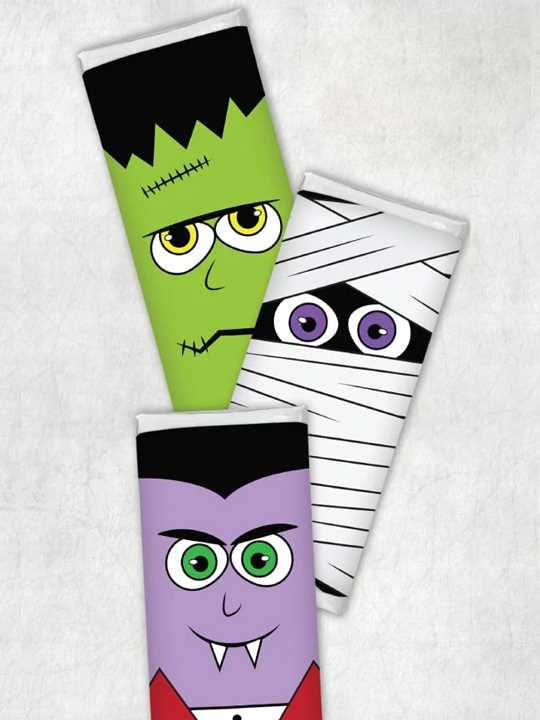
Use a rigid ruler and measure the confection on a flat surface, recording length, width, and thickness in inches or millimeters. Standard 1.55 oz pieces average 5.5 x 2.25 x 0.3 inches, but variations between brands can reach 2–4 mm, which affects fold alignment.
Add 0.25 inches to the total length for a rear overlap flap and include the full thickness twice when calculating total cover width: width + thickness + width + thickness. This formula ensures the paper sleeve wraps cleanly around all sides without tension or gaps.
Mark fold lines based on measured panels. For example, if the front face is 2.25 inches and thickness is 0.3 inches, set guides at 2.25 in, 2.55 in, 4.8 in, and 5.1 in across the layout. Use design software rulers and snap-to-grid tools for precise placement.
Print a draft on plain 80 gsm paper and wrap it around the sweet block to test alignment. Check that corners meet evenly and that graphics do not cross fold edges unless intentionally designed as a continuous pattern.
Record final adjusted dimensions in a spreadsheet, including brand name, net weight, and measured tolerances. This reference file reduces repeated measuring and keeps sizing consistent for future batches.