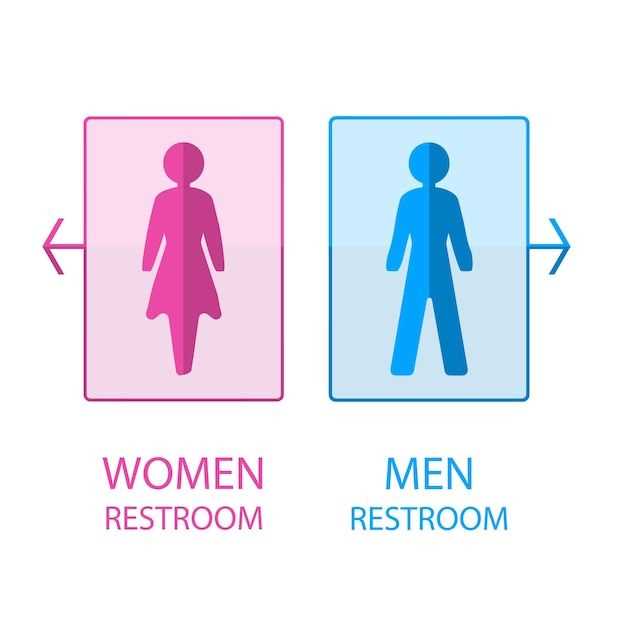
If you need a simple yet effective way to label restrooms, designing your own graphic indicators is an ideal solution. Use software like Canva or Adobe Illustrator to create clear, eye-catching images that communicate the necessary information in a professional manner. Stick to basic colors and simple shapes to avoid any confusion.
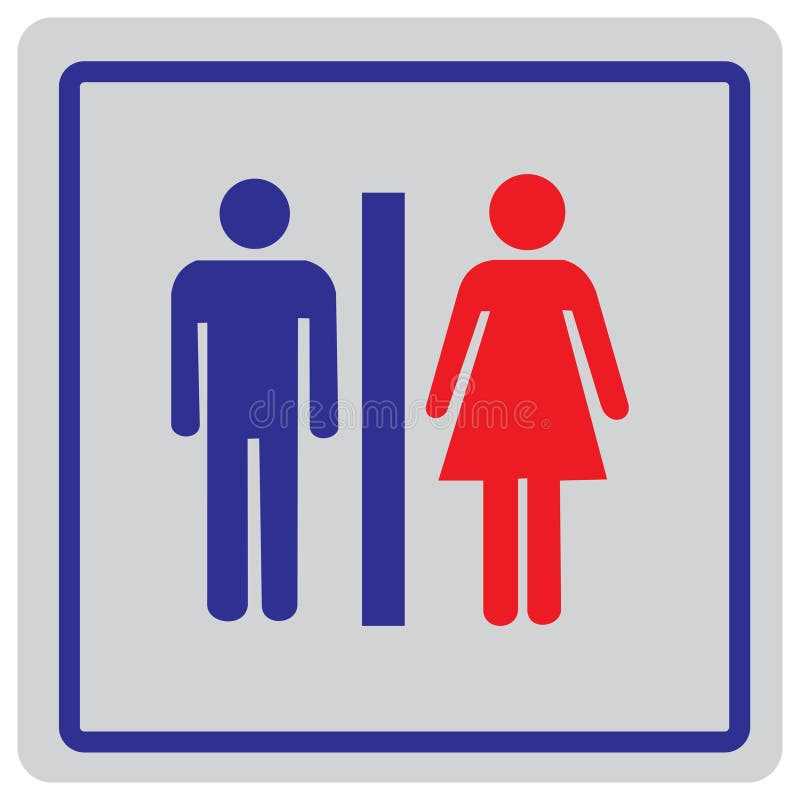
When selecting a format for your printout, vector files like SVG or PDF ensure that the graphics remain crisp and scalable, no matter the size. A resolution of 300 dpi is a good standard for high-quality prints. Choose dimensions that suit the space where they will be displayed, typically around 8.5 x 11 inches for standard paper or larger if needed.
Many free online resources offer templates that can be easily customized. Websites like Freepik or Vecteezy allow you to download pre-designed layouts and adjust them according to your needs. Consider adjusting the color schemes to match your interior design or brand guidelines.
Creating Clear Restroom Labels for Men and Women
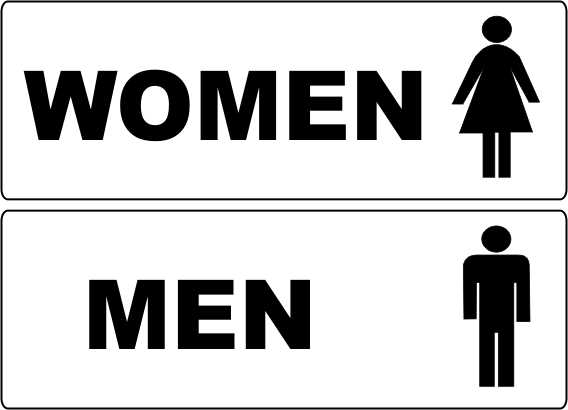
To ensure easy recognition, keep your restroom labels simple yet distinct. Use widely recognized symbols such as silhouettes to represent each gender. Opt for black and white or neutral tones to maintain clarity, avoiding unnecessary colors that might cause confusion. If you want to add a creative touch, you can experiment with shapes, such as circles or squares, to give the graphics a modern look. Ensure the dimensions are large enough to be seen from a distance, typically at least 5 inches in height for visibility.
For printing, save your labels in high-quality formats such as SVG or PDF. These formats preserve the design integrity at any size, whether you print on standard paper or larger materials like vinyl for durability. If you’re planning to create multiple versions, consider customizing the icons based on your venue’s aesthetic or branding to make the restroom areas align with the overall decor.
How to Create Custom Printable Restroom Labels for Your Restroom
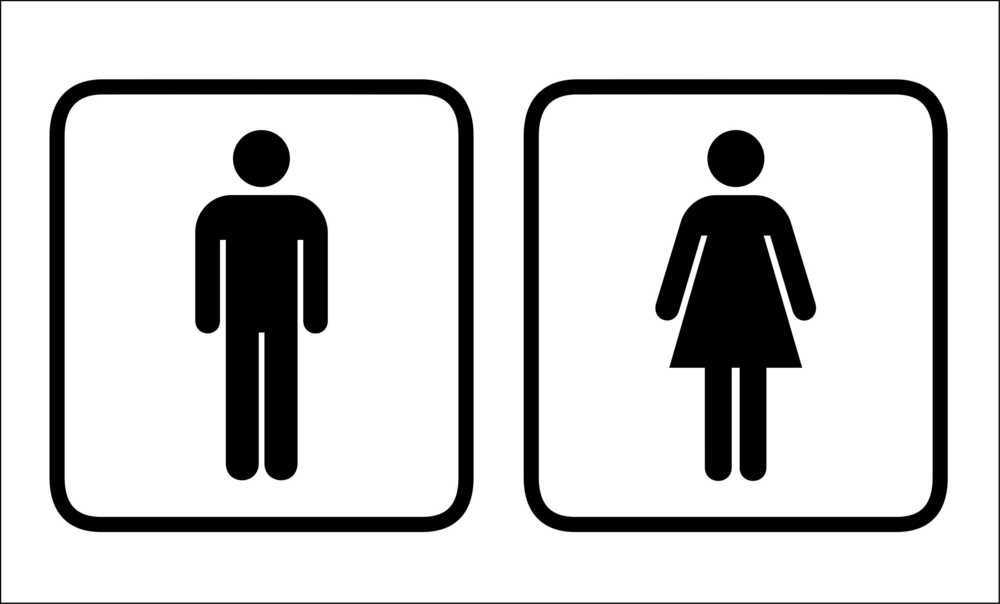
Start by choosing a design tool, such as Adobe Illustrator or Canva, that allows you to create clear, scalable images. Select basic shapes and colors to ensure the symbols are easily recognizable. Keep the graphic clean, using simple icons or silhouettes to represent the two different spaces. This will avoid unnecessary complexity and help in creating a straightforward visual cue.
Next, set the correct dimensions for your labels. A standard size of 8.5 x 11 inches is typical, but if you need larger visuals for better visibility, adjust accordingly. If printing on smaller paper, ensure that the icons remain clear and readable. Try to keep the symbol size at least 5 inches high, especially for larger spaces where visibility is key.
When it comes to colors, black and white provide the most contrast, but you can also incorporate colors that match your venue’s design scheme. Just ensure that the icons stand out and are easy to identify. Using simple, high-contrast backgrounds will make sure the symbols are clear at a distance.
Save your final design in a vector format such as SVG or PDF. These formats will maintain the image quality, no matter the size. If you need to resize for different printing options, such as smaller stickers or larger vinyl graphics, vector files will ensure the icons remain sharp and clear.
Finally, print your labels using high-quality paper or a more durable material like vinyl, depending on the intended location. For indoor areas, regular paper will suffice, but for outdoor or high-traffic spaces, vinyl is a better choice for longevity. Once printed, simply cut and mount the labels at eye level for easy recognition.