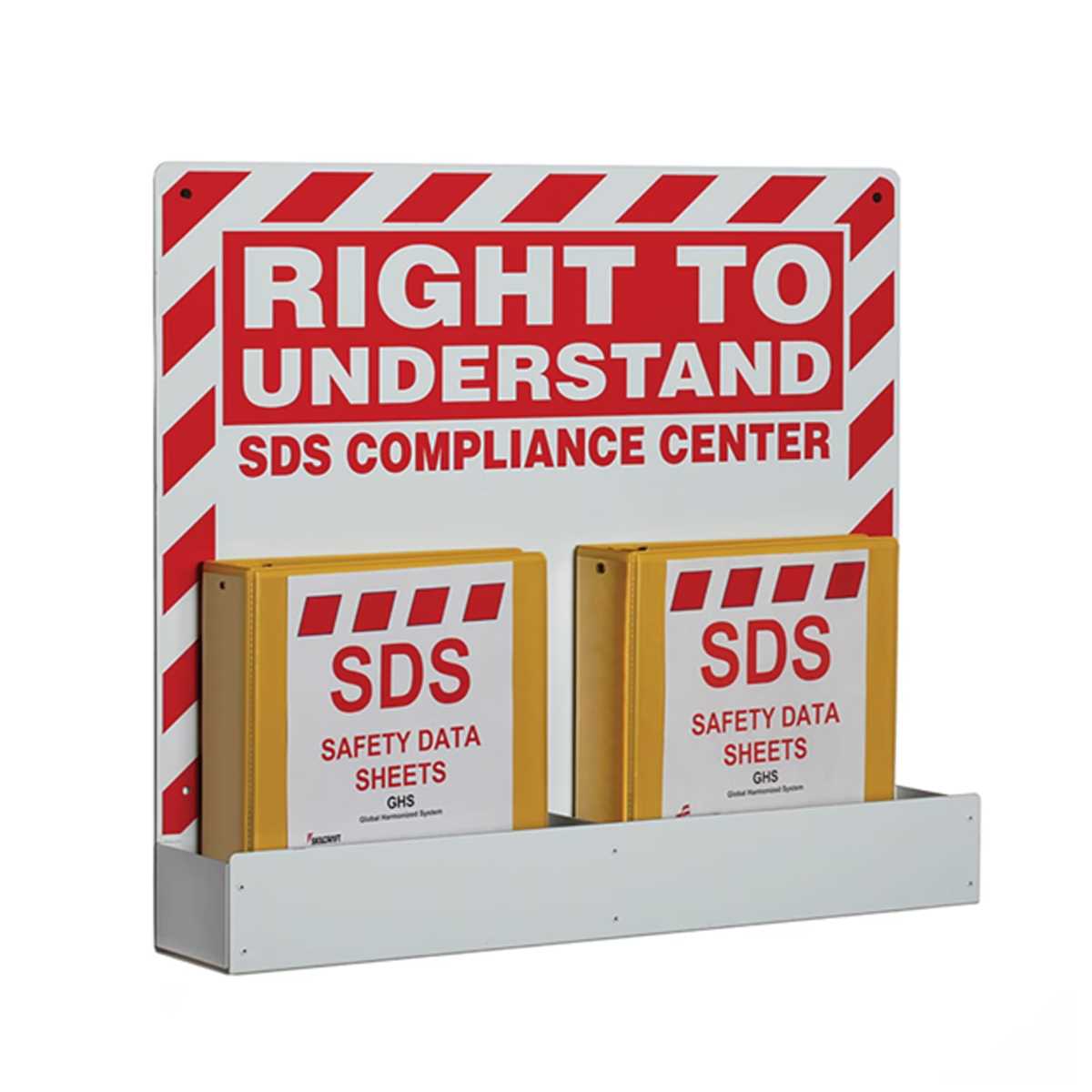
Customize your organization system for hazardous material records by using personalized templates for labeling. Whether it’s for workplace compliance or ease of access, clear and consistent identifiers are a must. Choose a format that accommodates your filing style and supports easy retrieval of critical information.
Be sure to print clear and precise tags that feature essential details, such as chemical names, hazard symbols, handling instructions, and emergency contacts. This minimizes confusion and ensures a fast response in case of an emergency. Tailor the design to suit your organizational system, opting for bold titles and an intuitive structure for each entry.
Consider using durable materials that stand up to wear and tear in busy environments. Laminated options or thick paper will provide longevity, preserving legibility even in harsh conditions. Include fields for both visual and textual information to create an easy-to-read guide for everyone involved in safety operations.
Organizing Chemical Information Sheets for Quick Access
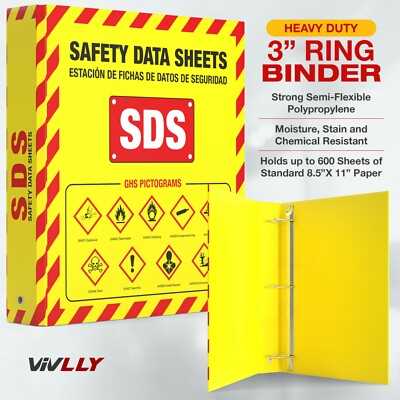
Label your folders clearly with specific categories to enhance sorting. Separate materials by their hazard classifications, such as flammable, corrosive, or toxic. This allows anyone accessing the records to instantly identify the relevant section, reducing time spent looking for important information.
Choose a bold, easy-to-read font for titles. It’s best to use large, contrasting lettering so that the folder’s contents are instantly recognizable. This is especially important in fast-paced environments where immediate access to critical records is necessary.
For clear labeling, include space for the material’s name, hazard level, and the storage location on the front page. These details are helpful during emergencies when you need to quickly identify the material without flipping through extensive paperwork.
- Use waterproof or laminated paper to increase durability of your labels, ensuring they last over time and withstand potential spills or accidents.
- Choose high-quality adhesive labels to avoid peeling or fading, particularly in high-moisture or high-traffic areas.
Consider incorporating a color-coding system to further streamline identification. Assign a color for each hazard class or urgency level. This allows anyone working with the sheets to quickly locate the correct information based on visual cues alone, further optimizing response times in critical situations.
Choosing the Right Design for Your Safety Documentation Folder
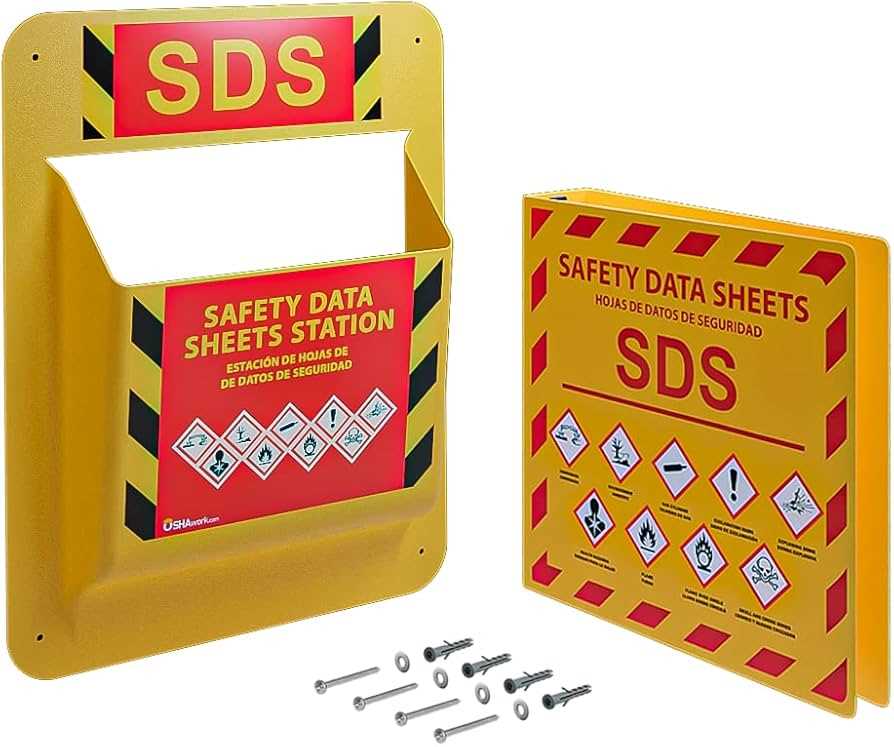
Select a format that is easy to identify and aligns with your organizational needs. A bold and readable label ensures clarity. Avoid cluttered graphics that distract from the main information. A clean, minimalistic design with a simple title will work well in most work environments.
Ensure the text is large enough to be legible from a distance. Choose a font that is both professional and clear, such as Arial or Helvetica. The font size should be consistent and easy to read in low-light conditions.
Color choices are important for both visibility and organization. Stick to contrasting colors to make titles and sections stand out. For example, black text on a white background offers high readability. Avoid using too many different colors, as it can create a chaotic look.
If the binder is part of a larger filing system, consider using a color code to group related materials. Color-coding enhances organization and reduces the time spent searching for specific documents. This is particularly useful in environments with multiple types of records.
Incorporate the company logo for branding purposes, but don’t overdo it. The logo should be subtle and not overpower the title or main message. It is a nice touch for corporate environments but should not distract from the key information.
For added functionality, consider including a section for additional notes or reference information. A small space dedicated to supplementary content can improve the binder’s usability, especially in workplaces where new documents may need to be added over time.
Make sure the design allows for easy customization. Whether you are creating one or multiple copies, the ability to adapt the template for specific needs is helpful. Design your folder with flexibility in mind, so it can evolve with the company’s future requirements.
Lastly, check that your design is compatible with the intended printing process. Make sure the layout and images are optimized for printing, ensuring that the final product looks professional and polished, with no misalignments or cuts off text.