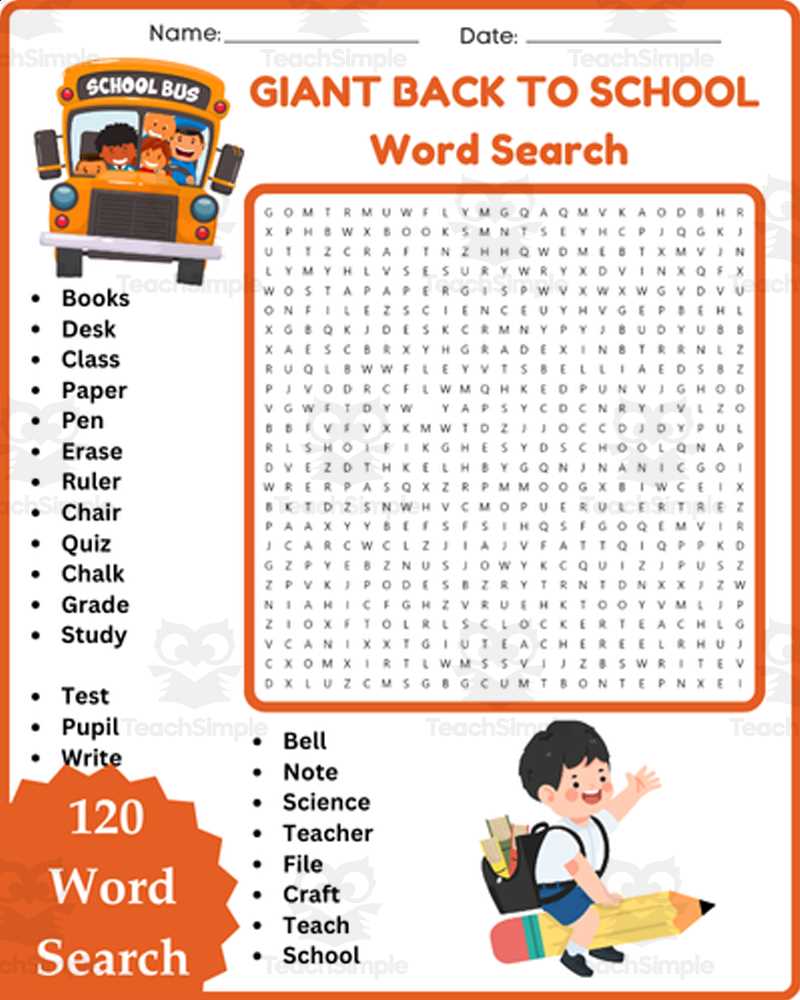
Download a themed letter grid in PDF format sized for US Letter or A4 and limit the term list to 12–18 items for grades 1–3 or 18–25 items for grades 4–6. Choose horizontal and vertical placement for younger learners; add diagonal and reverse directions for older groups. Keep the grid between 10×10 and 15×15 to balance challenge and completion time within 10–20 minutes.
Use a focused set of campus-related terms such as locker, notebook, cafeteria, homework, and schedule. Place longer entries first to avoid cramped layouts. Provide a separate solution page and keep margins at least 0.5 inches to prevent trimming issues during copying. Black-and-white files reduce ink usage and allow students to highlight findings with colored pencils.
For classroom management, print one copy per student plus two extras. Introduce the activity as a timed warm-up: 5 minutes silent scanning, 5 minutes peer check, 5 minutes whole-class review. Encourage learners to circle terms lightly and rewrite each found item in a sentence below the grid to reinforce spelling and context.
Back to School Word Search Printable
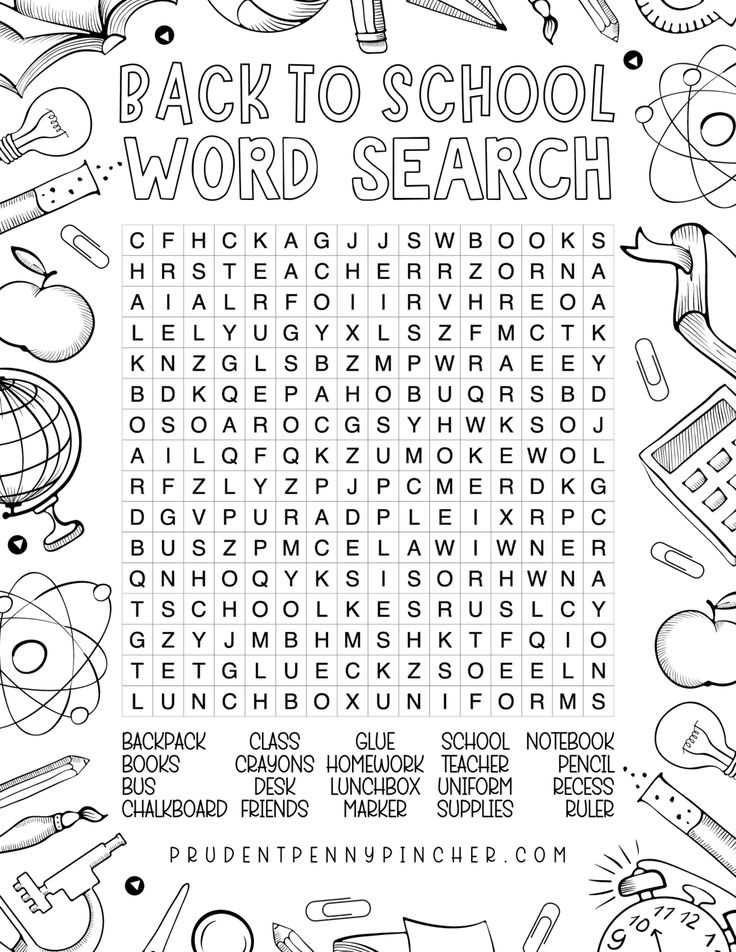
Choose a letter grid sized 12×12 for grades 2–4 and 15×15 for grades 5–7 to match reading level and available class time. Limit the term list to one theme such as classroom objects or daily routines, and cap it at 20 entries to keep completion within 15 minutes.
Select vocabulary with 4–10 letters and avoid rare abbreviations. Place longer terms first across horizontal lines, then fill vertical and diagonal positions to reduce accidental overlaps that confuse learners.
Provide clear instructions above the puzzle: circle each hidden term and cross it off the list below. Add a small note stating that letters may run forward, downward, or diagonally. This prevents repeated clarification questions during the activity.
Set margins to 0.5 inches and use a readable sans-serif font at 14–16 pt for the term list. Keep line spacing at 1.15 to prevent crowding. Black ink on white paper ensures sharp copies when reproduced 25–30 times.
Create a separate answer key with highlighted solutions and store it as a second page in the same PDF file. Label it clearly as “Solution” to avoid handing it out by mistake.
For differentiation, prepare two versions: one with only forward placement and another including reverse directions. Mark them discreetly in the footer so you can distribute by ability level without drawing attention.
Use the activity as a timed opener: 7 minutes individual work, 3 minutes pair check, 5 minutes group review. Ask students to write three of the located terms in complete sentences to reinforce spelling accuracy.
Archive the file with a clear name such as “Grade3_Classroom_Terms_12x12.pdf” and keep an editable template. This allows quick updates each term without rebuilding the layout from scratch.
Where to Find Free Printable PDFs and What to Check Before Downloading
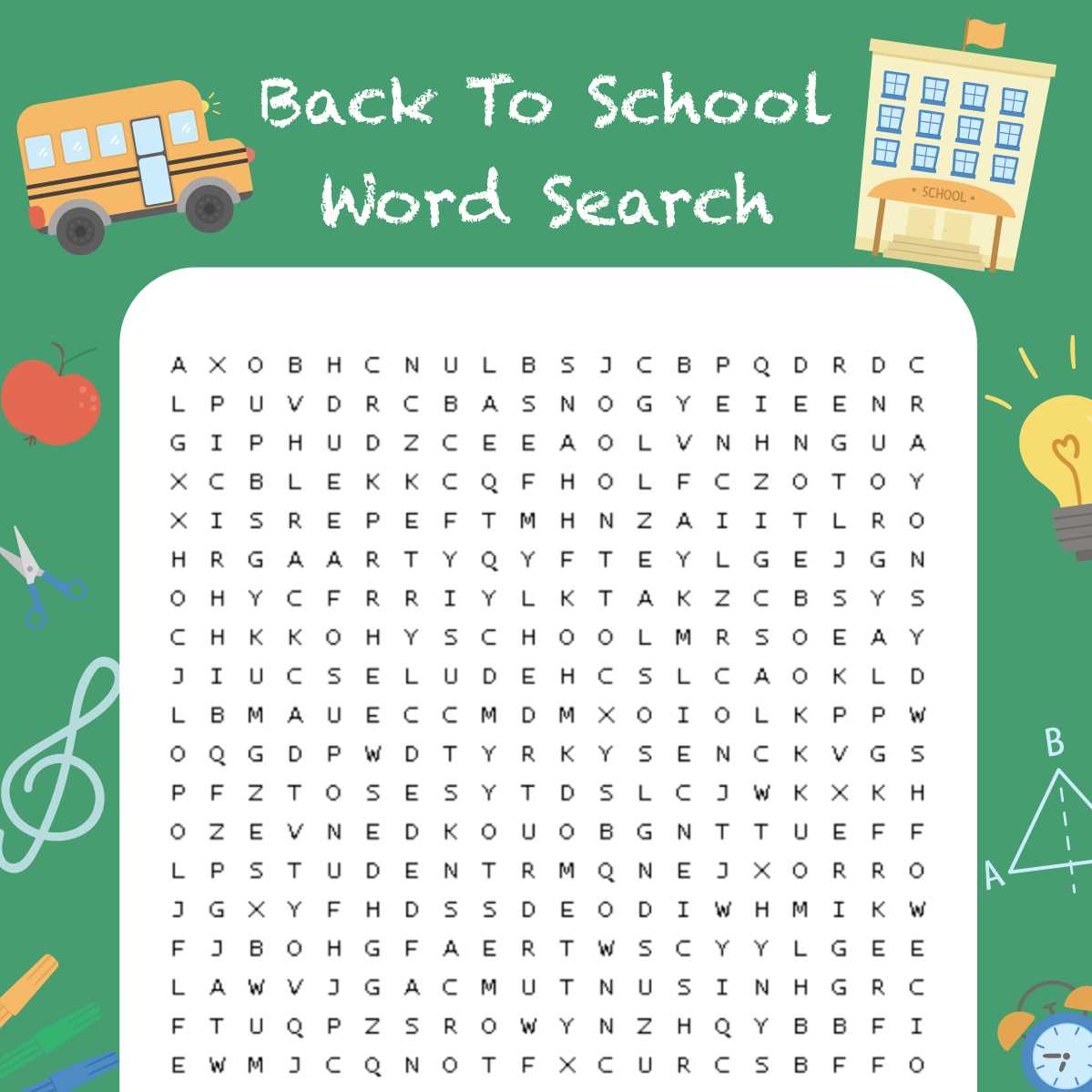
Use educational resource websites that categorize PDF activity sheets by grade and theme. Focus on platforms offering direct downloads without registration to save time and avoid unnecessary emails.
Verify file size and format before downloading. PDFs under 2 MB are easier to print in bulk and less likely to distort margins on standard printers. Ensure the file includes both the puzzle and a separate solution page.
Check copyright and usage terms. Select resources labeled for classroom or personal use to prevent violations. Avoid files marked for commercial distribution only.
Look for previews or thumbnails of the content. A visible sample page helps confirm that vocabulary level, grid size, and layout match the intended age group.
Test the download on one device first. Open the PDF in Adobe Reader or an alternative viewer to confirm fonts display correctly and no pages are missing or misaligned.
Inspect the layout for clarity: term list legibility, spacing between grid lines, and sufficient margins for hole-punching or binding. White background with black text reduces ink usage and improves readability for younger learners.
Bookmark reliable sources and maintain an organized folder structure by grade and theme. This simplifies future lesson preparation and allows quick access to previously verified files.