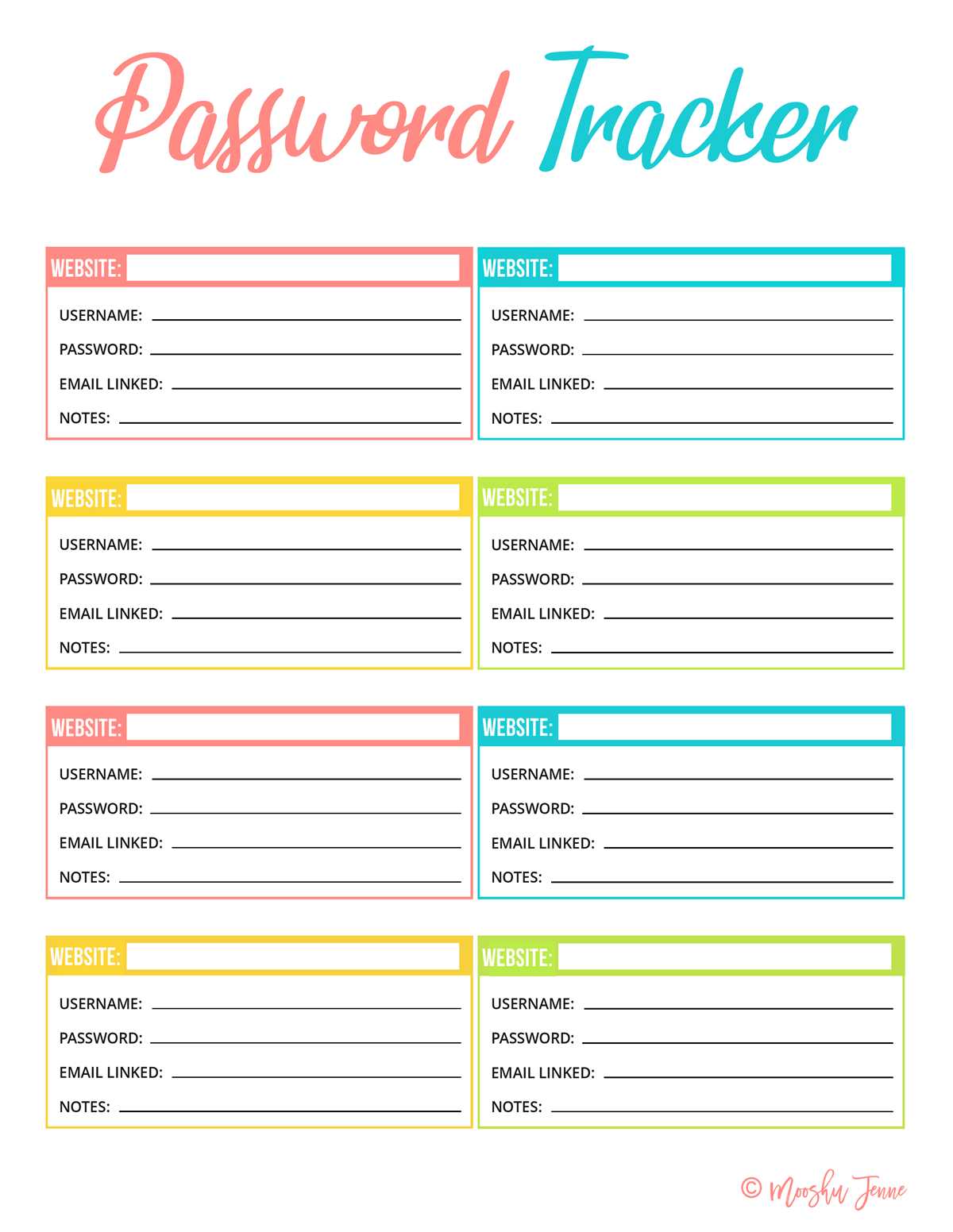
To keep your online accounts safe and organized, it’s a great idea to use a physical organizer that records all the necessary details in a secure and easily accessible format. Using a printed reference sheet to store login information allows you to keep track of your various accounts without the need to rely on a digital method that could be compromised.
Start by categorizing your entries based on the type of service, such as banking, social media, or email. Ensure that you are using a system that makes it easy to retrieve each entry when necessary. The organization of the document is crucial–using sections and categories will streamline the process of finding specific details quickly.
Remember to maintain privacy when handling your list. If you’re storing it physically, consider keeping it in a secure place, like a locked drawer or safe. Also, make sure that you are using strong, unique codes for each account to maximize security. Regularly updating your list is another good practice to keep things current and safe.
Password Management Guide for Physical Tracking
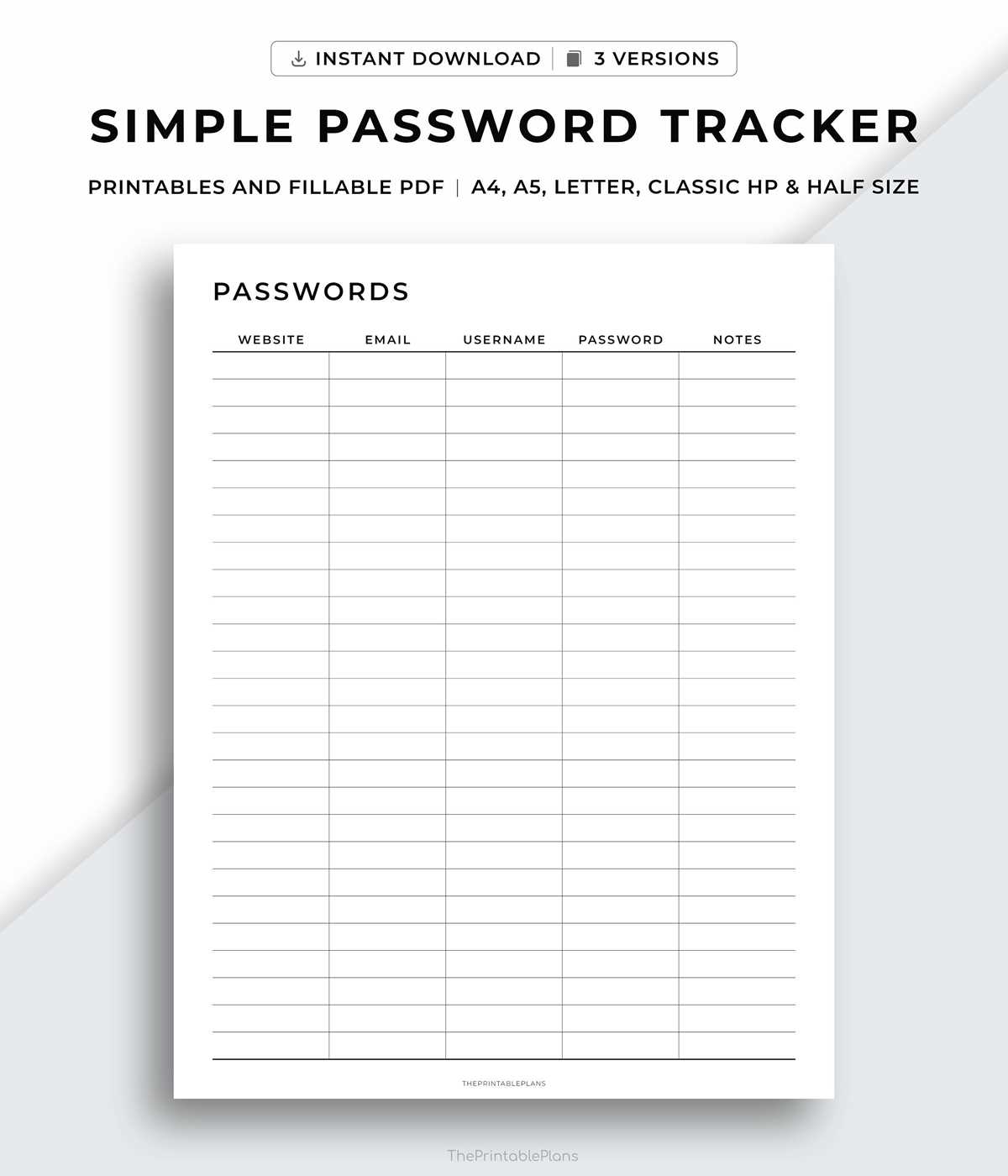
For anyone looking to keep their login details secure and easily accessible, a physical record is a practical solution. Start by choosing a durable format for your information. Opt for paper that can withstand wear or use a binder to keep everything organized. Each page should include sections for different categories, such as banking, social media, and emails. This way, finding the correct entry is quick and simple.
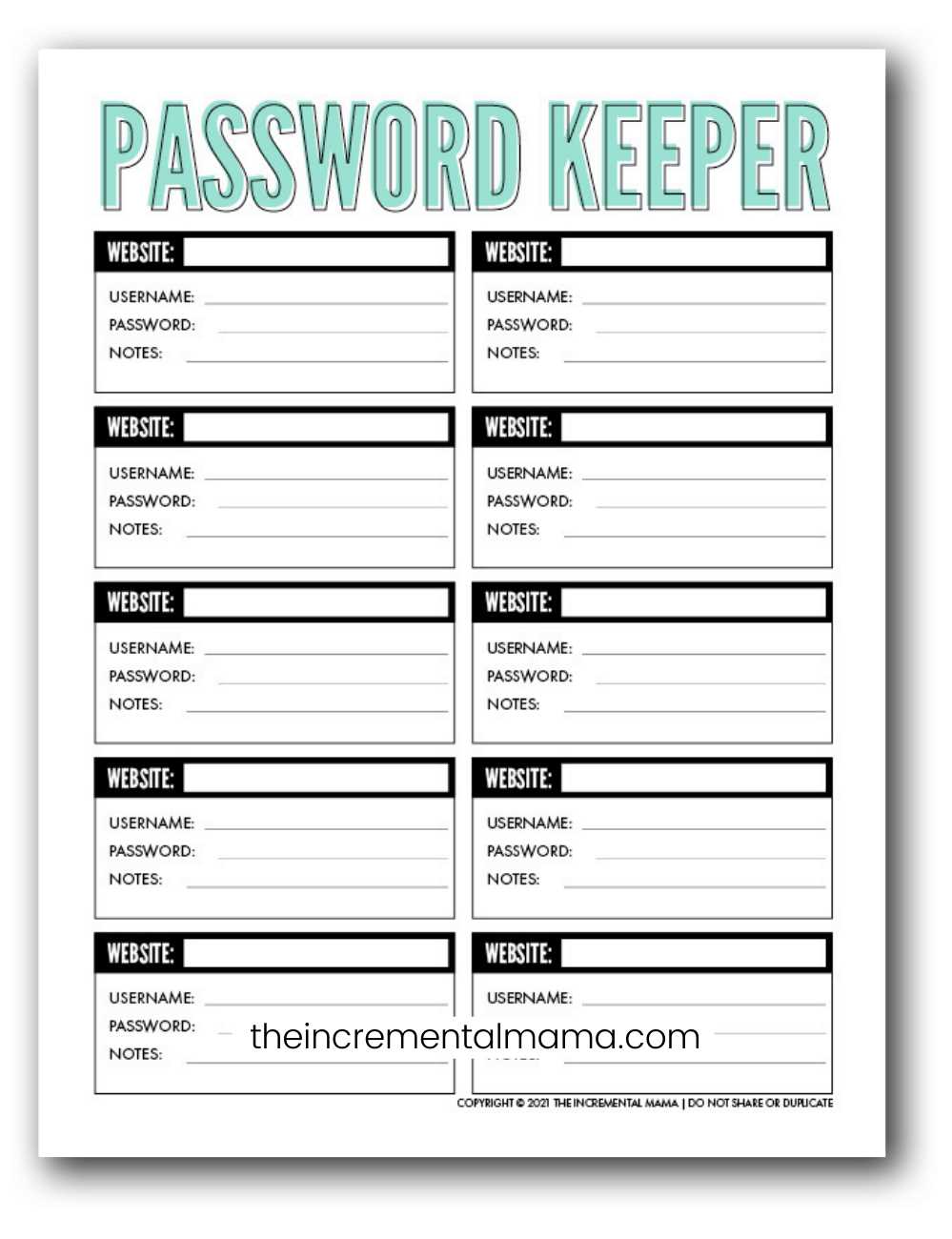
When you create your tracking method, make sure to include all the necessary fields, such as account names, usernames, and specific codes. Including the creation or last updated date can help you remember when to update details. Keep your list minimal by only including accounts you actively use. This reduces clutter and makes it easier to manage.
For added security, use a system that allows you to hide or encrypt certain sensitive information. You could include hints instead of direct entries for things like answers to security questions. In addition, having a backup method, like a separate document or an encrypted USB drive, ensures that you can still access your info if the paper sheet is lost or damaged.
Ensure that your document is stored securely. A locked drawer or safe is ideal. If you need to access the list frequently, try keeping it in a place that’s easy for you to reach but hard for others to find. Always be cautious about who sees or handles the document, as revealing too much could compromise your security.
Regularly review your document and remove any outdated or unnecessary entries. It’s important to keep only the information you need. You can also cross-check with your online security settings, ensuring that your recorded information matches what’s currently in use.
To keep your system working effectively, include a section for reminders. For instance, jot down when you change your codes or set a calendar reminder to update your information every few months. This is especially helpful if you have multiple accounts and don’t want to forget crucial updates.
After setting up your system, be mindful of any accidental sharing. If you’re using a printout, take care to ensure it’s not left in the open, and limit access to trusted individuals only. If you’re working with digital files for backup, make sure they are encrypted and stored in a secure location, separate from the print version.
Finally, review best practices for keeping information secure across all platforms. Utilize multi-factor authentication when possible and periodically check for unauthorized activity on your accounts. This extra step adds an additional layer of protection to both digital and physical tracking methods.
How to Organize Your Credentials with a Physical Log
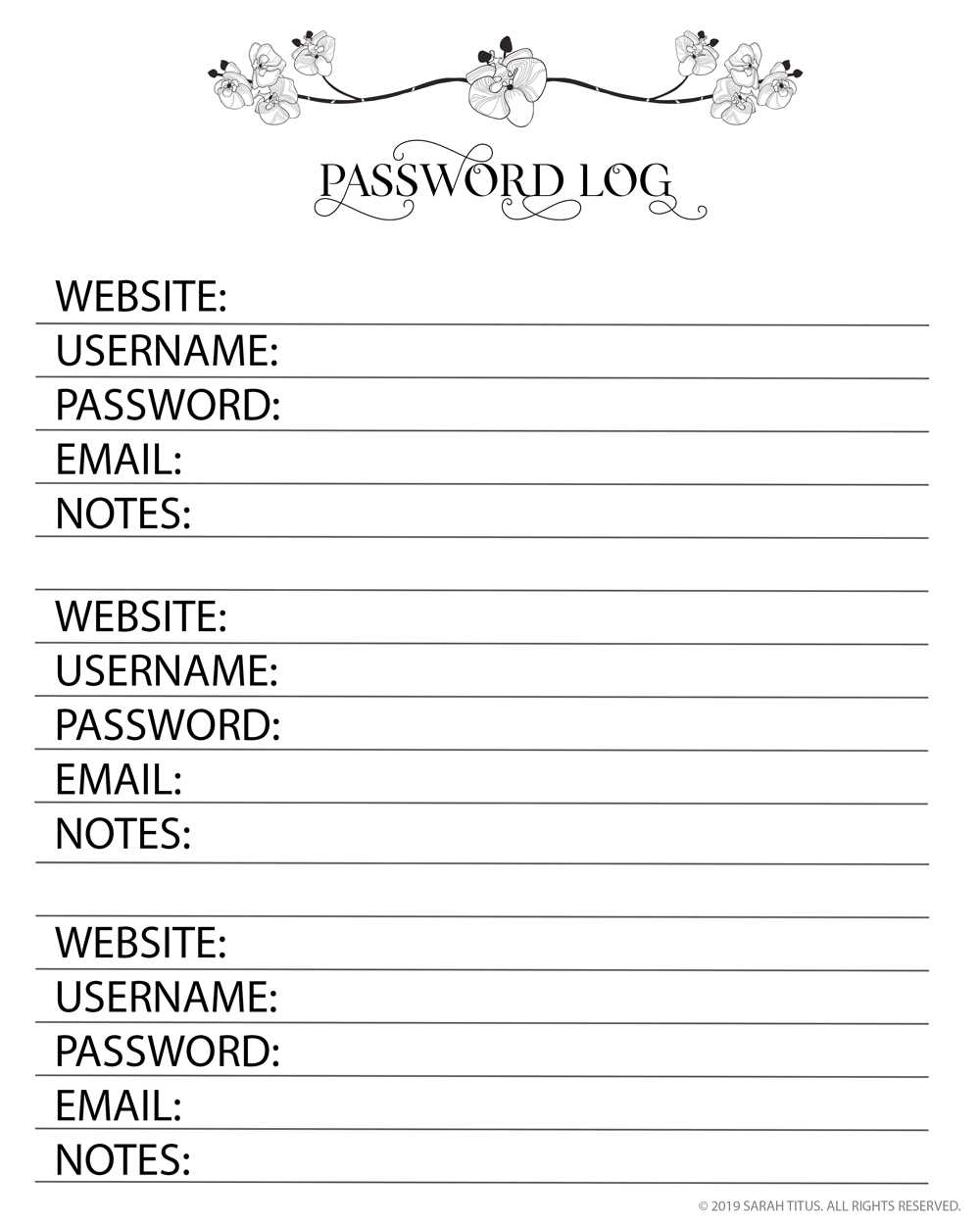
Start by dividing your log into categories based on the type of account. For example, create separate sections for banking, social media, work-related platforms, and other services. This organization makes it easier to locate the necessary details without having to sift through a jumbled list. You can use tabs or color-coding to distinguish these sections.
Each entry should include the name of the website or service, the username, and a specific code for accessing the account. It’s also helpful to include a section for security questions and answers if they are part of your login process. Be sure to leave some space for updates, as you will likely change codes over time.
For maximum security, avoid writing down the full credentials in a straightforward manner. Instead, consider using abbreviations or hints to help you recall your access information without exposing the full text. A mnemonic or shorthand system can be a great way to remember complex combinations.
Keep your log in a safe place, such as a locked drawer or file cabinet. If you frequently need to access the list, consider using a secure location that’s convenient for you but hard for others to discover. Ensure that only trusted individuals have access to it to prevent unauthorized use.
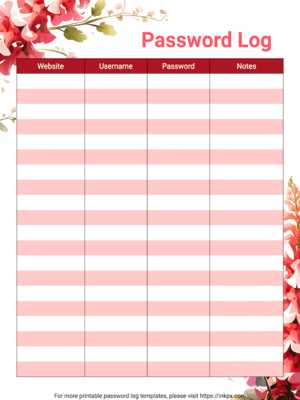
Periodically review and update your log. Remove old entries that are no longer relevant or have been superseded by updated details. Setting a reminder to do this every few months will help ensure your information stays current and that the log remains manageable.