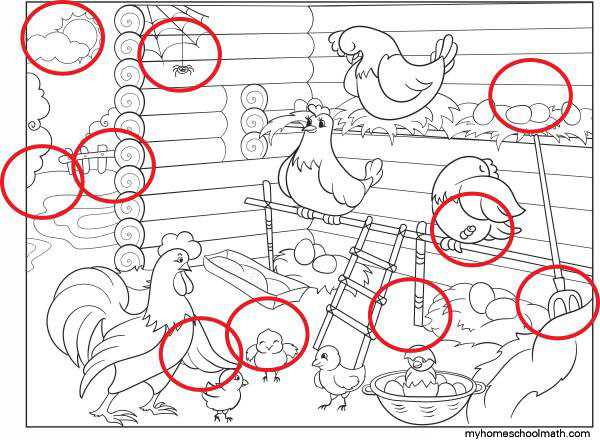
For a fun challenge, create or use puzzle sheets where the goal is to spot subtle changes between two seemingly identical images. These activities improve concentration and attention to detail, making them perfect for both children and adults. The best part is that you can easily print them out at home to engage your guests or family in a thrilling activity.
Start by selecting a theme for your puzzles. Whether it’s animals, nature, or holidays, aligning the theme with the interests of your audience makes the challenge more enjoyable. Simple images with fewer changes work well for beginners, while more complex designs offer a greater challenge for experienced players.
Choose the right size for your printouts. Standard letter-sized paper (8.5 x 11 inches) is ideal for most puzzles, but larger prints can add difficulty and make them easier to see from a distance. For a more interactive experience, try using a higher-quality paper for a smoother print and more vibrant details.
To ensure your game is visually engaging, focus on details like color contrast, pattern differences, or object positioning. Use bold lines and clear distinctions between the two images to prevent confusion and ensure the experience is both fun and educational.
Creating Engaging Visual Puzzles for All Ages
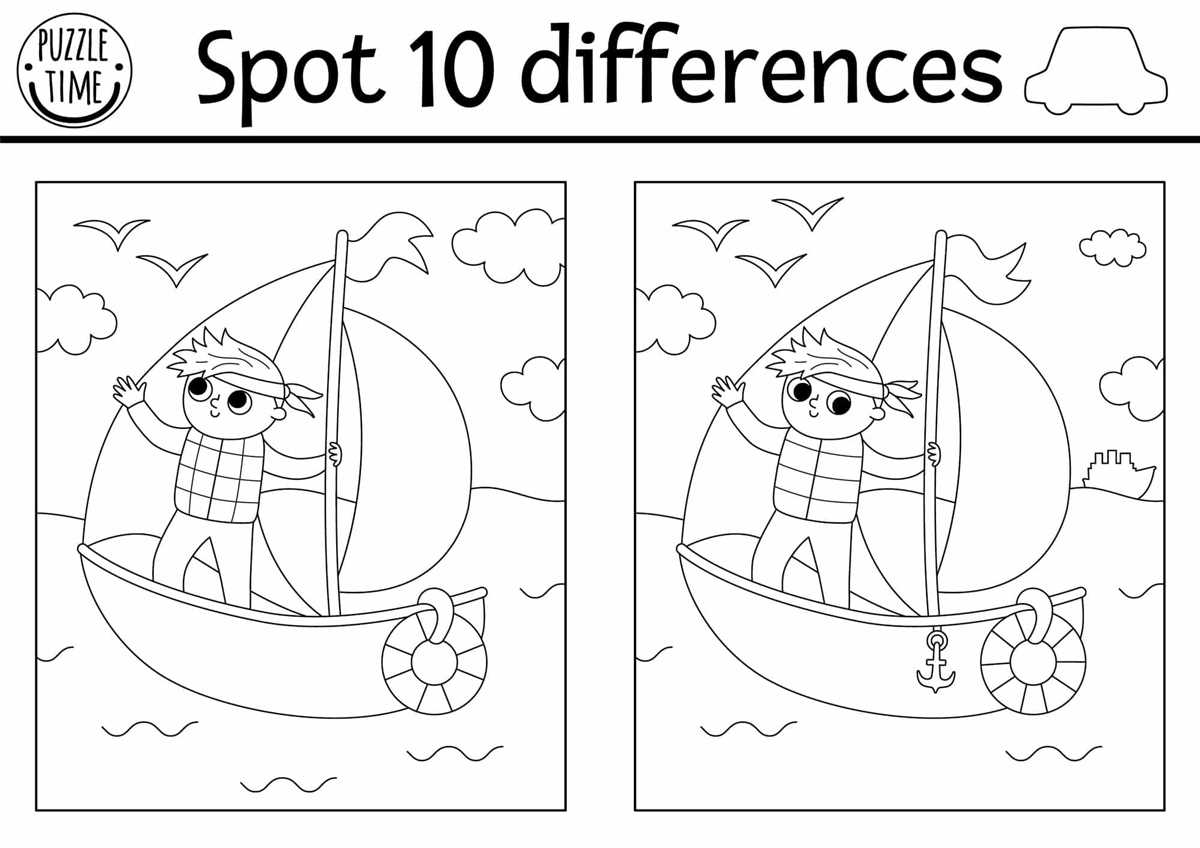
For a more enjoyable challenge, start by selecting a fun and engaging theme for your activity. Themes like nature scenes, animals, or iconic landmarks are popular choices, as they are visually stimulating and easy to relate to. Each puzzle should contain subtle alterations such as changes in object placement, color variations, or missing items to keep the player focused and sharp.
When preparing the puzzle for print, make sure to adjust the size of the images for easy visibility. Larger designs are easier to analyze and spot variations, while smaller ones increase the difficulty level. It’s also important to ensure a high print quality so that the changes between images are clear and distinct, without blurring or pixelation.
How to Create Custom Puzzle Games for Print
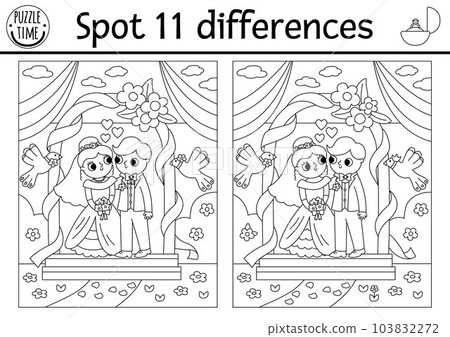
To design a custom challenge, start by selecting two images that are similar in theme but with distinct changes. You can either create your own images using graphic design software or modify existing ones. Ensure the images are high resolution for clear details, especially when the changes are subtle. The key is to make the alterations noticeable yet challenging to find, such as altering the position of objects, changing colors, or adding or removing small elements.
Once your images are ready, use photo-editing software to place them side by side. Add a border or frame to each image to give them structure. Make sure to leave enough space between the two visuals to avoid crowding, which can make spotting the variations more difficult. Afterward, check the print settings to ensure the images will maintain their quality when transferred to paper. If you’re printing multiple puzzles, consider using a standard letter-sized page for easier distribution.