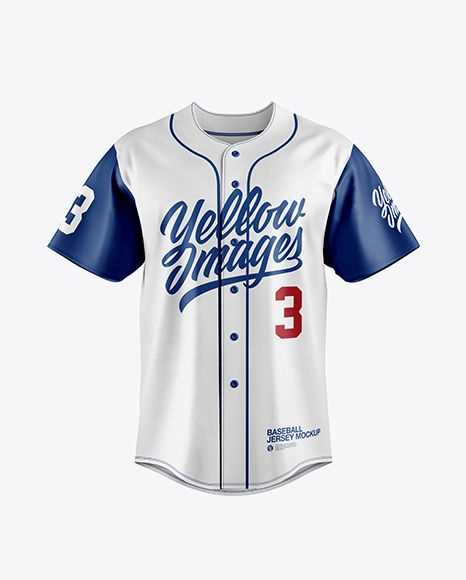
Download a high-resolution team shirt template in PDF or PNG format and set the document to 300 DPI before editing player details. Use standard US Letter or A4 paper settings with scaling at 100% to keep proportions accurate for cutting and display.
Edit the uniform layout by inserting player name, number, and team colors using free tools such as Canva or Adobe Express. Keep numbers bold and at least 120 pt for visibility on wall decor or party banners, and limit text to 10–12 characters to prevent crowding across the chest area.
Print on 160–200 gsm cardstock for sturdier cutouts suitable for classroom boards or event decorations. Use a craft knife and metal ruler to achieve clean sleeve edges and collar curves, especially if creating multiple copies for a full lineup display.
Store edited designs in organized folders by team or event name so future reprints require only minor text adjustments rather than rebuilding the layout from scratch.
Printable Baseball Jersey
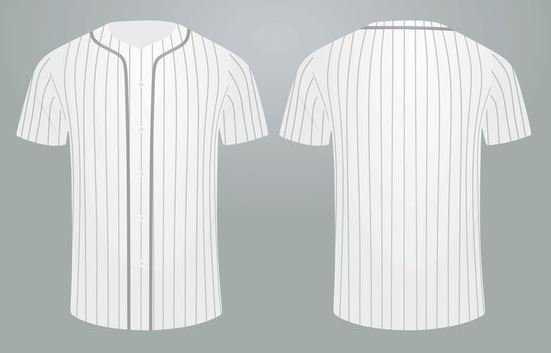
Download a high-resolution uniform shirt template in PDF or PNG format and set the file to 300 DPI before editing. Keep page scaling at 100% and select A4 or US Letter based on your printer settings to avoid distortion of sleeves and collar proportions.
Customize the sports top layout with clear player details:
- Insert a name limited to 10–12 characters for balanced spacing.
- Use bold block fonts for numbers at 100–150 pt size.
- Apply team color codes in HEX or CMYK for consistent shades.
- Align text centrally across the chest area using grid guides.
Choose 160–220 gsm cardstock for sturdy cutouts suitable for bulletin boards, party décor, or classroom displays. Standard copy paper may curl at the edges after cutting, especially in humid rooms.
Trim edges with a craft knife and metal ruler rather than scissors for sharper sleeve angles and smoother neckline curves. Score fold lines lightly if creating folded greeting cards shaped like athletic tops.
Save edited versions by team name and event date in clearly labeled folders. Maintain a separate master file without player details so you can duplicate and update names quickly for tournaments, birthdays, or school sports events.
How to Resize a Baseball Jersey Template for Different Paper Formats
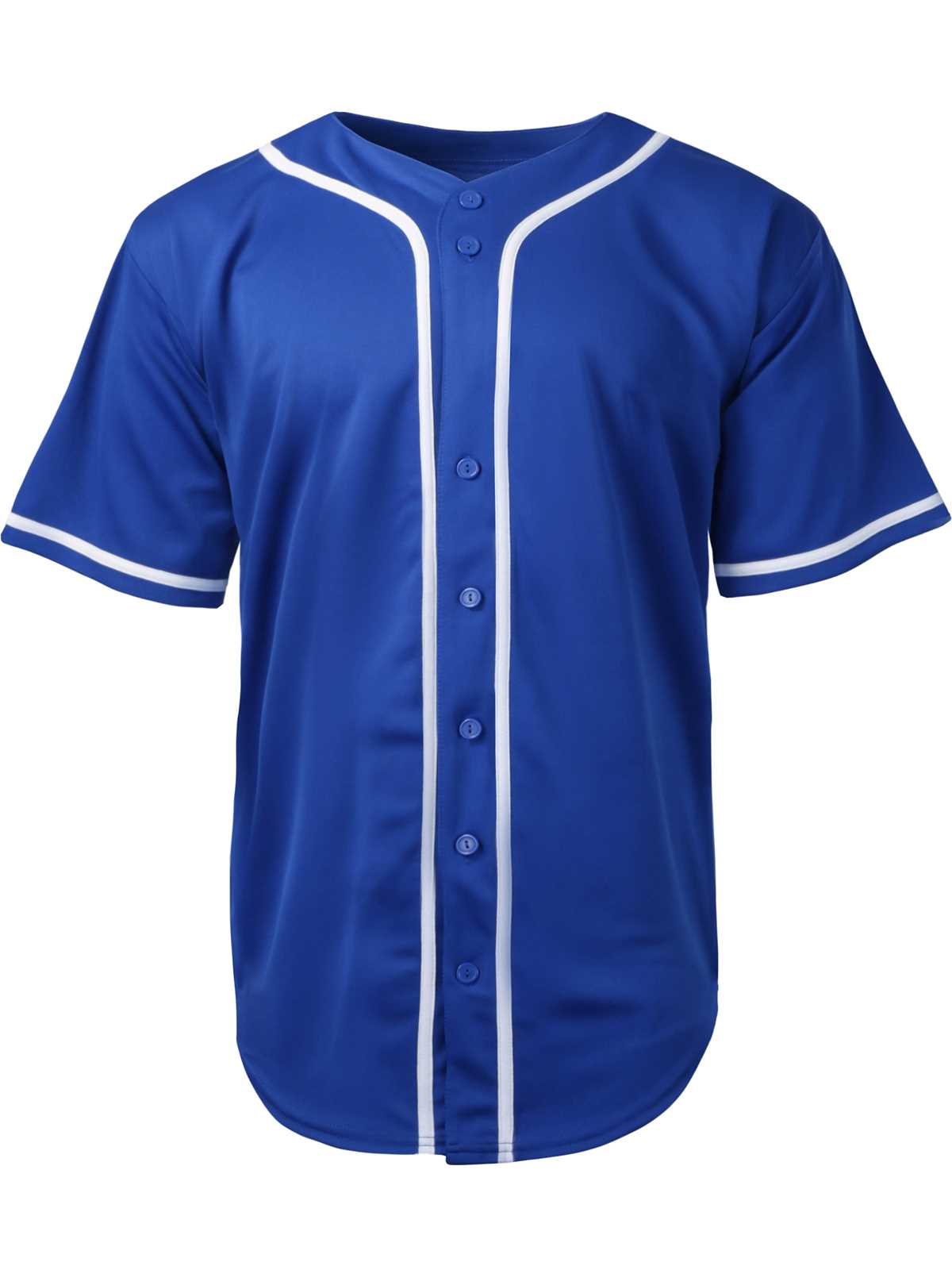
Set the document scale to 100% and check the original design dimensions before adjusting for another paper size. Open the file in a program that displays width and height in inches or millimeters, then compare those values to the target sheet format such as A4 (8.27 x 11.69 in) or US Letter (8.5 x 11 in).
If converting from Letter to A4, reduce or enlarge proportionally using uniform scaling rather than dragging edges manually. Maintain the aspect ratio lock to prevent distortion of sleeves and collar curves.
Calculate the maximum printable area by subtracting printer margins, usually 0.25 inches on each side. For example, a Letter sheet with 0.25-inch margins leaves 8 x 10.5 inches of usable space. Resize the athletic shirt graphic so it fits within those limits without clipping edges.
Adjust resolution to 300 DPI before scaling upward. Enlarging a low-resolution file causes blurred lines around numbers and text. If the source image is below 200 DPI at full size, recreate vector elements instead of stretching the raster file.
Center the layout using alignment tools rather than visual estimation. Activate gridlines and set guides at equal distances from page edges to keep the uniform design balanced on the sheet.
Print a draft on plain paper and measure the output with a ruler. Compare sleeve width and body height to the intended dimensions. Minor discrepancies often result from hidden scaling settings in the printer dialog.
Disable options such as “fit to page,” “shrink oversized pages,” or automatic borderless expansion. These settings frequently alter proportions without clear notification.
Save separate versions labeled by sheet type and orientation, such as A4 portrait or Letter landscape. Keeping dedicated files for each format prevents repeated recalculations and preserves clean proportions for future use.