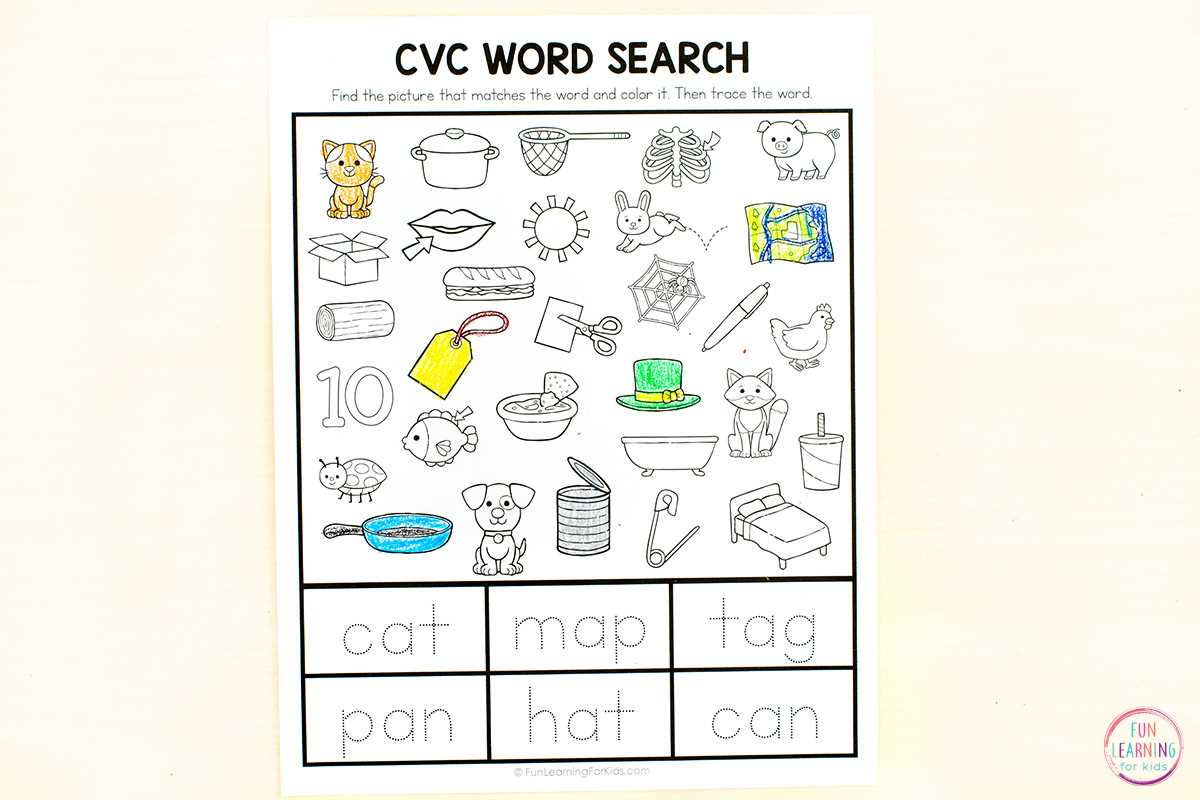
Download high-resolution hidden object worksheets in PDF format sized for A4 or US Letter, set your printer to 100% scale, and use black-and-white versions to reduce ink usage by up to 60%. Choose files with at least 300 DPI to keep small details sharp, especially for preschool tasks that include tiny items placed close together.
Select activity sheets based on object count and visual density. For ages 3–5, limit the task to 5–8 clearly outlined elements with wide spacing. For ages 6–8, increase the number to 10–15 items, add overlapping shapes, and include thematic scenes such as animals, transport, or seasonal settings. Older children can handle 20+ hidden elements combined with time limits of 3–5 minutes to build concentration.
Use structured instructions at the top of each worksheet, listing target objects with small reference icons or word labels. This supports early reading skills and vocabulary growth. Laminate frequently used sheets and provide dry-erase markers for repeated practice in classrooms, tutoring sessions, or quiet time at home.
Store downloaded PDFs in categorized folders by age group and theme to save preparation time. Keep a mix of simple line art pages for quick sessions and detailed scenes for extended activities lasting 10–15 minutes.
Free Printable Search and Find Pictures
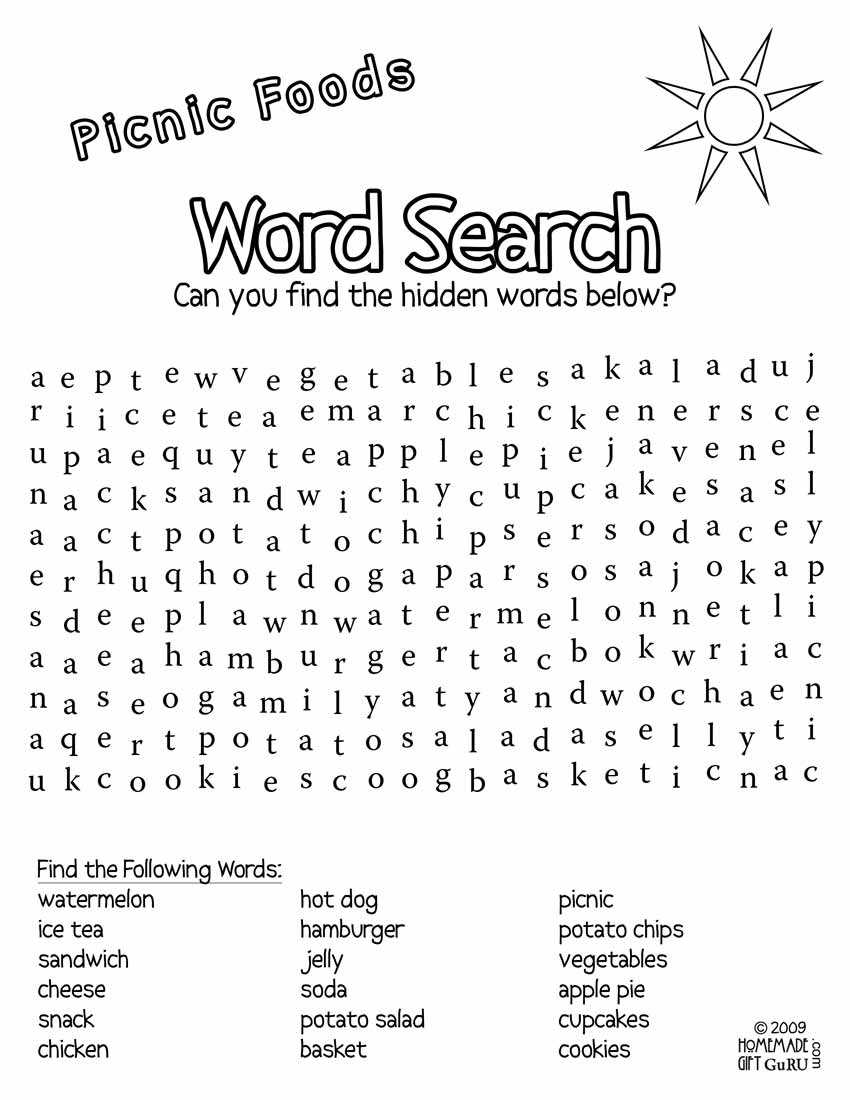
Download activity sheets in PDF format with a minimum resolution of 300 DPI, then print using “actual size” settings to prevent distortion of small elements. Choose plain white paper (80–100 gsm) for single use or thicker stock (160–200 gsm) for repeated classroom tasks.
Adjust difficulty by controlling visual density, object scale, background detail, plus number of hidden elements. Use this progression model:
- Level 1: 6 large items, wide spacing, clean background
- Level 2: 10–14 medium objects with minor overlap
- Level 3: 18–25 small items embedded in detailed scenes
- Level 4: Timed challenges with distractor shapes
Integrate literacy practice by listing target objects as words instead of icons. For early readers, include short phonetic labels. For grades 2–3, require learners to write each located item in a notebook, then sort them into categories such as animals, tools, food, or clothing.
Organize files into clearly labeled folders by theme plus age band. Suggested categories include:
- Farm scenes
- Ocean life
- Transport vehicles
- Holiday settings
- Classroom objects
Use a timer for structured focus drills: 3–5 minutes for warm-ups, 8–12 minutes for sustained attention tasks. After completion, review missed items together, discuss visual strategies such as scanning left to right, plus encourage children to describe object location using positional language.
How to Print Search and Find Pictures in High Quality at Home
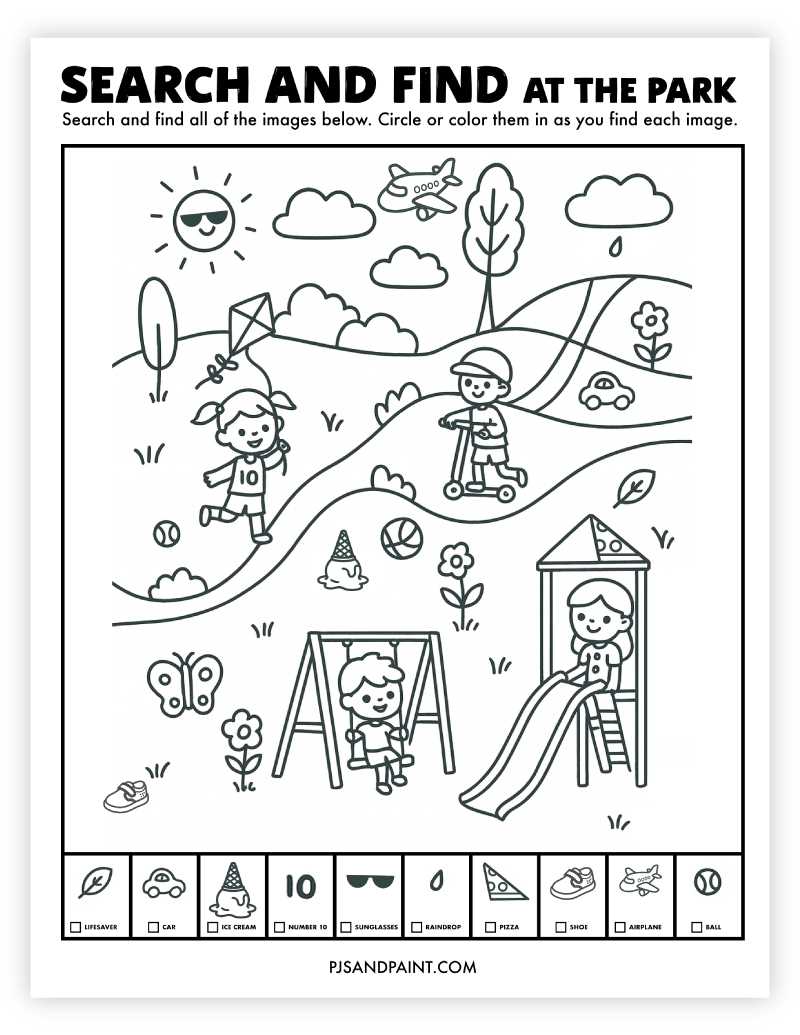
Download activity sheets in PDF format with at least 300 DPI resolution, then open the file in a desktop viewer such as Adobe Acrobat instead of a browser preview to avoid automatic compression.
Disable “Fit to page” or scaling options in the print dialog. Select “Actual size” or 100% scale so small hidden elements retain correct proportions. Margins should remain unchanged; shrinking distorts object outlines and makes tiny details harder to see.
Choose the correct paper type in printer settings. For standard worksheets, use 80–100 gsm white paper. For repeated use with dry-erase markers, select 160–200 gsm cardstock to prevent ink bleed-through and page curling.
Set print quality to “High” or “Best” mode. Draft mode reduces ink density, which causes thin contour lines to appear broken. Black ink only is sufficient for line art; disable color cartridges unless the sheet contains colored reference icons.
Check toner or ink levels before producing multiple copies. Low ink results in faded outlines, especially in dense scenes with overlapping objects. Print one test page first, inspect small details in corners, then proceed with batch printing.
If lines appear blurry, adjust the printer’s resolution setting to 600 x 600 DPI or higher. Laser printers generally produce sharper contours for fine detail tasks, while inkjet models may require slower print speed for cleaner output.
For double-sided sheets, allow the first side to dry completely before flipping the page. Use the manual feed tray for thicker stock to prevent jams or skewed alignment.
Store finished pages flat in a dry folder away from sunlight. Humidity can warp paper, which makes laminated sheets curl at the edges during classroom use.