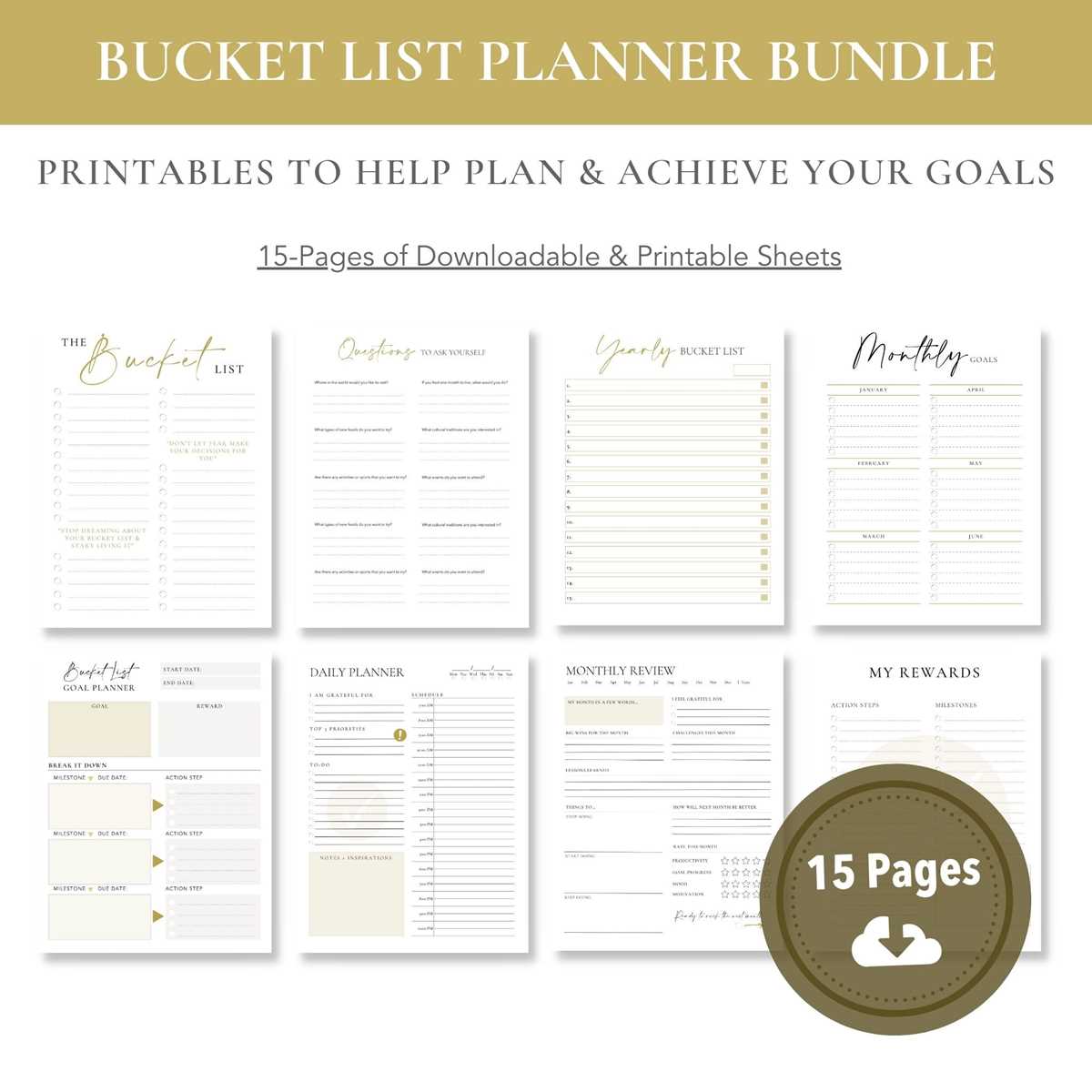
Select downloadable scheduling templates with layered PDF or editable file formats so you can modify dates, categories, and layout blocks without redesigning the entire page. Prioritize A4 and US Letter versions to avoid scaling errors, and check whether the file includes bleed margins for duplex printing. For tablet use, confirm compatibility with annotation apps such as Goodnotes or Notability, and verify that hyperlinks between monthly and weekly sections are embedded. A well-structured file should contain a yearly overview, 12 monthly spreads, 52 weekly layouts, and at least 4 blank note pages to extend usability beyond a single quarter.
Evaluate listings by analyzing preview resolution, font licensing clarity, and page count relative to price. High-performing digital organizers typically include goal trackers, habit grids with 28–31 slots, expense logs formatted for A5 binders, and minimal-ink versions for economical home printing. Check file size (under 50 MB for fast download), layered color options (at least three palettes), and editable text fields in PDF or DOCX formats. Templates designed for ring binders should provide crop marks and 6-hole punch alignment guides, while tablet-focused editions should include clickable tabs and index pages. Focus on creators who provide update notes and version history, which signals ongoing file refinement and layout optimization.
How to Choose, Customize, and Print Etsy Planner Printables for Daily Use
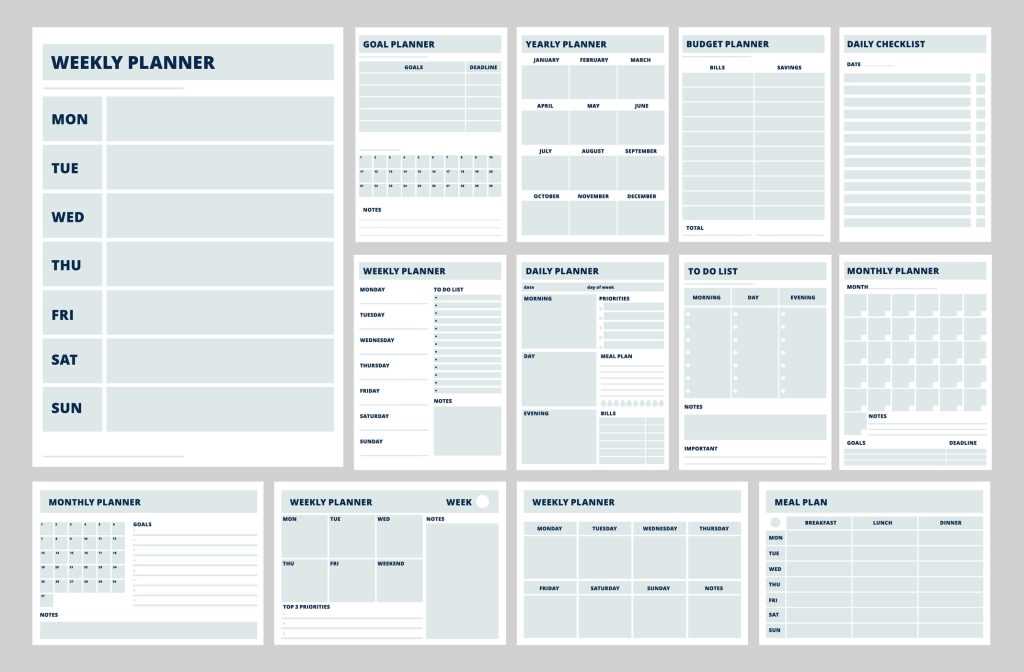
Select a layout that matches your exact daily workflow: if you manage appointments hourly, choose pages with 30- or 60-minute time blocks from 6 a.m. to 9 p.m.; if your focus is task batching, opt for structured to-do sections with priority markers and space for three key goals. Check page dimensions before purchase–A4 (210×297 mm) fits standard European binders, while US Letter (8.5×11 in) suits North American folders. For compact binders, confirm A5 (148×210 mm) versions are included or that scaling to 71% maintains readable 9–11 pt body text.
Analyze the file format and resolution. High-quality downloadable inserts should be delivered as PDF files at 300 DPI with embedded fonts to prevent layout shifts. Verify whether the seller provides layered files compatible with editing tools such as Canva or Adobe Acrobat for text customization. Editable color elements in CMYK reduce unexpected tonal shifts during home printing, while RGB-only designs may appear dull on paper.
Adjust margins and punch clearance before printing. Leave at least 12–15 mm on the binding side to avoid cutting off headings after hole punching. If you use a 6-ring A5 binder, measure the exact hole pattern spacing and test one sheet on plain paper. Activate “Actual Size” in the print dialog instead of “Fit to Page” to preserve scale accuracy for habit trackers and grid-based budgeting sheets.
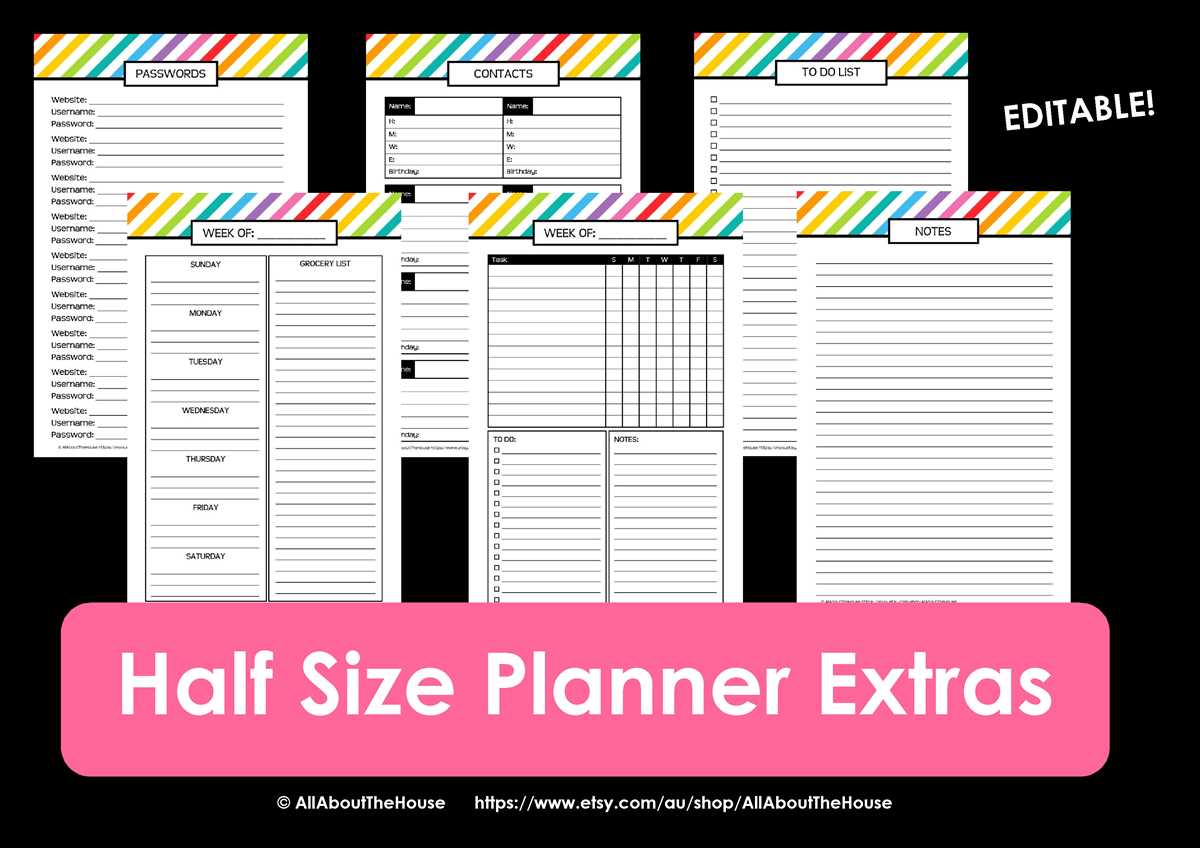
Customize typography and structure to match handwriting style. If you write in larger script, increase line spacing to 8–9 mm; for compact writing, 6–7 mm lines conserve space. Replace decorative fonts with clean sans-serif typefaces sized between 10–12 pt for daily logs. Limit accent colors to two tones to keep printed pages readable in low light.
Choose paper weight according to your writing tools. For ballpoint pens, 90–100 gsm paper prevents show-through; for gel pens or mildliners, 100–120 gsm reduces ghosting. If you prefer double-sided printing, test duplex alignment and select “flip on long edge” for vertical layouts. Matte paper improves readability, while silk finishes enhance contrast but may reflect desk lighting.
Organize sections into modular sets. Combine daily sheets with weekly overviews, expense logs, and meal trackers, but print only 7–14 days at a time to avoid bulk. Store unused inserts flat in labeled folders to prevent curling. Color-coded dividers speed up access without adding thickness.
Scale designs accurately for different binder systems. When resizing A4 to A5, set custom scaling to 70–71% and confirm that margins remain proportional. Trim with a guillotine cutter rather than scissors for straight edges. If adding tabs, laminate them separately and attach with double-sided adhesive to extend durability.
Reevaluate usability after one week of daily use. If sections remain blank, remove them and reallocate space to frequently used trackers. Track how long it takes to fill a page; more than five minutes suggests excessive detail. Refine layout density and reprint a revised batch, keeping digital master files organized by version and date for consistent updates.