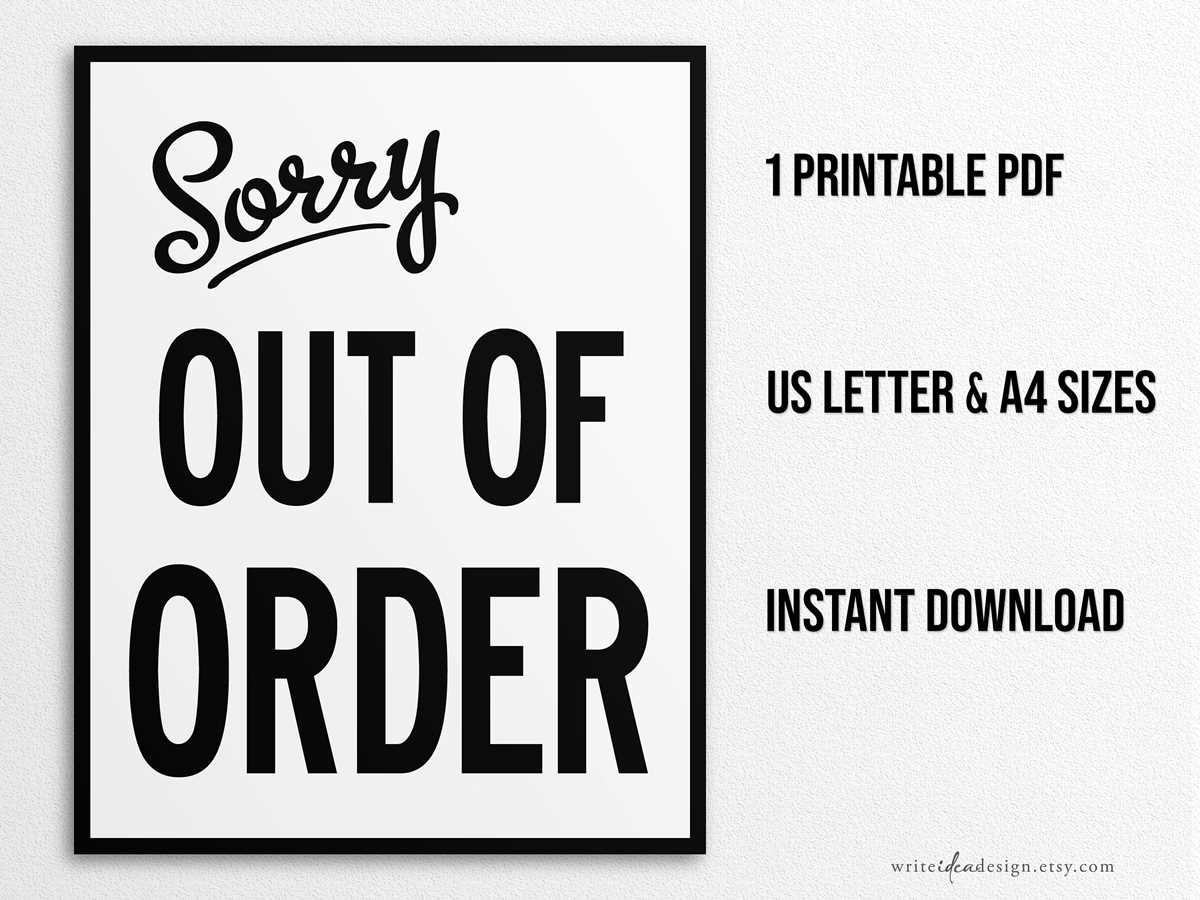
Download a ready-made maintenance notice in PDF format and select 100% scale before sending it to the printer. Confirm that the headline spans at least 60% of the page width and uses bold lettering above 140 pt for visibility across corridors and waiting areas.
Place the posted sheet at eye level between 140 and 160 cm from the floor to ensure immediate recognition. For doors and equipment panels, center the message horizontally and secure all four corners with adhesive tape to prevent curling.
Use white stock between 80–100 gsm for indoor use and insert it into a transparent sleeve in humid environments such as restrooms or kitchens. Lamination reduces ink fading and protects the surface from splashes.
Add precise details such as temporary closure reason, service contact number, and estimated restoration date. Clear wording limits repeated questions and reduces accidental use of malfunctioning facilities.
Out of Order Sign Printable Free PDF for Immediate Use
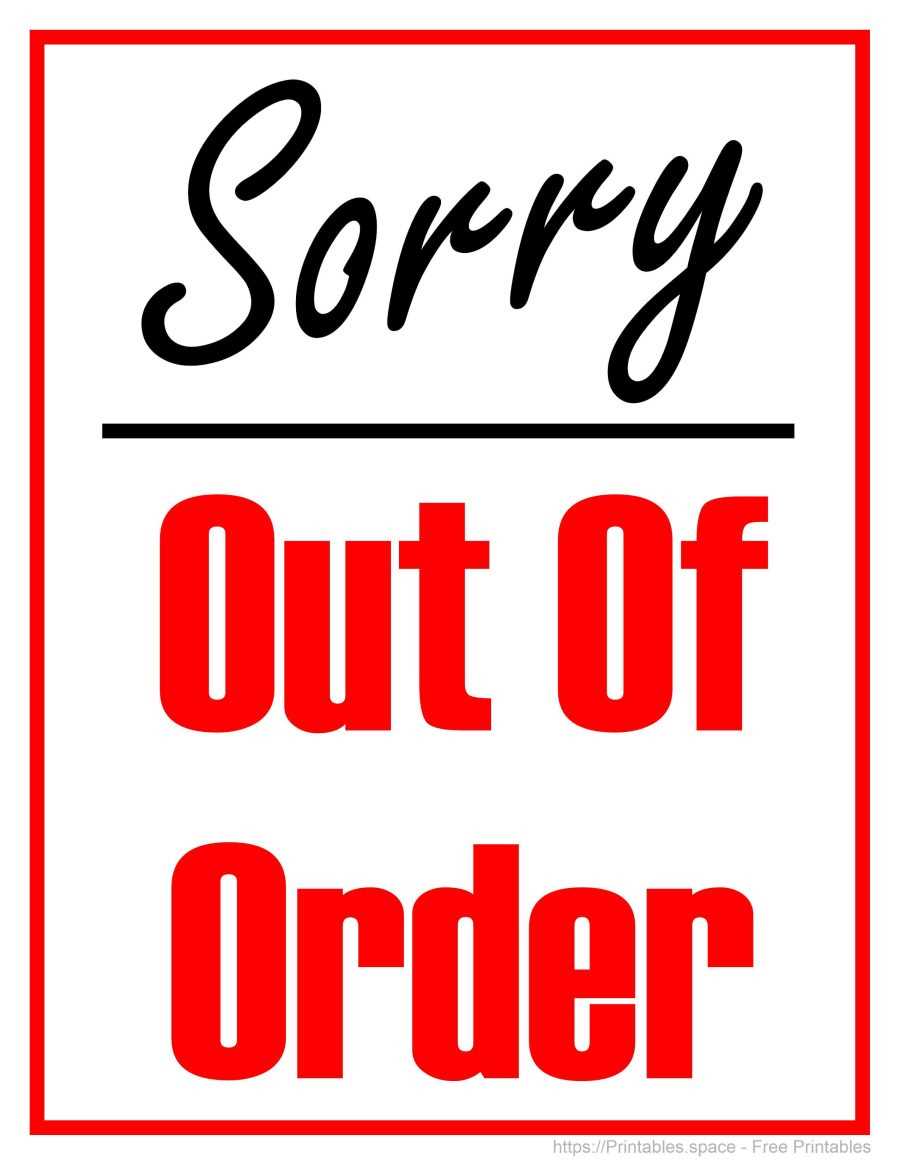
Download the ready-made maintenance notice in PDF format, select 100% scale, and verify the 1-inch test square before posting it on doors, restrooms, elevators, or office equipment. Use bold uppercase lettering above 150 pt for the main headline and maintain high contrast such as black or red text on a white background to ensure visibility from at least 4–6 meters.
For immediate placement, follow these steps:
- Print on 80–100 gsm white stock for clear text rendering
- Insert the sheet into a transparent plastic sleeve in humid areas
- Mount at eye level between 140–160 cm from the floor
- Secure all corners with tape to prevent curling
- Add a short line with service contact number and estimated repair date
Clear wording and proper positioning reduce accidental use of malfunctioning facilities and limit repeated questions from visitors or staff.
How to Download and Print an Out of Order Sign in Correct Size and Orientation
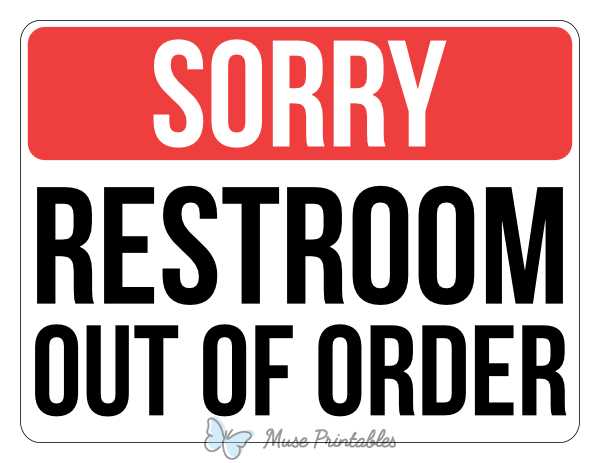
Open the maintenance notice PDF in a desktop viewer such as Adobe Acrobat and select Actual Size or 100% scaling before sending it to the printer. Disable options like “Fit to page” or “Shrink oversized pages,” as these settings reduce layout dimensions and distort text proportions.
Check the page format indicated in the file, typically US Letter (8.5 × 11 inches) or A4 (210 × 297 mm). Match this setting in the printer dialog and confirm portrait or landscape orientation based on the layout preview. Printing with the wrong orientation can crop margins or shift headline alignment.
Print one test sheet and measure any calibration box or border width using a ruler; it should match the stated measurement exactly. If the page spans multiple sheets, trim along alignment marks and tape sections from the back to keep the message centered and readable.