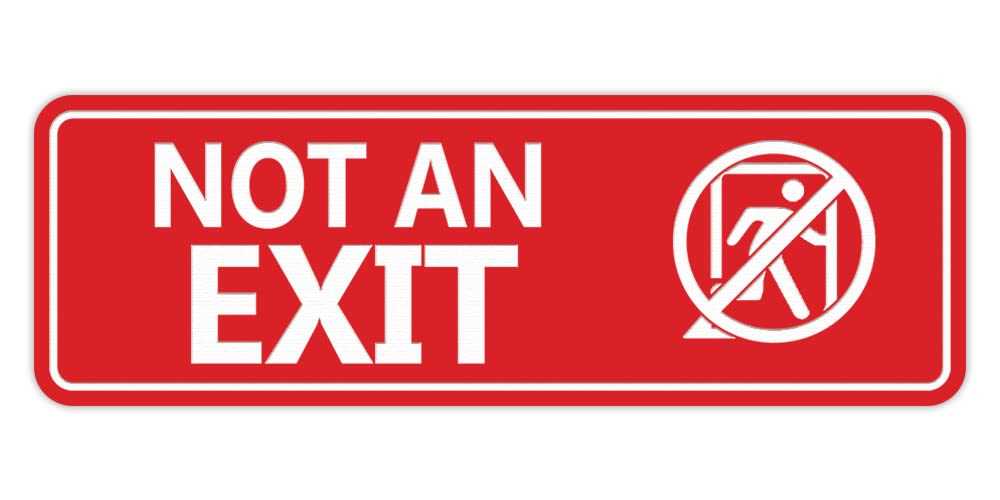
To create an effective directional graphic, begin by selecting a layout that conveys the message clearly and stands out in its environment. Use high-contrast colors, such as red and white, to ensure visibility from a distance. A simple, bold font with clean lines will enhance legibility, especially in large spaces or dimly lit areas.
For optimal results, choose file formats like SVG or PDF, which allow you to scale the image without losing resolution. This is especially useful if you plan to display the design in varying sizes, from small printouts to larger posters. Avoid overcrowding the graphic with unnecessary details to maintain a strong visual impact.
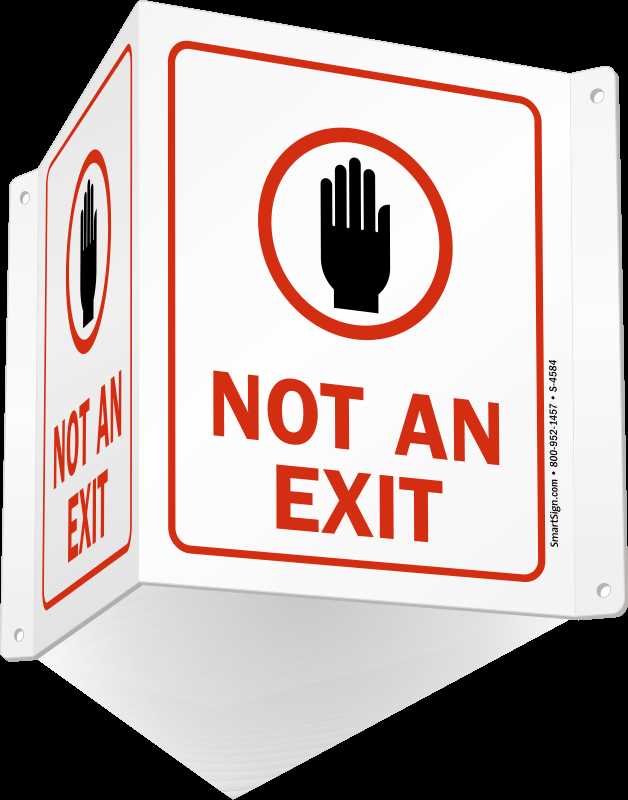
This type of graphic is versatile and can be used in a variety of settings, such as offices, events, or public spaces. It adds a touch of creativity to decor while still serving a practical purpose. Whether for artistic expression or as a playful addition to your space, this type of visual can be both functional and aesthetically pleasing.
Designing a Custom Cautionary Graphic for Your Space
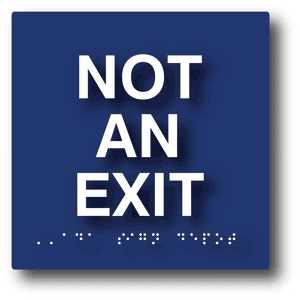
For a clear and impactful graphic, use a minimalist design with contrasting colors. Opt for bold black or red typography on a white or neutral background to increase visibility from various distances. A simple message with direct language will ensure that the visual is immediately understood. Avoid cluttering the design with unnecessary symbols or text, as this can confuse the viewer. Keep the font size large enough for legibility, especially in large open areas.
Choosing the right format is key to maintaining quality when scaling the graphic for different purposes. Use vector files like SVG or PDF, as they retain clarity regardless of size. You can easily adjust these files for various uses, from small labels to large wall posters, without compromising visual sharpness. Whether for practical or decorative use, this type of graphic provides a versatile solution for creative and functional projects in offices, events, or even at home.
How to Create and Customize a Warning Graphic

Begin by choosing the right dimensions for your graphic. If you’re creating something to print on a standard sheet of paper, a size of 8.5″x11″ is a good option. Use design software like Adobe Illustrator or Canva, where you can select a blank template and easily customize the layout. Start with a solid background color, preferably white or a light neutral shade, and then add bold text that communicates the message clearly. Choose a large, easy-to-read font like Arial or Impact for maximum visibility.
Once the base design is in place, consider adding extra elements to enhance the look. For instance, a border can help define the space and make the graphic stand out. You might also experiment with color schemes–pairing red text with a white background, for example, ensures strong contrast. If you’re looking for a modern touch, you can use vector icons to supplement the design. Once satisfied, save your work in a scalable file format such as SVG or PDF to maintain clarity in both small and large prints. This will also allow for easy resizing without losing quality, making it suitable for different applications.