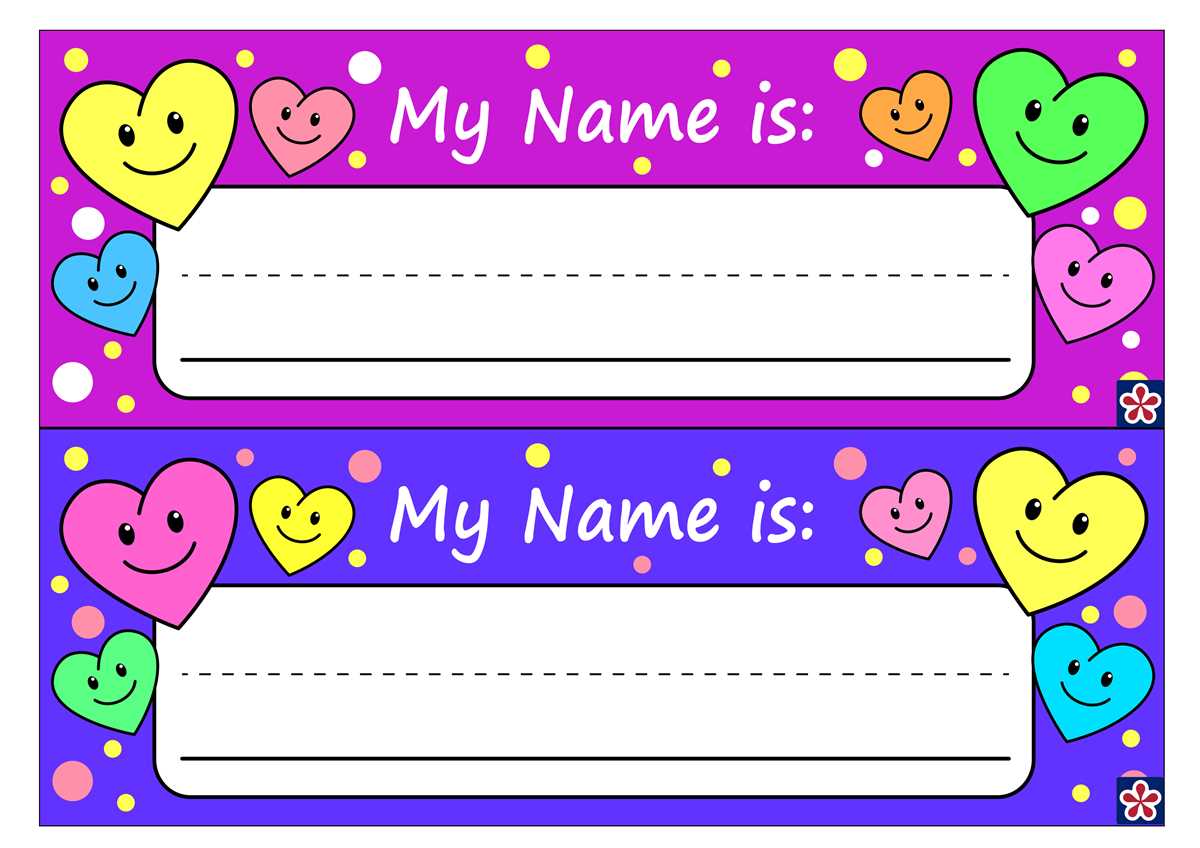
To create personalized badges for an event or meeting, start by selecting a suitable template from any online tool that allows for easy text customization. Once chosen, modify the layout by adding your own details like names, titles, and any other relevant information. Templates often come with pre-set areas for text, making it simple to adjust font styles and sizes to suit your needs.
If you need to make adjustments later, most tools allow you to go back and alter the design without starting over. After completing your design, make sure to save it in a high-quality format, like PDF or PNG, to ensure clear printing. Next, use a standard printer and good quality paper or card stock for the best results. Using thicker paper can prevent the badges from being flimsy and ensure they last longer during events.
When preparing the badges for a conference or seminar, consider incorporating elements like logos or event branding for a more professional touch. This will not only make the badges stand out but also create a cohesive look for the whole event. With just a few easy steps, you can produce high-quality, customized identification labels for any purpose.
Customizable Badges for Events and Conferences
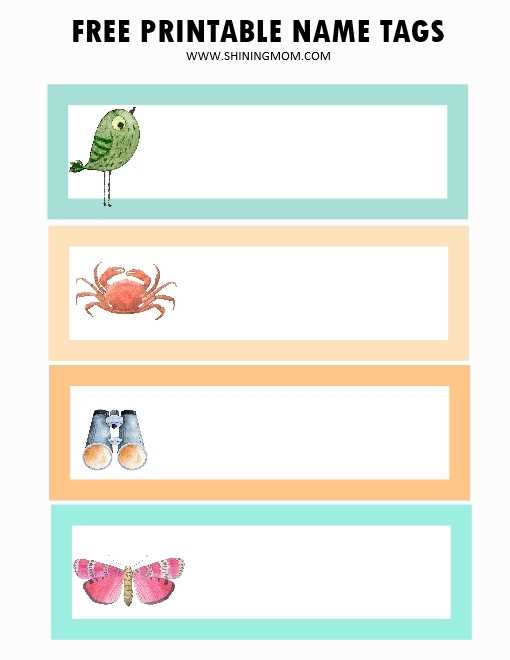
Start by selecting a template that fits your event’s needs. Many online platforms offer a wide range of customizable badge designs. These tools allow you to enter information such as your guest’s full name, job title, or any other detail you wish to include. Adjust the font size and style according to the desired look.
Once the design is ready, ensure the file is saved in a high-resolution format for a clearer print. The best file types for this task are typically PDF or PNG, which preserve the quality when enlarged. If you plan to print multiple badges, batch processing can save significant time.
Choosing the right paper type is key for durability. For events lasting several days, opt for thicker card stock rather than standard printer paper. This ensures your badges are sturdy and won’t easily tear or wrinkle, especially when handled frequently.
Next, print your badges using a reliable inkjet or laser printer. Test the first badge on a single sheet to check the color accuracy and readability. You may need to adjust the printer settings for optimal results, especially if using a thicker paper type.
For a more polished look, consider laminating the badges after printing. Laminating ensures longevity and a professional appearance, especially for large conferences or corporate events where the badges will be worn for an extended period.
When organizing the printout, arrange the badges on the sheet so there’s minimal waste. Use software that allows you to place multiple designs per page, maximizing paper use. Many templates automatically adjust to fit various paper sizes, reducing manual work.
If you’re working with a team, consider adding colored sections or icons to distinguish different groups or roles at the event. Color-coded badges make it easy for attendees to quickly identify each other’s position or affiliation, improving networking and communication.
Finally, remember that printing badges doesn’t have to be a last-minute task. Plan ahead to ensure everything is ready before the event begins. Creating a template early on allows you to focus on other aspects of the event, knowing that your attendee identification is ready to go.
How to Customize and Print Your Editable Name Tags
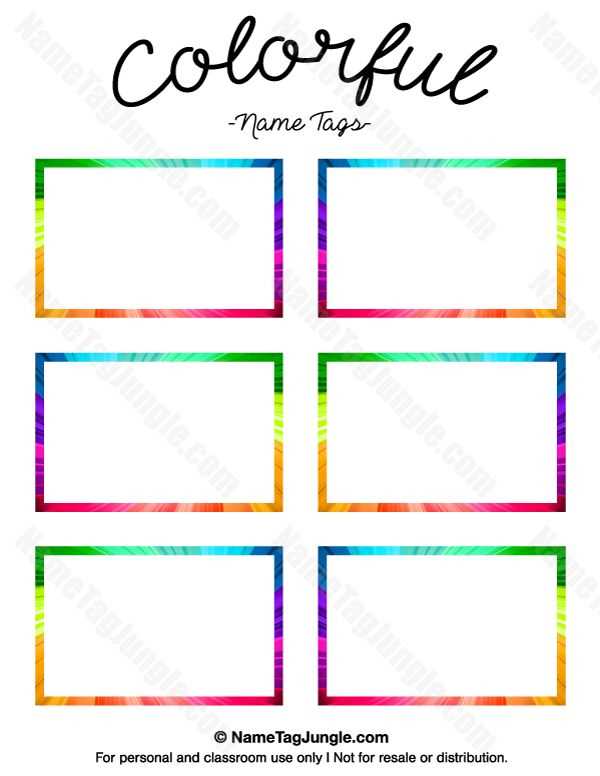
To begin, choose a template that aligns with the event’s theme. Many online platforms offer simple drag-and-drop interfaces to help you customize the layout. Make sure the design is clean and easy to read, with enough space for necessary details.
When filling in the details, focus on the information that will be useful to attendees. Typically, this includes the person’s full name, title, and company or organization. Depending on the event, you may also want to include a photo or QR code for quick access to digital content.
Adjust font size and color based on the level of emphasis needed. For example, larger fonts should be used for the main information, like names, while secondary details can be smaller or less bold. This creates a clear hierarchy of information, making the badge easier to scan.
If your platform allows, consider adding a logo or event branding. This reinforces the event’s identity and can make the badges more visually appealing. Place the logo in a corner or at the top for maximum visibility without overcrowding the design.
- Ensure your design fits the selected paper size to avoid cutting off important details when printed.
- Preview your badge before printing to ensure alignment and quality.
For printing, use a reliable inkjet or laser printer, depending on what you have available. Make sure to select the highest quality settings to capture the details clearly. If you’re printing many badges at once, consider printing a test page first to check the output.
Use a thicker paper or card stock for a more durable result. Thin paper can easily tear or bend, while card stock will provide sturdier badges that last throughout the event. Laminating badges after printing is another option to consider for added protection.
Once printed, use a paper cutter or scissors to trim the edges. If you’ve added logos or extra design elements, check the alignment one final time to ensure everything appears neatly arranged. Your customized badges are now ready for distribution!