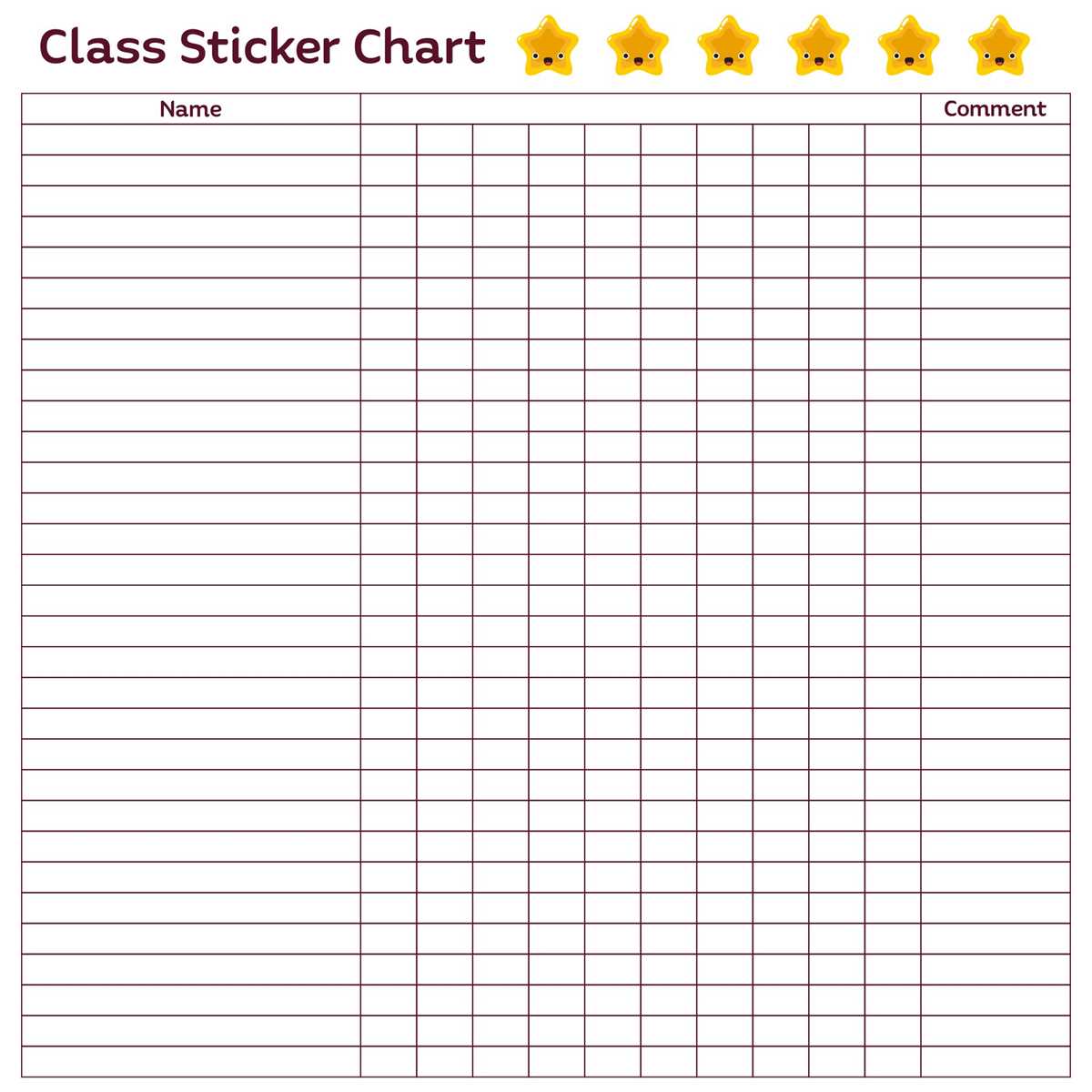
To begin, select a format that suits your goals. Use a simple grid layout with rows representing tasks or actions, and columns to track progress or rewards. You can divide it into daily, weekly, or monthly sections, depending on your preference and the objectives you’re aiming for.
Next, determine what will be earned upon completing each task. It could be a small prize, an activity, or an amount of screen time. Be specific about the goal and what needs to be accomplished to receive the reward. Consistency is key to maintaining motivation, so make sure the rewards are clear and attainable.
To personalize it, incorporate colors, fun designs, or even stickers to make the experience more engaging. You can create your own system or look for templates online to adjust based on age and interests. Keep it simple to avoid overwhelming the user but flexible enough to keep track of progress in a meaningful way.
How to Create a Motivation Tracking System
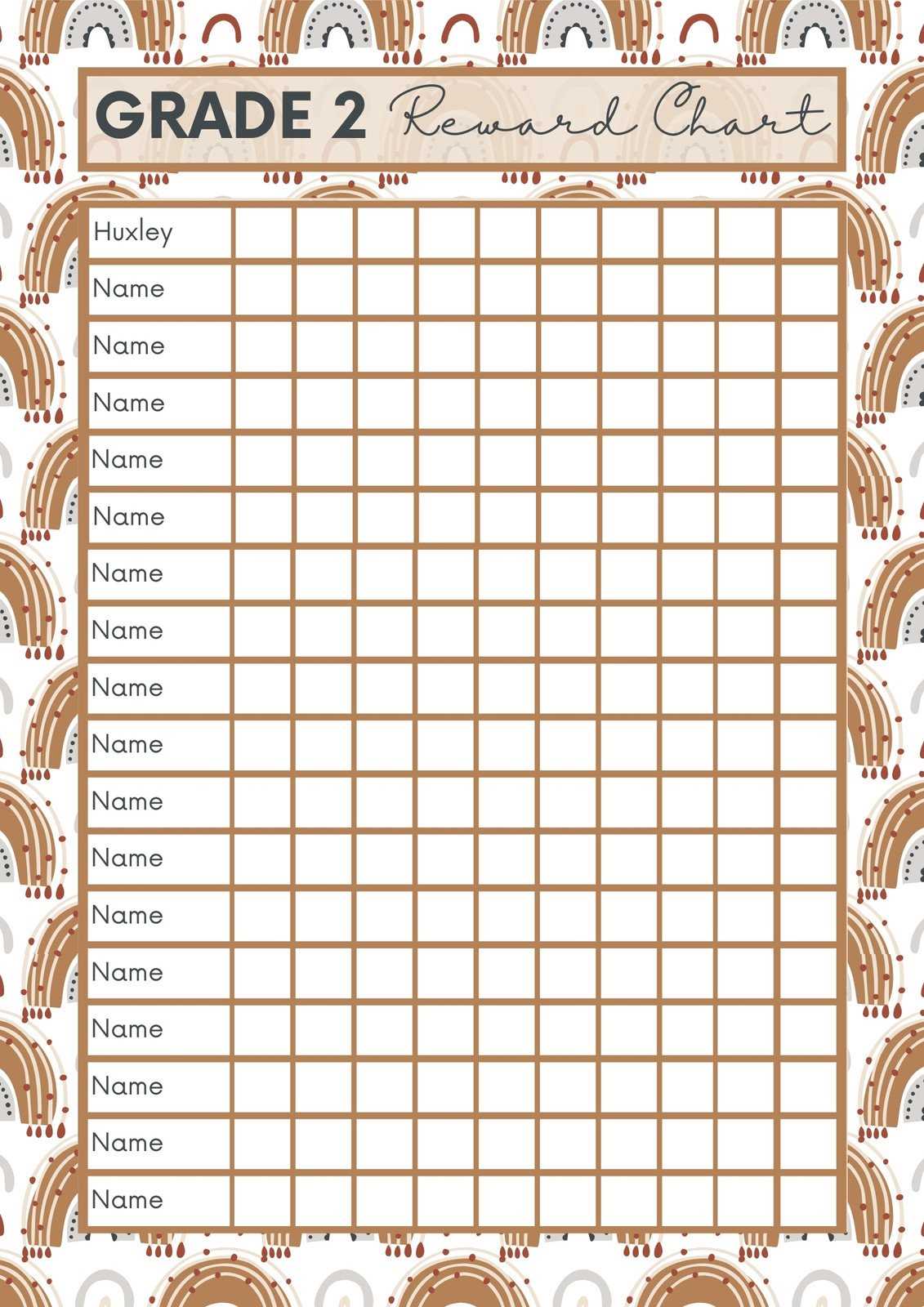
Begin by choosing a structure that suits the tasks you’re tracking. A basic layout includes rows for actions or behaviors and columns to mark progress. You can decide whether to track daily, weekly, or monthly goals, depending on the time frame that works best for your objectives.
Next, specify what constitutes a completed task. Each action should have a clear, achievable goal. This could include things like making the bed, completing homework, or doing chores. Make sure the goals are simple and straightforward to avoid confusion.
To make it more engaging, consider incorporating colors, patterns, or visuals that appeal to the user. Bright colors can help emphasize important sections, and fun icons can make the system feel more interactive. Use larger spaces to write out the goal or actions, and smaller spaces to mark completed tasks.
For tracking progress, create checkboxes, stars, or numbered sections to allow easy marking of completed actions. The key is consistency; ensure that the system is easy to update regularly. Having a dedicated space for each task ensures that progress is clear and measurable over time.
If using this system with children, consider using small incentives or rewards for each completed task. You can vary the reward system by introducing different levels or larger prizes for multiple completed tasks. This adds a layer of excitement and encourages continued engagement.
Another effective method is to set up challenges, such as completing all tasks for the week or reaching a specific milestone. These challenges can be written at the top of the system to give a sense of accomplishment once completed.
Finally, remember to review the system regularly. Make adjustments if certain tasks become too easy or too difficult. Customizing it over time ensures that the tracking system remains motivating and appropriate for the individual’s progress and goals.
How to Design a Custom Motivation Tracking System for Kids
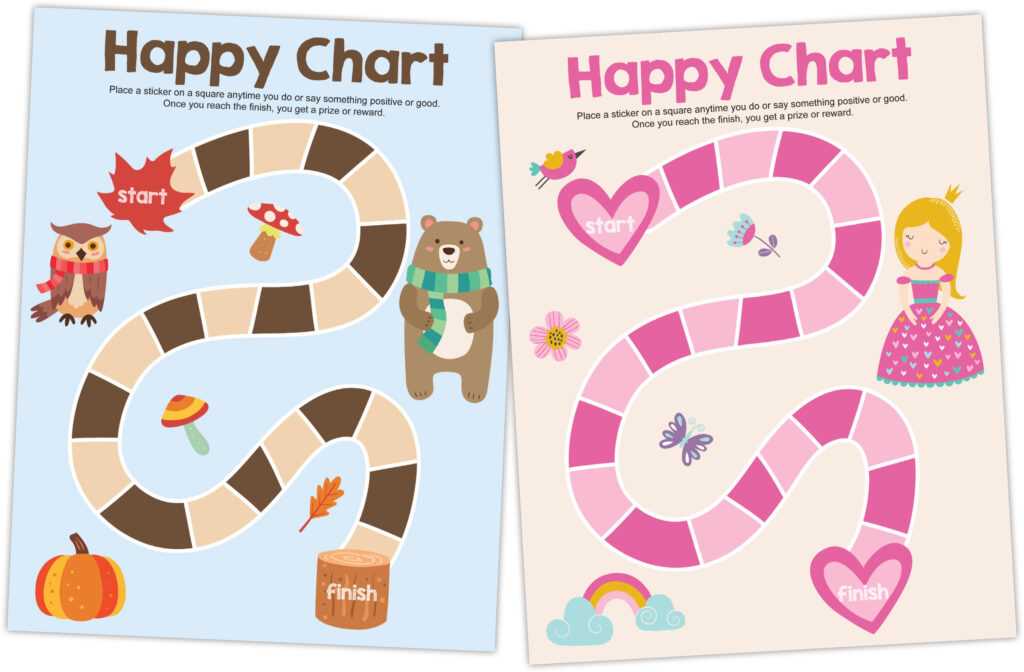
Start by deciding on the key behaviors or tasks you want to track. These should be age-appropriate and clearly defined. Examples could include chores, reading time, or finishing homework. List these tasks in rows to make them easy to check off as they’re completed.
Next, create a column for each day of the week or a section for each task that needs to be completed. This will allow the child to see their progress over time. A simple grid layout with boxes to mark off each completed task works well. Be sure to leave enough space for easy marking or drawing.
Choose a design that is visually appealing to the child. Use colors, pictures, and shapes that they enjoy. This could include their favorite animals, stars, or cartoons. Adding fun elements helps keep them motivated to complete tasks and track their progress.
Incorporate a reward system that is motivating but also achievable. For example, after completing a set number of tasks, the child can earn a small prize or privilege. Make sure the rewards are appropriate for their age and interests to keep them excited about reaching their goals.
To keep things interesting, introduce challenges or milestones. For example, a child could aim to complete all tasks for the week and earn a special reward at the end. This adds an element of fun and makes the tracking process more engaging.
Be flexible with the system. If certain tasks seem too easy or difficult, adjust the goals to ensure they remain appropriate and challenging. This flexibility helps maintain the child’s interest and motivation over time.
Finally, make the tracking system interactive. Allow the child to decorate it or personalize it with stickers or drawings. This increases their involvement in the process and helps them feel a sense of ownership over their progress.