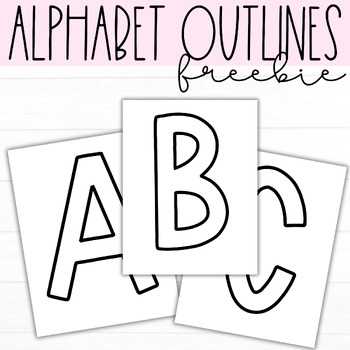
Download high-resolution A4 or US Letter character sets in PDF format at 300 DPI to ensure sharp edges and clean cuts on large classroom displays. Choose files that include full A–Z sets, numbers, and punctuation so you can build headings, dates, and subject titles without mixing fonts.
Select typefaces based on viewing distance: use 4–6 inch tall glyphs for wall displays seen from 2–3 meters away, and 2–3 inch sizes for closer reading zones. Sans-serif styles such as bold block fonts improve readability in busy classroom environments, while outlined versions save ink and allow students to color each character before mounting.
Print on 160–200 gsm cardstock to prevent curling, then laminate or apply clear adhesive film if the display will remain up longer than one month. Cut with a craft knife and metal ruler for straight edges, and mount each character with removable adhesive dots to avoid wall damage and allow quick rearrangement.
Free Printable Alphabet Letters for Bulletin Boards
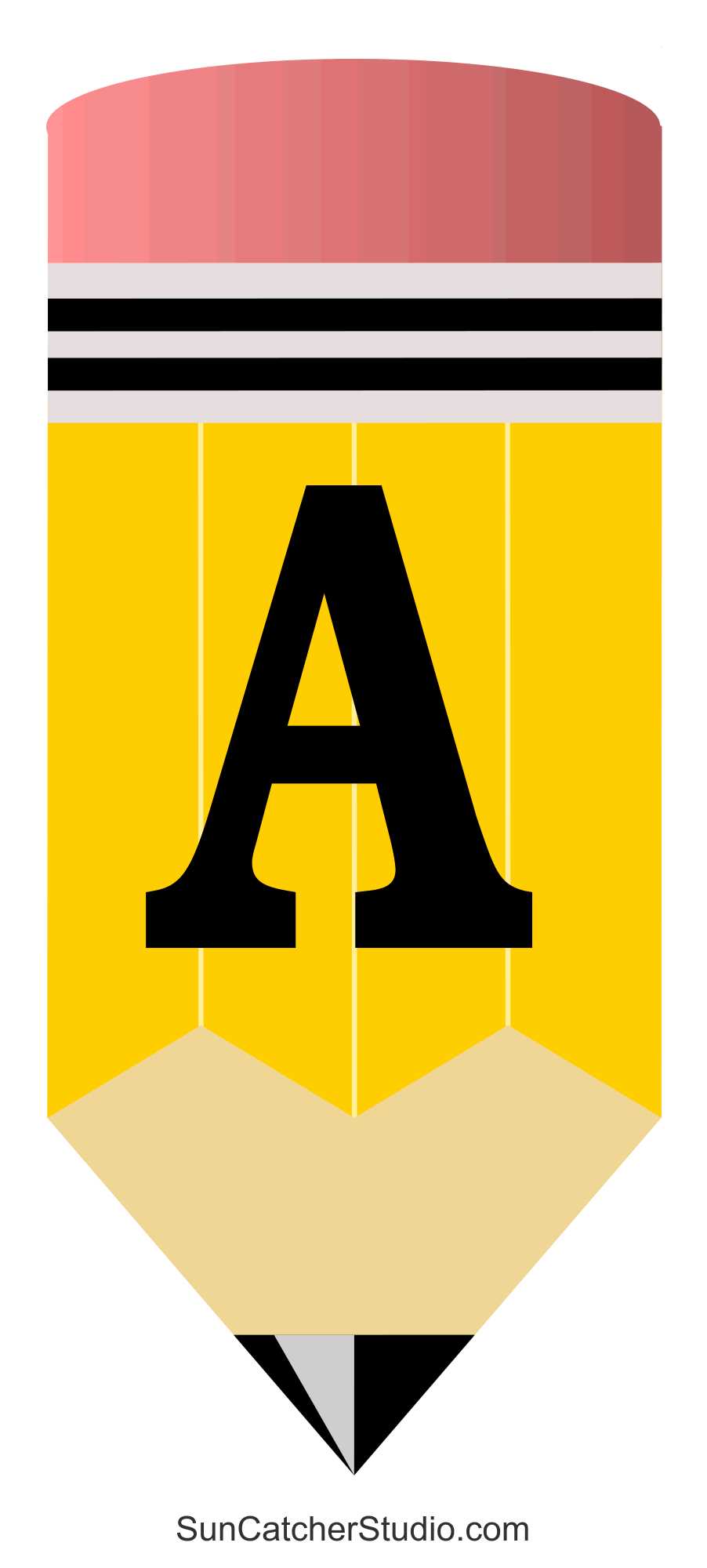
Choose vector-based character templates in PDF format with at least 300 DPI resolution to avoid jagged edges when scaling symbols above 5 inches in height. Files created in SVG or editable PDF allow resizing without quality loss and make it easier to adjust spacing before printing.
Select size according to wall dimensions and reading distance. Use this quick reference:
- 2–3 inch glyph height – small display areas viewed from 1–1.5 meters
- 4–6 inch glyph height – standard classroom cork surfaces
- 7–10 inch glyph height – hallway or assembly space installations
Pick bold sans-serif typefaces when clarity matters more than decoration. Thick strokes remain readable against patterned backgrounds, while serif styles suit history or literature themes. Outline versions reduce ink usage by up to 40% compared to solid black fills.
Print on 160–220 gsm cardstock to prevent warping. Standard 80 gsm office paper curls within days under changing humidity. Heavy stock maintains flat edges and supports repeated handling by students.
Adjust printer settings before output:
- Disable “fit to page” scaling to preserve exact dimensions
- Select highest quality mode to sharpen curves
- Use borderless option only if margins interfere with layout
Cut shapes with a metal ruler and precision knife rather than scissors when straight lines exceed 3 inches. For rounded forms, rotate the sheet instead of turning the blade; this prevents uneven arcs.
Mount each character using removable adhesive dots rated for at least 200 grams of hold strength. Avoid permanent glue or double-sided tape that tears wall surfaces during removal.
Store unused sets in labeled envelopes sorted by size and typeface. Keeping duplicates of common symbols such as vowels reduces reprinting and saves preparation time before the next classroom display update.
Where to Find and Download Free Alphabet Letter Templates in PDF Format
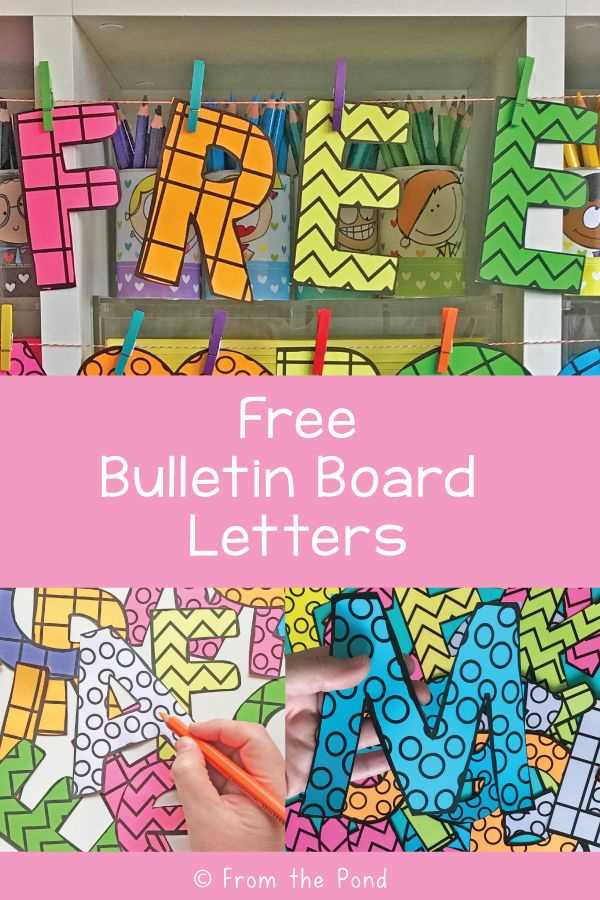
Use educational resource platforms that provide downloadable PDF character sets in vector format, preferably labeled as 300 DPI or scalable. Check that each file includes the full A–Z sequence, numbers, and basic punctuation, and confirm the page size (A4 or US Letter) matches your printer settings before saving.
Search teacher-focused marketplaces and open classroom material libraries using queries such as “A–Z display glyph PDF 300 DPI” or “block font classroom heading set PDF.” Filter results by file type and preview thumbnails to verify stroke thickness and spacing. Avoid image-only JPG downloads; raster files lose clarity when resized above their original dimensions.
Before downloading, review usage terms to confirm classroom distribution is allowed, scan the file description for font consistency across all characters, and check that margins are uniform so cutting lines remain predictable after printing.