Opt for fashion house–inspired downloadable décor files with a minimum resolution of 300 DPI and dimensions no smaller than 4000 × 5000 pixels. Such specifications guarantee crisp typography and sharp logo details after printing on formats up to A2. Files in PDF or PNG format usually preserve line clarity better than compressed JPEG versions, especially for monochrome luxury-themed compositions.
For a refined aesthetic, select designs built around black-and-white palettes, serif typography, and minimalist layouts. These elements echo the visual language of classic Parisian fashion branding and integrate smoothly into modern, Scandinavian, or monochrome interiors. Pair the print with a thin black aluminum frame or a white mat border of 3–5 cm to create a gallery-style presentation without visual overload.
Paper choice strongly affects the final appearance. Use matte heavyweight stock between 200–250 gsm to avoid glare and maintain deep blacks. Glossy paper can distort the premium look under artificial lighting. If printing at home, enable the printer’s highest quality mode and disable automatic scaling; for larger sizes, a local print shop with pigment ink output will produce noticeably richer contrast.
Placement matters as much as the design. Position the piece at eye level (about 145–150 cm from the floor to center) above a console table, vanity, or neutral sofa. Leave at least 15–25 cm of breathing space around the frame so the fashion-inspired graphic remains the focal point rather than blending into surrounding décor.
Printable Chanel Wall Art: Practical Guide for Stylish Interiors
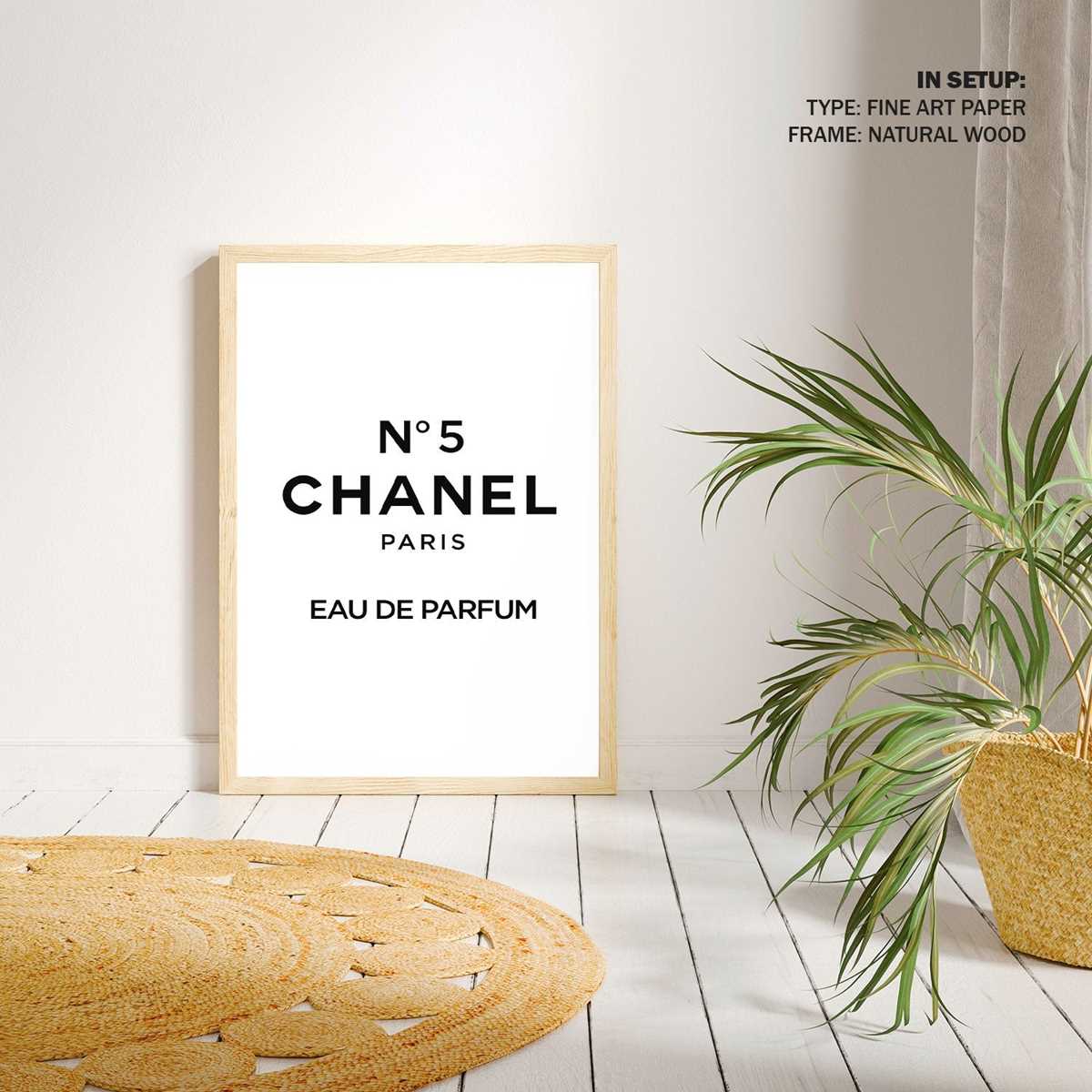
Choose high-resolution fashion-house inspired prints (minimum 300 DPI) before sending files to your home or studio printer; anything lower will blur once enlarged. For a sharp result, match file size to your frame – for example, export at 24×36 inches if you plan to use a large poster frame, rather than scaling later.
Select matte heavyweight paper between 200–250 gsm for a refined boutique look; glossy stock often creates glare under ceiling lighting and cheapens monochrome typography pieces. Neutral palettes work best with couture-style graphics – black, ivory, soft beige – because they echo classic Parisian branding and integrate smoothly with marble, gold accents, or minimalist furniture. Use simple frames in black aluminum or thin gold metal; thick wooden borders compete visually with elegant logo-style compositions. For gallery arrangements, keep spacing consistent at 5–7 cm between frames and align either the top edges or the centers, not both. If printing at home, enable “actual size” or “100% scale” in printer settings and disable automatic color correction to prevent gray text from shifting toward blue.
Refresh the display seasonally by swapping graphics within the same frame set; this keeps the interior polished without extra cost or drilling. Store unused files in clearly labeled folders by size and color scheme so replacements take seconds rather than a full redesign.
How to Choose High-Resolution Logo Prints That Look Sharp When Framed
Select files that are at least 300 DPI at the exact final frame size; anything lower will reveal blur along the lettering edges. For example, a design intended for a 16×20 inch frame should measure roughly 4800×6000 pixels. Do not rely on software upscaling–interpolated images often produce soft outlines and visible pixel blocks once enlarged.
Vector formats such as SVG, AI, or EPS deliver the cleanest results because they scale without losing detail. If only raster files are available, choose TIFF or high-quality PNG rather than compressed JPG. Compression artifacts tend to appear most clearly around thin serif lines and overlapping letterforms, which becomes obvious behind glass.
Inspect the preview at 100% zoom before purchasing or downloading. Pay attention to:
- Edges of interlocking letters
- Consistency of black tones (no gray speckling)
- Smooth curves without stair-step pixels
- Transparent background quality if applicable
If any jagged edges appear on screen, they will be more noticeable once printed and framed.
Paper choice affects perceived sharpness. Heavy matte stock (200–250 gsm) reduces glare and keeps fine details crisp, while glossy paper can exaggerate minor imperfections under strong lighting. For monochrome fashion-inspired graphics, museum-grade matte or smooth cotton rag papers maintain deep blacks and clean contrast.
Match the frame size to common print ratios to avoid scaling. Popular dimensions such as 8×10, 11×14, and 16×20 inches allow direct printing without resizing. Custom cropping or stretching–even by a few percent–can soften edges and distort the symmetry of the emblem.
Before final framing, print a small proof section at full resolution on your intended paper. Examine it from typical viewing distance (about 60–100 cm). If the letter edges appear razor clean and the black areas look solid without banding, the file quality is suitable for a polished framed display.