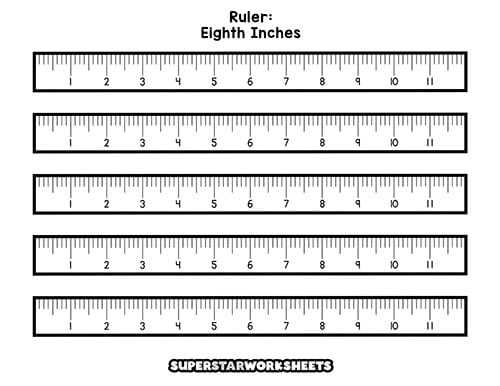
For precise measurements, print out a centimeter scale that you can easily use in various projects. This option offers flexibility when you don’t have access to a physical measuring tool. Simply download the file and adjust the print settings to ensure accuracy before using it.
If you’re working on crafts, home improvement, or school projects, this tool provides a convenient solution for quick measurements. Use it to measure small objects, align items, or even for educational purposes, such as teaching students how to measure accurately.
After printing the scale, make sure to print on a sturdy paper to prevent it from tearing during use. For a more durable option, laminate the printed scale so it lasts longer. This method also allows you to use a dry erase marker for temporary marks and measurements.
How to Use a Centimeter Scale for Accurate Measurements
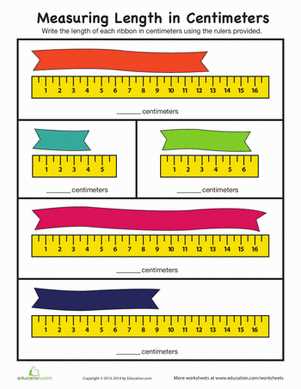
First, make sure to choose a design that fits your measurement needs. If you need a scale for small objects, opt for a shorter version with clear, precise markings. For larger tasks, select a longer version for better flexibility.
Before printing, verify the scale on your screen matches the correct dimensions. It’s helpful to print a test page with a known size object next to the scale to confirm accuracy. This ensures that your measurements will be precise and reliable.
When printing, select high-quality paper for durability. Standard printer paper can work for light tasks, but if you’re using the scale for multiple measurements, consider printing it on thicker cardstock or even laminating it for extra longevity.
After printing, check that the scale is clear and readable. In some cases, the printed version might appear blurry or distorted due to printer settings. If this happens, adjust the print resolution and make sure the scale is sized correctly before reprinting.
If you want to use the scale multiple times, laminate it or use a protective sleeve. This method allows you to mark measurements with a dry-erase marker and easily wipe them off for reuse without damaging the paper.
- For DIY projects: Use the scale to measure fabric, paper, or even wood with accuracy.
- For schoolwork: A printed measurement tool helps with geometry problems or science experiments.
- For arts and crafts: Create precise designs or cut materials accurately using the scale as a guide.
Finally, store the printed scale flat to avoid bending or warping. Keeping it in a folder or binder ensures that it remains straight and ready for use whenever needed.
How to Download and Print a Centimeter Measurement Tool
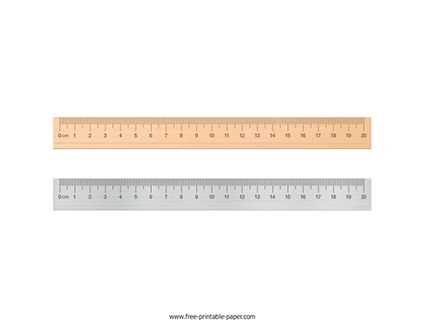
To get started, search for a reliable website that offers downloadable measurement tools. Choose one that is specifically designed for centimeter-based measurements. These can often be found as PDF files, which ensures the scaling remains accurate when printed.
Once you have selected the design, click the download link to save the file to your computer or device. Be sure to choose a high-quality file that includes clear, readable lines and measurements. A low-resolution file might result in blurry markings that could make the tool hard to use.
After downloading, open the file using a PDF viewer or image editor. Double-check the dimensions on your screen to ensure they match the size you need. Some files may allow you to adjust the size before printing, which is helpful if you need a larger or smaller version.
Next, select the correct print settings. Set your paper size to match the design’s intended dimensions, and choose the “Actual Size” or “100%” option to maintain the scale. Avoid the “Fit to Page” option, as it could distort the measurement scale and reduce accuracy.
Use high-quality paper for the best results. Standard printer paper can work fine for general purposes, but if you plan to use the tool repeatedly, consider printing on thicker cardstock or laminated paper for durability.
Once printed, carefully check the printed scale. Compare it with a known size object to confirm its accuracy. If there are any discrepancies, go back and adjust the print settings or try printing again with different paper or ink settings.
- For frequent use, laminate the printed tool to increase its lifespan and prevent damage.
- For precise measurement tasks, print the design on stiff material so it can be used as a permanent guide in your workspace.
- If the printout is for educational purposes, allow students to cut and use the tool in hands-on projects to improve their understanding of measurement.
After printing, store the measurement tool flat to avoid bending or distorting the printed lines. Keeping it in a binder or folder ensures it stays accurate and easy to access whenever needed.