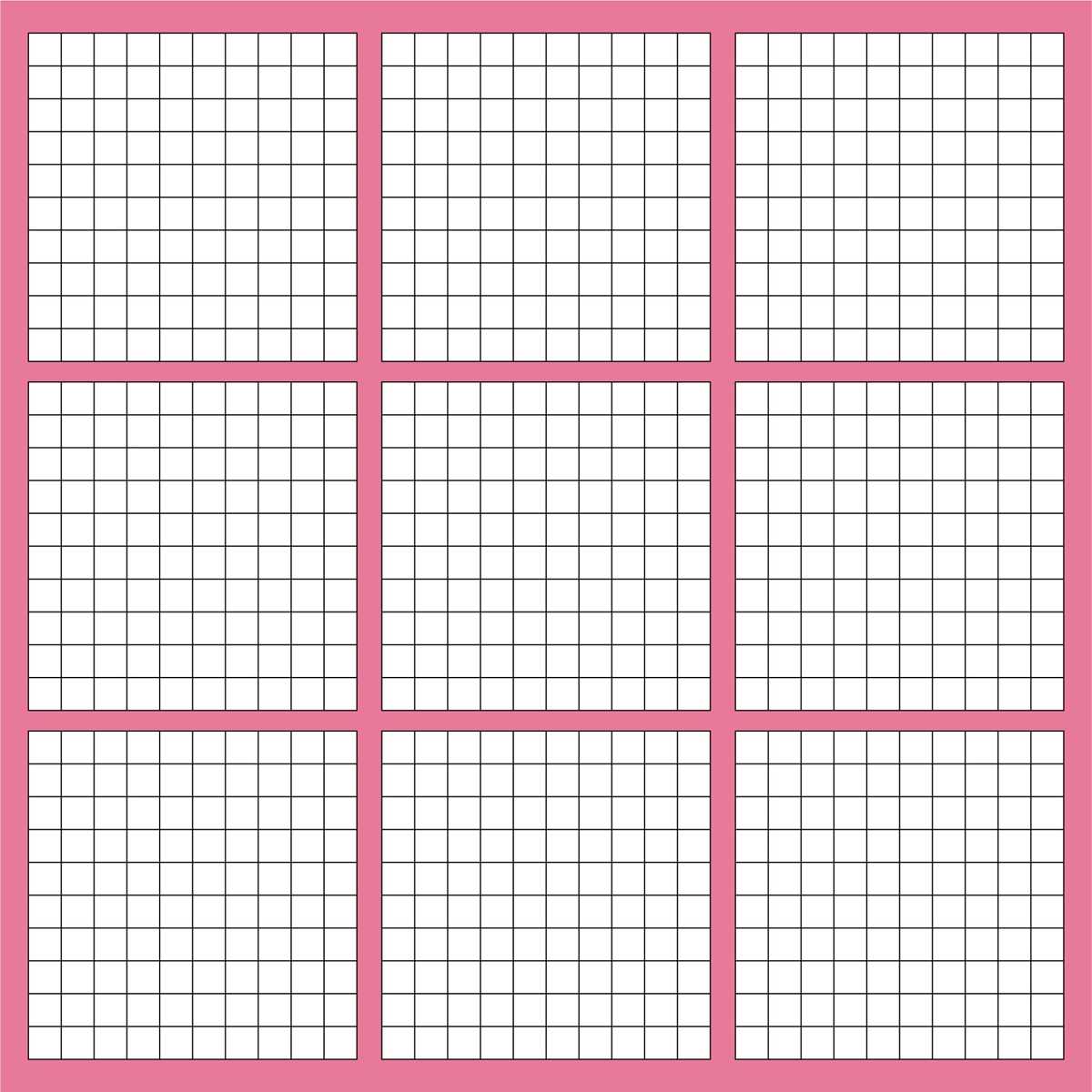
Start by downloading structured number charts for students to visualize fractions, decimals, and percentages. These tools are invaluable for helping learners grasp numerical concepts by representing values in a clear, organized manner. The visual approach makes abstract numbers easier to understand, allowing students to build a stronger foundation in math.
Customize your templates based on the level and focus of your students. For younger learners, use grids that emphasize whole numbers and simple fractions. For more advanced students, templates can be modified to include smaller divisions and complex decimal places. This versatility ensures that the tool remains relevant across various educational stages and mathematical topics.
When printing these templates, consider adjusting the size and layout to suit the specific needs of your classroom. Whether you need full-page charts for group activities or smaller versions for individual exercises, flexibility in design helps maintain engagement and aids in quick learning. Keep copies handy for different lessons, ensuring you can always provide students with the best visual aids for their current mathematical challenges.
Using Number Charts for Visualizing Fractions and Percentages
Use structured templates to help students visually represent fractions, percentages, and other numerical concepts. These visual aids break down complex ideas into manageable sections, allowing learners to quickly grasp the relationships between different numbers. For example, grids with evenly spaced divisions can show how one whole number is split into smaller parts, providing a clear illustration of fractional values.
When designing these templates, ensure they are flexible enough to accommodate different learning levels. For beginner students, start with grids that focus on whole numbers and basic fractions. As students advance, you can gradually introduce smaller decimal places and more complex divisions to challenge their understanding. This progression ensures the resource remains valuable over time and adapts to the changing needs of your learners.
Consider providing interactive templates that allow students to fill in their own numbers. This encourages active learning and helps solidify their understanding of mathematical concepts. Whether it’s adding decimal points, shading in portions of the grid, or drawing lines to represent certain values, this hands-on approach enhances engagement and retention.
Finally, always have a variety of templates on hand for different activities. Whether for individual exercises, group work, or as quick reference guides during lessons, these charts are versatile tools that can be printed in multiple formats. Adjust the size or layout based on the task at hand, ensuring that every student gets the most out of these resources in a way that suits their learning style.
How to Create Custom Number Charts for Classroom Use
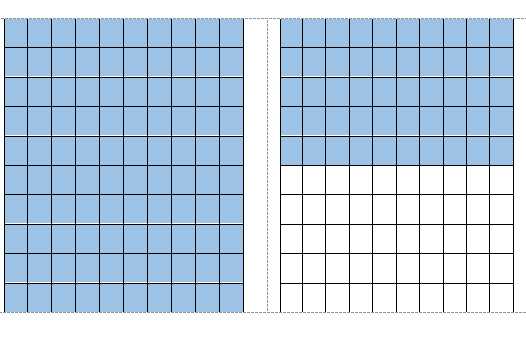
To begin designing a custom chart for classroom activities, start by defining the size and structure that works best for your teaching goals. Consider how many sections or divisions the chart should have based on the concept you’re covering, such as fractions, percentages, or decimals. A standard approach is to break the chart into manageable blocks that allow for easy visualization and calculation.
Next, decide on the range of numbers that should be included. For younger students, create charts that feature simpler, larger divisions like tenths or halves. For more advanced learners, include finer divisions such as hundredths or even thousandths. Adjusting the size of each section makes the chart adaptable for different learning levels, allowing for targeted teaching strategies.
Using spreadsheet software like Excel or Google Sheets can significantly speed up the process. These tools provide grid structures that are easily customizable. You can adjust the dimensions, spacing, and alignment to suit your needs. Once the grid is set up, you can export it in various formats (like PDFs) for easy printing or digital use in the classroom.
If you prefer a hands-on approach, you can create your own grids using graph paper. Simply draw the divisions by hand and label each section accordingly. This method may take a little longer but allows for full customization, including the option to add notes or special instructions for students. Using different colors for different sections can also make the chart visually appealing and easier to understand.
Once the design is finalized, consider the type of paper or material on which to print. For long-term use, choose heavier paper or laminated sheets to make the charts more durable. If you plan to use the charts during group activities or rotations, opt for smaller, portable versions that students can easily handle and interact with.
Finally, keep a template ready for future customization. This allows you to quickly modify the chart for different lessons or topics without starting from scratch. Whether you’re focusing on new math concepts or reinforcing previously taught ones, a reusable template will save you time and help maintain consistency across lessons.