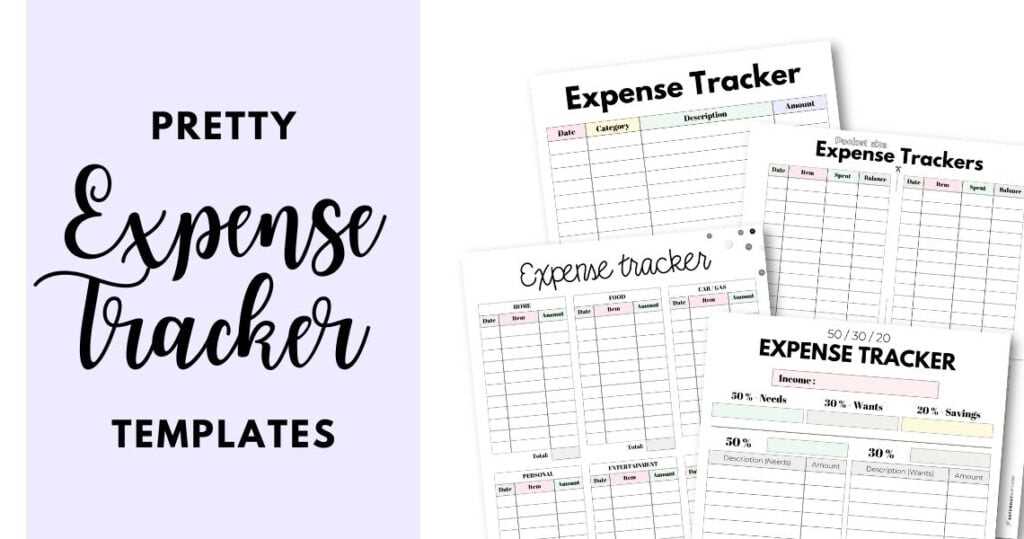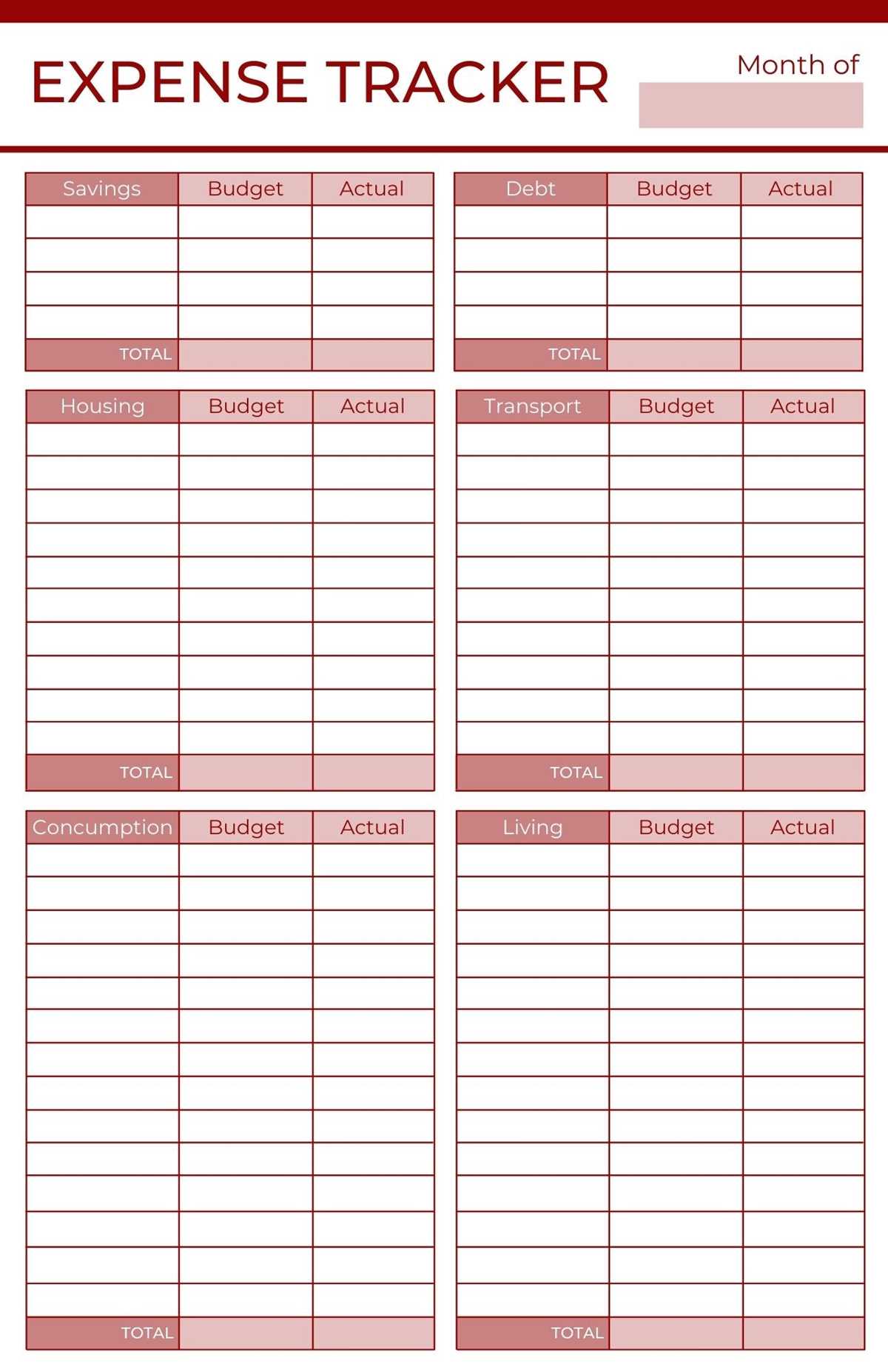
Start by selecting a straightforward document that allows you to record your monthly income, spending categories, and savings goals. A simple design with columns for various expenditures, such as groceries, entertainment, and utilities, will help you stay organized and prevent overspending. Customize the layout to fit your needs by adding sections for daily, weekly, or monthly tracking.
Use a spreadsheet or word-processing program to easily edit and update your records as you go. This will allow you to keep track of your spending without having to rely on complicated software or apps. Once you’ve created your budget sheet, print it out and place it somewhere visible, such as on your desk or fridge, for quick reference.
By following this method, you’ll be able to make adjustments as needed and stay on top of your finances throughout the month. Regularly reviewing your budget will also help you identify unnecessary expenses and allocate more money towards savings or important goals.
Free Printable Expense Tracker
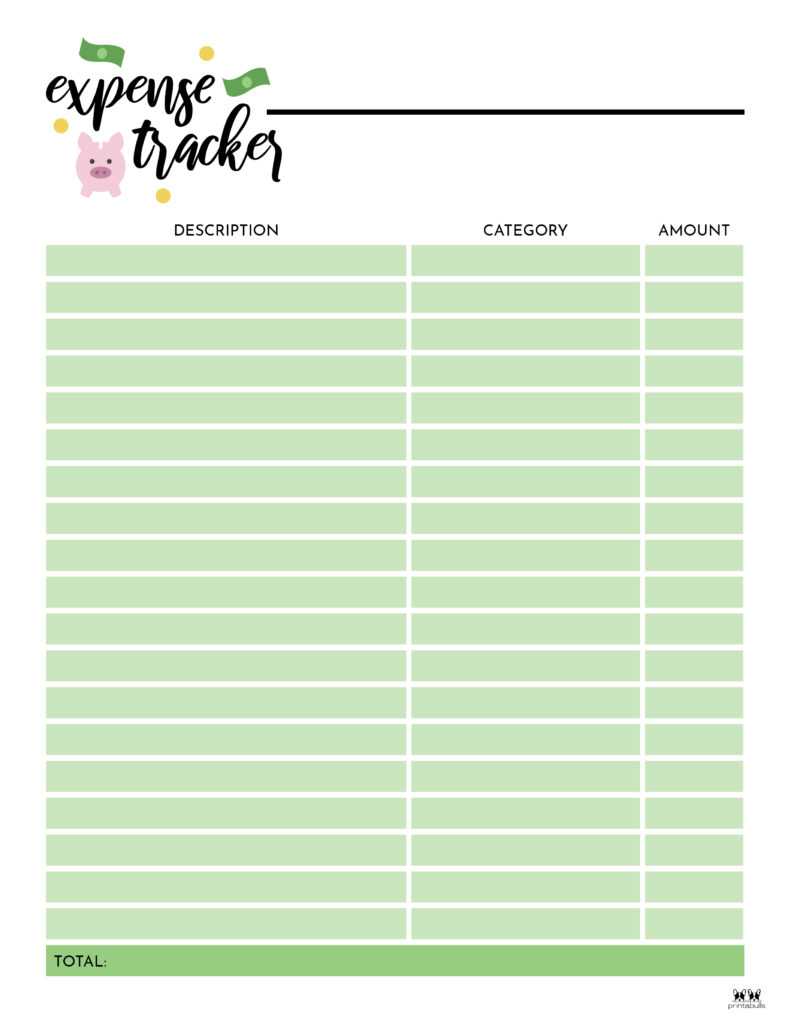
Begin by selecting a simple document format that clearly divides categories of income and costs. A straightforward sheet with clear rows for different spending types, such as rent, utilities, groceries, and entertainment, can give you a clear overview of where your money goes.
Use a table layout with columns to record dates, amounts spent, and the category of each purchase. This will allow you to see your spending habits at a glance and identify areas where you can cut back or save more.
Choose a format that suits your preferences–whether it’s a weekly, monthly, or yearly overview. If you prefer to see your budget at a glance, a monthly layout works well to track larger trends over time. On the other hand, a weekly layout can help you stay on top of day-to-day expenses.
If you’re looking to make tracking even simpler, consider adding a “total” column that automatically sums up each category’s spending. This feature helps you quickly see how much money you’ve spent in each area without needing to manually calculate totals.
One of the benefits of this method is its flexibility. As your spending habits change, you can adjust the sheet to add or remove categories based on your needs. For instance, if you’re spending more on dining out or entertainment, you can easily add extra rows to keep track of that category.
Consider creating a separate sheet for savings goals or investments. This will help you keep a clear record of any amounts you’re putting aside each month and make it easier to track your financial progress over time.
After each week or month, take time to review your records. Are there areas where you’ve overspent? Are there any patterns in your habits that could be improved? Regular review will allow you to adjust your budget and make informed decisions moving forward.
Finally, printing out your budget sheet and placing it somewhere visible–on a wall, desk, or refrigerator–will remind you to stay mindful of your finances. Keeping it in a central location will help you remain focused on your financial goals and prevent impulse spending.
How to Choose the Right Expense Tracker Template
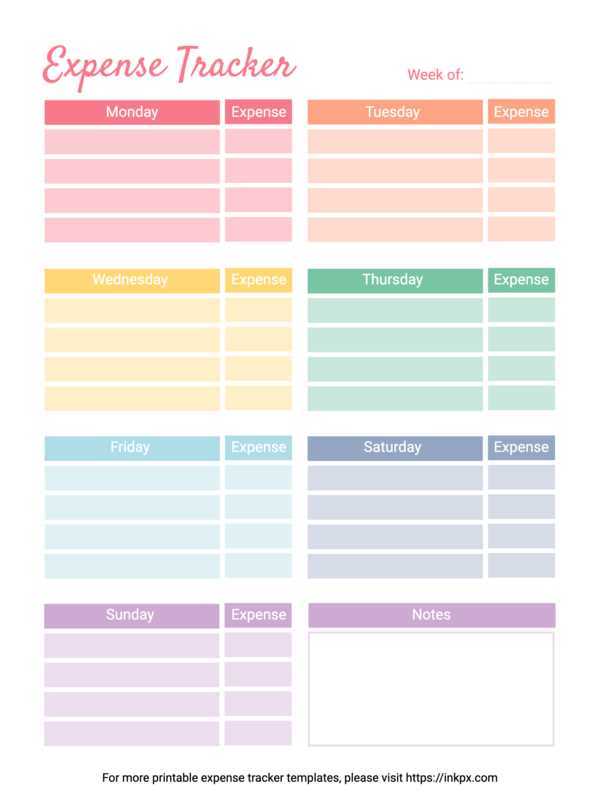
Start by evaluating the layout of the sheet. Choose a design that clearly organizes categories of income and spending. Look for a template with easy-to-read columns for each type of transaction, such as rent, food, transportation, and entertainment.
Consider the frequency of tracking you need. If you want to monitor daily purchases, a daily log sheet with enough space for each expense is ideal. For broader monthly planning, select a template with a monthly summary that allows you to track both daily and cumulative spending.
Check if the template offers flexibility in customization. The more customizable the layout, the easier it will be to tailor it to your needs. You should be able to add or remove categories based on your financial priorities or lifestyle changes.
Choose a template that includes both manual and automatic calculations. While manual entry is straightforward, automated total calculations save time and reduce errors when adding up your expenses. This feature is especially useful when you need to analyze overall spending quickly.
Evaluate the design’s simplicity. The most effective templates avoid clutter and make it easy to locate key information. Opt for a clean, minimalistic design that highlights important sections, making the sheet simple to follow even after a few months of use.
If you track different types of savings or investments, look for a template that includes sections for these financial goals. Having dedicated space for savings will help you track not only your expenditures but also your progress toward saving and investing.
Ensure that the template is compatible with your preferred software. Many templates are available for Excel, Google Sheets, or even in PDF format for those who prefer a paper method. Choose one that fits your workflow and device preferences to ensure ease of use.
Lastly, assess the visual appeal of the template. While functionality is key, a well-designed document will keep you motivated to track your finances. Select a layout with a design that feels comfortable for you to look at and will make you more likely to engage with it regularly.