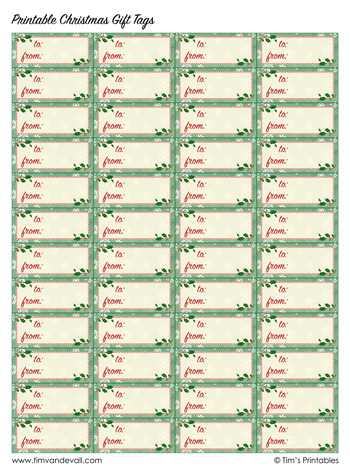
Choose high-resolution holiday label layouts in PDF or SVG format to ensure sharp edges and clean typography after printing. Files with at least 300 DPI prevent blurred text on small cards, while vector formats allow resizing without quality loss. Look for collections that include multiple shapes–rectangular, circular, and die-cut styles–so you can match different wrapping themes without extra editing.
For the best paper results, select matte cardstock between 200–250 gsm; it feeds smoothly through most home printers and accepts both inkjet and laser output without smudging. If you prefer a premium feel, textured linen paper adds a tactile finish that pairs well with minimalist winter motifs. Always test one sheet first to verify margin alignment and hole-punch placement.
Design sets that include editable fields save time during busy holiday prep. Prioritize options with pre-spaced name lines, scalable fonts, and color-safe palettes (CMYK-friendly) to avoid dull tones. Collections offering coordinated themes–such as rustic kraft, modern monochrome, or watercolor snow scenes–make it easier to keep all wrapped presents visually consistent while still allowing quick personalization.
Holiday Present Label Designs at No Cost
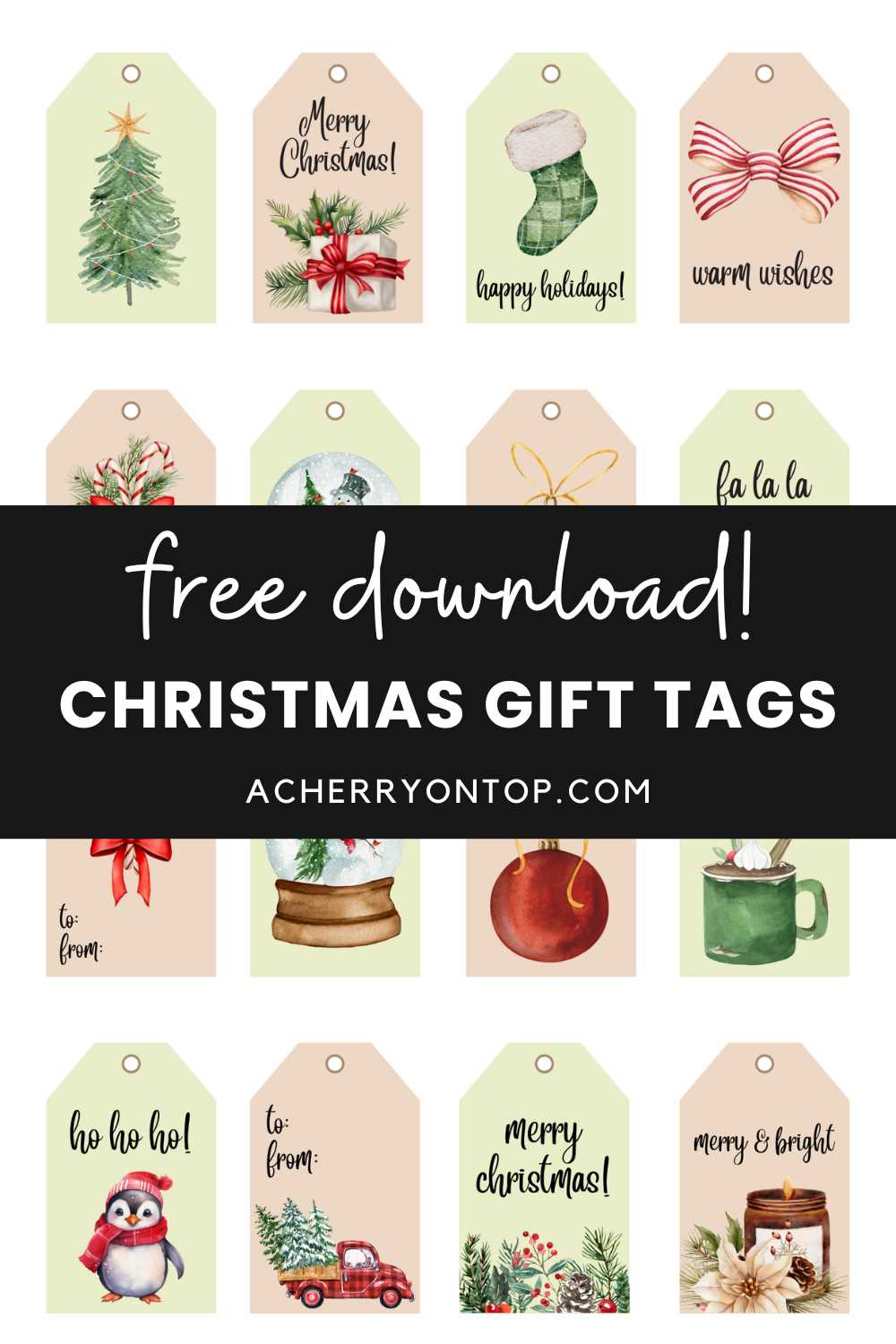
Download ready-made holiday label sheets in A4 or US Letter format and print them at 300 dpi for sharp edges and readable text. Choose files in PDF for consistent sizing or PNG for quick edits in common editors. For best results, use matte adhesive paper (80–120 gsm) or thick cardstock if you plan to attach labels with ribbon or twine.
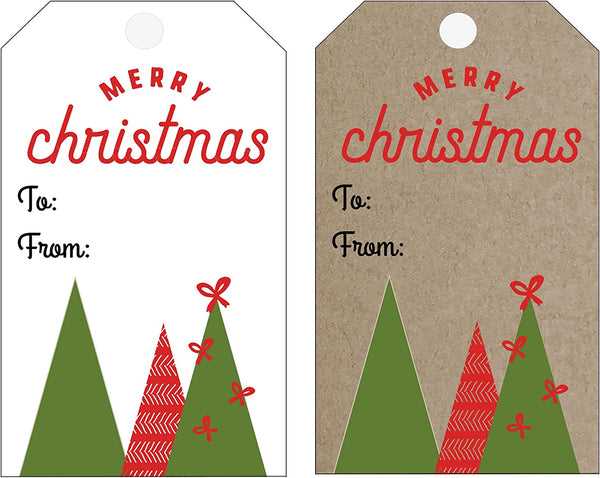
Look for collections that include multiple shape options–circles (5 cm), rectangles (7 × 3 cm), and decorative frames–so you can match different box sizes. Files with editable name fields save time when preparing large batches. A practical set usually offers:
- Pre-aligned cut marks for scissors or craft cutters
- High-contrast color palettes suitable for home printers
- Versions with and without background patterns
- Space for short handwritten notes (at least 2 lines)
Before printing the full sheet, run a single-page test on plain paper and place it over your label stock against a light source to verify alignment. Set printer scaling to 100% and disable “fit to page.” If colors appear dull, switch from draft to high-quality mode and select the correct paper type in printer settings. For bulk preparation, organize names in advance and fill editable fields once, then duplicate the page rather than editing each label separately.
For a polished finish, cut along the trim guides with a metal ruler and craft knife instead of scissors. Punch a 3–5 mm hole when using ribbon, or apply double-sided tape dots for a flat look on envelopes and boxes. Store unused sheets in a dry folder to prevent curling, and keep a neutral design set on hand so you can prepare last-minute packages without redesign work.
Where to Download High-Quality Free Christmas Gift Tag Templates for Home Printing
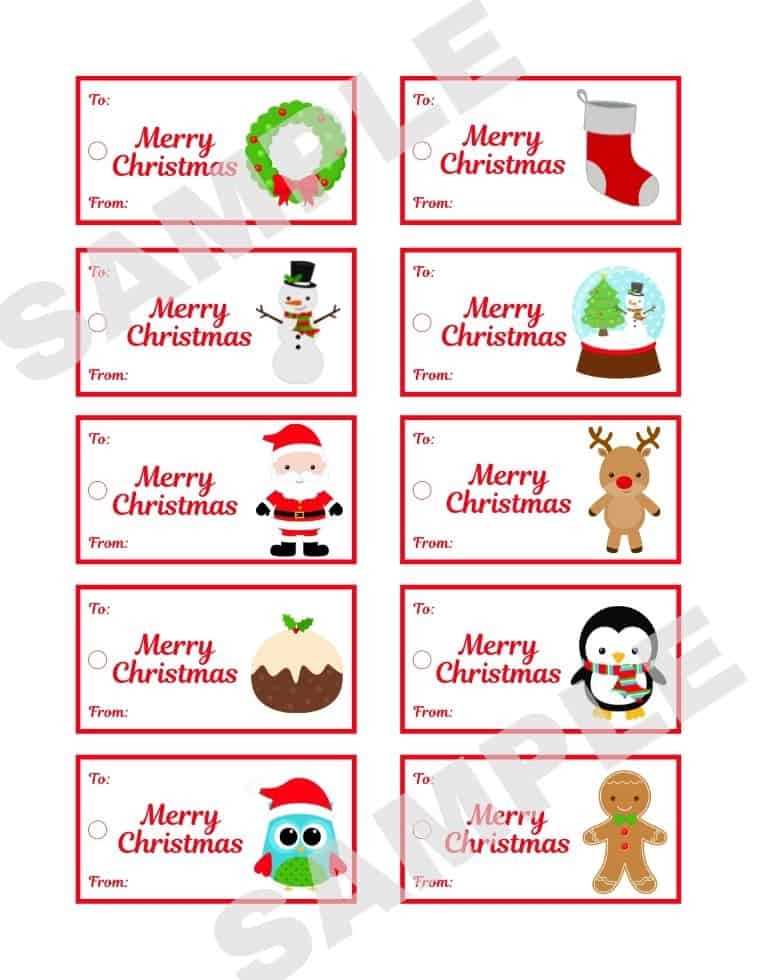
Download polished holiday label designs directly from Canva’s public design library, which offers thousands of ready-to-use layouts in high-resolution PDF and PNG formats suitable for home printers. The platform allows filtering by size, orientation, and style, making it easy to pick minimalist, vintage, or playful options without manual resizing.
Another reliable source is Adobe Express, where you can access professionally balanced label graphics created by experienced designers. Files are typically available in print-ready quality (300 DPI), and many sets include matching color palettes and typography, which helps maintain visual consistency across multiple packages.
If you prefer artwork created by independent illustrators, Creative Market’s free goods section refreshes weekly and often includes seasonal name-label designs. Pay attention to licensing notes and download formats–look for vector files (AI, EPS, or SVG) if you want sharp results at any size.
For classic and understated styles, visit online stationery blogs such as Lia Griffith. These sites usually provide carefully measured label sheets aligned to standard paper sizes like US Letter or A4, which reduces trimming errors during home printing.
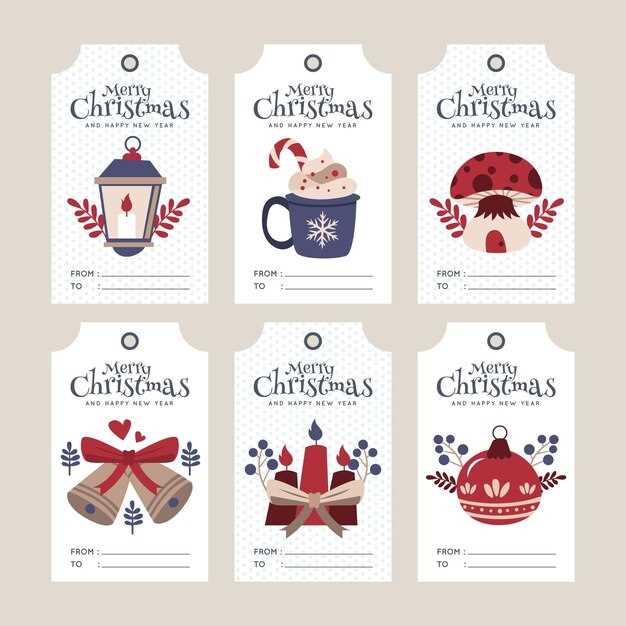
Teachers Pay Teachers is another surprisingly strong repository, especially for playful or kid-friendly name-label layouts. Many contributors upload classroom-ready sheets with clear cut lines and bold fonts that remain readable even on budget inkjet printers.
Before downloading, check three technical details: resolution of at least 300 DPI, bleed margins around the artwork, and compatibility with your paper type (cardstock usually prints best). Skipping these checks often leads to blurry text or uneven borders.
For the cleanest results at home, export files as PDF for print, disable page scaling in your printer settings, and test on plain paper before using heavier stock. This small step saves ink, paper, and time while ensuring each label looks sharp on wrapped presents.