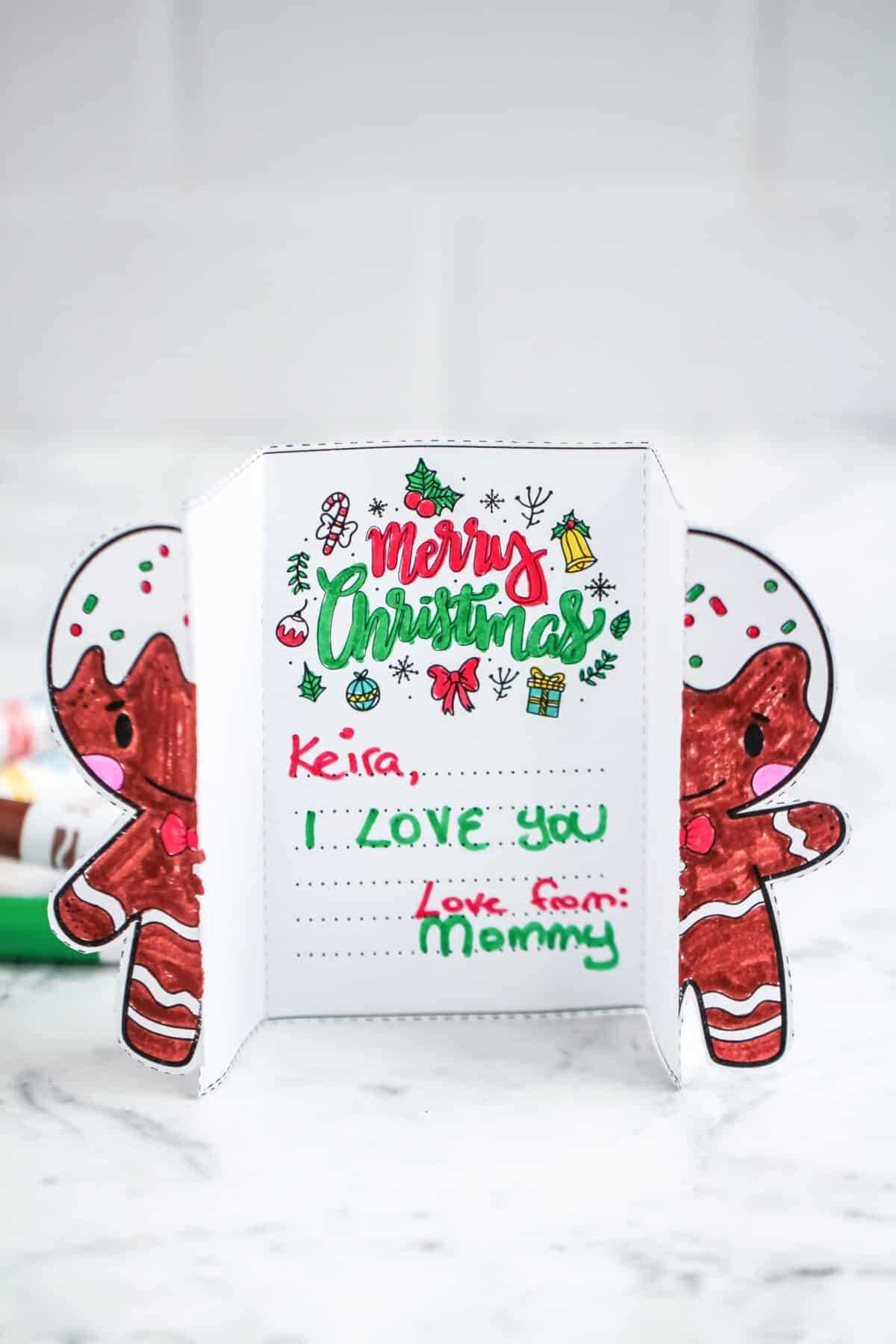
Start by selecting a design template that suits your personal style. Choose one that aligns with the festive spirit and adds a personal touch to your greetings. You can find templates ranging from simple, minimalist designs to more intricate and detailed layouts. Pick one that complements the message you want to convey this season.
Once you’ve chosen the layout, focus on the imagery and text you want to incorporate. Use symbols that evoke the warmth and joy of the holidays–think of traditional elements like snowflakes, candles, or holiday greenery. Customize the wording with a heartfelt message or a festive quote that resonates with your recipient.
After printing the design, fold it carefully to ensure clean edges. Pay attention to the quality of the paper you use–thicker card stock will hold up better and feel more luxurious. Ensure that everything lines up properly before sealing the envelope to maintain a polished, professional look. This small effort will make your greeting stand out among the rest.
How to Create Unique Holiday Greeting Designs
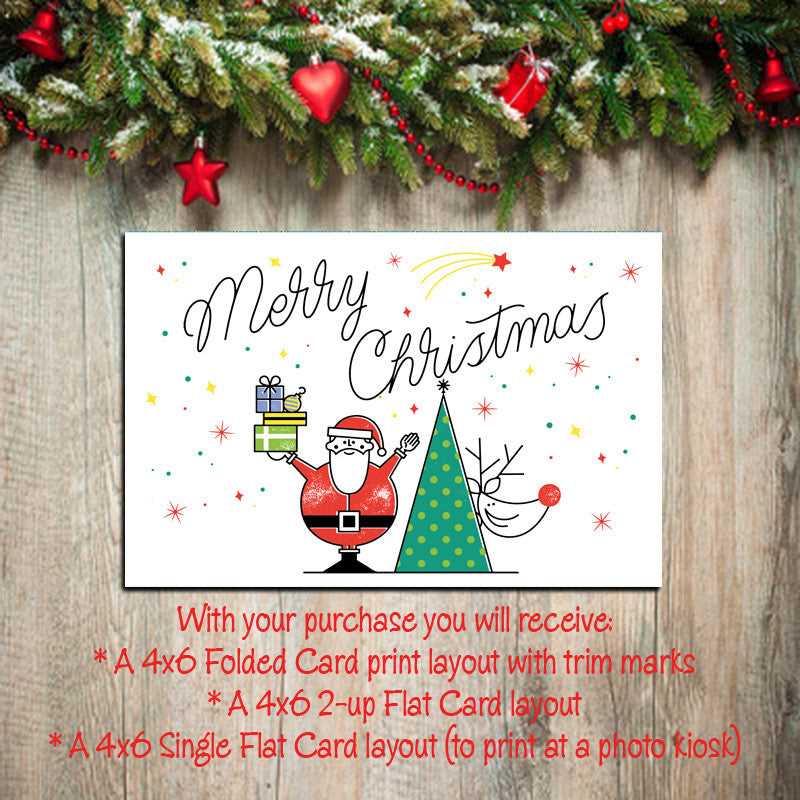
Start by choosing a layout that fits your theme. Opt for a simple, clean design or something with a bit more flair depending on the message you want to send. Templates with sections for personal notes can help you add a meaningful touch to your greetings.
For the images, select ones that capture the mood of the season. Classic motifs like holly, snowflakes, or festive trees work well, but don’t shy away from modern or minimalist styles if that’s more in line with your aesthetic. The imagery should resonate with both you and the person receiving it.
Once you’ve chosen your images, ensure the resolution is high enough for printing. Low-quality images can appear blurry or pixelated when printed. Aim for at least 300 DPI (dots per inch) to ensure the printed design looks sharp and professional.
Next, consider the paper quality. Thicker stock gives a more polished and premium feel compared to standard printer paper. Opt for paper with a weight between 200-300 gsm for a sturdy and durable result. This will also hold ink better and prevent it from bleeding through to the other side.
When it comes to folding, precision is key. Use a ruler to make sure the folds are even, as uneven folds can make your creation look sloppy. A bone folder is also useful for achieving crisp folds without damaging the paper.
Personalize your greeting by adding a custom message inside. Whether it’s a heartfelt wish or a witty holiday saying, the message is what will make your creation stand out. Use a hand-written font or even your own handwriting to make it feel more personal and authentic.
Finally, consider the envelope. A matching envelope can elevate the overall presentation. You can find templates that match your design, or simply select one in a complementary color or texture. Make sure it fits your creation perfectly to add that finishing touch.
How to Choose the Right Printable Template for Your Holiday Greetings
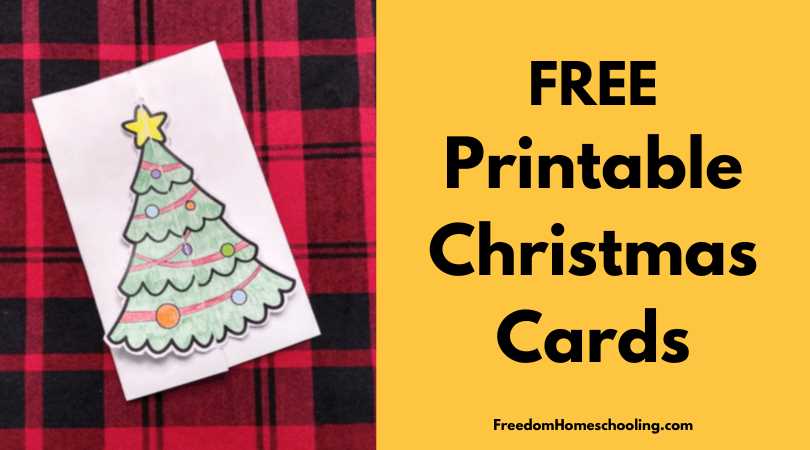
Choose a layout that suits the tone you wish to set. If you want something elegant, go for a design with clean lines and minimal graphics. For a more festive or fun vibe, select a template with vibrant colors and playful illustrations. Consider the recipient’s personality when deciding on the style.
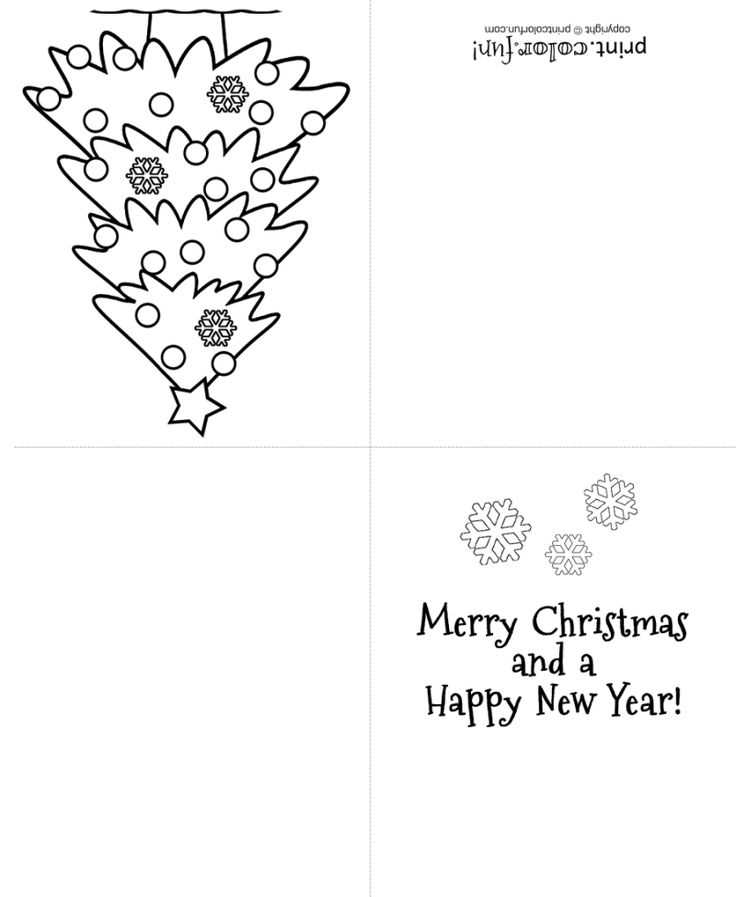
Ensure the template provides enough space for your message. Some designs have more room for writing, while others focus more on visuals. If you prefer a longer greeting, select a template with a larger interior area for text. This will ensure your message doesn’t feel cramped.
Take note of the folding style. Some templates are designed to be folded into a traditional greeting, while others might require more intricate folds for a unique effect. If you’re new to crafting these designs, start with a simple folding method to avoid frustration during assembly.
Pay attention to the image resolution in the template. Low-resolution designs may not print clearly, leading to blurry or pixelated results. Ensure the images are high quality and suitable for printing at a standard resolution (300 DPI or higher) to achieve the best results.
If you plan to add personal touches like photos or custom graphics, select a template that allows for easy modification. Templates that are fully customizable or have open spaces are ideal for incorporating your own elements without disrupting the design.
Finally, check the paper size compatibility. Make sure the template matches the size of the paper you plan to use for printing. If your paper is a non-standard size, choose a design that can be scaled without losing quality or requiring extensive adjustments to fit your printer.