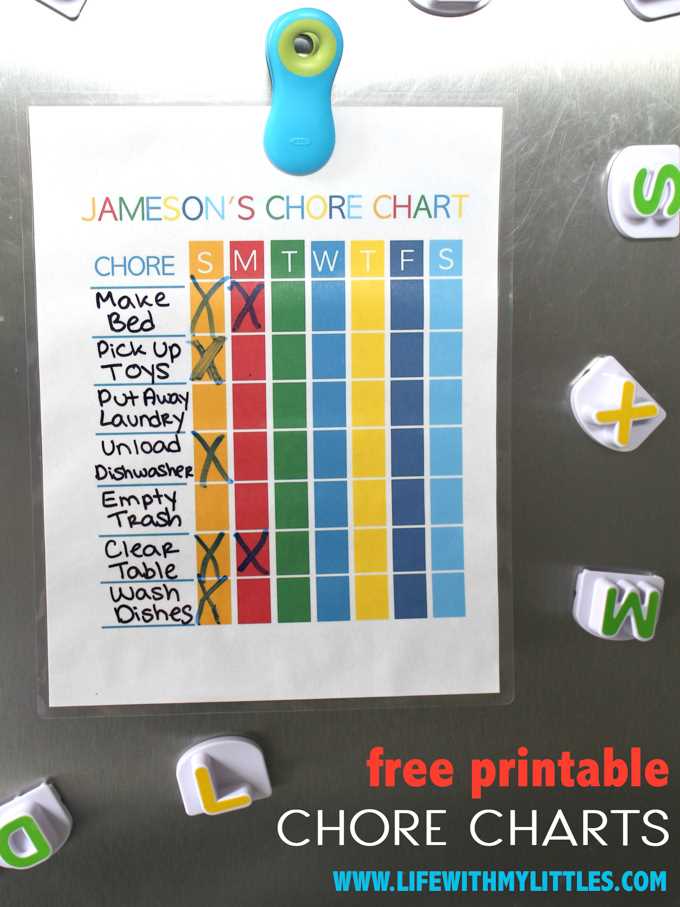
Assign tasks in your household using a simple rotating tool to make sure everyone contributes fairly. This method ensures a balanced distribution of responsibilities, preventing confusion and complaints about who does what.
To start, list all the household duties that need to be done. These can include cleaning, organizing, taking out the trash, and more. Be specific about the frequency of each task–whether it’s daily, weekly, or monthly–and decide who will handle which task based on their preferences or availability.
Once the tasks are categorized, create a template that divides them into sections. Each person can then be assigned a particular slot, or you can use a rotating system where assignments change regularly. This keeps things fresh and avoids the monotony of repetitive duties.
Finally, print and laminate the chart for long-term use. Hang it in a visible spot where everyone can easily refer to it. This helps ensure everyone stays on track and holds each other accountable for their part in maintaining the home.
Using a Household Task Tracker for Better Organization
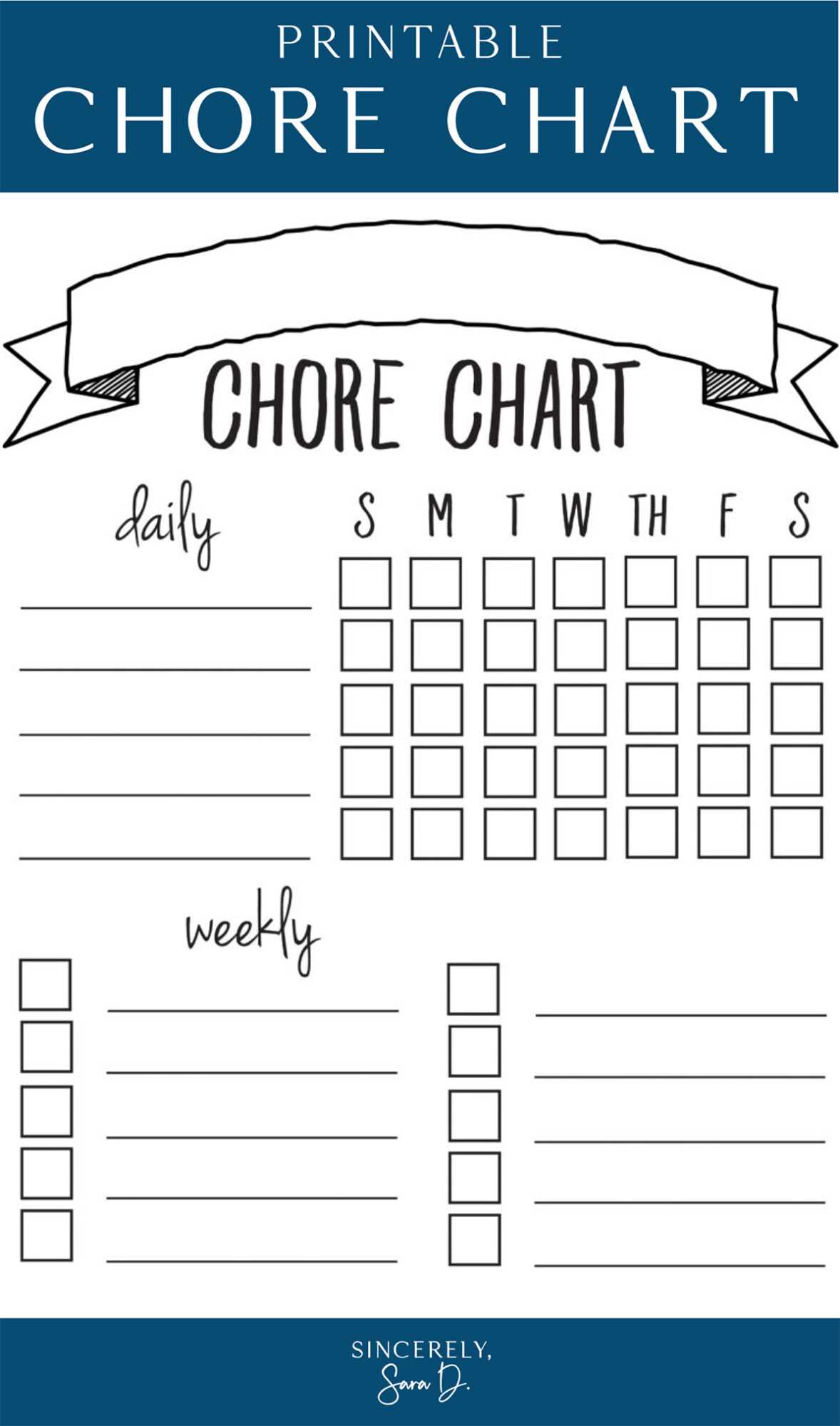
To distribute daily responsibilities evenly among everyone, consider creating a rotating schedule that assigns tasks randomly. This approach ensures fairness and eliminates arguments about who does what. Use a simple chart that’s easy to understand and can be updated as needed. It can be a fun way to keep everyone engaged and motivated.
Start by listing all the household duties that need to be done regularly, such as vacuuming, dusting, taking out the trash, or washing dishes. You can also include larger tasks like organizing or deep cleaning, but these might require less frequent rotation. Break down the duties into manageable chunks so that each person has a specific task on a given day.
Next, create a template that divides all tasks into sections. If you want to add a fun element, you can use color codes or images to make the chart more visually appealing. A simple system where each person gets a task for the day or week helps maintain transparency and keeps everyone accountable.
If you have children, consider adjusting the difficulty of the tasks based on their age. For example, younger kids can handle smaller tasks like setting the table or folding towels, while older children or adults can take on more time-consuming chores. Rotate the assignments frequently to prevent boredom and ensure that everyone gets a chance to contribute equally.
Once the system is set up, print the tracker and place it in a visible area, such as the kitchen or family room, where everyone can easily check it. This helps keep people on track, and having a central location for the chart makes it easier for everyone to follow the schedule.
To keep things interesting, try using a rotating format where the assignments change each week. This method prevents people from feeling stuck with the same tasks every time, and it encourages teamwork. It also adds a sense of fairness since everyone gets the same responsibilities over time.
Consider adding a reward system to encourage participation. For example, once everyone completes their assigned tasks for the week, you can offer a small treat or a fun family activity. This can help motivate everyone to stay engaged with the schedule.
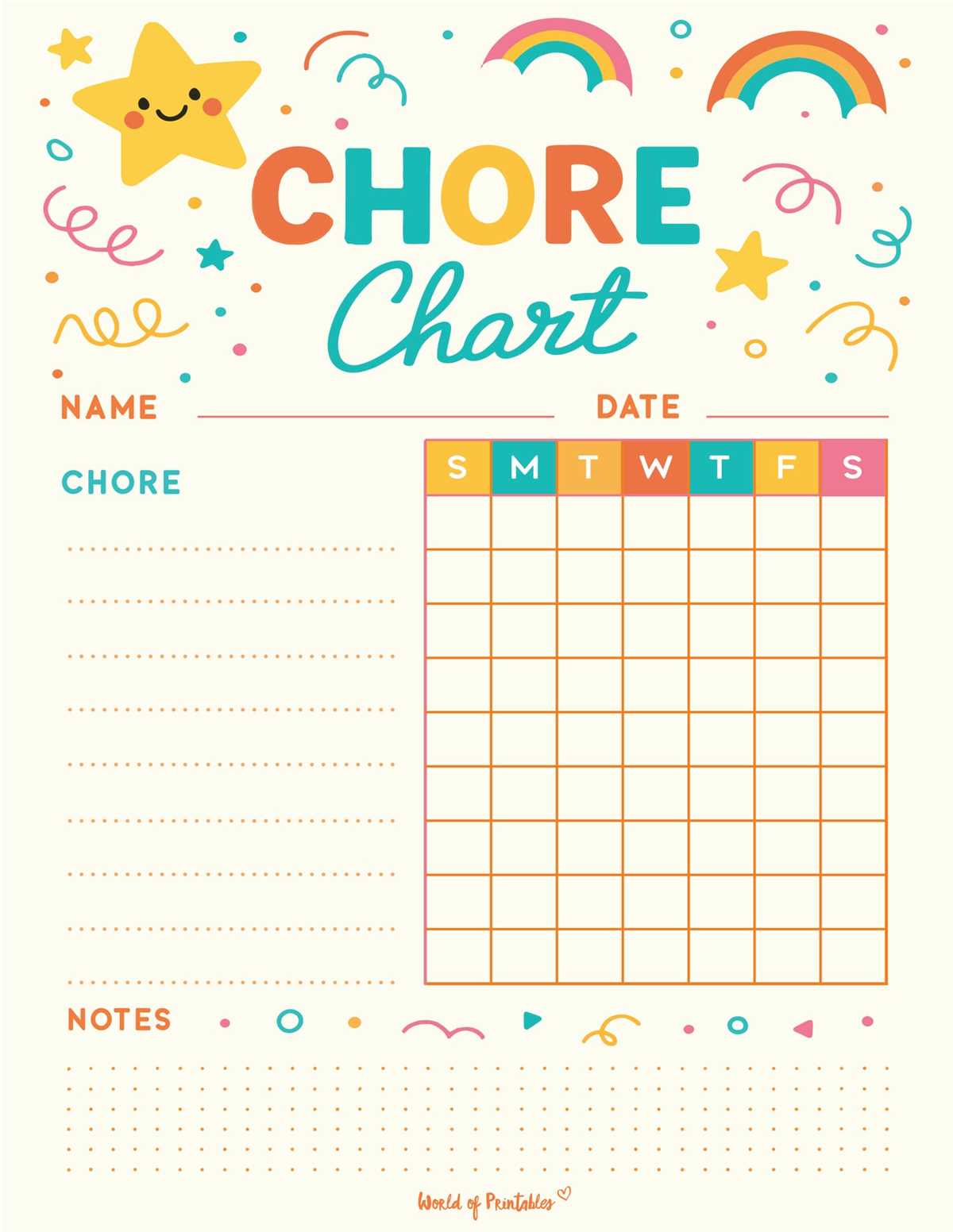
Lastly, remember that the system should be flexible. Life happens, and sometimes people can’t complete their assigned tasks due to unforeseen circumstances. Adjust the chart as needed and encourage open communication within the household to make sure that everyone is on board with the plan.
How to Create a Custom Chore Wheel for Your Household

Begin by listing all the household tasks that need to be done regularly. Include both small daily duties like making the bed and larger weekly tasks such as cleaning the bathroom. Break them down into manageable categories to ensure each responsibility is clearly defined and easy to track.
Next, decide on the frequency for each task. For example, you might want to assign tasks such as vacuuming or doing the dishes daily, while tasks like laundry or deep cleaning could be rotated weekly. Ensure the rotation is balanced to avoid overloading one person with all the labor-intensive tasks.
Now, create a template that clearly shows the tasks, either by drawing or using a software tool. You can divide it into sections or use color coding to make it visually appealing. Assign each person to a section or task and ensure there’s enough space for any potential changes or updates as needed.
For more flexibility, consider allowing each person to choose their tasks on a rotating basis. This can be done weekly or biweekly, depending on your preferences. This method prevents monotony and allows everyone to have some say in the responsibilities they take on.
Once your system is created, print it and place it in a central area where everyone can easily view it, such as the kitchen or hallway. Review it regularly and adjust the assignments as needed to ensure everyone stays on track and responsibilities are fairly distributed.