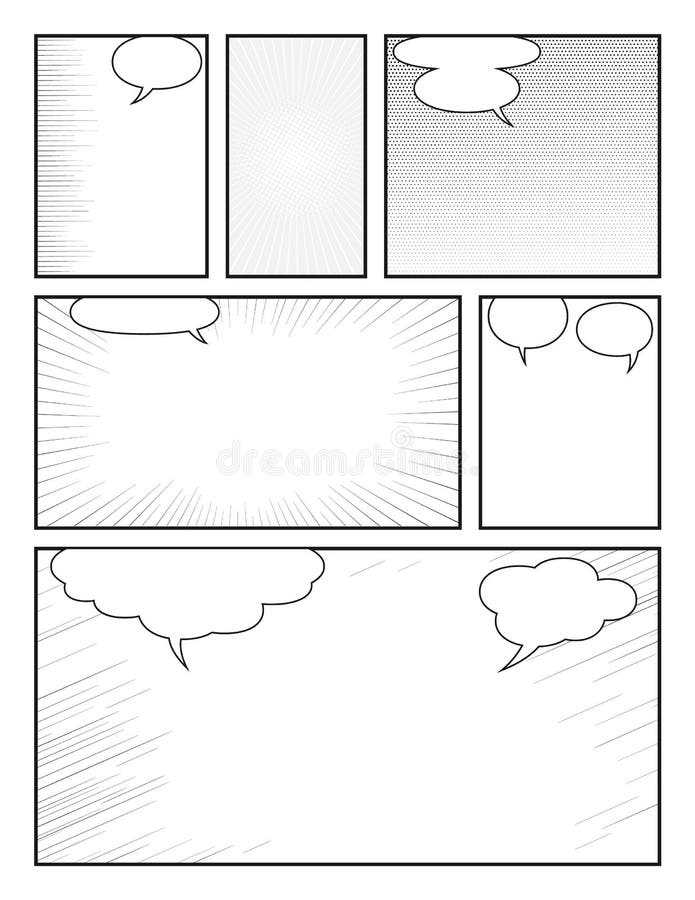
Start by selecting a layout that fits the flow of your narrative. If you’re telling a dynamic, action-packed story, opt for a layout with multiple panels per page. This allows you to visually convey movement and progression. For more introspective or detailed storytelling, choose a layout with larger panels that can capture emotions and intricate details in each frame.
Next, consider the spacing between the frames. Too much space can break the rhythm of the storytelling, while too little may create a cramped and cluttered look. Aim for balanced margins that provide breathing room without distracting from the action. A consistent grid structure helps maintain visual coherence across the entire piece.
Once you’ve selected a layout, focus on print quality. If you plan to share your work physically, use high-quality paper to ensure the ink does not bleed and colors remain vivid. For those working digitally, make sure your design is formatted correctly for various print sizes and resolutions.
Choosing the Right Layout for Your Comic
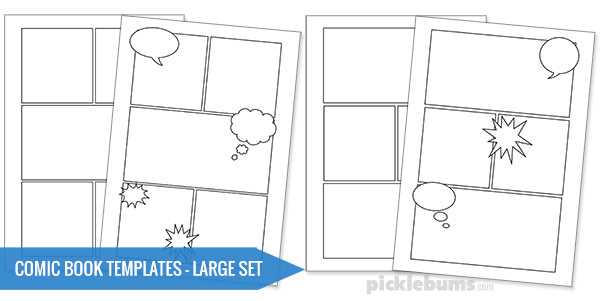
Selecting the right structure is key for visual storytelling. A well-structured design helps to pace the narrative and guide the reader’s eye. For action sequences, go for layouts with smaller, dynamic panels that keep the momentum going. For more emotional scenes, larger panels can help focus on the character’s expressions and environment.
Consider your genre when picking a layout. If your story is heavily dialogue-based, opt for a structure that allows more space for speech bubbles, such as larger panels or a more linear grid. For fast-paced or experimental stories, you might want to use non-traditional formats like diagonal or irregular panels to create a more unique experience for the reader.
The balance between panel size and spacing is equally important. Too many panels on a page can overwhelm the reader, while too few may slow down the pacing. The ideal layout should maintain flow without feeling cluttered. Adjust panel size based on the intensity of the scene you’re portraying; for example, action scenes work well with smaller, tightly-packed frames, while quiet moments benefit from larger, more open spaces.
When preparing your designs for printing, make sure to use high-resolution files to ensure the final product is clear and sharp. Additionally, choose the right paper type–glossy paper helps colors pop, while matte paper gives a more subdued and textured look. Test a few layouts on different paper types before finalizing your design to see what works best for your project.
How to Customize a Printable Graphic Novel Template for Your Story
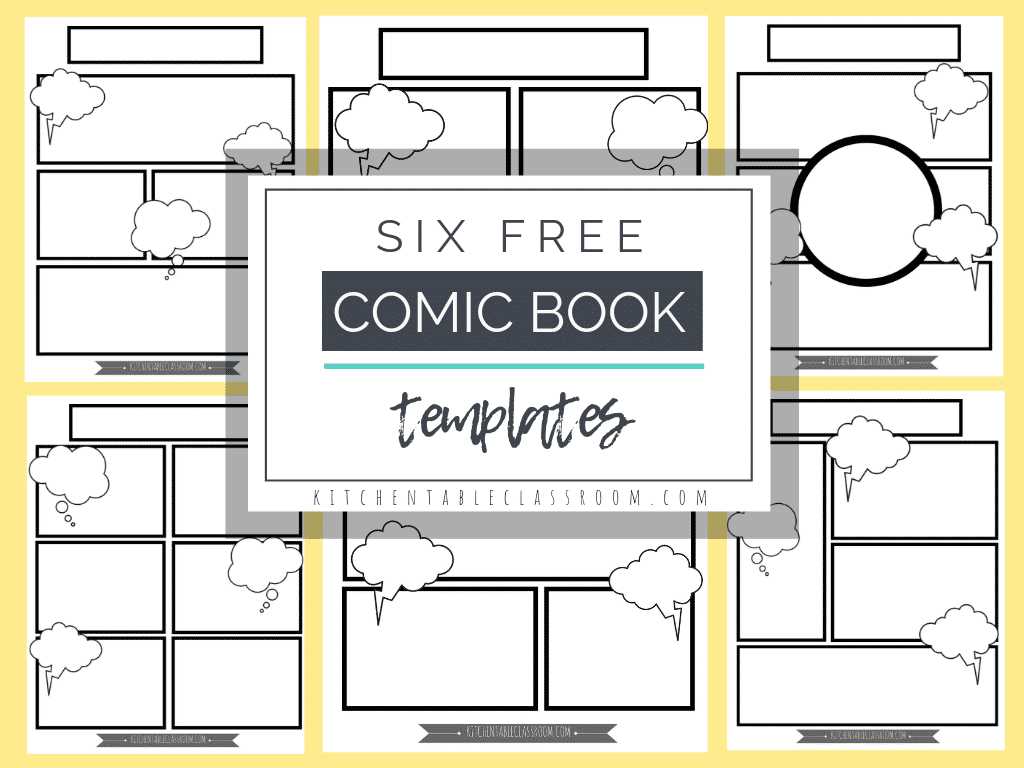
Adjust the number of panels based on the pacing of your narrative. For fast-moving scenes, use smaller panels to create quick cuts between actions. For moments requiring more attention, such as important dialogue or emotional expressions, choose larger panels to give the scene more impact. Customizing panel size will help set the tone of each section of your story.
If your story involves detailed backgrounds, consider removing unnecessary borders between panels. This creates a more fluid transition between scenes, allowing the background to flow across multiple frames. A seamless backdrop can also tie your scenes together, adding to the visual continuity of your work.
To emphasize important elements or moments, experiment with panel shapes. Non-rectangular frames, such as circles or diagonal borders, can highlight key moments or characters. This adds visual interest and draws attention to specific points in your story, making your comic more engaging for the reader.
Another key customization is the inclusion of speech bubbles and text boxes. Adjust their sizes to fit the tone of the dialogue. For lengthy conversations, ensure the bubbles have enough space without crowding the artwork. If a character is shouting or expressing strong emotion, you might choose to enlarge the bubble or change its shape to match the intensity of the speech.
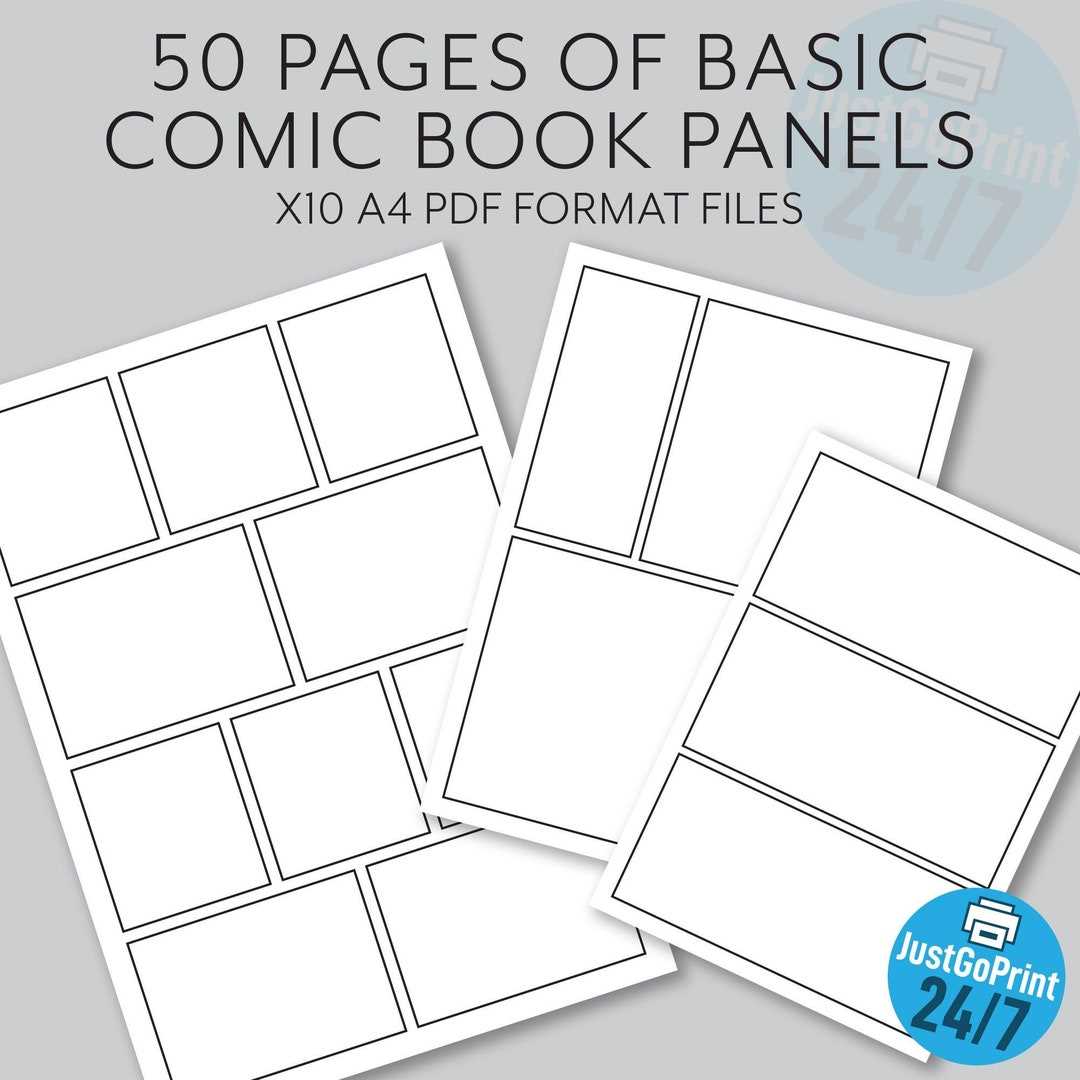
When planning for printing, remember that margins are important. Ensure that none of your artwork or text is too close to the edge of the page. A small border around the edges prevents important content from being cut off during printing. Consider setting aside additional space for any necessary bleed or trim areas to guarantee a clean, professional finish.
Lastly, think about the visual style of your work. If you are using a monochrome style, decide how you will incorporate shades or textures. Experiment with different patterns and shading techniques to give depth and contrast to your artwork. For colored works, consider how your chosen layout interacts with color palettes to highlight different aspects of your scenes.