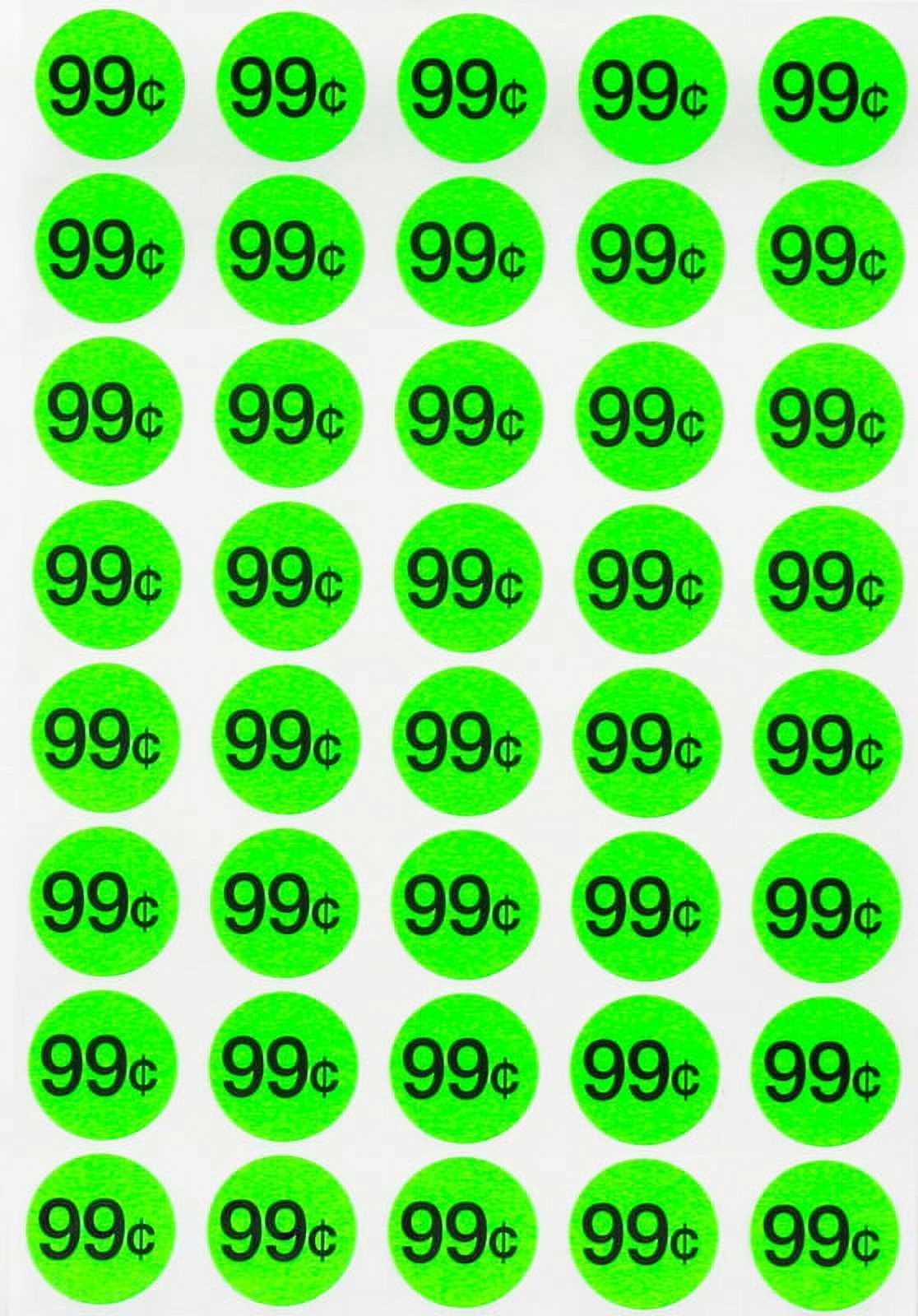
Using pre-designed labels for marking your items can save you time and help potential buyers quickly identify the cost. Make sure to choose a format that fits your needs, whether you’re working with a small or large batch. Stick to labels that are large enough to read from a distance, but not so big that they overwhelm your display. Simple, clear fonts are always a safe bet.
When printing, use durable paper or adhesive sheets designed for the job. Regular printer paper can easily rip or peel off, leaving your items unmarked. To get the best results, ensure your printer settings match the label material you’re using. Many printers allow you to select specific paper types, which can help avoid any ink smudging or misalignment.
After printing, carefully cut or peel your tags. Avoid overcrowding your items–spread the labels out so that each one is easily visible. Place them where they won’t obstruct important features of the items but are still noticeable from a distance. With these simple steps, you can ensure a smooth and well-organized event that will attract more buyers.
Optimizing Labels for Your Event
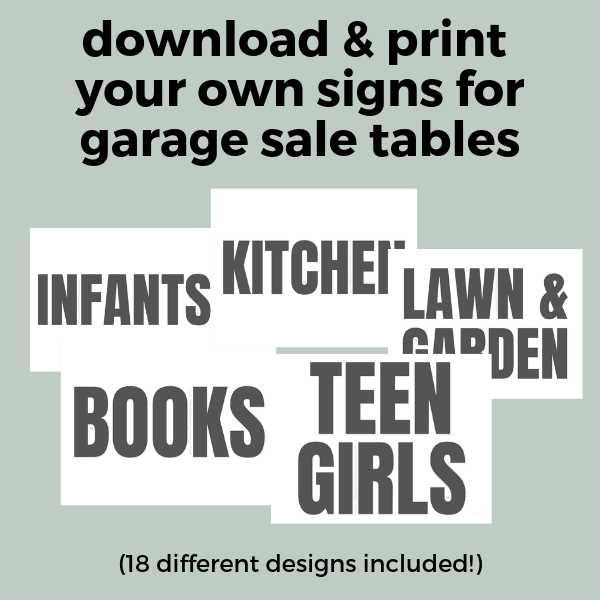
Choose simple, bold designs that will be easy to read from a distance. Use high contrast, such as black text on a white background or dark red on yellow. This helps buyers quickly identify the information without straining. Stick to basic, clear fonts like Arial or Times New Roman to ensure legibility.
For smaller items, use compact labels, approximately 2″x1″, to ensure they don’t dominate the object. Larger items, like furniture, will require bigger labels around 3″x2″ or even larger. A larger size ensures the text is visible from multiple angles and makes the label stand out more.
To prevent labels from peeling off easily, print them on adhesive-backed paper designed for home printers. Make sure your printer settings match the label material to avoid alignment issues. If you’re printing on non-adhesive paper, use a reliable adhesive or double-sided tape to attach the labels securely.
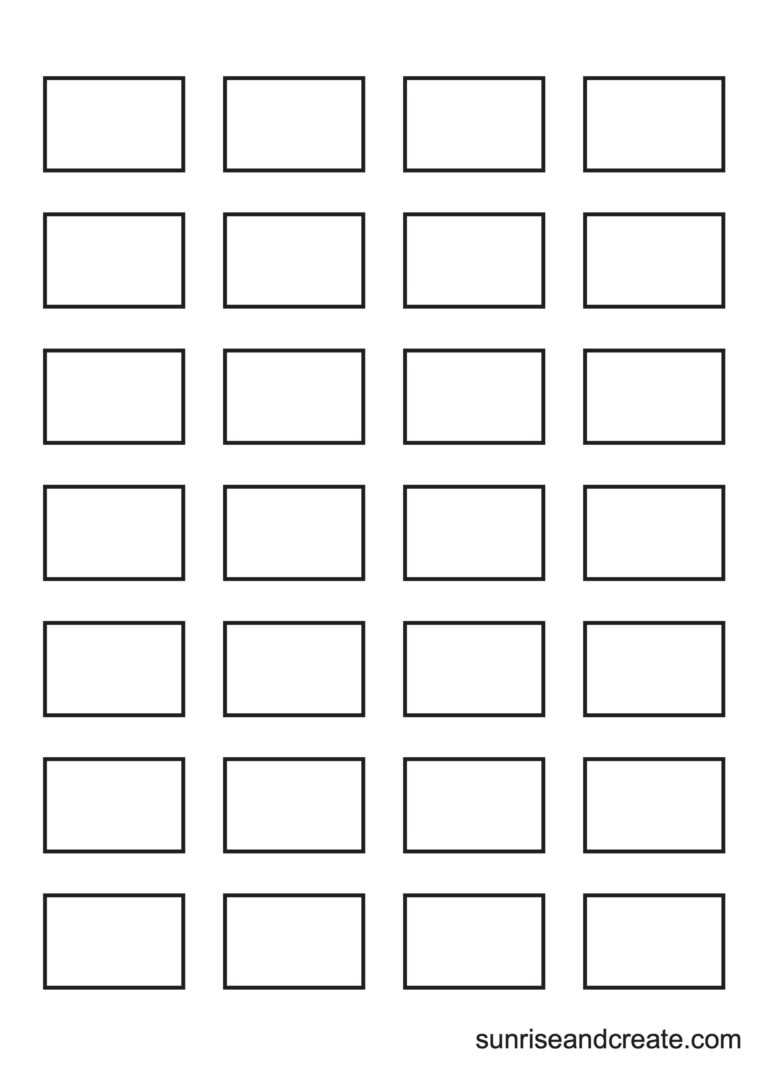
Cut the labels with precision using scissors or a paper cutter. For a more polished look, consider using a cutting mat and ruler for straight edges. When dealing with pre-cut labels, be gentle with peeling them off to avoid tearing or damaging the backing paper. Handle each one carefully to keep it intact.
Strategically place the labels on each item in an easy-to-see spot. Avoid covering any important features, such as logos or brand names, as this might distract buyers. For larger items, like appliances, place labels on several sides to ensure visibility from any direction.
Labeling your items clearly and neatly helps create an organized and inviting atmosphere. Buyers will appreciate the transparency and clarity, and it can make the entire event run more smoothly. Invest time in ensuring every item has a visible, well-placed label to encourage sales and streamline the process.
How to Select the Best Price Sticker Templates for Your Event
Start by determining the size and shape of the label you need. A compact design is perfect for smaller items like books or toys, while larger labels are more suitable for furniture or appliances. Ensure the template fits the dimensions of the adhesive sheets you plan to use.
Choose a layout that is simple and easy to read. Bold, clear fonts with ample spacing between the numbers and text will make the labels legible from a distance. Avoid overly intricate fonts or designs that may be difficult to decipher quickly.
Consider the style of your event. For a more formal setup, opt for basic, minimalistic templates. For a casual gathering, you can choose fun or colorful designs that reflect the tone of your event. Select a design that aligns with the atmosphere you want to create.
Many templates allow you to adjust font size, color, and alignment. Choose a contrasting color combination, like black on white or red on yellow, to increase visibility. This ensures that the information stands out, making it easier for buyers to identify the items at a glance.
Check if the template includes space for additional information. In some cases, you might want to include both the item description and the cost. Templates that offer multi-line text fields allow you to add extra details without cluttering the design.
Be mindful of the software you’re using. Templates that are compatible with widely used programs like Microsoft Word or Google Docs can save you time and effort. Many free online tools also offer customizable templates that can be printed directly from the browser.
Finally, test print a few labels to ensure everything aligns correctly. Check the size, font readability, and color contrast before printing a large batch. This small step can help avoid any printing issues and ensure your labels look professional.