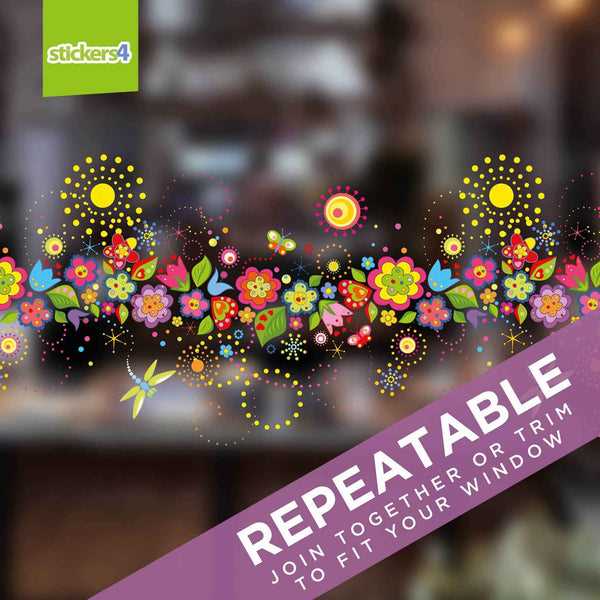
Start by selecting a design that fits your space and style. Whether it’s for a seasonal theme or just a fun addition to your living room, find artwork that suits your vision. Look for templates with clear, bold lines that are easy to cut out or print directly, ensuring a professional look even with DIY projects.
Use high-quality adhesive paper or vinyl that will stick well to glass surfaces without leaving residue. These materials can be found at most craft stores or online and are compatible with both inkjet and laser printers. This choice of material is ideal for creating long-lasting, easily removable decorations.
When printing, adjust your settings for the best quality, especially if your design includes fine details. Be sure to check that the scale is correct and fits the dimensions of your chosen surface. After printing, carefully cut out the design, using sharp scissors or a craft knife for precise edges.
Once printed and cut, apply the design by cleaning the surface first to ensure a smooth adhesion. Depending on the type of material used, you may need to use a squeegee to remove air bubbles and make sure the design sticks perfectly. This step will ensure that your artwork stays intact and looks polished.
Printable Window Sticker Guide
Select a design with clean lines and simple patterns to ensure easy cutting and application. Popular choices include seasonal themes, geometric shapes, or custom logos. Many online resources offer a wide variety of free templates to choose from, making it easy to personalize your project.
Before printing, make sure the paper or vinyl you choose is compatible with your printer type. If you’re using an inkjet printer, opt for a glossy or matte adhesive film. Laser printers may require a different material for optimal adhesion. Always check the manufacturer’s instructions for the best results.
After selecting your material and printing the design, carefully cut it out using a craft knife or precision scissors. Take your time to avoid jagged edges, especially if the design has intricate details. A ruler or cutting mat can help ensure straight cuts and protect your surface from damage.
To apply the design, thoroughly clean the surface where it will be placed. This ensures there’s no dust or grease, which can affect adhesion. After placing the design, use a soft cloth or squeegee to smooth out air bubbles and ensure a secure attachment. Let it set for a few hours before touching or adjusting it.
How to Design and Customize Your Own Window Stickers
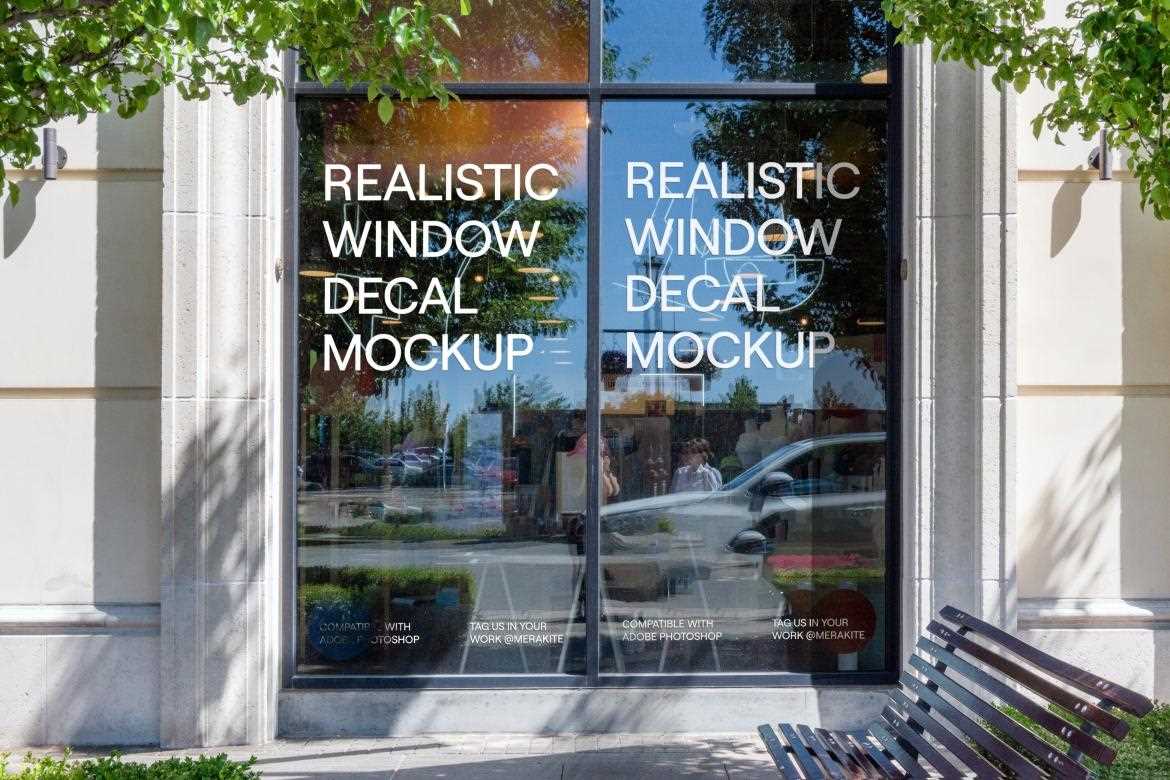
Begin by selecting a design tool that suits your skill level. Programs like Adobe Illustrator, Canva, or even simpler ones like Microsoft Word allow you to create your own artwork. Start with basic shapes or images and experiment with adding text, colors, and different layers for a more complex design.
Focus on clarity and boldness in your design. Thick lines and high-contrast colors work best for visibility and readability when printed on adhesive sheets. Avoid overly intricate details that could be difficult to cut out or may lose clarity when resized.
Incorporate seasonal themes or personal touches by using custom fonts or adding symbols that reflect your style. For example, use autumn leaves, snowflakes, or geometric patterns for seasonal themes. Customizable options like adding quotes or names can make your creations unique and personalized.
Once your design is ready, save it in a suitable format such as PNG or PDF, which will maintain the quality of your work during printing. Ensure the dimensions are adjusted to fit your desired surface, whether it’s a small piece of glass or a larger display area. Double-check for alignment and any unnecessary borders before printing the design on adhesive paper.