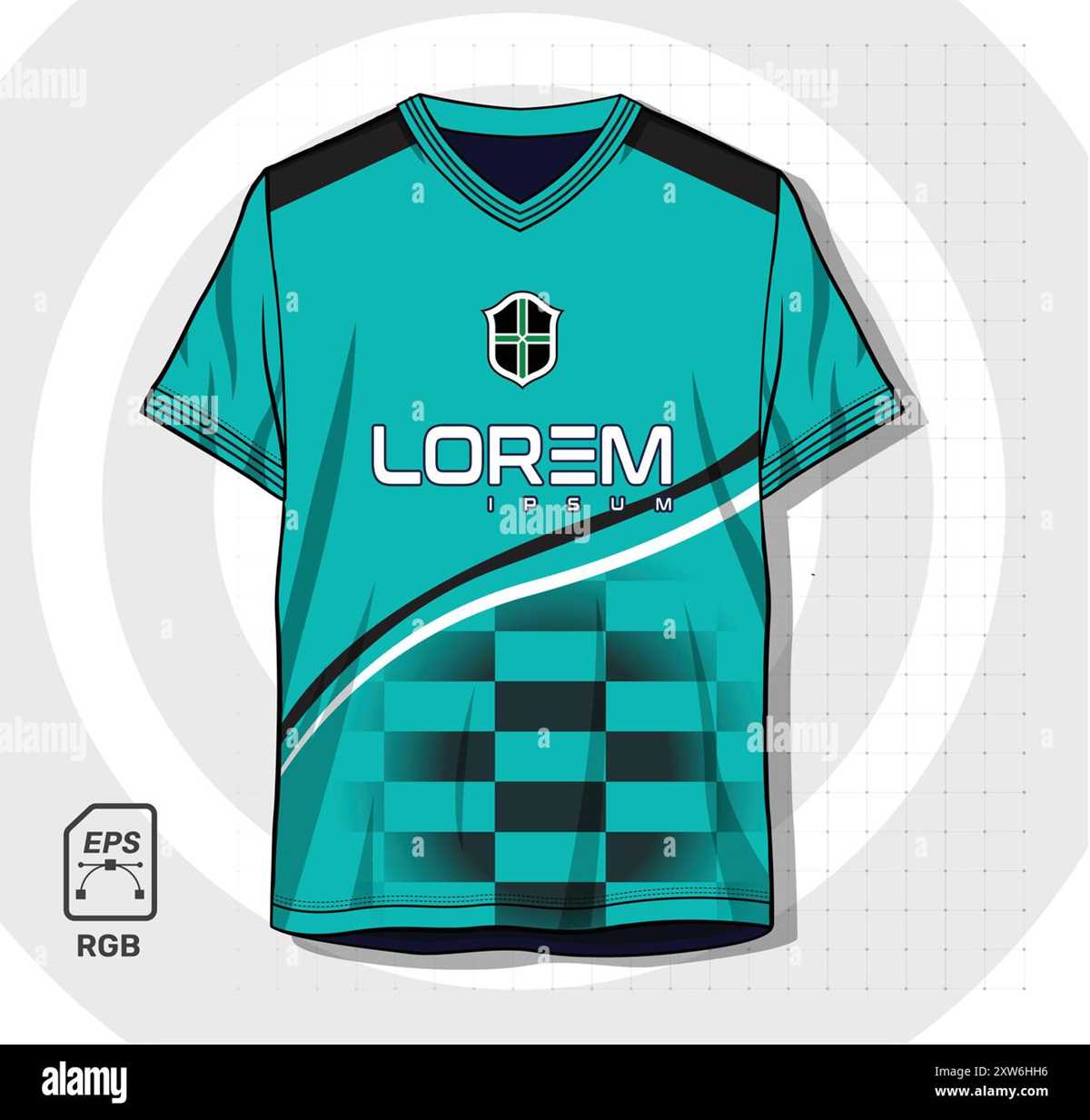
Start by selecting a high-quality template that suits the event you’re planning for, whether it’s a sports tournament, a casual match, or a themed party. Many resources provide easy-to-use designs that you can adjust to fit your team’s colors and logo. Choose templates that allow customization of numbers, player names, and graphical elements to make the shirts truly unique.
To get the most out of these templates, look for downloadable designs in formats that are compatible with your printer or design software. Ensure the images are high resolution to avoid any pixelation during printing. Once downloaded, you can easily edit the text and add any custom logos or symbols. Make sure to adjust the sizing to ensure it fits perfectly on the clothing material.
If you are printing at home, ensure your printer is capable of handling fabric-friendly materials. You may need transfer paper or specialized ink to ensure the colors pop and last. Many online resources will provide you with step-by-step instructions for transferring your design onto fabric. Alternatively, you can take the completed design to a professional printing service for higher-quality results.
Finally, to save time and effort, consider finding pre-designed options that already include popular sports themes or event logos. This option is ideal if you are pressed for time or if you want to quickly create shirts for a group. Whatever route you take, customizing your own shirt designs is an affordable and creative way to bring a personal touch to your event or team uniforms.
Printable Team Shirt Templates Guide
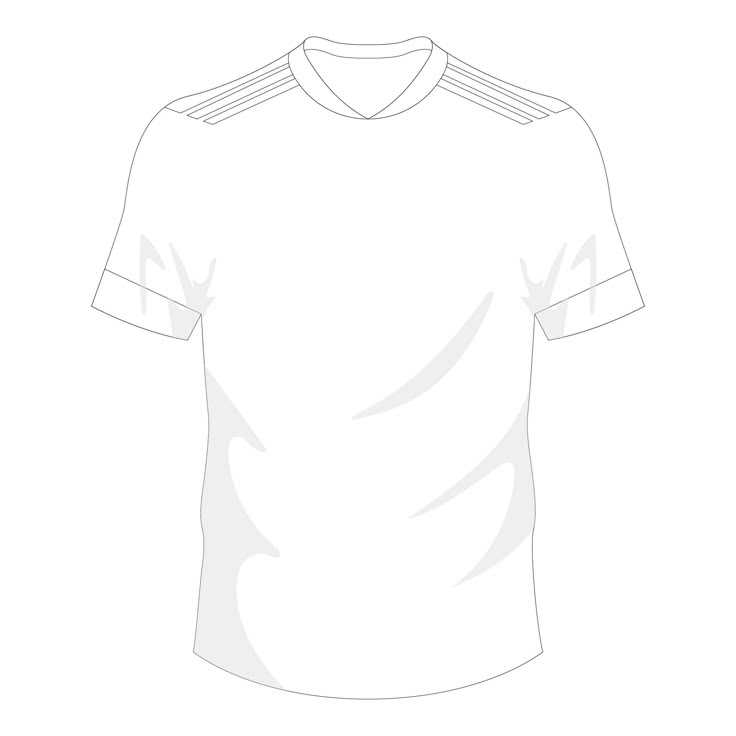
When searching for templates, start with reputable sources that offer fully customizable designs. Many websites allow you to choose from various templates with different sizes and colors that match your team’s theme. These designs typically allow you to add names, numbers, and even sponsor logos, giving you complete flexibility. Ensure the template is in a high-resolution format like PNG or SVG for a clean print on fabric.
After selecting the right template, consider the printing method. If you’re printing at home, make sure to use the right type of transfer paper for the material of your clothing. The template should be sized accordingly to match your shirt’s design area. If you’re unsure, test print on regular paper to check placement and sizing before printing on fabric.
If you prefer professional results, take your template to a local printing shop. They can help with ensuring the print quality and durability, as they use specialized equipment and materials. Many shops will also offer additional options like sublimation or screen printing, which can produce long-lasting, vibrant prints that hold up over time. Always review your template before sending it to be printed to avoid any last-minute adjustments.
How to Customize Team Shirt Templates for Any Event
To start, identify the theme of your event. Whether it’s a charity match, a tournament, or a casual gathering, tailoring the design to fit the occasion will make the shirts stand out. Look for templates that offer flexibility for text, graphics, and colors so that you can easily match the event’s branding or color scheme.
When customizing a template, select a font that matches the vibe of the event. For a professional tournament, go for sleek, modern fonts. For a fun, casual event, playful or bold typography might be more appropriate. Pay attention to the legibility of the text–especially for names and numbers on the back, which should be easily readable from a distance.
Adding logos or graphics is another step. If you have a sponsor, include their logo on the chest or sleeves. For a themed event, you can integrate custom graphics, such as symbols, mascots, or event-specific designs. Many templates support adding images as part of the customization process, making it easier to upload and position the graphics exactly where you want them.
For personalization, ensure that each shirt features the player’s name and number. This will give the shirts a professional touch and make them feel more individualized. If the event is for a large group, consider using a tool that automates this process, allowing you to add unique names and numbers to multiple shirts quickly.
Choosing the right color scheme is vital. Match the shirt color to the event’s theme or the colors of the team. If you’re designing shirts for a charity event, make sure the colors align with the organization’s branding. A contrasting number and name color will ensure visibility and legibility, especially during outdoor games.
Consider the fabric of the shirts when selecting the design elements. Lighter fabric may require different printing methods compared to darker fabric. For light-colored shirts, digital prints or vinyl transfers work well, while for darker shirts, screen printing might be a better choice. Always test the design on a sample shirt before printing the final batch.
Once your template is ready, ensure that the design is centered and aligned correctly. Misalignment can make the shirt look unprofessional, so double-check placement. It’s also worth considering how the design will hold up over time. Opt for a method like sublimation or screen printing for designs that need to withstand multiple washes without fading.
Finally, if you need to create multiple shirts for a team, bulk order through a reliable service. Many platforms allow you to upload your customized designs and then produce shirts in bulk, saving both time and money. Be sure to review the proofs before confirming the order to ensure everything is correct and meets your expectations.