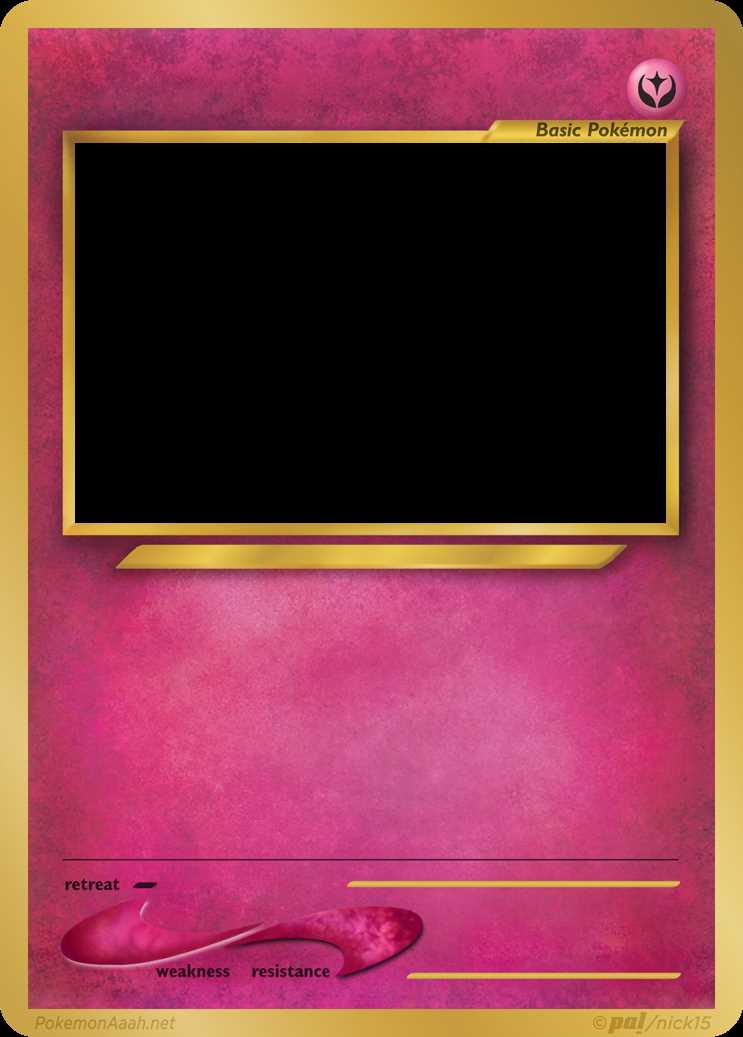
Start by downloading editable templates designed for creating your own unique trading cards. These layouts can be easily customized to suit any theme, whether you’re making cards for a game, a collection, or just for fun. Choose simple designs with clean lines to make the customization process easier and more enjoyable.
After printing the templates, you can personalize them with your own artwork, names, and stats. Use a variety of coloring tools to make each card stand out. Markers, pens, and colored pencils work well for adding details, while digital editing software offers even more creative possibilities if you prefer to design cards on your computer.
Once your cards are designed, make sure to print them on sturdy paper or cardstock to ensure durability. If you plan to use them in a game, consider laminating them for added protection. These custom designs not only offer a fun project but also provide an opportunity to create something personal and one-of-a-kind.
How to Create Customizable Trading Templates
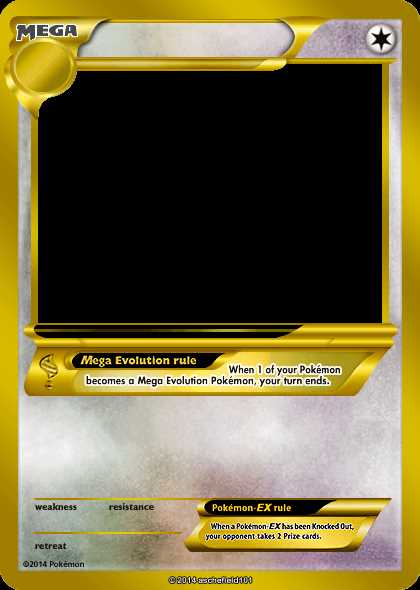
Start by downloading a simple template layout. Look for designs with clearly marked spaces where you can insert your images and information. These templates often come with pre-made borders, and you can easily customize them by adding your own graphics or artwork.
Next, personalize the cards by filling in the character or item names, stats, or unique features. This is the perfect opportunity to create new creatures or items for games or as part of a custom collection. Add extra details such as abilities, rarities, or even special powers to enhance the storytelling element of your creations.
After designing, print your creations on high-quality paper. Use a thicker paper or cardstock for durability, especially if you plan to use the cards frequently. If you want an extra polished look, consider using glossy paper for printing to make the colors pop, or laminate the cards for a more professional finish.
If you prefer to work digitally, you can use software like Photoshop or GIMP to fully customize the layout. These tools allow you to create intricate designs, layer images, and add text with precision. Digital editing also gives you the flexibility to resize or modify the card without worrying about printing limitations.
For a more personal touch, you can add physical decorations to your cards after printing, such as stickers, holographic foil, or hand-drawn details. Whether creating these cards for a game or as a collector’s item, the process of customizing and designing them can be as fun as using them.
How to Print and Customize Your Own Pokémon Cards
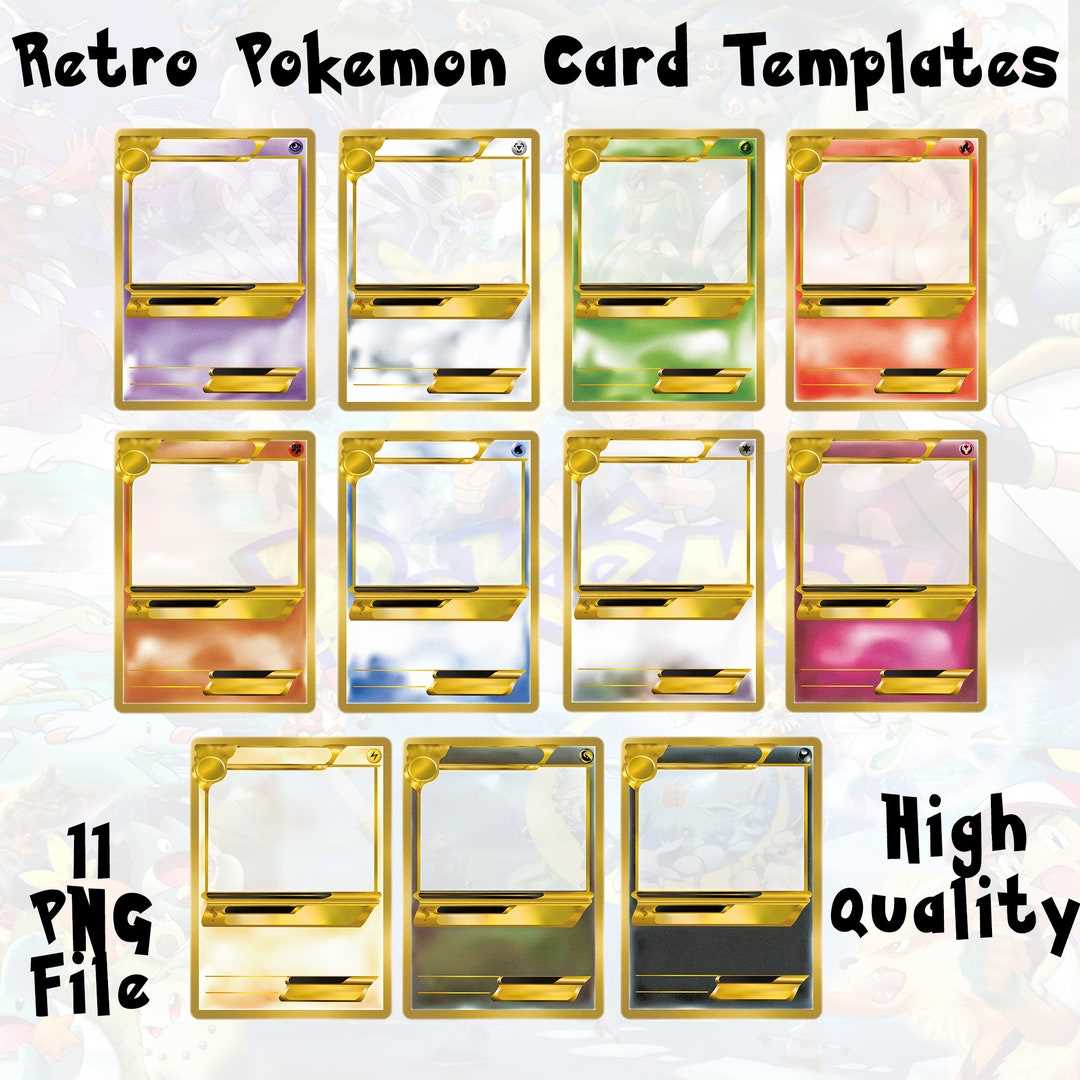
First, choose the right template. There are many resources available online that offer layouts suitable for creating custom trading cards. Look for one that suits your design needs, whether you prefer blank layouts for complete customization or templates with pre-existing sections for quick edits.
Once you’ve selected your template, begin by adding the necessary details. Customize the character or item name, abilities, stats, and other unique attributes. Be creative with the artwork; you can upload images of your favorite characters or design new ones using drawing tools or image editors.
When you’re ready to print, ensure you use high-quality paper or cardstock. This will give your creations a professional, durable feel. If you plan to use the cards often, consider printing on thicker paper or even laminating them for added durability and protection against wear and tear.
Next, adjust your printer settings to match the size of your template. Check the page layout in your printer settings to make sure everything aligns properly. A common mistake is printing at the wrong scale, which can result in cards that are too large or small. A test print is always a good idea before printing the final version.
If you want to enhance the appearance of your cards further, consider adding extra design elements like holographic stickers, glitter, or even embossing. These personal touches can make your creations stand out and feel more authentic. Experiment with different styles to find what works best for your vision.
Once you’ve printed and customized your cards, it’s time to cut them out. Use a sharp pair of scissors or a paper cutter for straight edges. For a more professional finish, consider rounding the corners to mimic the typical shape of official trading cards.
Finally, store your cards properly. Consider using card sleeves or a binder with card pages to protect your custom creations. This will not only keep them safe from damage but also help organize your collection neatly for future use or display.