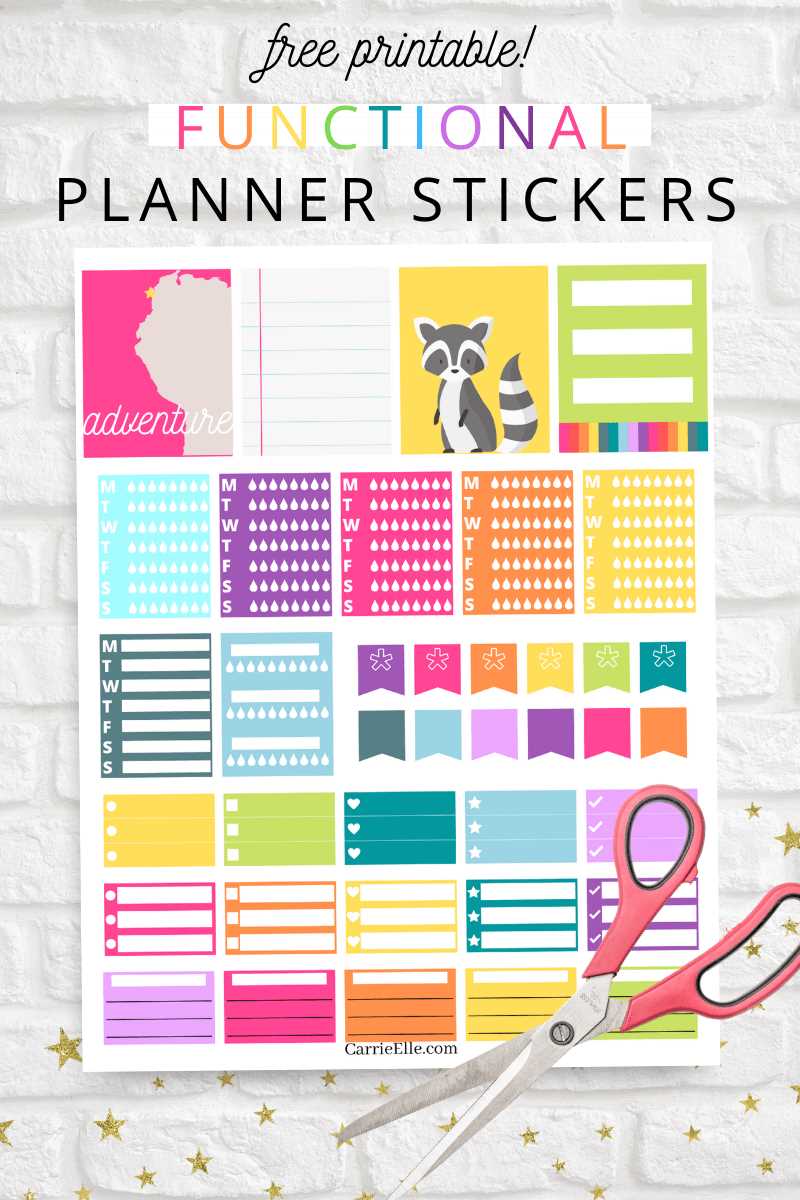
Select high-quality designs that fit your organizational needs. Whether you’re managing appointments, tasks, or goals, having custom labels and icons can add both style and function to your routine.
Print your designs on thick paper or sticker sheets for durability. Make sure to choose the right dimensions for your planner’s layout so everything fits neatly. If you’re unsure, test a small design first to confirm the fit before printing a full sheet.
Once printed, carefully cut out each piece with precision scissors or a craft knife. You can also use a punch tool for uniformity, especially for circular or geometric shapes. Store your finished designs in a folder to keep them organized and easily accessible.
Feel free to personalize your designs further by adding embellishments like glitter, washi tape, or unique colors. This adds a fun touch while helping you stay motivated throughout the week.
Customizable Organizing Templates for Your Schedule
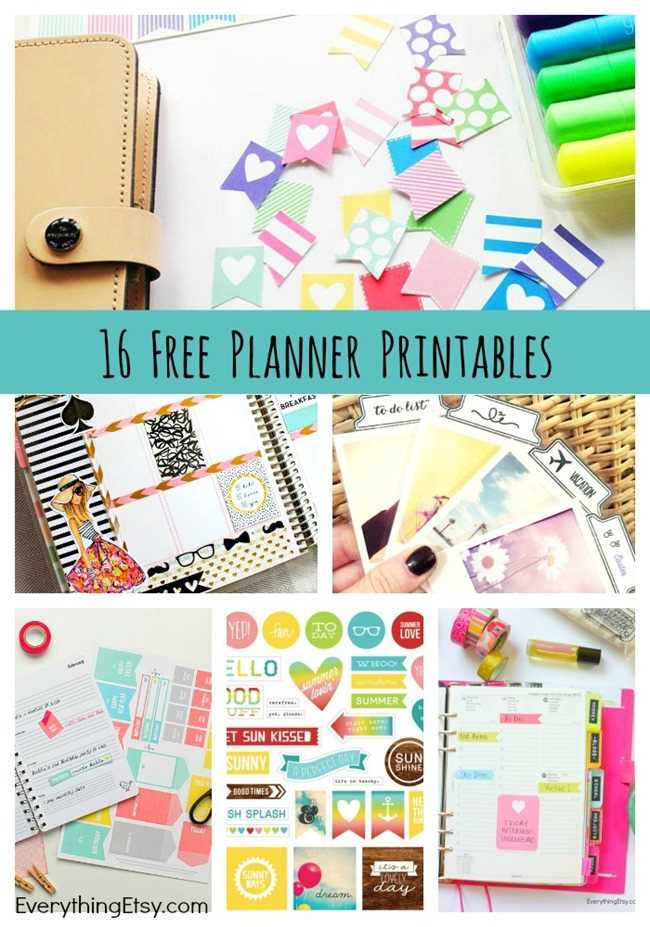
To get started, choose designs that match your specific needs, such as daily or weekly layouts. Look for options that include spaces for appointments, notes, and tasks, allowing for easy and efficient tracking.
Print the designs on adhesive paper or thicker sheets to create durable, repositionable elements for your daily or weekly spread. This will help the designs stay in place and allow for smooth adjustments if needed.
Once your designs are ready, take time to organize your items by categorizing them for quick access. Use dividers or separate envelopes to keep everything organized, so you can pull out specific items as required without hassle.
How to Choose the Best Templates for Your Organization
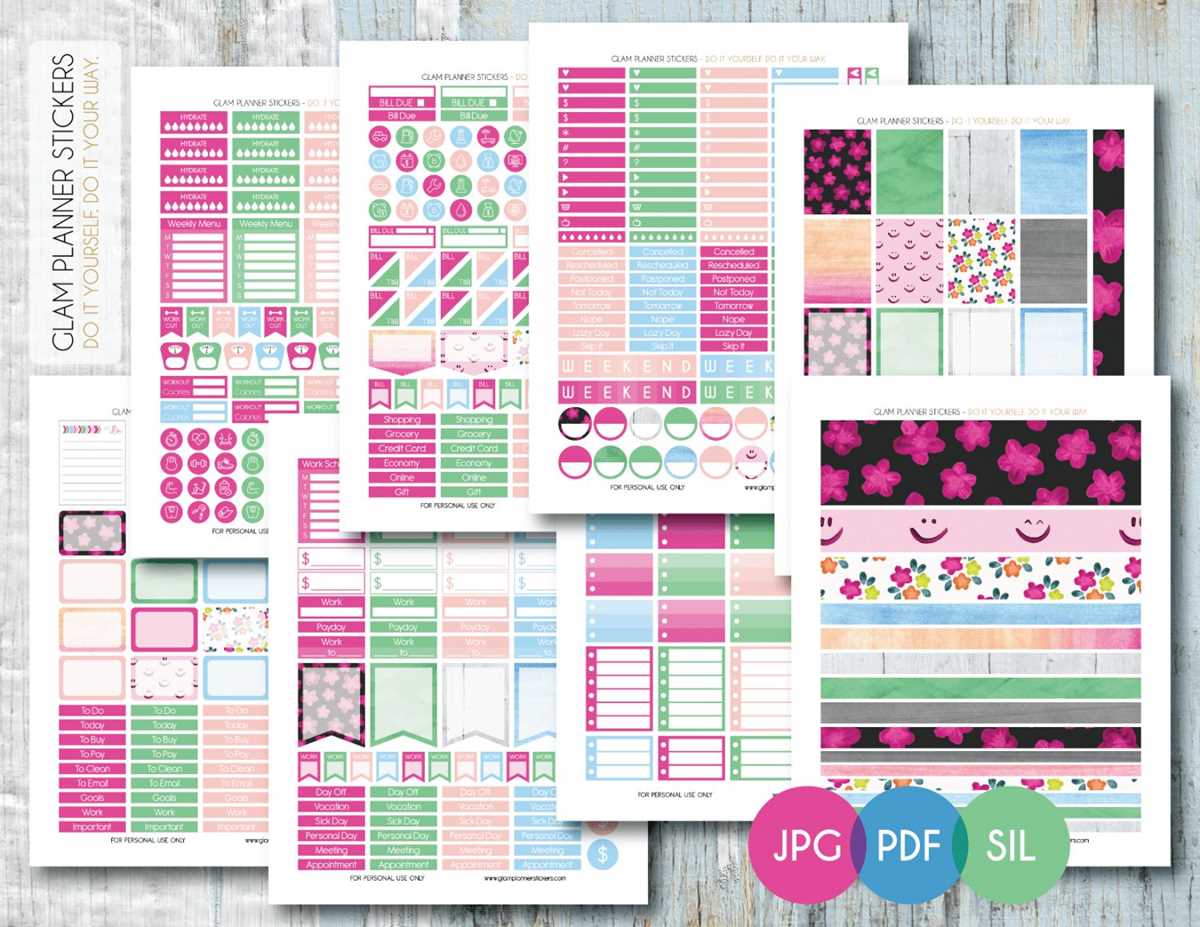
Start by determining your needs. If you are looking to track appointments, select designs that include time slots or hourly breakdowns. For to-do lists, go for templates with checkboxes or empty spaces to write tasks clearly.
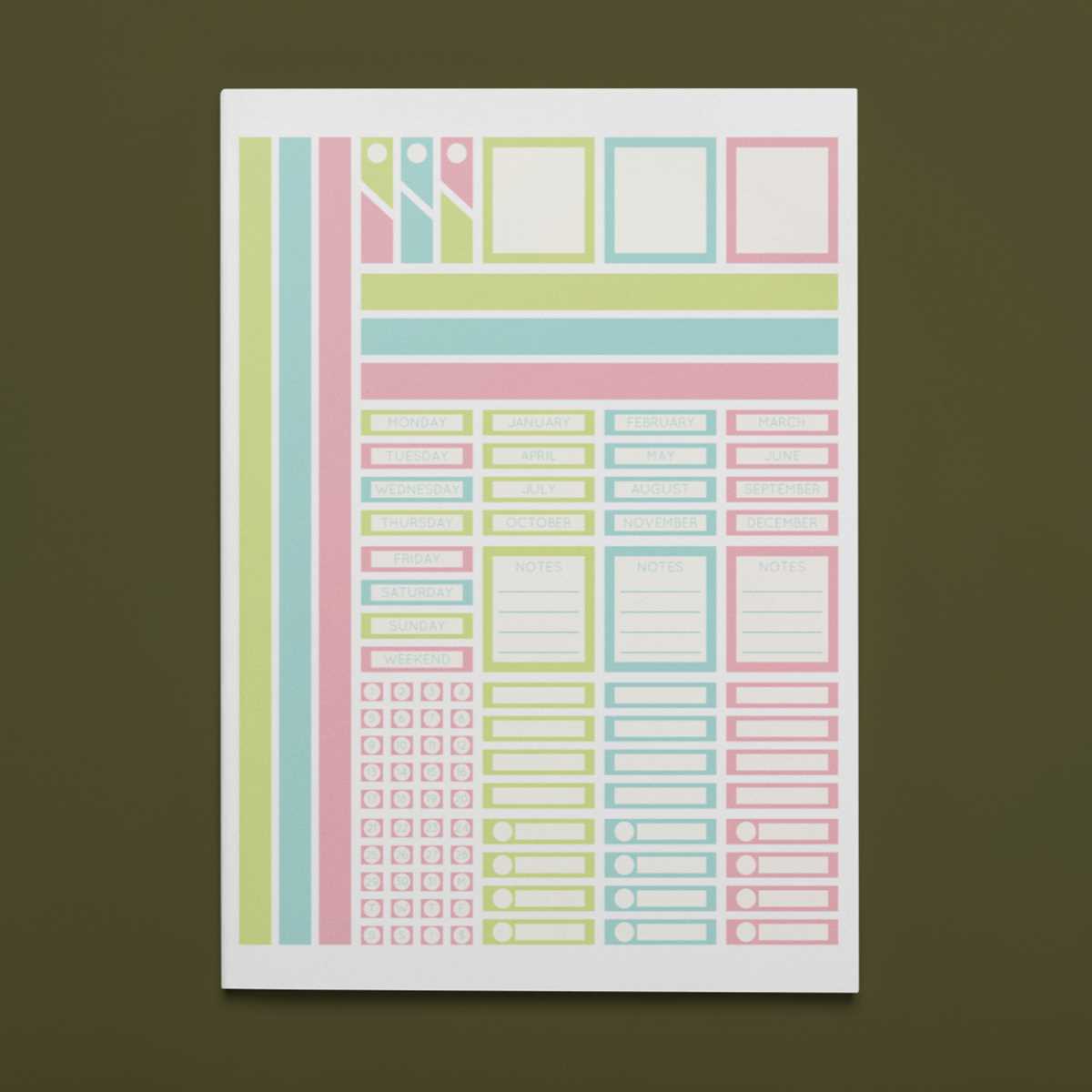
Consider the size of the layout. Choose a template that fits the size of your journal or notebook. Larger designs can take up more space, which may be beneficial for daily layouts, while smaller ones work better for more compact setups.
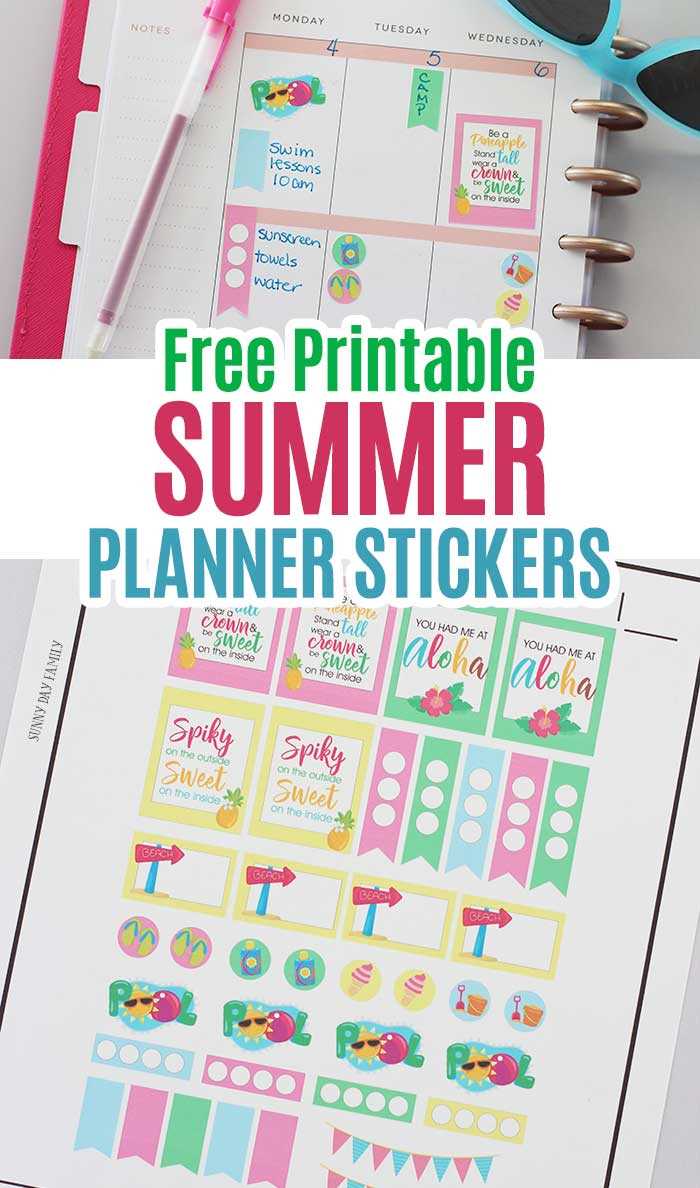
If you want flexibility, opt for modular templates that can be customized. These are ideal for making quick changes or experimenting with different layouts without being locked into a specific design.
Look for templates with clear, easy-to-read fonts. If you’re going to be filling in important information, ensure that the font is large enough to be legible but not so big that it takes up too much space.
If you prefer a more aesthetic look, choose templates with decorative elements like borders, patterns, or simple illustrations. This adds a personal touch without overwhelming the functionality of the design.
Ensure the design has space for all of the sections you need. For example, if you need areas for meal planning, shopping lists, or habit tracking, make sure the template accommodates these without feeling cluttered.
Test the template before printing. Print a small section first to check how it fits on your chosen paper and whether the layout meets your expectations. This ensures you’re happy with the design before committing to a full print.
Finally, consider durability. If you want your designs to last, print on high-quality paper or adhesive sheets. This will help prevent damage from repeated use and ensure that your templates stay intact throughout the month or year.