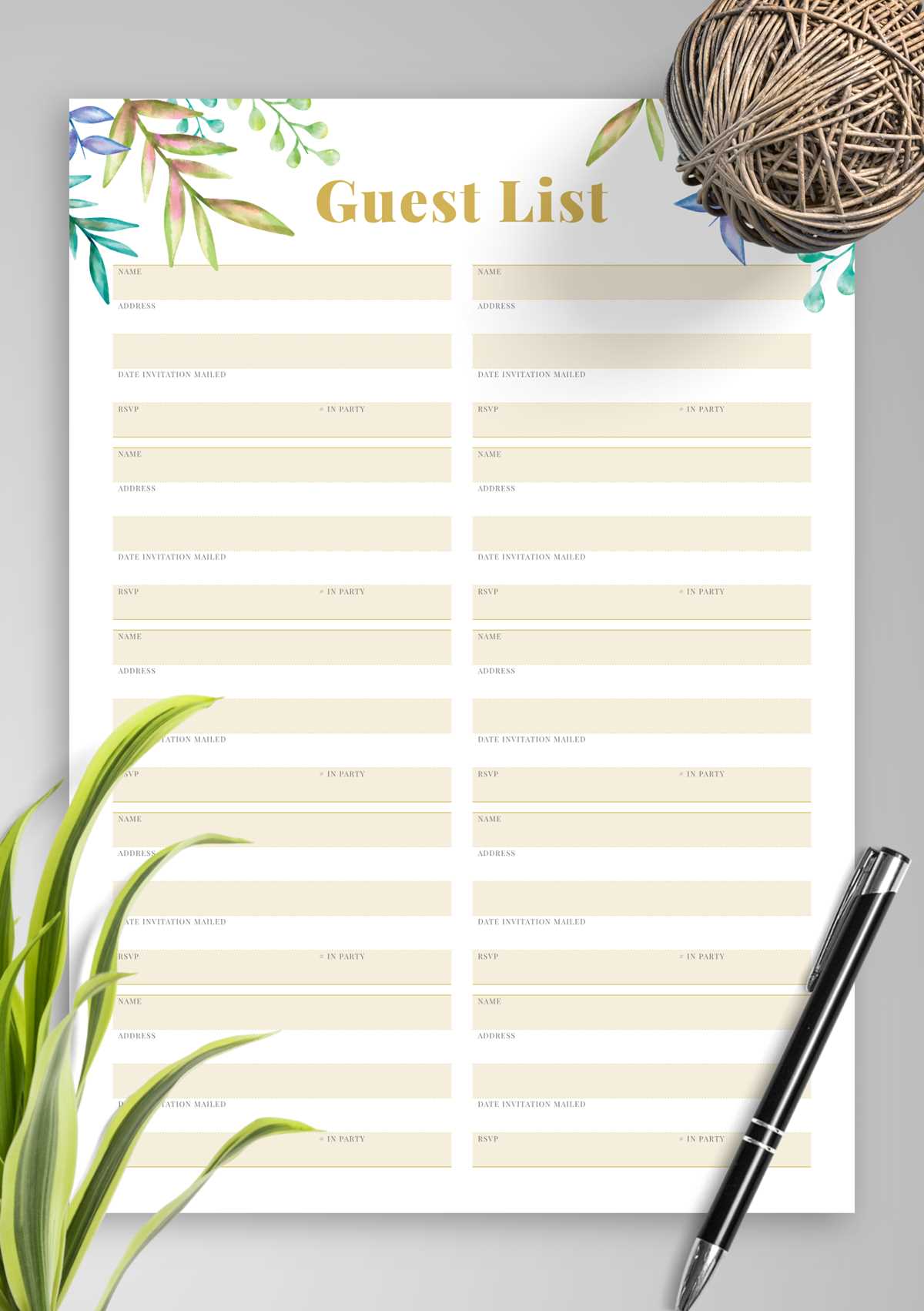
Start by choosing a clear and straightforward format for managing attendee details. Include columns for names, contact information, RSVP status, and any special requirements. This will allow you to keep track of your invitees efficiently and prevent last-minute confusion.
Customize the layout according to your event’s needs. For smaller gatherings, a simple spreadsheet can work well, while larger events may benefit from a more detailed format that includes additional sections like meal preferences or seating arrangements.
Having a printable version of your tracker ensures that you can always access the information, whether you’re at home, in the office, or at the venue. It also makes it easier to make quick updates, such as confirming or adjusting the number of attendees as RSVPs come in.
How to Organize an Attendee Tracker for Your Event
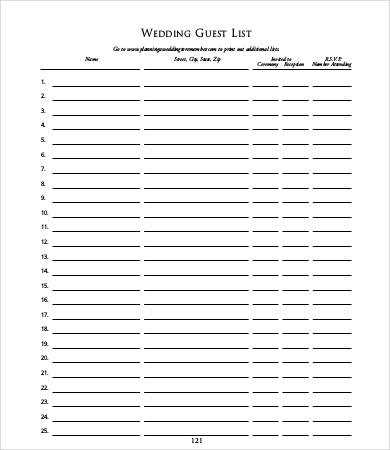
Start by selecting a clear and easy-to-use format to track all invitees. Use a table with columns for names, contact information, RSVP status, meal preferences, and any special requests. This will allow you to stay organized and avoid confusion as you plan your event.
Make sure to divide your tracker into sections based on the categories that matter most. For instance, you could have a separate section for VIPs, family, friends, and work colleagues. This method will help prioritize seating arrangements and make communication smoother during the event.
If you’re managing a larger gathering, consider adding more detailed columns for additional information, such as dietary restrictions or whether guests need transportation. These specifics can make your planning more streamlined and ensure a better experience for your attendees.
Consider using color-coding to visually distinguish between RSVPs, “pending” responses, and “no-shows.” For example, use green for confirmed guests, yellow for those who have yet to respond, and red for cancellations. This makes it easy to quickly assess your guest count at any time.
Having a printed version of your tracker is useful during the event itself. It allows you to make quick adjustments and add notes, such as last-minute RSVP confirmations or updates on seating preferences. A printed document can be a reliable backup to your digital version if technology fails.
Make sure your tracker is simple but thorough. For smaller events, you may only need basic contact details and RSVP status. For larger gatherings, add sections for other important details, such as if guests have a plus-one or if they require accommodations or special seating arrangements.
Using a customizable template for your tracker will save you time and effort. Many free resources are available online, offering templates with pre-set categories. Choose one that best suits the size and style of your event, and tweak it according to your needs.
Lastly, keep the tracker updated as you receive responses and new information. If you’re using a digital version, make sure it’s accessible from multiple devices, so you can easily edit it on the go. If it’s printed, remember to update it manually and store it in a safe, easily accessible place.
How to Create a Guest Tracker Template
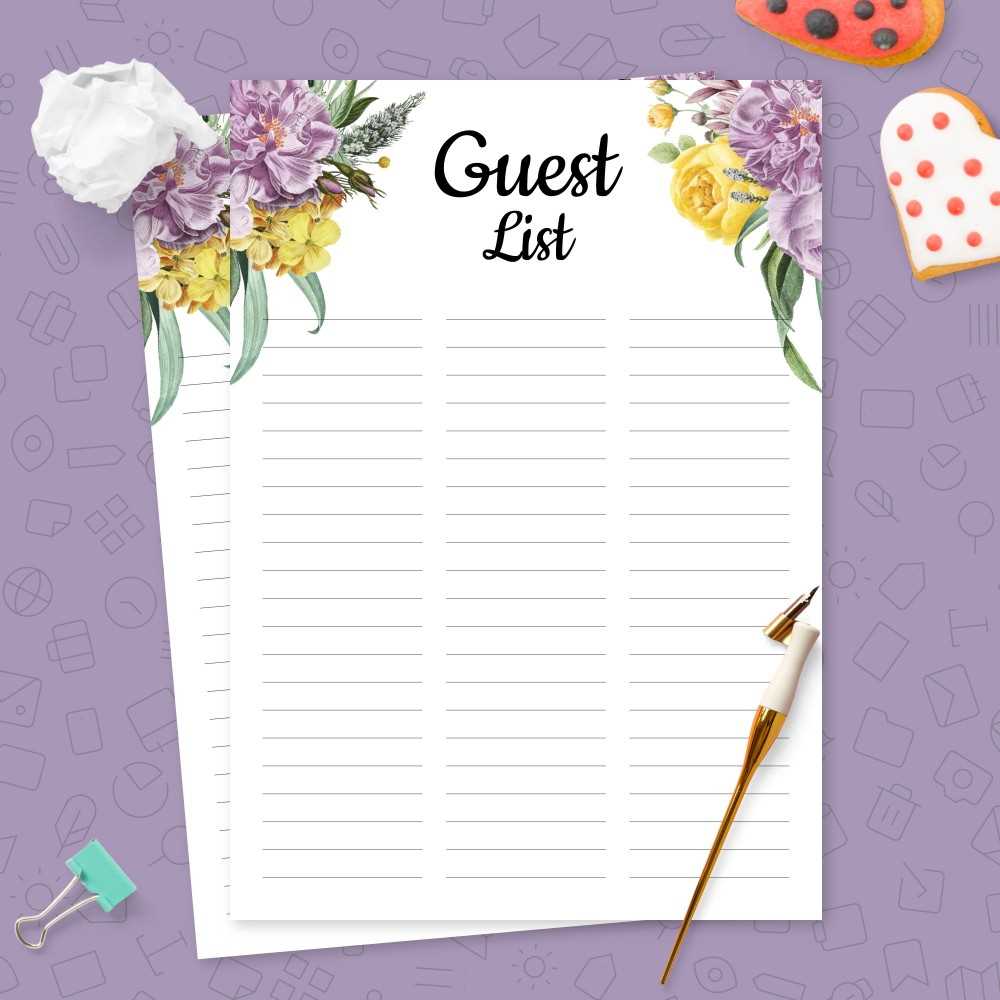
Start by designing a table that includes basic columns: name, RSVP status, meal preferences, and any special requests. This layout ensures that all key details are easily accessible for reference throughout your planning process.
For better organization, consider categorizing attendees into sections such as family, friends, and colleagues. This makes it simpler to manage seating arrangements and other group-specific needs, ensuring a smoother event flow.
If you’re planning a larger gathering, add additional fields for contact details, plus-ones, or accommodations. This level of detail helps you manage your resources better, especially if guests require special considerations like dietary restrictions or specific seating arrangements.
Once the template is ready, use it to track responses as they come in. Whether you’re using a digital version or a printed copy, keeping the document updated will help you stay organized and reduce stress as your event approaches.