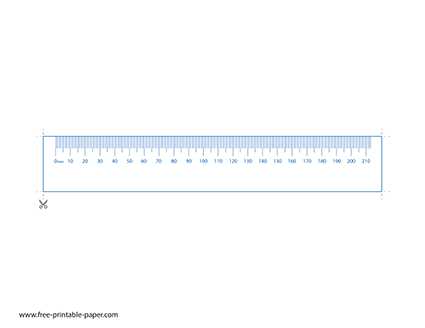
Select a millimeter scale PDF designed at 100 percent size and disable “Fit to page” or automatic scaling in the print dialog. Choose A4 or US Letter format that matches your paper, and confirm margins are set to none or minimum to prevent distortion of the mm marks.
After printing, compare the 0–100 mm segment against a metal measuring stick and check at least three points: 10 mm, 50 mm, and 100 mm. A deviation greater than 0.5 mm across 100 mm indicates scaling error; adjust printer settings and reprint until alignment matches exactly.
Use 120–160 gsm paper or light cardstock to reduce bending during measurement. For repeated use, laminate the sheet or attach it to a flat plastic strip to maintain straight edges and consistent baseline contact with the object being measured.
Ruler Printable mm Template with Accurate Millimeter Scale
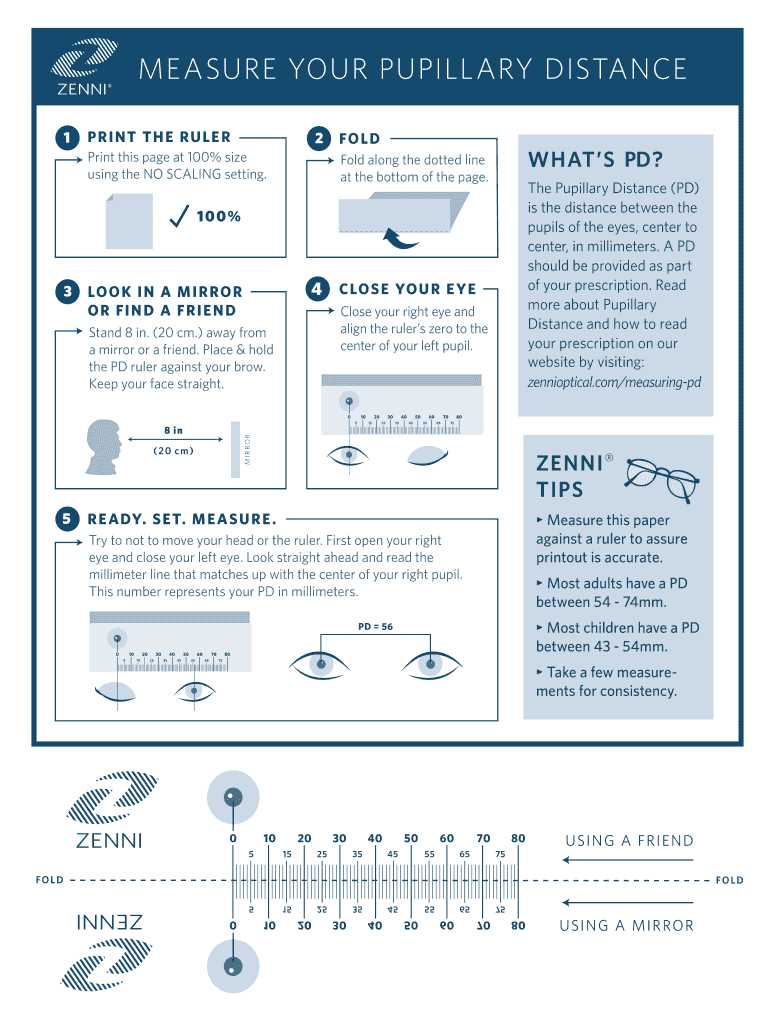
Download a millimeter measuring strip designed at true 1:1 scale and confirm the file states 100 percent output size. In the print window, disable scaling options such as “Fit” or “Shrink oversized pages,” and select the correct paper format to prevent distortion of the mm grid.
Verify accuracy immediately after printing by aligning the 0–150 mm span with a steel measuring stick. Check these control points:
- 10 mm mark alignment
- 50 mm midpoint accuracy
- 100 mm cumulative distance
- Edge straightness along the full length
If the 100 mm segment differs by more than 0.5 mm, recalibrate printer settings and reprint.
Use heavier stock between 120 and 200 gsm to reduce flex during measurement tasks such as craft cutting, model building, or fabric marking. For repeated use, mount the sheet onto thin plastic or laminate it, ensuring the zero line remains flush with the edge to maintain measurement precision.
- Trim carefully along the outer boundary line.
- Check that the zero mark begins exactly at the edge.
- Store flat to prevent warping.
Accurate setup and verification prevent cumulative millimeter drift and ensure reliable results in school, workshop, or home projects.
Printer Settings Required to Keep a mm Ruler Template at 100 Percent Scale
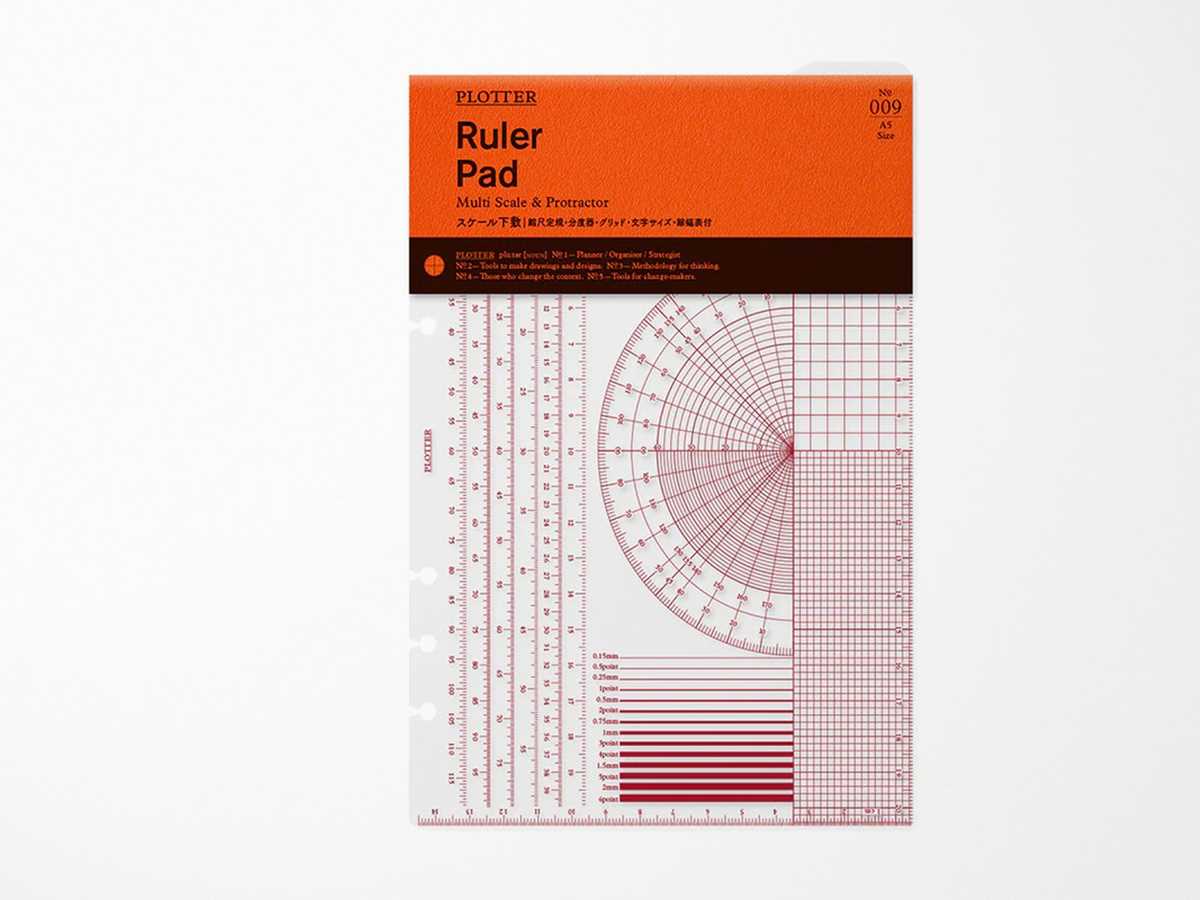
Set the print dialog to Actual Size or 100% and disable options such as “Fit to Page,” “Scale to Fit,” or automatic shrinking. Confirm the paper format matches the file layout, either A4 or US Letter, and check that margins are not forcing content reduction.
Open advanced printer properties and turn off borderless expansion or image resizing features that may stretch content by 1–3 percent. Select standard portrait orientation unless the measuring strip is designed for landscape alignment. Use PDF viewers that preserve scale accuracy; browser-based viewers sometimes apply hidden scaling.
After output, measure the 0–100 mm segment with a steel measuring stick and verify at multiple intervals. If deviation exceeds 0.5 mm across 100 mm, adjust scaling manually by entering a custom percentage such as 99% or 101% based on measured variance.
Keep a record of the final working scale setting for your specific printer model to avoid repeated calibration in future measurement tasks.