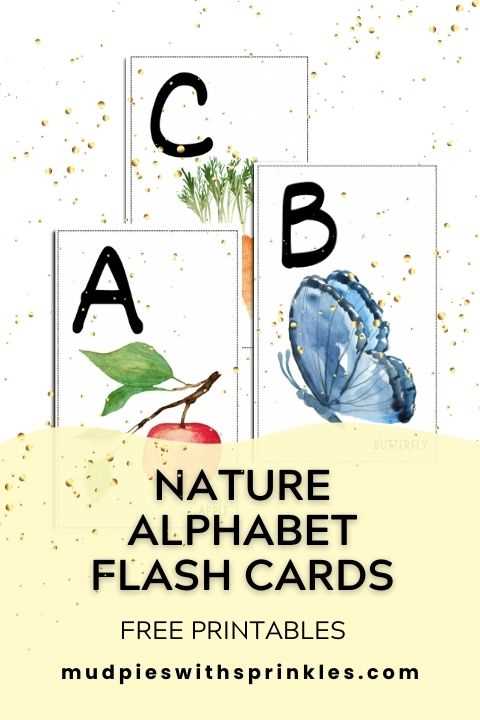
To design simple yet engaging study materials, start by selecting the right size and shape for your project. Opt for standard 3×5 or 4×6 inch cards for easy handling and clear readability. Avoid overcrowding the space; one piece of information per side helps retain focus and improves memory recall.
For educational purposes, tailor the content to your learning objectives. If you’re teaching language, one side could feature a word in English, while the other shows its translation. When studying mathematics, consider placing a problem on one side and the solution on the reverse. Choose high-quality paper or card stock for durability, and ensure the print is legible, with enough contrast between text and background.
Print your materials at home or use online services for more intricate designs. Many free resources provide templates that can be customized with text or images. This method is cost-effective and offers flexibility in how you organize the information, from simple flashcards to more interactive study aids.
Designing Learning Materials for Quick Recall
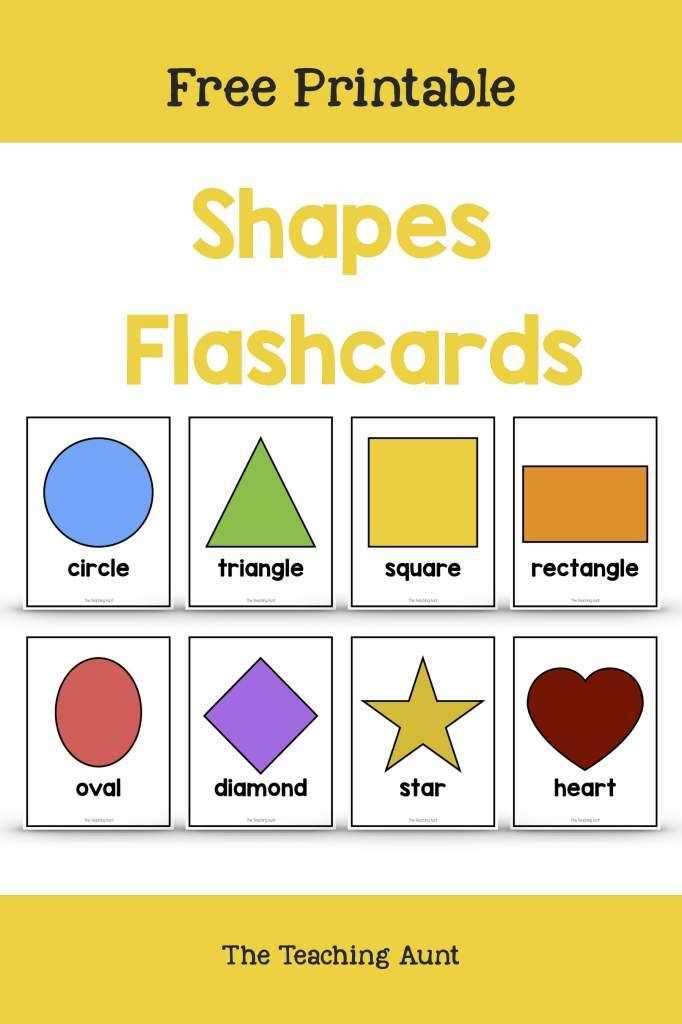
To create useful study tools, focus on simplicity. Use a large, clear font and limit text to key concepts or questions. The goal is to make each piece of information easy to scan and recall in a short amount of time.
Consider using images alongside text. A visual cue can help reinforce memory, especially when learning languages or subjects like history or science. For example, pairing a word with its related image makes it easier to remember, as the brain processes visuals faster than text.
Choose a color scheme that enhances readability. Dark text on a light background is easiest to read, but adding color can make your materials more engaging. Try using different colors to categorize information. For example, use one color for vocabulary words and another for definitions or facts.
If you’re creating these materials for children, keep the content simple and the design playful. Choose engaging fonts, add fun images, and use bright colors to maintain their interest. The smaller the text, the more likely it is to overwhelm younger learners, so stick to short phrases.
- Use clear, concise language that avoids jargon.
- Stick to one concept per side for better focus.
- Use high-quality paper to ensure durability, especially if these tools will be handled often.
For digital options, online templates allow for easy customization and instant printing. Some tools even let you upload your own images or select pre-designed layouts that can be adjusted for your specific needs.
Once printed, store your materials in a box or a small container to keep them organized. You can separate them by topic or learning level, making it easy to pull out the right set for each study session. Consistent use and repetition will help reinforce the information over time.
How to Design Learning Tools for Different Subjects
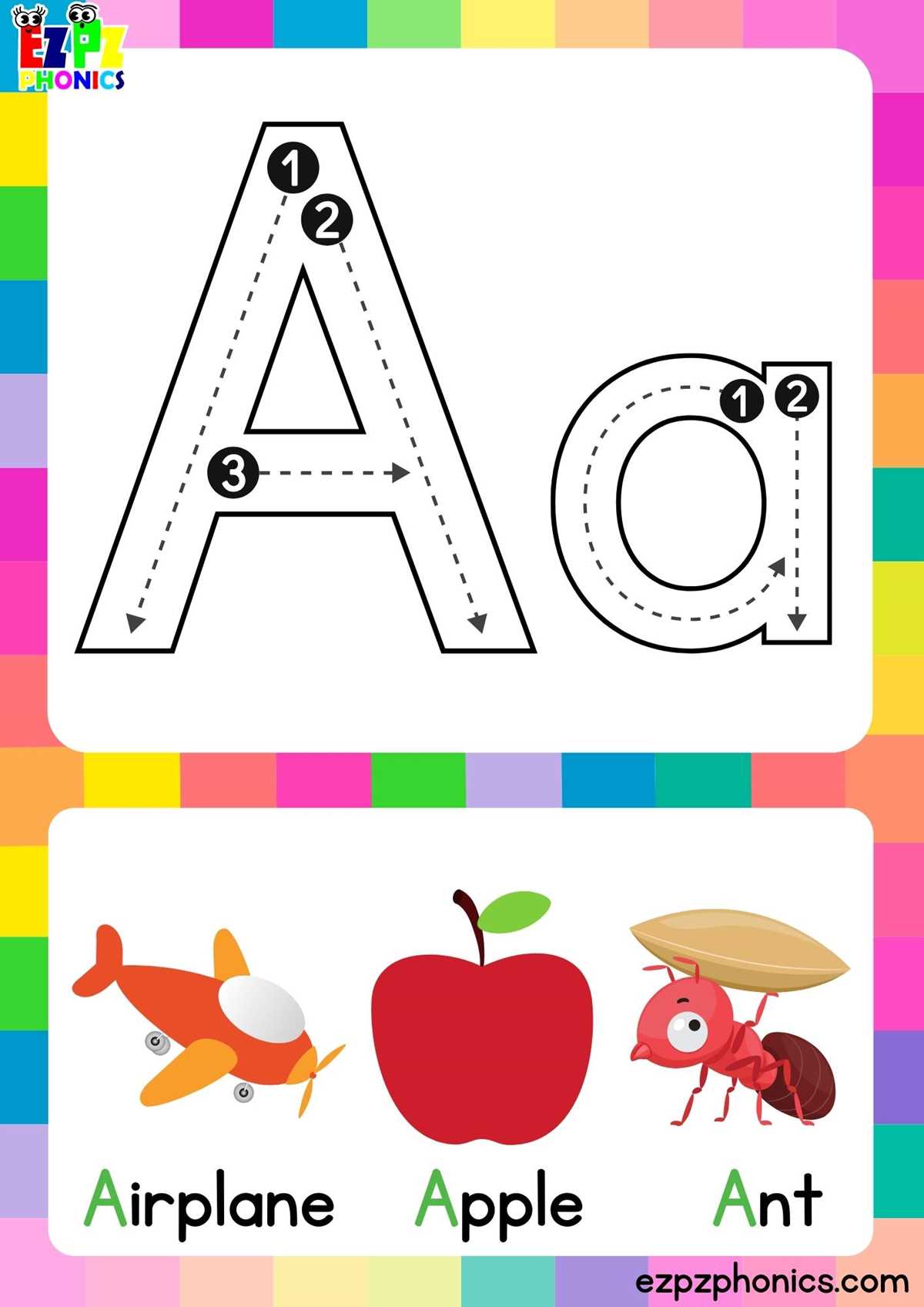
For language learning, use a simple format with the word on one side and its translation or definition on the other. Adding phonetic transcriptions or example sentences can further enhance understanding. Include visual cues like pictures or icons that represent the word, making it easier to associate meaning with the image.
In subjects like mathematics, include problems or equations on one side, and solutions or explanations on the reverse. Keep the layout clean with larger numbers and symbols to ensure clarity. You can also break down complex concepts into smaller parts and present them step by step to avoid overwhelming the learner.
For history or geography, use a timeline format or flashcards with key dates and events. A simple approach is to place a question or a clue on one side, such as “Who discovered America?” and the answer on the other. This format allows for active recall and easy testing of knowledge, promoting better retention.
If you are teaching science, diagrams or charts can be added to represent processes or structures. For example, showing the water cycle or the human digestive system with labeled diagrams on one side and a description on the reverse helps visual learners connect theory with visual representation.