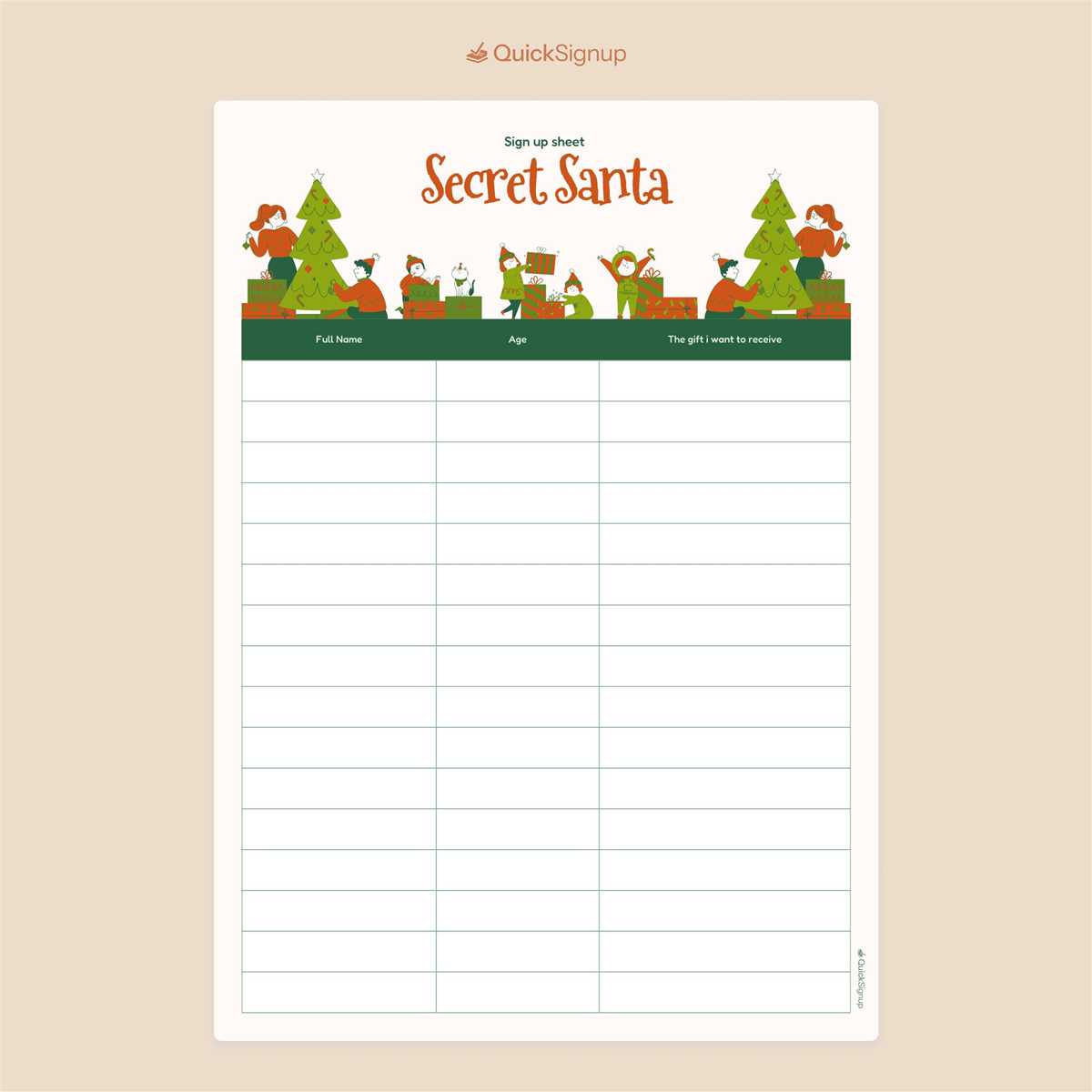
Prepare a structured participant form with clear fields for names, contact details, and gift preferences to avoid confusion during your holiday exchange. A well-designed registration page reduces last-minute questions and helps the organizer quickly match participants. Include columns for full name, email address, budget limit, and optional wish list – these four elements cover most coordination needs for groups from 6 to 40 people.
Use a clean layout that fits on one A4 page and leaves enough spacing for handwritten entries (at least 0.5 inch between rows). For office events, add a checkbox for “willing to exchange in person” and a line for dietary or hobby notes. This small addition often prevents mismatched gifts and improves participant satisfaction. If the activity involves remote members, provide a field for shipping address but label it as optional to respect privacy.
Prioritize readability and quick scanning. Choose a simple table format with bold column headers and limit decorative elements. Black text on a white background prints clearly on both inkjet and laser devices, keeping costs low. Many organizers also add a short instruction line at the top – for example, a submission deadline and the spending cap – which reduces follow-up messages and keeps the exchange running smoothly.
Use a clear participant roster with defined fields for names, contact details, and gift preferences to keep your holiday exchange organized from the first day. A well-structured form reduces confusion, prevents duplicate entries, and allows the organizer to complete pairings quickly without follow-up messages.
Include columns for budget limits, dietary restrictions for edible gifts, and a deadline for submission. Groups with more than 15 participants report fewer matching errors when preference details are collected in advance rather than through separate messages.
Distribute the form in both digital and paper-friendly formats so remote and in-office participants can respond easily. Consistent formatting across versions helps maintain accuracy when transferring data into the final pairing list.
Gift Exchange Registration Form
Create a participant list that clearly labels each field: full name, email, wish hints, and spending cap. Leave enough writing space–at least 2.5 cm per entry line–to avoid cramped handwriting that slows data entry.
Place the deadline near the top of the page in bold text. Groups that display submission dates prominently typically collect responses 30–40% faster than those that bury timing details in small print.
Add an optional column for “do not buy” notes. This small addition prevents awkward gift mismatches and reduces last-minute swaps among participants.
Use alternating row shading or thin divider lines to improve readability when more than 20 people join the exchange. Clean visual separation lowers manual sorting mistakes during the name-drawing phase.
Keep the layout to a single page whenever possible. Multi-page forms often lead to incomplete submissions, especially in office settings where participants fill them out quickly between tasks.
Before distribution, test the document by entering at least five sample participants. This quick check reveals spacing problems, missing fields, or unclear labels that could confuse your group.
After collecting responses, transfer the data into a master list and verify spelling of names and emails. Careful review at this stage prevents pairing errors and eliminates the need for corrective announcements later.
What Fields to Include in a Secret Santa Sign Up Sheet for Smooth Gift Matching
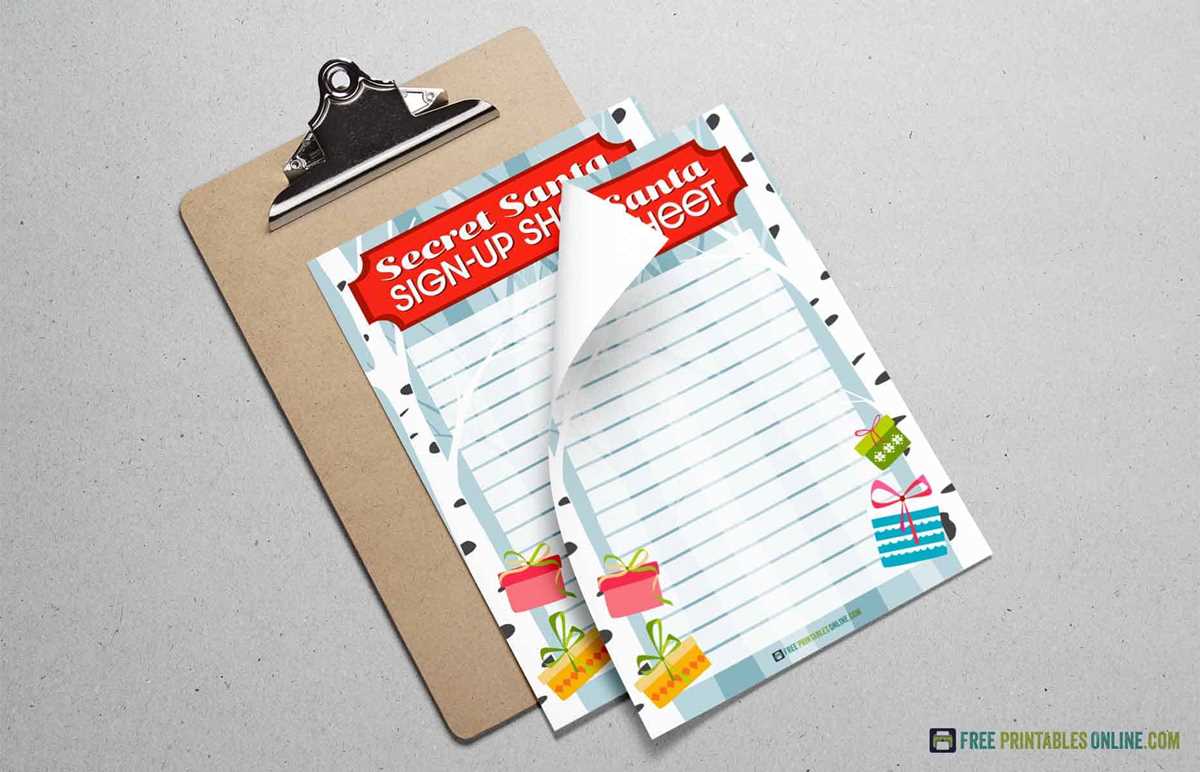
Include full name, verified contact (email or phone), and participation confirmation checkbox as mandatory columns to avoid confusion during pair assignments. Add a “gift budget agreement” field with a fixed numeric range so every participant acknowledges the spending limit in writing. A structured wishlist section with three specific prompts–preferred items, favorite stores, and hobbies–reduces vague responses and improves pairing accuracy. Include a short “do not buy” field for allergies, dislikes, or duplicate-prone items. For workplaces or large groups, add department or team name to prevent close colleagues from being matched when anonymity is desired. A final consent tick for deadline awareness helps prevent late withdrawals.
For smoother coordination in larger exchanges, add optional but highly practical data points: clothing sizes (with separate fields for tops and footwear), favorite snacks or drinks, and shipping preference (hand delivery or mail). A “previous participant” marker helps organizers avoid repeat pairings year to year. Include a clearly labeled nickname or display name column if gifts will be labeled informally. Date submitted should be auto-filled or written manually to track late entries. Finish the form with a brief notes area limited to one or two lines; long free-text boxes often produce unusable answers and slow down sorting.