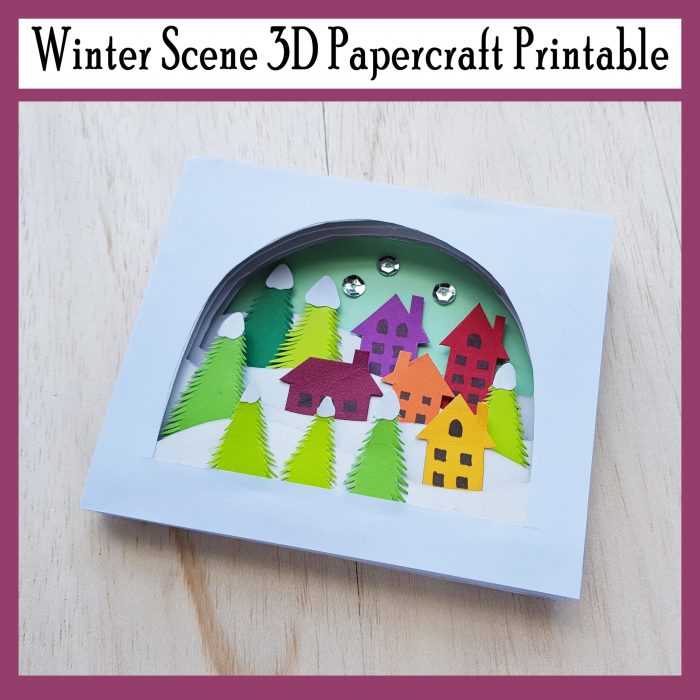
Choose a high-resolution frost-themed artwork file (at least 300 DPI) to guarantee sharp results on paper sizes from A4 to US Letter. Files prepared in PNG or PDF format typically preserve fine details such as snow textures, pine branches, and soft gradients. For home use, select designs with clear outlines if the goal is coloring, or layered compositions if decorative display is planned.
Look for artwork sets that include multiple layout ratios–portrait and square formats reduce the need for manual cropping. A good collection usually offers line thickness between 1.5–2 pt for coloring pages and richer shading for decorative prints. When downloading, verify that the background is either transparent or pure white to avoid gray tint during output.
Paper choice directly affects the final look. Matte stock (160–200 gsm) works best for markers and pencils, while glossy photo paper enhances depth in detailed snowy illustrations. If the design contains small elements like snowflakes or distant cabins, enable your printer’s “best quality” mode to prevent edge blur.
For repeated use, store files in an organized folder system labeled by theme, orientation, and complexity level. This saves time when preparing seasonal crafts, classroom activities, or quick wall décor. Proper selection and preparation of these cold-weather graphics ensures clean, professional-looking results without extra editing.
Winter Scene Printable: Practical Guide for Downloading and Using
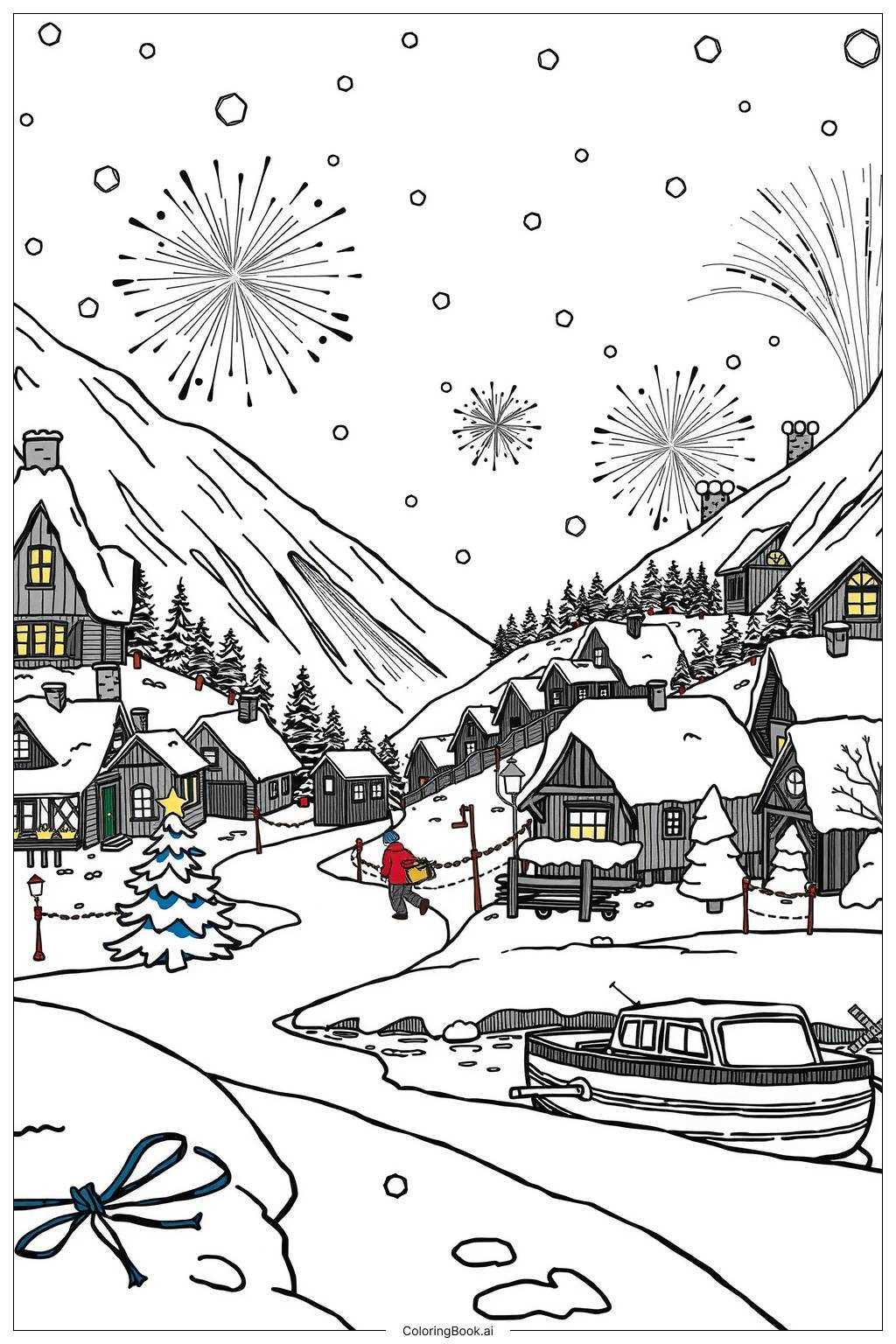
Download files only from sources that provide at least 300 DPI resolution; this guarantees sharp edges on paper formats from A5 to A3. Before saving, check the file type: PDF is best for consistent sizing, while PNG suits custom edits. Avoid low-resolution previews disguised as full downloads–verify the pixel dimensions (for example, 3508×2480 for A4 at 300 DPI) before clicking the save button.
After downloading, open the artwork in a viewer that allows scale control. Disable any “fit to page” option if you want exact proportions, especially for craft templates or coloring sheets. For home printers, select matte photo paper (160–200 gsm) to prevent ink bleeding. If using standard office paper, reduce ink saturation by about 5–10% in printer settings; this cuts smudging without noticeably dulling the image.
Organize your files immediately. Create folders by theme (for example, snowy villages, forest views, holiday motifs) and rename each file with size and orientation included, such as forest-A4-horizontal.pdf. This saves time later when reprinting or sharing. Keep the original download untouched and store edited versions separately so you can revert if quality drops during modifications.
For craft projects, laminate finished sheets with 80–125 micron pouches to increase durability, especially for children’s activities or reusable decor. If the artwork will be framed, trim using a metal ruler and craft knife rather than scissors; the edge remains cleaner and aligns better with standard frames. When printing multiple copies, run a single test page first to confirm color balance and margins.
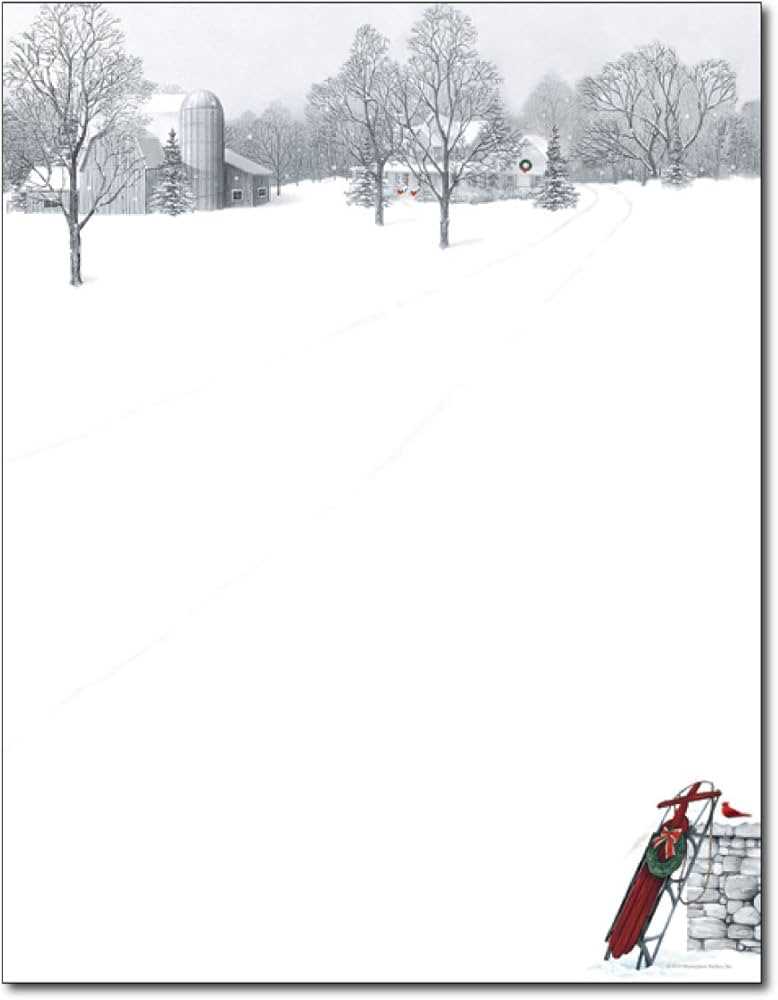
Respect licensing terms before distribution. Many free graphics allow personal use only, while classroom or commercial applications may require attribution or a paid license. Check the creator’s usage notes on the download page and keep a copy of the license text in the same folder as the file. This small step prevents misuse and protects your projects from takedown requests.
Where to Find High-Resolution Cold-Season Artwork for Home or Classroom Use
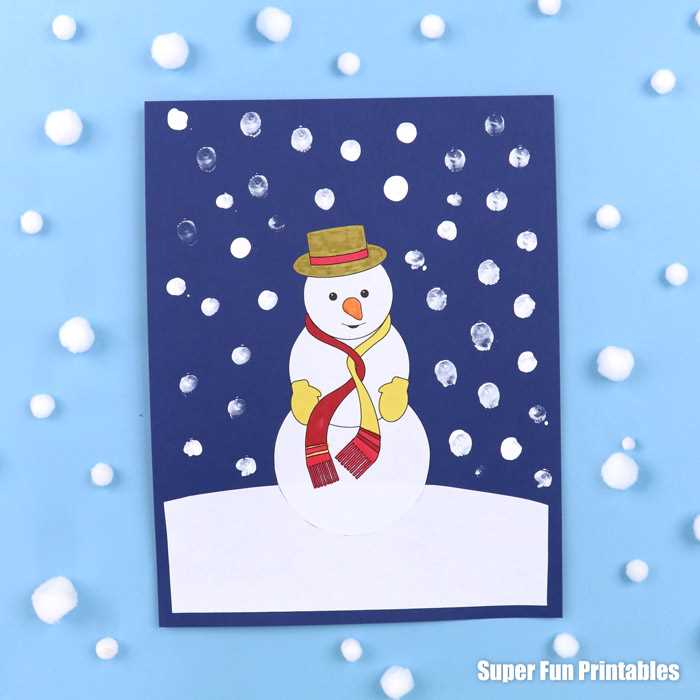
Download 300 DPI snow-themed artwork directly from curated educational libraries such as Teachers Pay Teachers and Education.com, where many files are formatted for crisp A4 and US Letter output. Use the search filters for “high resolution” and “PDF” to avoid blurry results. For classroom walls, select files sized at least 2400×3000 pixels; anything smaller often loses sharpness when enlarged.
Several free repositories host detailed frosty illustrations suitable for home décor or lessons:
- Pixabay – offers royalty-free PNG and JPG graphics up to 4K resolution.
- Unsplash – best for photo-style snowy imagery; download the “Original” size.
- Freepik – useful for vector EPS files that scale without quality loss.
- Canva Free Library – includes classroom-friendly seasonal designs ready for export.
For teachers who need structured materials, paid marketplaces often provide sharper and better-organized files. Teachers Pay Teachers sellers frequently include bundles with matching worksheets, wall art, and coloring sheets. Etsy is another strong option; filter by “instant download” and check the product description for resolution (look for 300 DPI or vector formats such as SVG). Avoid listings that show only mockups without stating pixel dimensions.
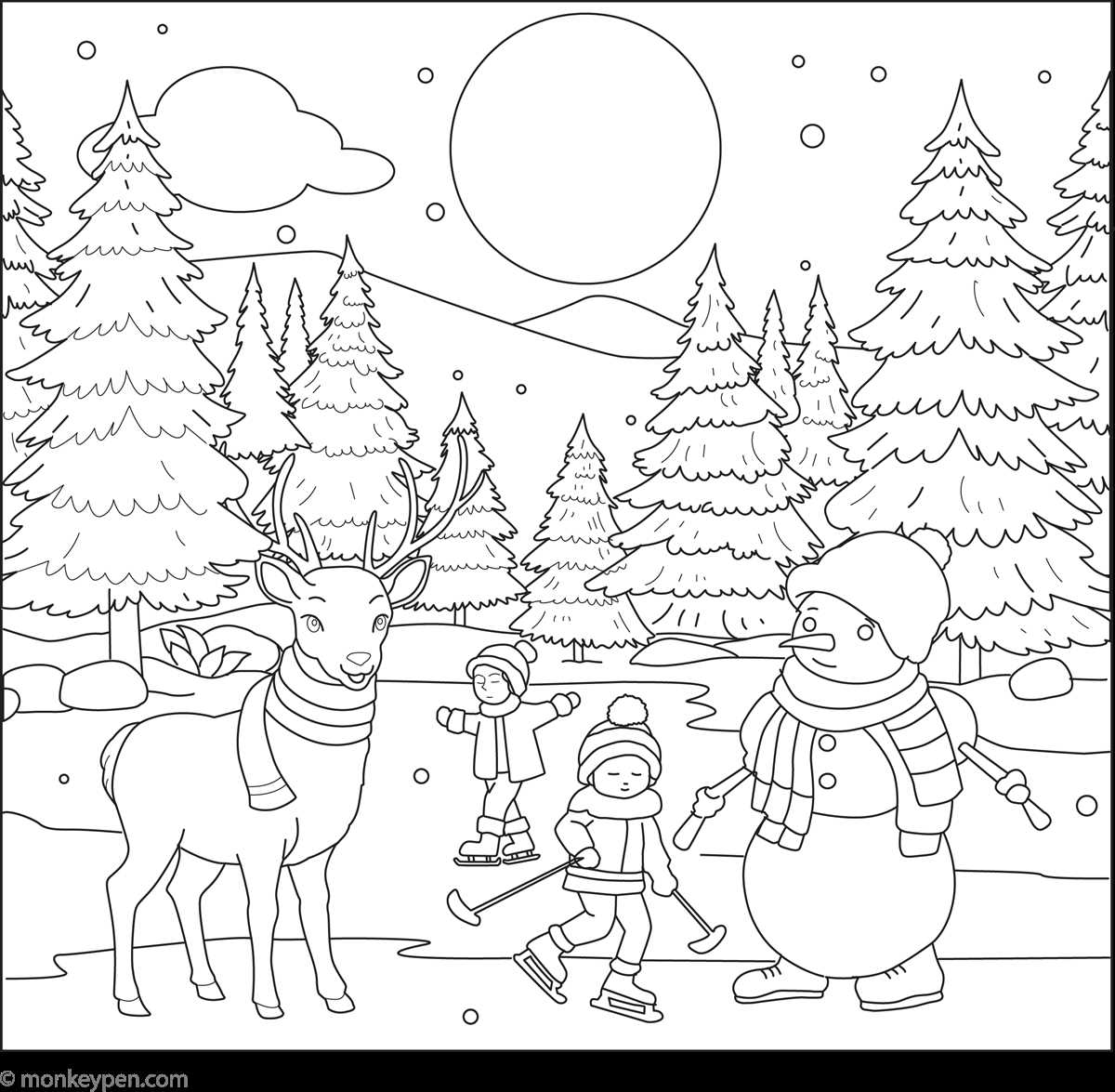
Before printing, verify file quality using this quick checklist:
- Minimum resolution: 300 DPI for paper output.
- Preferred formats: PDF for fixed layout, SVG/EPS for scalable graphics.
- Color mode: CMYK is better for professional printers; RGB is fine for home inkjets.
- Margins: choose designs with safe borders to prevent trimming issues.
If you plan repeated classroom use, store downloads in a labeled folder system (for example: “January snow art,” “holiday décor,” “coloring pages”). This saves time each year and helps maintain consistent visual quality across worksheets and wall displays. For best results, print on 160–200 gsm matte paper, which reduces glare under classroom lighting and keeps fine details sharp.