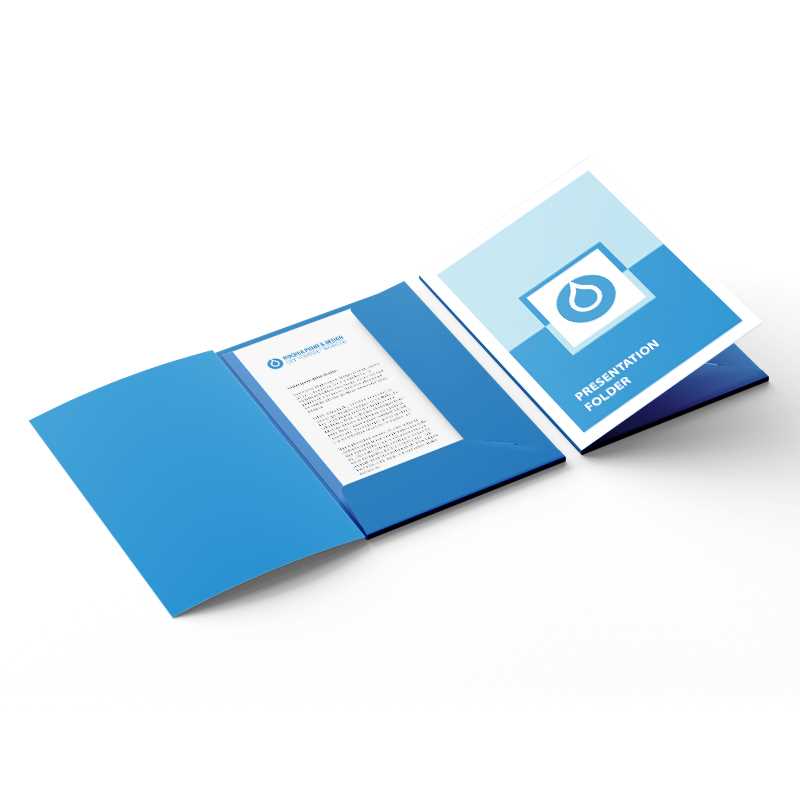
Start by selecting the right layout for your materials. Choose between standard options or custom designs that suit your branding. A well-designed folder not only holds documents but also enhances your presentation and reinforces your professional image.
Use high-quality paper stock to give your organizers a premium feel. Consider options like thick cardstock or glossy finishes for added durability and a polished look. The right material ensures that your documents are protected while maintaining a sleek appearance.
Incorporate your company logo and contact details on the cover to make it easy for recipients to remember your business. This small touch can elevate the visual appeal and make your organizer more memorable, reinforcing your brand identity.
Guide to Creating Custom Document Holders
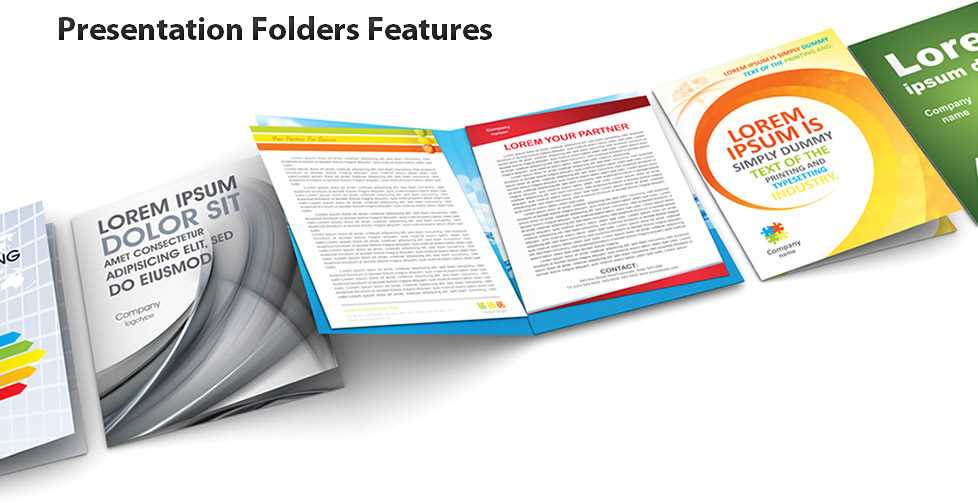
Begin by selecting the right size for your materials. Standard sizes like letter or A4 work well for most documents, but if you’re handling larger materials, you may need a custom size. Ensure your design allows for easy insertion and removal of papers.
Design the cover with a clean, professional layout. This could include your company logo, contact information, or an attractive graphic that reflects your brand. A minimalist design often works best to maintain a sophisticated look.
Choose a sturdy material for the construction. Cardstock or heavyweight paper is ideal for durability. You want a product that protects your documents and withstands handling, while still looking polished and professional.
Consider adding pockets inside for organizing additional materials. If you have brochures, business cards, or other handouts, having dedicated sections will help keep everything organized and prevent clutter.
Print your design using high-quality printers. If you’re printing at home, use a printer capable of handling heavier paper. For professional results, consider outsourcing the print job to a local print shop that offers custom printing services.
When printing, adjust the colors to ensure they pop against the background. High contrast can improve readability, while subtle tones may be more fitting for certain brands. Be mindful of how your color scheme reflects your brand identity.
Assemble the holders carefully to avoid damage to your design. If using adhesive or fasteners, make sure everything is aligned properly. This attention to detail can make a significant difference in the final product’s appearance.
Finally, test your final product by inserting documents and checking how easily they fit. If necessary, tweak the size or design to ensure everything stays neat and secure. A well-constructed holder will keep materials organized and enhance your presentation or marketing effort.
How to Design Custom Holders for Business Presentations
First, determine the size of your materials. A standard letter or A4 size works for most documents, but you may need custom dimensions for larger materials. Be sure to leave enough space for the content to fit securely without being too tight or loose.
Focus on branding when designing the cover. Include your company’s logo, business name, and contact information in a clear and organized manner. The design should reflect your company’s identity while maintaining a clean, professional appearance. Opt for simple, bold graphics that won’t distract from the content inside.
For a premium feel, use heavier paper stock. Materials such as cardstock or thick paper give a sturdy, professional look. Ensure the paper is durable enough to protect the contents during handling, but not too thick that it becomes difficult to fold or store.
Consider adding an interior pocket to hold smaller documents, business cards, or promotional materials. This feature helps keep everything organized and prevents papers from sliding out. A well-positioned pocket enhances functionality without compromising the visual appeal.
Once your design is ready, use high-quality printers or outsource the print job to a professional printing service. Ensure the colors print accurately, and test the final product to make sure all elements, including logos and text, are crisp and clear.
After printing, carefully assemble your holders. Use appropriate adhesives or fasteners to secure the edges, ensuring everything is aligned correctly. A neatly assembled holder adds to the overall impression, ensuring your documents stay organized and presentable throughout your business engagements.