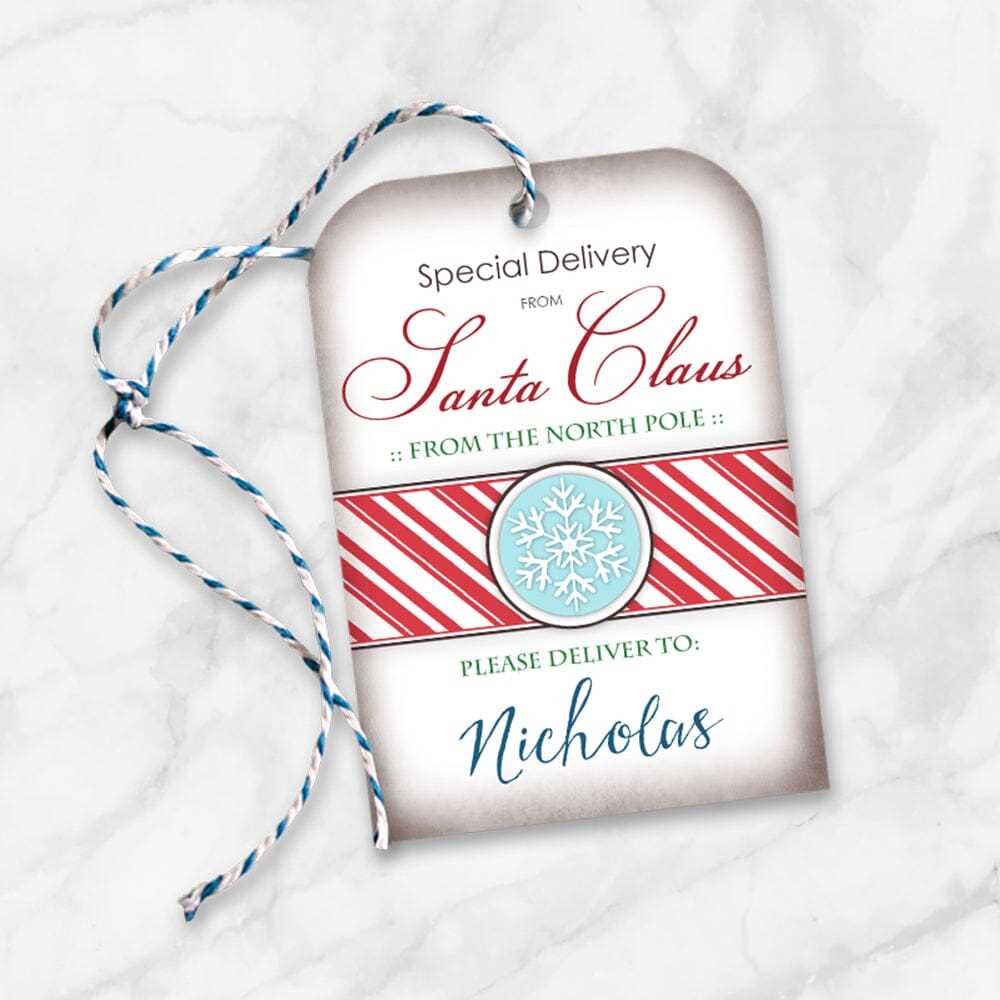
To create personalized labels, start with a simple design tool or template that suits your needs. You can find templates online or create your own using software like Adobe Illustrator or Microsoft Word. Choose a size that fits the item you are labeling, whether it’s a small box or a larger gift bag. Ensure the dimensions are clear before printing, so you avoid cutting off important details.
Pick high-quality paper for printing. Cardstock is a good choice because it’s thicker and holds up well over time. For a more professional look, consider using glossy or matte finish paper, depending on your preference. Ensure your printer settings are adjusted for the paper type you’re using to get the best results.
Personalize your design with colors, fonts, and images that match the occasion. If it’s for a birthday, use bright colors and playful fonts. For a more elegant look, go with neutral colors and delicate fonts. You can also add your own artwork or photos for a truly one-of-a-kind label.
Custom Gift Tags Printable Guide
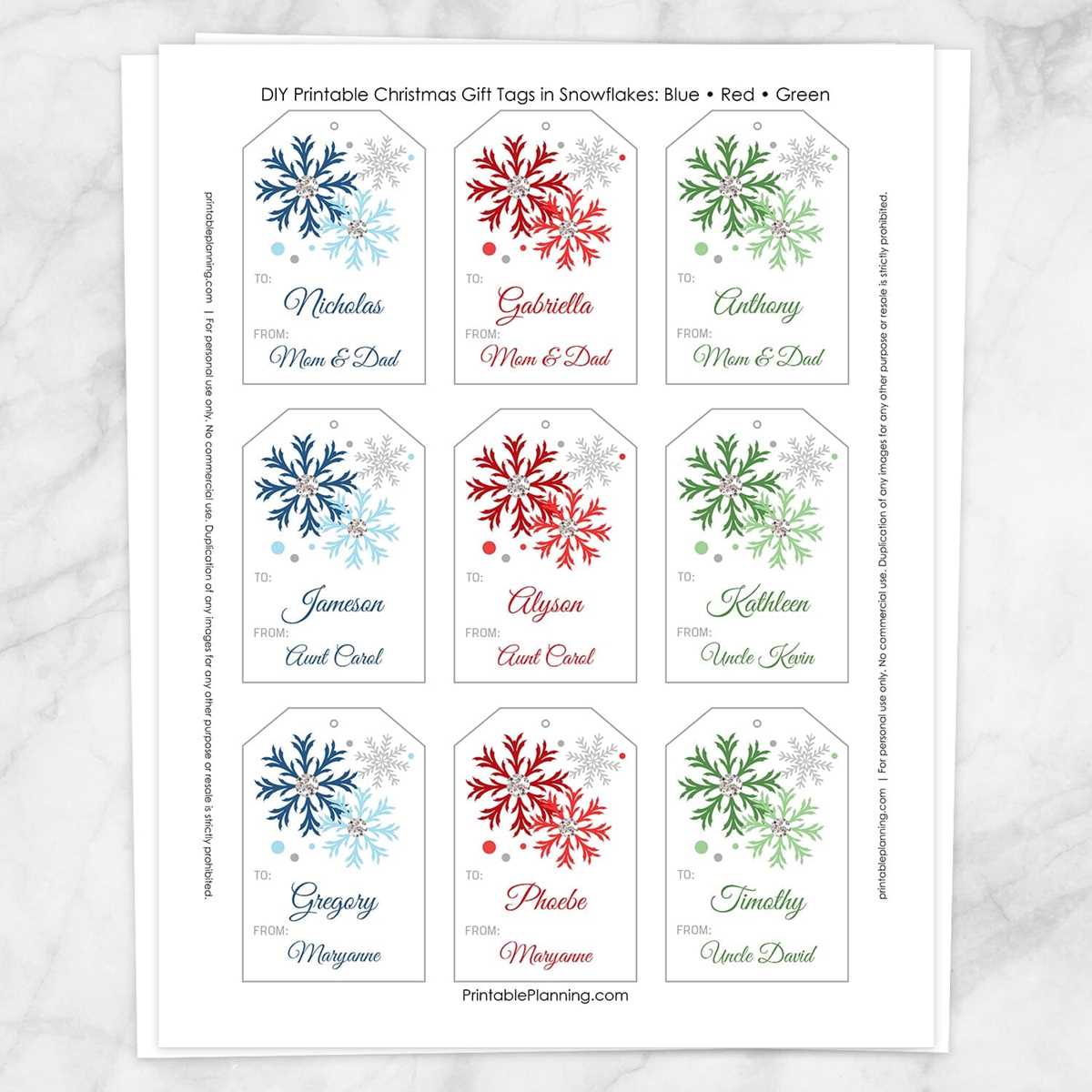
Start by selecting a template that fits your style and the occasion. Many websites offer free templates that you can download and customize in software like Word or Canva. For a polished look, use a high-resolution image for backgrounds or logos, and ensure the text is large enough to read from a distance. Experiment with font types and sizes that complement the overall design, keeping in mind the theme of the event.
Once you’ve designed the labels, choose the right paper for printing. A thick, sturdy cardstock is ideal for durability. Adjust your printer settings to match the paper weight and type you’re using. If you plan on writing a personal note, leave enough space on the label for a message. After printing, use scissors or a paper cutter to trim each label to the desired shape. You can then attach them with ribbon, twine, or adhesive to your items for a personalized touch.
How to Design Your Own Custom Gift Tags
Begin with selecting a suitable design tool, such as Canva or Adobe Spark, that offers various templates for creating personalized labels. These platforms provide easy-to-use interfaces where you can modify templates or start from scratch. Choose a layout that aligns with the theme of your event, whether it’s a wedding, birthday, or holiday celebration.
Choose colors that complement the occasion. For a birthday, bright and bold hues like red, blue, or yellow work well, while for more formal events, muted tones like gold, silver, or pastel colors may be better suited. Ensure that the text contrasts with the background to make it easy to read.
For text, opt for fonts that reflect the tone of your event. A playful font suits casual parties, while serif fonts are ideal for more formal gatherings. Limit yourself to two or three fonts to avoid clutter. The message should be short and clear, such as “To” and “From” or a short personal note.
If you’re adding images, choose high-resolution photos or illustrations. For a unique touch, incorporate icons, patterns, or themed artwork that ties into the event, such as balloons for a birthday or snowflakes for a winter celebration. Keep the design balanced, avoiding overloading the space with too many elements.
After completing the design, make sure the dimensions of your labels match the size of the items you’ll attach them to. If you’re printing multiple labels, use a standard paper size like 8.5 x 11 inches, and arrange them properly on the sheet to maximize paper use and reduce waste.
Finally, before printing, preview your labels to ensure all text and images are correctly aligned and that the quality is high. Use a good quality cardstock for a sturdy finish. If your printer allows, choose the highest print quality settings to achieve sharp, vivid results. Once printed, cut out each label carefully using scissors or a paper cutter to achieve clean edges.