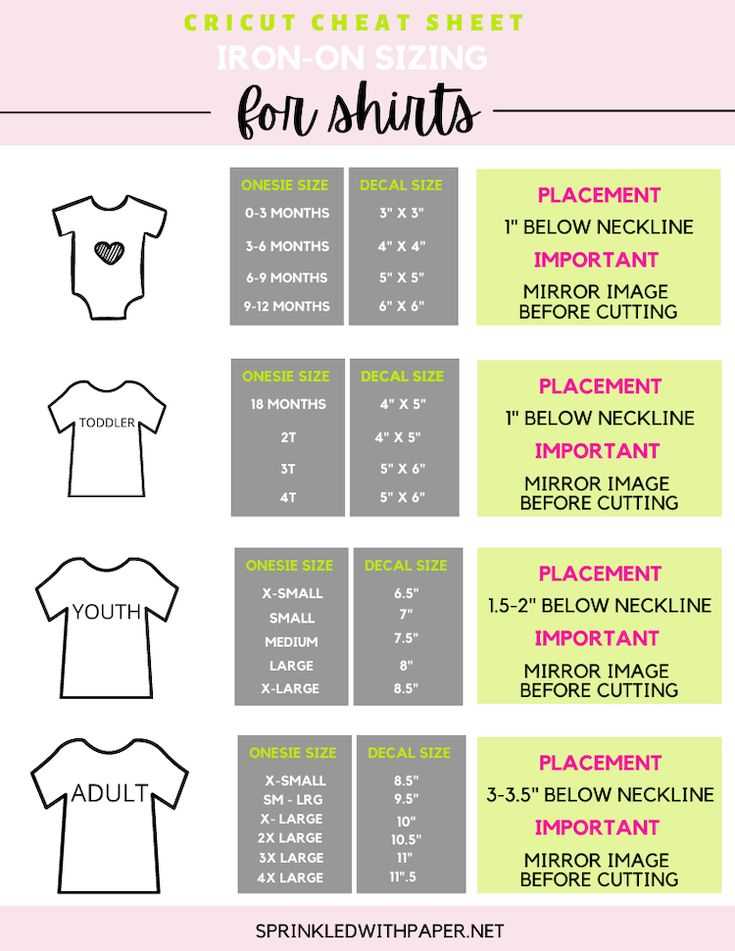
Select high-quality heat transfer material for your crafting projects. This type of vinyl allows you to easily add detailed designs to fabric items such as shirts, tote bags, or pillows. Before starting, make sure to use the appropriate setting on your cutting machine to ensure a clean cut and precise design.
Next, print your design onto the heat transfer sheet, ensuring you mirror the image if needed. This step is critical for accurate placement on fabric. After printing, carefully load the sheet into your machine and cut the design with sharp blades to avoid any jagged edges.
Once the design is cut, carefully peel away the excess material. The remaining design will be ready for application. Use a heat press or an iron to transfer the design onto your fabric. Apply even pressure and heat according to the manufacturer’s instructions to ensure the transfer adheres properly for a long-lasting result.
Cricut Printable Iron-On: A Complete Guide
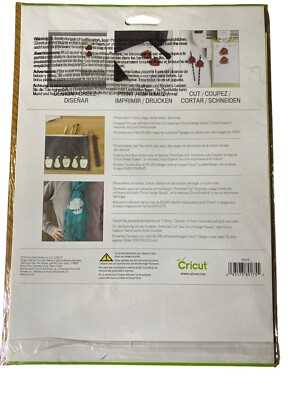
Start by selecting the right heat transfer material for your project. Choose the type that suits your fabric and design, ensuring it’s compatible with your cutting machine. A high-quality heat transfer sheet will ensure crisp and precise designs when transferred to fabric.
Next, prepare your design. Use design software to create or import your desired image, making sure to mirror it before printing. This step is necessary for proper alignment when applying the transfer to fabric. If using text, ensure the font is legible and fits within your desired area on the material.
Once your design is ready, load the heat transfer sheet into the printer and print. Be sure to use the correct paper settings to get the best quality print. Afterward, allow the design to dry completely before cutting to avoid smudging the ink.
Cut your design carefully with your cutting machine, following the instructions for settings specific to heat transfer sheets. Make sure to use a fine blade for precise cuts, and avoid cutting into the backing of the material.
After cutting, peel away the excess material, leaving just the design on the backing sheet. This step is crucial for ensuring the clean transfer of the design onto your fabric.
Finally, press the design onto your fabric using a heat press or a household iron. Apply the appropriate amount of pressure and heat for the specified time, following the instructions for your chosen heat transfer material. Let it cool before carefully peeling away the backing to reveal your custom design.
How to Set Up Your Cutting Machine for Printable Heat Transfer Sheets
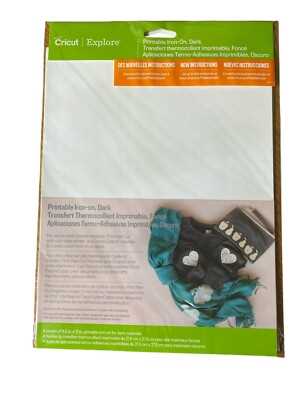
Begin by selecting the correct material setting for your heat transfer sheet in the machine’s software. Most cutting machines have a preset option for this type of material, but if yours doesn’t, select a custom setting that ensures the blade depth and pressure are adjusted to cut through the sheet without cutting the backing.
Next, load the heat transfer material into the machine, ensuring it’s aligned properly on the mat. Make sure the print side is facing up for accurate cutting. Once loaded, test the cut with a small design to verify the settings. Adjust the pressure or speed if necessary, and proceed with cutting your full design once satisfied with the test cut.