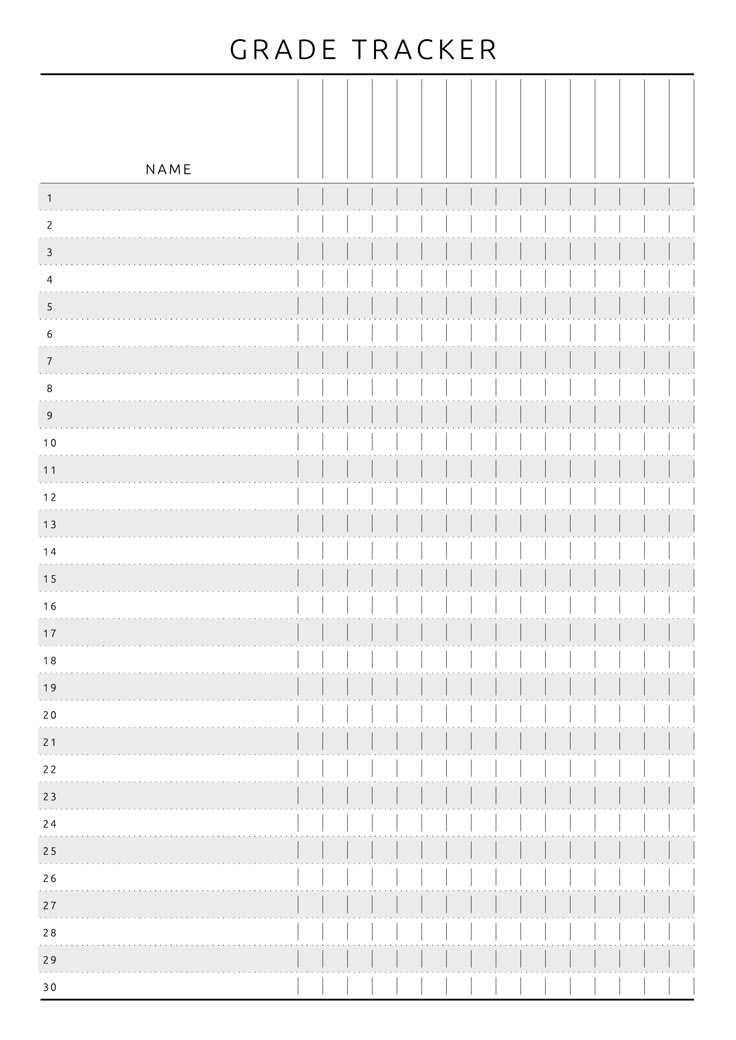
Start by downloading a student performance tracking sheet that fits your needs. You can find many templates available online, which allow you to easily monitor and calculate scores for each student. Choose one that suits your classroom structure, whether it’s for individual assignments, exams, or a comprehensive report.
Once you have the template, print it out and begin organizing your students’ details. You’ll need columns for student names, assignments, test results, and final scores. Customizing the sheet with specific categories for each subject or activity helps streamline the tracking process. This setup will let you quickly access and update results as you go.
When filling out the sheet, be consistent in how you input data. For accurate tracking, enter each student’s performance immediately after grading an assignment. This will ensure you can follow each student’s progress throughout the term without missing key updates.
Managing Student Results with a Customizable Template
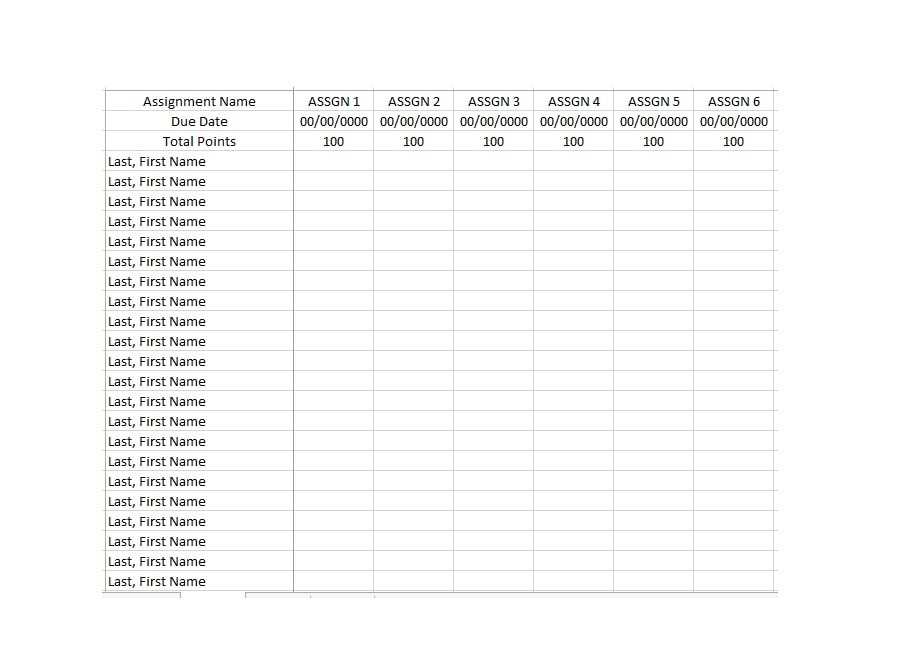
To organize student performance, download a suitable tracking sheet and adjust it to your classroom needs. These templates usually come in various formats, such as PDFs or Excel files. Choose one based on your preferred method of updating and calculating scores.
Once you have the template, start by entering your students’ names in the first column. This allows for a quick overview of the entire class. Following that, set up columns for the types of assessments you will be tracking, such as quizzes, assignments, exams, and participation.
For each assessment, assign a point value or percentage. This will help you determine the weight of each task in relation to the final score. You can either assign equal weight to all tasks or vary the points based on the significance of the assessment.
As you mark each student’s work, record their results in the appropriate columns. For more efficient tracking, consider color-coding the scores. For example, use green for high marks and red for lower scores. This makes it easy to spot trends in performance at a glance.
Don’t forget to update the sheet regularly. Entering results immediately after grading will prevent errors or missed data. This habit helps maintain accuracy and keeps you on top of students’ progress throughout the term.
At the end of the term, review the scores for each student and calculate the final results. You can either manually tally the scores or use built-in formulas if you are using a digital version of the template. This ensures consistency and saves time when preparing reports.
If you teach multiple subjects or courses, you may want to create separate sheets for each. This allows you to track each group’s performance independently. You can also create a master sheet to compare results across all subjects and get a clearer picture of each student’s overall progress.
For easier communication with students or parents, consider printing copies of the performance sheet to hand out during meetings. This tangible version can help explain how each score was calculated and show where students need improvement.
How to Download and Set Up a Grade Sheet Template
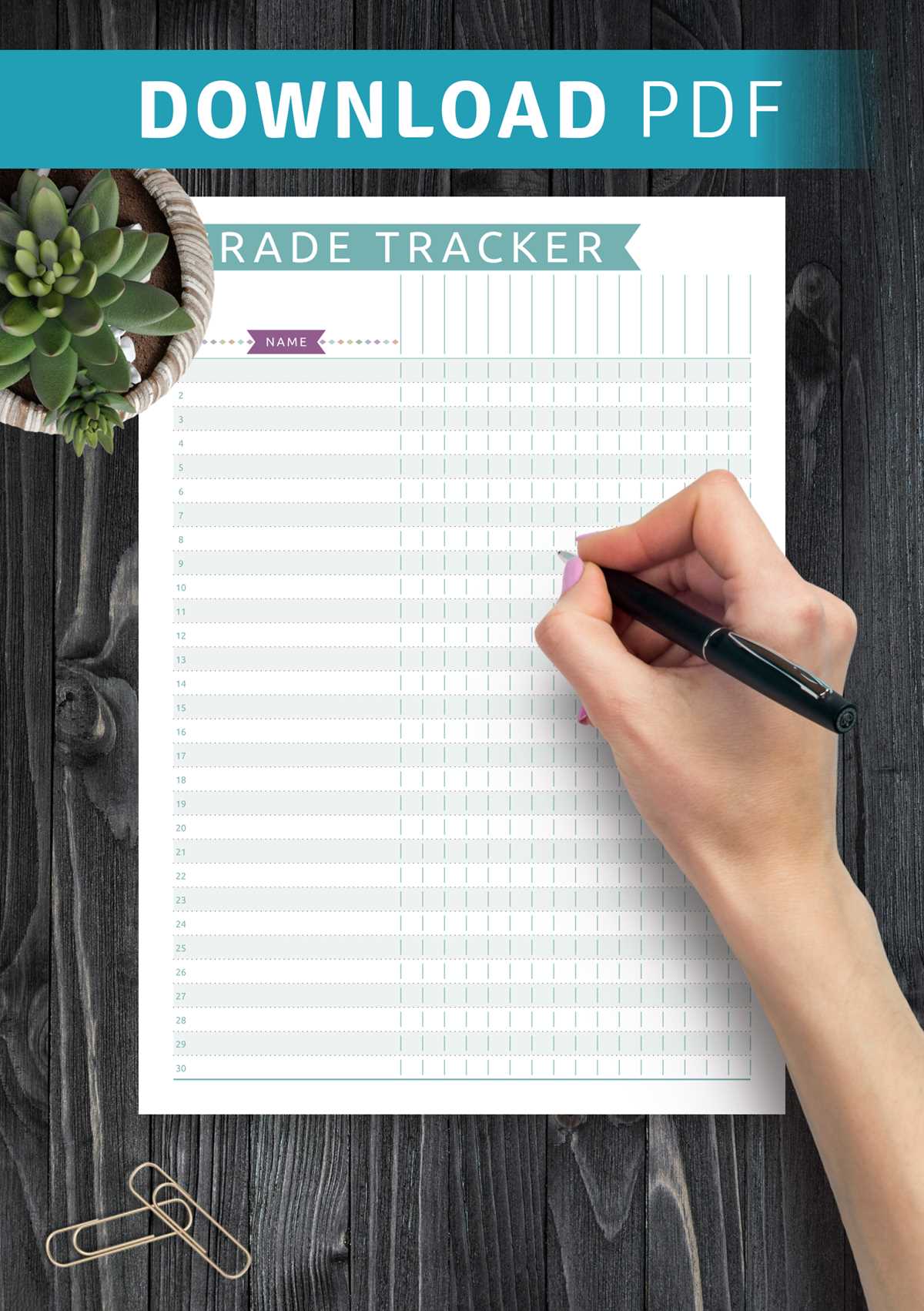
Start by visiting a trusted educational resource website that offers downloadable tracking sheets. Look for options that allow you to select between different file formats, such as Excel, PDF, or Google Sheets, depending on your preference for manual or digital updates.
Once you’ve selected the format, click the download button to save the file to your device. For Excel or Google Sheets versions, open the file in the appropriate application to begin setting it up. If you prefer a printed version, open the PDF and proceed to print it on standard letter-sized paper.
After opening the template, adjust the columns and rows based on the number of students and assignments you will be tracking. Add custom headers to suit the types of assessments you plan to use. If using Excel or Google Sheets, consider setting up formulas to automatically calculate averages and totals.
Finally, save your customized sheet or print it out. If you’re using a digital version, ensure that it is stored in a location where you can easily access it throughout the semester. You can also share the sheet with other teachers or administrators if needed for collaborative tracking.