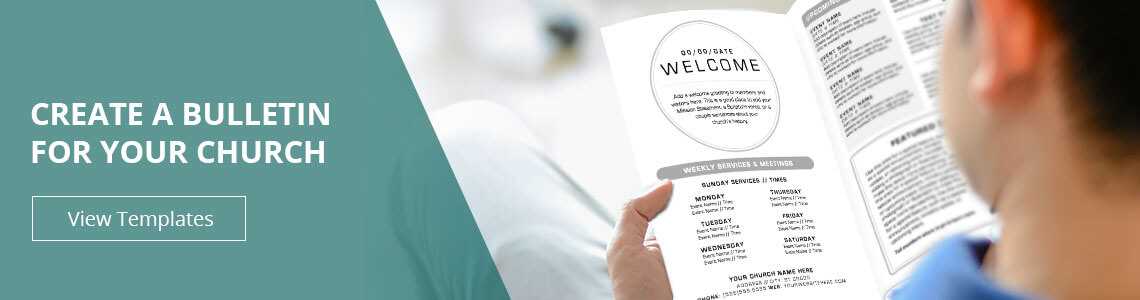
To create a well-organized program for your congregation, start by choosing a design that fits the tone and purpose of your service. Focus on simplicity and clarity. A clean layout with appropriate sections for hymns, announcements, scripture readings, and events ensures that attendees can easily follow along.
Next, customize the layout to include relevant information such as sermon titles, speaker details, and upcoming activities. Using software that allows you to add personalized elements, such as your logo or a specific theme for the month, can make your program more engaging and visually appealing.
Once you’ve tailored the design, the next step is printing. Ensure that the format is appropriate for distribution–whether it’s a half-fold or full-size option. Use quality paper to enhance the experience for your members, and make sure you print enough copies in advance to avoid last-minute scrambling.
How to Create a Professional Program for Your Congregation
When designing a service program, the first step is selecting a format that suits your needs. For a clean and easy-to-follow layout, opt for a simple structure that includes sections for hymns, scripture readings, sermon details, and upcoming events. This will help attendees stay engaged and follow along with ease throughout the service.
Once the basic structure is set, personalize the program by adding relevant elements such as the theme for the service, the name of the preacher, and any important announcements. You can also include space for prayer requests or community news to keep everyone informed and connected. Design software that offers drag-and-drop features can make this process faster and more intuitive.
After customizing your program, ensure it is ready for printing. Choose a print size that works well for your congregation, whether a standard 8.5×11 sheet or a folded design. Make sure to print enough copies, and consider using higher-quality paper for a more polished look. Preparing in advance will allow for smooth distribution before the service begins.
How to Choose the Best Design for Your Program
Start by considering the purpose of your document. Will it be used for announcements, event listings, or service details? A formal layout with clear headings and sections will help organize information. For a more casual service, opt for designs with more creative space to showcase artwork or quotes.
Next, think about the audience. If the attendees are families or seniors, ensure the text is large and readable, avoiding overly complex fonts. Templates with more white space and simple lines tend to work best for these groups. For younger audiences, you can experiment with modern layouts or add engaging visuals that reflect the theme.
Another key factor is flexibility. Look for a layout that can be customized easily to include various sections, such as a prayer list, announcements, or sermon notes. Templates with adjustable columns or multi-page options allow you to rearrange content based on weekly needs.
Pay attention to design elements like colors, fonts, and graphics. Choose colors that match your organization’s branding or theme for the service. A minimalistic design with balanced text and images is often the most effective. Avoid using too many different fonts, as this can create visual clutter.
Finally, consider the printing process. Make sure the design you select fits well on your preferred print size and format. If you need to print in bulk, templates designed for easy print setup will save you time and effort. Look for options that are already optimized for standard printers and that allow you to print directly from your computer.