If you’re looking to add a personal touch to your notebooks, planners, or crafts, customizing with images and decorative elements can make all the difference. By designing your own embellishments, you not only save time but also gain the freedom to choose colors, shapes, and themes that match your unique style.
Start with selecting high-resolution images that are suitable for your needs, whether for marking important dates or adding small visual accents to your layouts. Experiment with different shapes and sizes, from small icons to larger pieces that cover more space. Use a variety of textures and colors to keep the look fresh and engaging, ensuring each element complements the others. For instance, consider pairing clean, simple symbols with more intricate designs for balance.
For the best results, choose a quality paper that holds ink well and resists fading, especially if you plan to handle your creations frequently. After printing, consider cutting out the designs carefully to achieve precise, crisp edges. To enhance durability, a light adhesive or laminating film can help preserve the images, making them suitable for long-term use without wear.
Creating Unique Planner Embellishments for Your Layout
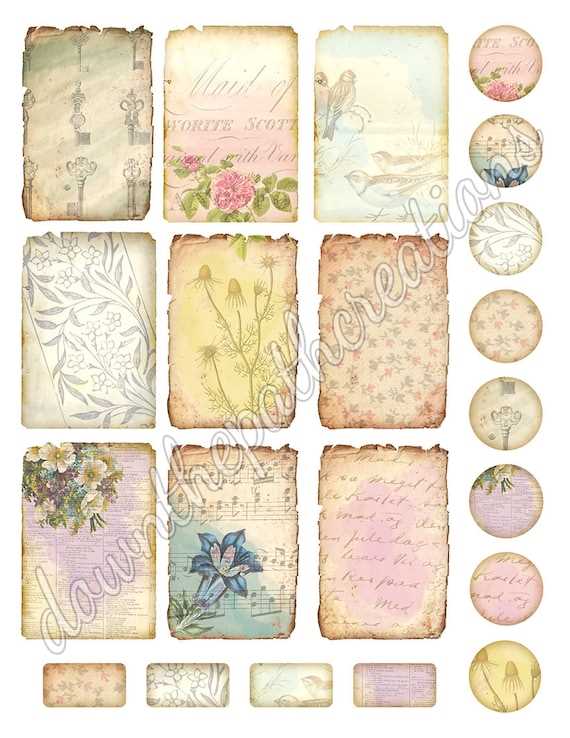
For a personalized touch in your planning routine, print out embellishments featuring unique designs and themes. Customizing your layout with small, visual elements allows for greater expression, making each page feel more like your own creation. To start, select designs that resonate with your current mood or the season. You can find pre-made templates online or create your own using simple design software.
Once you’ve chosen a design, use high-quality paper for printing. Opt for matte or glossy finishes depending on the type of look you prefer. Matte paper gives a more subtle, professional feel, while glossy can make the colors pop, ideal for vibrant, cheerful designs. Make sure your printer settings are configured to handle thicker paper to avoid smudging and paper jams.
When printing these accents, it’s important to use the right dimensions for your specific planner size. For instance, if you’re working with a standard A5 planner, ensure your printed elements are scaled to fit without overcrowding the layout. You can easily resize graphics in your software before printing to make sure they align with the layout’s margins and spacing.
Cut out the designs carefully with a precision knife or scissors. For added precision, use a ruler or a cutting mat to avoid uneven edges. You can also invest in a corner punch for rounded edges, giving your pieces a polished, cohesive appearance. Once cut, arrange them on your pages before adhering them to make sure they’re placed exactly where you want.
Finally, experiment with various adhesives to keep everything in place. Double-sided tape is a quick and easy option, while glue sticks or spray adhesives offer a cleaner, smoother finish. Take time to explore different combinations of shapes and designs to see what complements your overall planning aesthetic. Over time, you’ll develop your own style, transforming your pages into a creative and functional masterpiece.
How to Choose the Right Paper for Printing Stickers
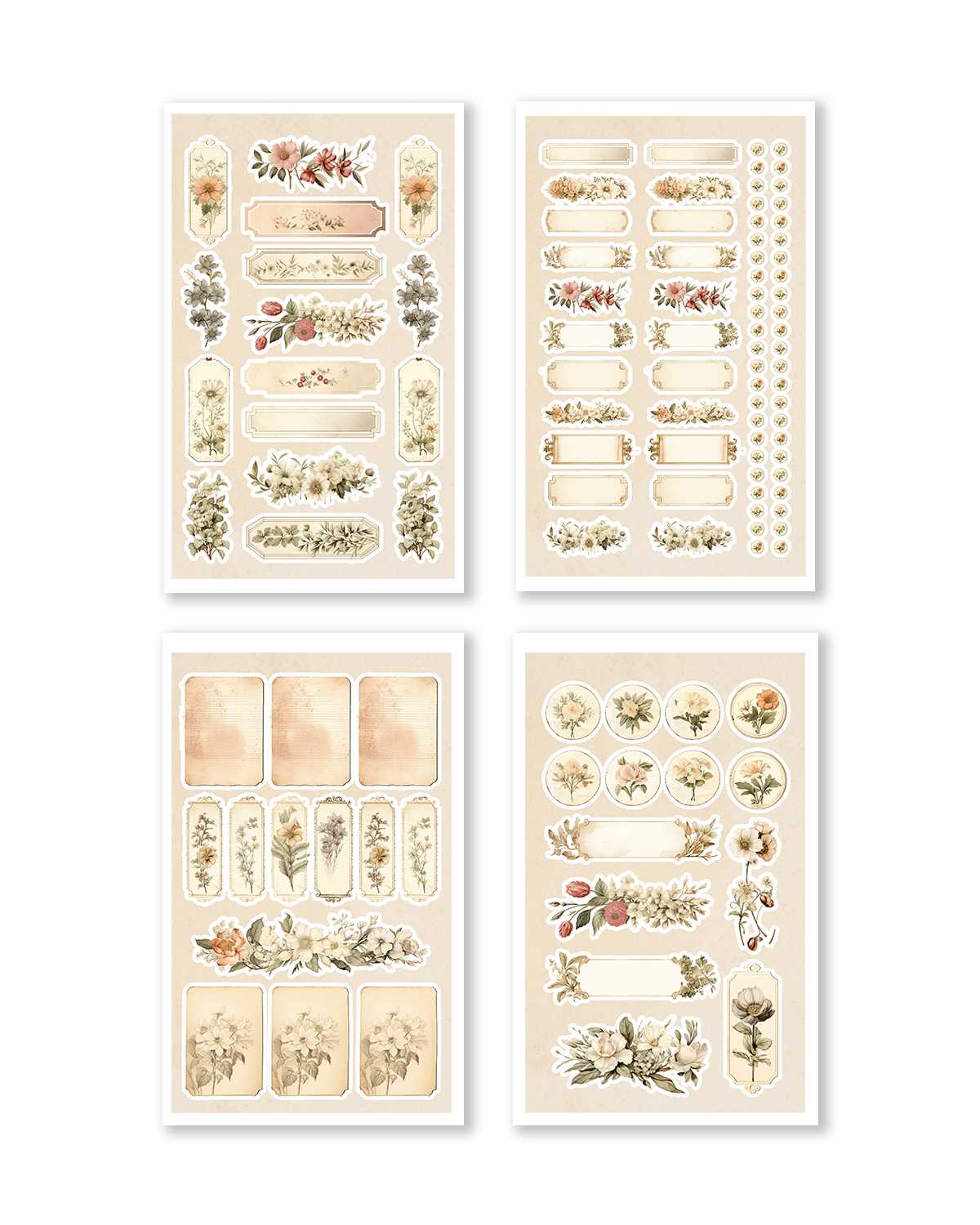
The paper’s weight plays a major role in the durability and feel of your printed designs. Opt for a heavier cardstock, ideally between 200 to 300 gsm, to ensure sturdiness. Lightweight papers may lack the resilience needed for daily handling, leading to creases and tears. A thicker sheet adds a premium feel and prevents the print from curling or bending too easily.
Consider the finish of the paper to match the intended use. Glossy paper offers vibrant colors with a smooth, reflective surface, making it ideal for designs with bold graphics. If you prefer a more subdued look, matte options provide a soft, elegant finish without the shine, suitable for intricate details and delicate patterns. Both finishes affect how the ink absorbs and appears on the paper.
Choose a paper with adhesive backing if you want ease of application. For a more professional result, look for sheets with specialized coating designed for inkjet or laser printers, which ensures better color accuracy and less ink smudging. Papers with proper ink compatibility allow the ink to dry faster and resist fading over time.